OCR Receipt Scanner: 5 Best Apps for iPhone 2026
An OCR receipt scanner uses optical character recognition to convert the text on a photographed receipt into structured data: merchant, date, total, tax, and ideally line items. Done well, it replaces 10 to 30 seconds of manual typing per receipt with two seconds of camera work. Done badly, it produces "Grocery: $1,847" when the actual total was $18.47 and you spend the savings fixing errors.
This guide compares the five best OCR receipt scanner apps for iPhone in 2026 across accuracy, batch capability, AI vs traditional OCR, and privacy. For a wider category view, see our best receipt scanner apps for 2026 roundup.
What OCR Actually Does on a Receipt
OCR has three jobs on a receipt:
- Recognize characters by detecting shapes and matching them to letters, numbers, and symbols. This is the original "optical character recognition" step.
- Parse structure by identifying which numbers are totals versus item prices versus dates, and which text strings are merchant names versus item descriptions.
- Categorize by mapping the merchant to a spending category (Starbucks to Coffee, Whole Foods to Groceries).
Step one is mostly solved. Modern iPhone OCR handles clean, printed receipts with high accuracy. Steps two and three are where apps diverge. Traditional OCR scanners do step one well and leave parsing and categorization mostly to you. AI-augmented scanners use language models on top of OCR to handle the structure problem better.
OCR vs AI Receipt Parsing
The distinction matters when picking an app.
Traditional OCR extracts raw text from the receipt and uses pattern matching to find the total. It is fast, runs offline, and handles clean receipts well. It struggles with handwritten totals, faded thermal paper, multi-currency receipts, and unusual layouts.
AI receipt parsing uses an OCR pass plus a language model to interpret the structure. The model can handle messy inputs, infer missing data, and categorize merchants from context. It is slower (usually a network call), often requires a subscription, and the accuracy gain is real on hard receipts.
For most users, the right answer is hybrid: traditional OCR for everyday clean receipts (90 percent of cases) and AI fallback for the messy 10 percent. The apps below mostly converge on this hybrid approach.
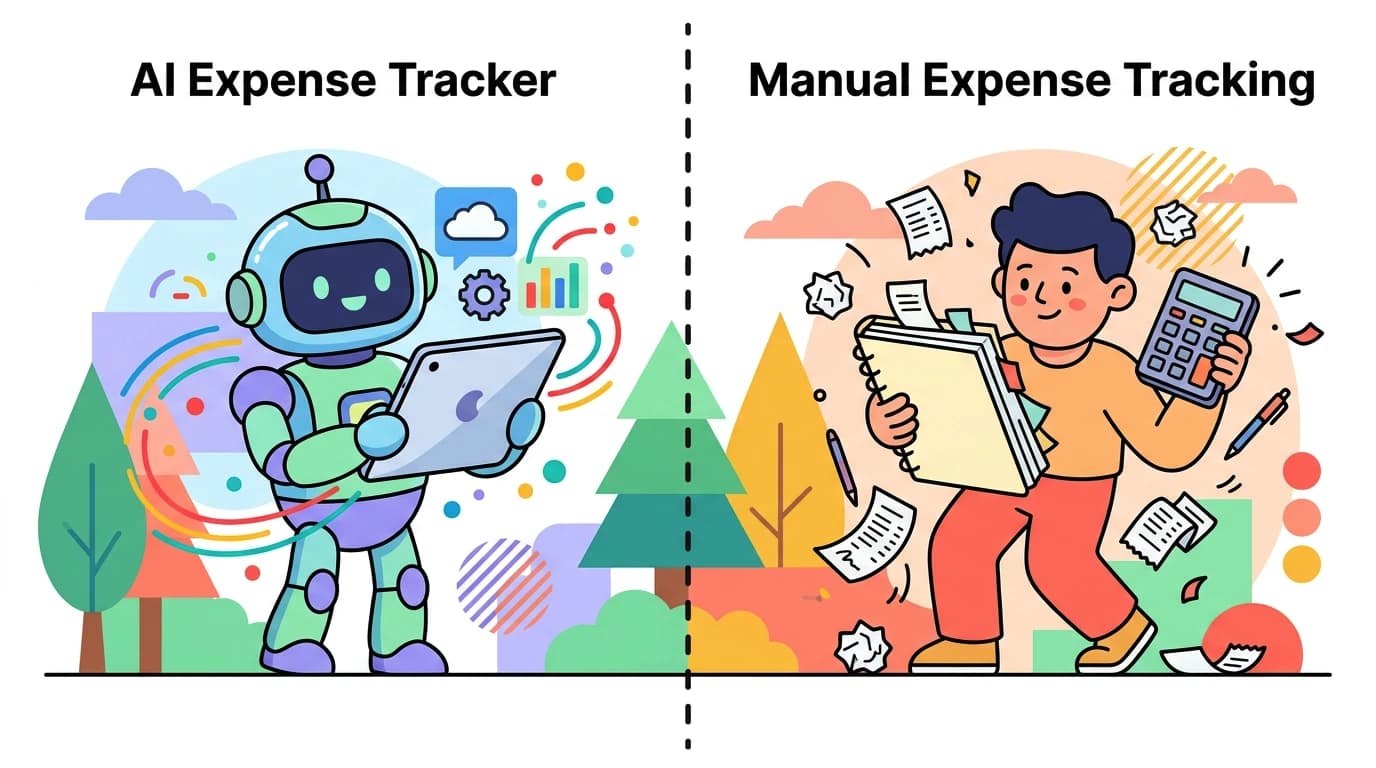
For a deeper comparison, see our AI vs manual expense tracking guide.
5 Best OCR Receipt Scanner Apps for iPhone
| App | OCR Type | Batch | Offline | Price |
|---|---|---|---|---|
| Apple Notes | Native OCR | Yes | Yes | Free |
| Genius Scan | Traditional + AI | Yes | Partial | Free / $7.99 mo |
| Expensify | AI SmartScan | Yes | No | Free tier / $5-18 mo |
| Smart Receipts | Traditional OCR | No | Yes | Free / $10 Pro |
| Finny | AI parsing | Yes (up to 5) | Yes | Free / low-cost Pro |
Apple Notes
Apple Notes has built-in document scanning with on-device OCR since iOS 15, and the OCR keeps getting better with each iOS release. In 2026, Apple Notes scans a receipt cleanly, makes the text searchable, and saves the image. Free, native, and private (everything runs on device).
The catch: Apple Notes does not parse receipts into structured data. You get a scanned image and searchable text, not a "merchant: Whole Foods, total: $47.32, category: Groceries" record. For people who just want a digital archive of receipts for tax season, this is enough. For people who want their receipts in a budget tracker, it is the first step, not the last.
Genius Scan
Genius Scan is a document scanner with strong OCR and batch capability. It handles receipts cleanly, supports PDF export, and the OCR works offline on the free tier. The Plus tier ($7.99 per month or $39.99 per year) adds AI document classification, cloud sync, and integrations with cloud storage providers.
Genius Scan is best for users who want a general-purpose scanner that also handles receipts well, rather than a receipt-specific app. The output is a clean PDF or image with searchable text, not a budget entry.
Expensify
Expensify's SmartScan is the AI-augmented OCR most business users have tried. It extracts merchant, date, total, and category, and integrates with accounting software like QuickBooks and Xero. Personal users get a free tier with limited SmartScans per month; business tiers start at $5 per user per month.
SmartScan accuracy is strong on US-format receipts. The app is overkill for personal expense tracking, and the interface is built for expense reports, not budgets. For freelancers and small business owners who need to file expense reports, it is the most established option.
Smart Receipts
Smart Receipts is an open-source receipt tracker built for tax-time and reimbursement workflows. OCR is traditional (no AI), runs offline, and the app is free with a $10 Pro tier that unlocks unlimited reports and cloud sync.
Best for: users who want straightforward receipt archiving with tax categories, no subscription, and no bank or cloud requirement. Less polished than commercial alternatives but reliably does the core job.
Finny
Finny pairs AI receipt parsing with batch scanning (up to five receipts at once from the photo library) inside a general expense tracker. After scanning, parsed data appears as expense entries you confirm or edit before saving. The Pro tier at a low monthly price covers AI receipt parsing, AI text input, and Tap to Track for Apple Pay.
The differentiator versus Expensify and Smart Receipts is integration: scanned receipts land directly in your expense tracker alongside manual entries, voice logs, and Apple Pay auto-logs, rather than in a separate receipt archive. The differentiator versus Apple Notes is structured output: each scan produces a real expense record, not just a searchable image. For a closer look, see our batch receipt scanning for expense tracking guide.
How to Choose Your OCR Receipt Scanner
If you only need a tax-time archive: Apple Notes is free and fine. Scan receipts into a folder, search later.
If you want PDF documents for reimbursement: Genius Scan is the cleanest general scanner with strong OCR.
If you file expense reports professionally: Expensify is the established choice with SmartScan and accounting integrations.
If you want offline OCR with no subscription: Smart Receipts is open-source and one-time pay.
If you want scanned receipts to feed an expense tracker: Finny scans and logs in one motion with no bank link required.
Most users overestimate how much OCR matters and underestimate how much workflow matters. The "best" OCR is the one that ends with a usable record in the place you actually review your spending. A perfect scan in an app you never open is worse than an 85-percent scan in an app you open daily.
Common Questions About OCR Receipt Scanners
What is the best OCR receipt scanner for iPhone in 2026?
The best option depends on what you do with the scanned data. For tax archiving, Apple Notes is free and accurate. For PDF documents, Genius Scan leads. For business expense reports, Expensify is the standard. For receipts that feed an expense tracker directly, Finny pairs AI parsing with batch scanning at a low monthly price.
Does iPhone have built-in OCR for receipts?
Yes. Apple Notes has on-device document scanning with OCR built in since iOS 15, and the Files app and Photos app expose Live Text features that make scanned text searchable. The native OCR does not parse structured data like total or merchant; it just produces searchable text.
Is OCR receipt scanning accurate enough to trust?
For clean, printed receipts in standard formats, modern OCR is roughly 95-plus percent accurate on simple fields like total. Accuracy drops for faded thermal paper, handwritten totals, foreign-language receipts, and unusual layouts. AI-augmented parsing handles those messy cases better but is slower and usually requires a subscription.
Can I scan receipts offline?
Apple Notes, Smart Receipts, and Finny support offline OCR scanning on iPhone. Genius Scan handles OCR offline on the free tier but cloud features require a connection. Expensify's SmartScan is cloud-based and requires a network connection.
Is OCR receipt scanning safe for privacy?
OCR safety depends on where the scan is processed. On-device OCR (Apple Notes, Finny, Smart Receipts) keeps the image and extracted text on your phone. Cloud OCR (Expensify SmartScan, Genius Scan Plus) sends the image to a server for processing, which is faster and more accurate but expands the parties with access to receipt data.
Want OCR receipt scanning that feeds an expense tracker directly?
Download Finny for batch receipt scanning up to five at a time, AI text input, voice logging, and 150-plus currency support. No bank links, offline support, and a low-cost Pro tier.