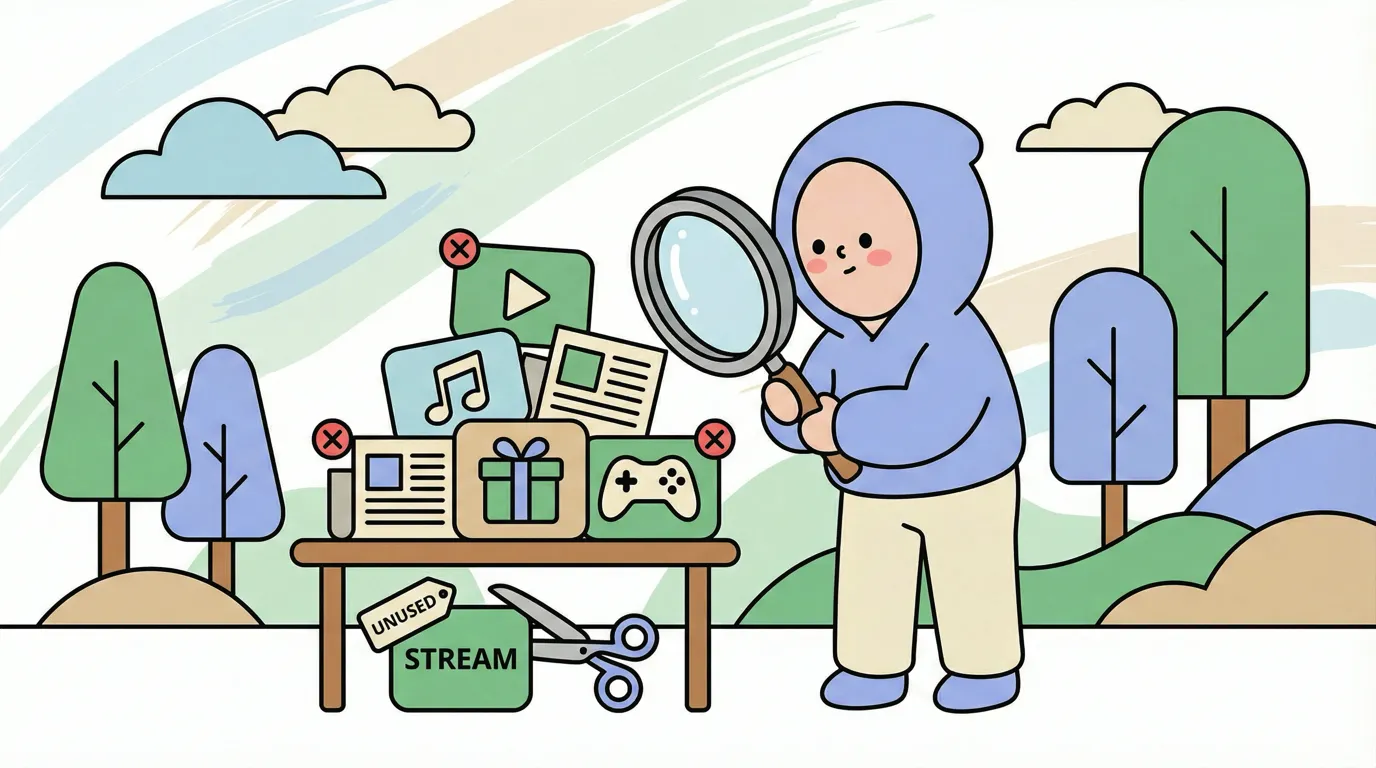
The streaming service you signed up for one show. The productivity app you used once. The gym membership you keep meaning to use. Each subscription seems small. Together, they quietly drain hundreds of dollars monthly while you barely notice.
Subscription creep describes the gradual accumulation of recurring charges that individually feel insignificant but collectively create substantial leaks in your budget. In 2026, with streaming bundles, micro-SaaS tools, and subscription everything, this problem has intensified.
This guide shows you how to audit your subscriptions systematically, decide what to keep, and set up automated bill tracking so creep never returns. For broader expense management strategies, see our guide on how to track expenses effectively.
What Is Subscription Creep
Subscription creep is the slow accumulation of recurring charges over time. It happens because:
Low individual costs hide the total: A $9.99 subscription does not feel significant. But ten of them cost $100 monthly, $1,200 annually.
Free trials convert silently: You sign up for a trial, forget to cancel, and charges begin appearing on statements you barely read. Some trials hold your work hostage instead, like the generators that switch off your QR code when the trial ends.
Bundling obscures real costs: Streaming bundles, software suites, and "all-in-one" services make individual service costs invisible.
Annual billing delays awareness: Services billed yearly avoid monthly scrutiny. The $120 charge appears once and gets forgotten.
Inertia favors retention: Canceling requires effort. Keeping requires nothing. Default is retention.
The Average Subscription Load
Research consistently shows people underestimate their subscription spending by 100-200%. Users who guess they spend $50 monthly often actually spend $150-200.
Common subscription categories:
| Category | Examples | Typical Cost Range |
|---|---|---|
| Streaming video | Netflix, Hulu, HBO Max, Disney+ | $7-25/month each |
| Streaming music | Spotify, Apple Music, YouTube Music | $10-15/month |
| News/magazines | WSJ, NYT, The Atlantic | $5-20/month each |
| Cloud storage | iCloud, Google One, Dropbox | $1-15/month |
| Productivity | Microsoft 365, Adobe CC, Notion | $10-60/month |
| Fitness | Gym, Peloton, fitness apps | $10-50/month |
| Gaming | Xbox Game Pass, PlayStation Plus | $10-17/month |
| Software tools | Password managers, VPNs, misc apps | $3-15/month each |
A user with moderate subscriptions across categories easily spends $200+ monthly without realizing it.
The 10-Minute Subscription Audit
You can identify most subscription waste in a single focused session. Here is the process. For a longer, more thorough pass that does not rely on cancellation services, see our walkthrough on how to audit your subscriptions in 20 minutes.
Step 1: Gather Transaction Sources (2 minutes)
Pull the last 3 months of transactions from:
- Primary credit card(s)
- Bank account(s)
- PayPal or other payment services
- Apple App Store / Google Play
Most subscriptions charge to one or two sources. Focus there first.
Step 2: Search for Recurring Patterns (3 minutes)
Look for:
- Same amounts repeating: $14.99 on the 15th of each month
- Annual charges: Large single charges to service names
- Trial conversions: New recurring charges that started recently
- App store charges: Often buried in generic "Apple" or "Google" entries
Flag every subscription you find, even ones you definitely want to keep.
Step 3: Categorize and Evaluate (3 minutes)
For each subscription, answer honestly:
| Question | If Yes | If No |
|---|---|---|
| Did I use this in the last 30 days? | Keep evaluating | Strong cancel candidate |
| Does this provide value I cannot get free? | Keep evaluating | Cancel |
| Would I sign up for this again today at this price? | Keep | Cancel |
| Is there a cheaper alternative? | Research | N/A |
Step 4: Cancel the Obvious (2 minutes)
The subscriptions that fail multiple questions are immediate cancellations. Do not deliberate. Cancel now while you have momentum.
For subscriptions you are uncertain about, set a calendar reminder to review after one month. If you do not miss them, cancel.
How to Cancel Subscriptions Effectively
Subscription companies design cancellation to be friction-heavy. They count on you giving up. Here are strategies:
Before cancelling, check whether the price simply rose. Our guide to apps that track subscription price increases covers which tools detect changes and which miss annual renewals.
Direct Cancellation Methods
In-app cancellation: Check app settings first. Some services have straightforward cancellation buried in settings.
Website account management: Log into the service's website. Navigate to Account, Billing, or Subscription settings.
Email cancellation: Some services accept cancellation via email. Send a clear message: "Please cancel my subscription effective immediately."
When Cancellation Is Difficult
Look for "Manage Subscription" in app stores: Apple and Google manage many subscriptions centrally. Check Settings > Subscriptions on your phone.
Use cancellation services: Some tools specialize in canceling subscriptions on your behalf.
Contact support directly: Chat or call works when web interfaces fail. State clearly that you want to cancel, not pause or downgrade.
Dispute with your bank: For services that refuse to cancel or continue charging after cancellation, contact your bank to dispute charges and block future ones.
Post-Cancellation Steps
- Save confirmation: Screenshot or save cancellation confirmation emails
- Watch for zombie charges: Some services restart subscriptions after cancellation
- Block recurring charges: Your bank can often block specific merchants
Automated Bill Tracking to Prevent Future Creep
Finding subscriptions once is good. Preventing future accumulation is better.
Use Expense Tracking Apps
Modern expense trackers automatically identify recurring charges. Look for:
- Recurring transaction detection: The app identifies patterns automatically
- Subscription summary views: A dedicated screen showing all recurring charges
- Alerts for new subscriptions: Notifications when new recurring patterns appear
- Annual charge reminders: Warnings before yearly subscriptions renew
Finny tracks your expenses and helps identify recurring patterns through smart categorization, making subscription tracking natural within broader expense management. For a full app comparison, see our best subscription management apps in 2026 guide. If you want a dedicated tracker, see our best subscription tracker apps in 2026 roundup. Once you have identified wasteful subscriptions, our guide on how to stop overspending covers strategies for keeping spending in check long-term.
Set Up Renewal Alerts
For subscriptions you keep, set calendar reminders:
- Annual subscriptions: Reminder 30 days before renewal to evaluate
- Free trials: Reminder 2 days before trial ends
- Quarterly billing: Reminder 1 week before to assess usage
Create a Subscription Inventory
Maintain a simple list of active subscriptions:
| Service | Cost | Billing Cycle | Renewal Date | Purpose |
|---|---|---|---|---|
| Netflix | $15.49 | Monthly | 15th | Entertainment |
| Spotify | $10.99 | Monthly | 3rd | Music |
| NYT | $17 | Monthly | 1st | News |
| Adobe CC | $54.99 | Monthly | 12th | Work |
| iCloud | $9.99 | Monthly | 22nd | Storage |
Review this list quarterly. Any subscription you cannot immediately justify belongs in the cancel column.
Subscription Audit by Category
Streaming Video
The average household now subscribes to 4+ streaming services. Few people actively use more than 2-3.
Strategy: Rotate subscriptions. Subscribe to one service, watch what you want, cancel, move to the next. Services do not penalize returning customers.
Consider: Annual plans for your primary service (usually 15-20% cheaper), free ad-supported tiers, library streaming (free with library card)
Streaming Music
Music subscriptions have fewer alternatives, but redundancy is common.
Strategy: Choose one. If you have Apple Music and Spotify, pick the one that fits your ecosystem and cancel the other.
Consider: Family plans split with household members, student discounts, bundled options (Apple One, Amazon Prime includes Music)
Productivity Software
The micro-SaaS explosion means professionals often subscribe to overlapping tools.
Strategy: Consolidate. Many productivity tools duplicate features. Notion can replace Evernote, Trello, and basic docs. Evaluate whether you need specialized tools or if general-purpose ones suffice.
Consider: Free tiers often cover individual needs, one-time purchase alternatives exist for many subscription tools
Fitness and Wellness
Gym memberships persist long after attendance stops. Digital fitness compounds the problem.
Strategy: Be honest about usage. If you have not used the gym in 3 months, cancel. You can rejoin. The friction of rejoining might even motivate attendance.
Consider: Free YouTube workouts, outdoor exercise, pay-per-class options
The Psychology of Subscription Retention
Understanding why subscriptions persist helps you cancel more effectively.
Sunk Cost Fallacy
"I've already paid for January, so I should use it" keeps you subscribed to services you do not actually use. The money is spent regardless of whether you use the service. Future decisions should consider future costs only.
Optimism Bias
"I'll definitely start using this next month" predicts behavior that rarely materializes. Base decisions on past behavior, not future intentions.
Loss Aversion
Canceling feels like losing something, even something unused. Reframe: you are gaining money and reducing decision clutter, not losing a service you were not using anyway.
Choice Overload
Too many streaming options means you spend more time choosing than watching, then subscribe to more services to have more options. Fewer choices often lead to more actual consumption.
Building Subscription Resistance
Beyond auditing existing subscriptions, develop habits that prevent future accumulation.
The 24-Hour Rule
Before subscribing to anything, wait 24 hours. Many impulse subscriptions would not survive a day of consideration.
The "Would I Pay Monthly?" Test
When offered annual discounts, ask: "Would I pay the monthly rate for this?" If monthly seems too expensive, annual is just a larger commitment to something you do not value enough.
Free Tier First
Always start with free tiers. Only upgrade when free limitations actually affect you, not when marketing suggests you might need premium features.
One In, One Out
For every new subscription, cancel an existing one. This forces prioritization and prevents accumulation.
The Bottom Line
Subscription creep is a modern budgeting problem with a straightforward solution: regular audits and systematic tracking. The 10-minute audit described above can recover hundreds of dollars annually with minimal effort.
The key is making subscription review a habit, not a one-time event. Quarterly audits prevent re-accumulation. Expense tracking apps that identify recurring charges provide ongoing visibility.
Most people discover they are paying for services they forgot existed, do not use, or could replace with free alternatives. The subscriptions that survive honest evaluation are worth keeping. Everything else is just slow wealth transfer from your account to companies betting on your inattention.
Take 10 minutes today. Find the subscriptions you forgot. Cancel the ones you do not use. Set up tracking so this never happens again.
Common Questions About Subscription Management
How do I find all my subscriptions?
Check credit card and bank statements for recurring charges. Review Apple App Store and Google Play subscription settings. Search email for "subscription," "recurring," or "renewal." Most subscriptions touch at least one of these sources.
What is the best subscription tracker app?
Expense tracking apps like Finny identify recurring patterns in your spending. Dedicated subscription trackers also exist, but integrated expense tracking catches subscriptions as part of broader financial awareness.
How do I cancel a subscription that won't let me cancel?
Try multiple methods: app settings, website, email, phone. Check app store subscription management. As a last resort, contact your bank to dispute and block future charges. Document your cancellation attempts.
Should I pause subscriptions instead of canceling?
Pausing delays the decision without saving money long-term. If you would not re-subscribe today, cancel. You can always restart later. Pausing often just extends the period before you eventually cancel anyway.
How much should I spend on subscriptions?
There is no universal rule, but subscriptions should not exceed what you can articulate value for. If you cannot explain why you pay for a service, you probably should not. Many people find their comfortable subscription budget is 30-50% lower than what they were actually paying.
Ready to track recurring expenses automatically?
Download Finny to log all expenses with AI assistance and identify recurring patterns in your spending. Spot subscription creep before it drains your budget.