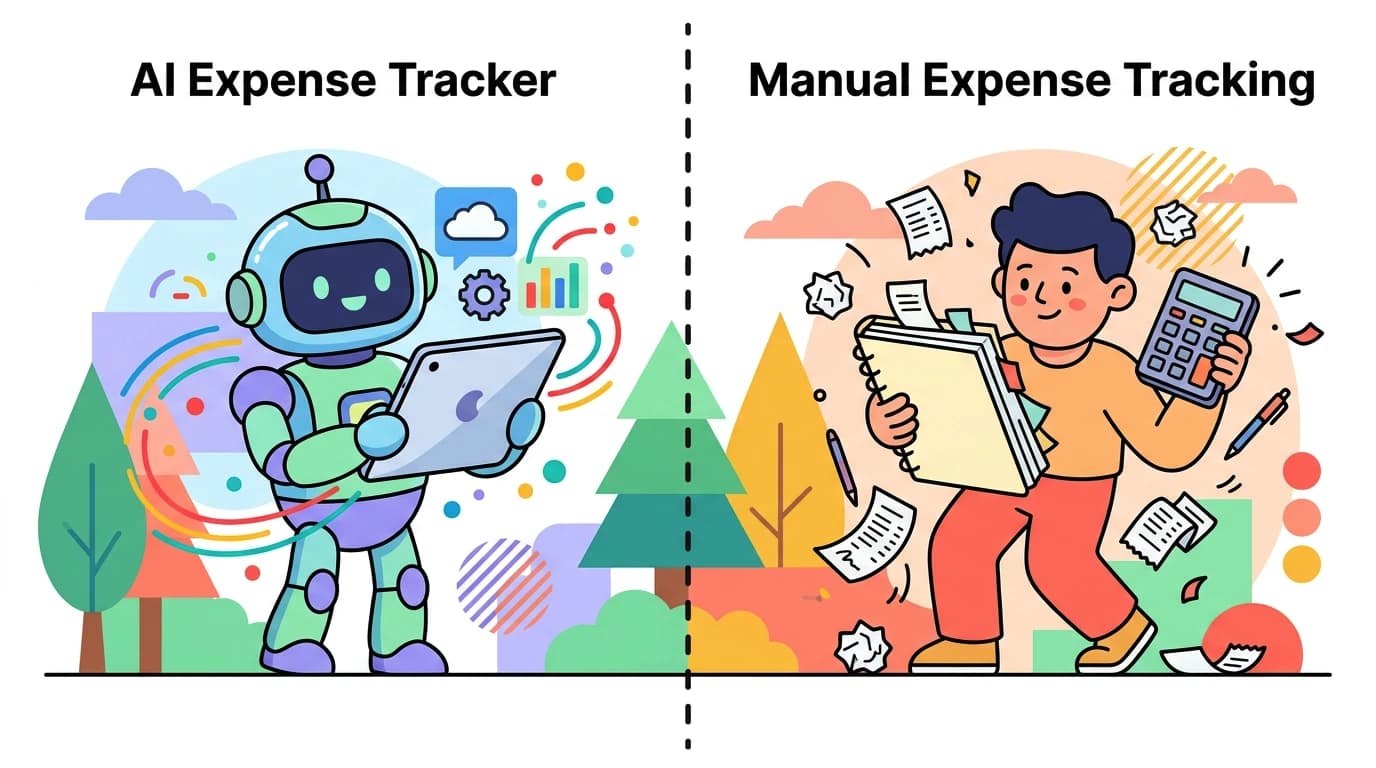
Premium budgeting apps have gotten expensive. YNAB now charges $14.99 per month. Monarch Money costs $14.99 monthly. Copilot Money runs $13 per month. That is $156 to $180 per year, just to track your spending.
Here is the thing: you do not need to spend that much. Some of the best budgeting apps under $5 a month deliver features that rival or beat those premium options. AI input, offline tracking, multi-currency support, and receipt scanning are all available at a fraction of the cost.
This guide compares the most capable budget-friendly apps in 2026 and shows exactly what you get for your money. If you want a broader look at tracking options, check out our best money tracker app in 2026 guide.
Why Price Matters More Than You Think
Budgeting apps are supposed to help you save money. Paying $10 to $15 per month for that privilege is ironic at best.
Consider the math. A $14.99 monthly subscription costs $179.88 per year. Over five years, that is nearly $900 spent on an app that tells you to spend less. Meanwhile, an app at a low monthly price costs $23.88 annually, saving you $156 per year compared to YNAB alone.
That $156 could go toward an emergency fund, a vacation, or actual investments. The best budgeting app is one that does not eat into the budget it is helping you build.
Best Budget Apps Under $5 Compared
| Feature | Finny | Goodbudget Free | DailyBean | PocketGuard Free | Buddy |
|---|---|---|---|---|---|
| Monthly Price | Optional | Free | Free | Free | $1.49 |
| Annual Price | a low yearly price | Free | Free | Free | $14.99/yr |
| AI Input | Text, voice, receipt, chat | No | No | No | No |
| Receipt Scanning | Yes (batch up to 5) | No | No | No | No |
| Offline Mode | Yes | Partial | Yes | No | Yes |
| Multi-Currency | 150+ currencies | No | Limited | No | Limited |
| Platform | iOS | iOS, Android, Web | iOS, Android | iOS, Android | iOS, Android |
| Bank Connection | Not needed | No (free tier) | No | Yes | No |
The difference is clear. At a low monthly price, Finny packs more functionality than apps charging several times as much. Let us break down each option.
The Best Affordable Budgeting Apps
Finny: Best Overall Under $5
Finny costs a low monthly or yearly price, making it one of the most affordable premium budgeting apps available. But the low price does not mean limited features. Finny delivers capabilities that premium apps at $10 to $15 per month struggle to match.
What you get for a low monthly price:
- AI multi-modal input: log expenses via text, voice, receipt scanning, statement screenshots, or chat
- Batch Snap and Log: scan up to 5 receipt photos at once
- Tap to Track: auto-log Apple Pay transactions the instant you pay
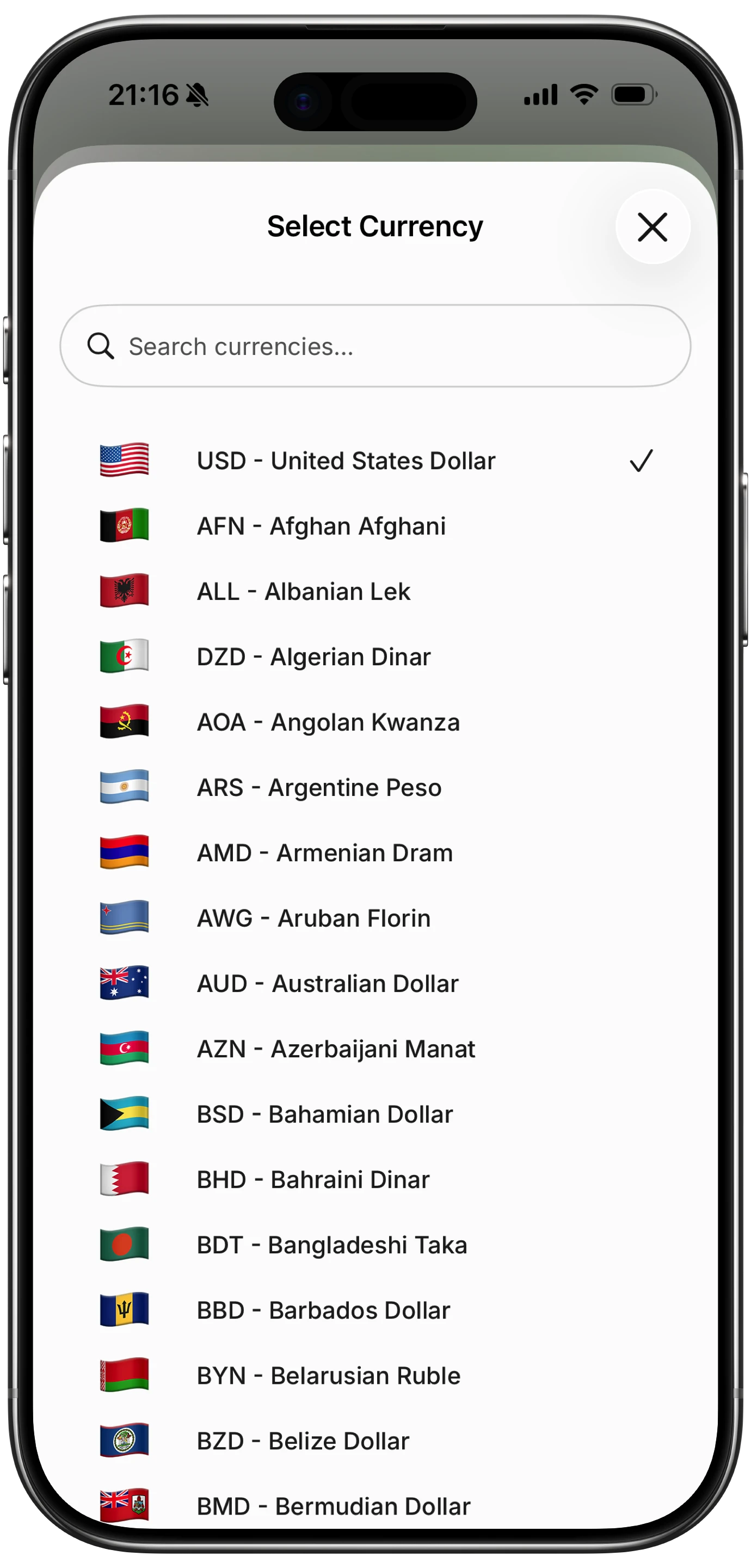
- Unified Currency View across 150+ currencies, with transactions stored in their original currency
- Offline-first design that works without internet
- 50 AI requests per day
- CSV export and import
- Cloud sync via Apple Sign-In

The Tap to Track feature alone sets Finny apart. No other budgeting app instantly captures your Apple Pay purchases the moment you pay. You tap your phone to pay, and the expense is logged. That is the kind of friction reduction that makes tracking stick as a daily habit.
The unified currency view is another standout. If you travel or earn in multiple currencies, Finny keeps each transaction in its original currency while converting totals to your default. This feature is free and built-in, not locked behind a premium paywall.
For more on how AI changes expense tracking, read our comparison of AI expense tracking vs. manual methods.
Best for: Anyone who wants premium features at a budget price, especially iPhone users who pay with Apple Pay.
Goodbudget: Best Free Envelope System
Goodbudget uses the classic envelope budgeting method, digitized for your phone. The free version is genuinely useful, not a crippled trial.
Free tier includes:
- 10 envelopes (spending categories)
- 1 account
- 1 year of transaction history
- 2 devices
What it costs to upgrade: The premium plan jumps to $10 per month or $80 per year, which puts it outside the "under $5" category entirely. For most users, the free tier covers basic budgeting needs.
Limitations: No AI features, no receipt scanning, no multi-currency support, and no offline mode for the free tier. The 10-envelope limit can feel restrictive if you track detailed categories.
Best for: Budget beginners who want a simple envelope system without paying anything.
PocketGuard: Best Free Bank-Linked Option
PocketGuard connects to your bank accounts and shows your "In My Pocket" number: how much you can safely spend after bills and savings goals.
Free tier includes:
- Bank account linking
- Basic spending categorization
- "In My Pocket" spending estimate
- Bill tracking
What it costs to upgrade: PocketGuard Plus costs $12.99 per month or $74.99 per year. That is well above the $5 threshold.
Limitations: The free version has limited categories, no debt payoff tools, and no subscription tracking. PocketGuard requires a bank connection, which means sharing your credentials with a third party. It also requires internet access, so offline tracking is not an option.
Best for: Users who want automatic bank sync and do not mind sharing login credentials.
Buddy: Budget-Friendly Manual Tracker
Buddy is a straightforward expense tracker with clean visuals and a low price point.
What you get:
- $1.49 per month or $14.99 per year
- Manual expense entry
- Budget categories and limits
- Visual spending reports
- Shared budgets for couples
Limitations: No AI input, no receipt scanning, no multi-currency support. Buddy is a solid manual tracker, but it requires typing every transaction by hand.
Best for: Users who prefer simple manual tracking and do not need AI features.
DailyBean: Best Minimalist Free Option
DailyBean takes a minimalist approach to daily expense tracking. It is completely free and focused on simplicity.
What you get:
- Free daily expense logging
- Basic category tracking
- Simple visual reports
- Offline capable
Limitations: No AI, no receipt scanning, very basic reporting, and limited customization. DailyBean works well for people who want the bare minimum, but it lacks the depth needed for serious budgeting.
Best for: Users who want the simplest possible expense log with zero cost.
What Premium Apps Charge (and Whether It Is Worth It)
For context, here is what the most popular premium apps charge in 2026:
| App | Monthly Price | Annual Price | Monthly (Annual) |
|---|---|---|---|
| YNAB | $14.99/mo | $109/yr | ~$9.08/mo |
| Monarch Money | $14.99/mo | $99.99/yr | ~$8.33/mo |
| Copilot Money | $13/mo | $95/yr | ~$7.92/mo |
| Goodbudget Plus | $10/mo | $80/yr | ~$6.67/mo |
| PocketGuard Plus | $12.99/mo | $74.99/yr | ~$6.25/mo |
| Finny | a low monthly price | a low yearly price | Lowest here |
Finny costs roughly one-seventh of what YNAB charges. And it includes AI input, receipt scanning, multi-currency, and offline mode, all features that some premium apps still lack.
YNAB is a capable zero-based budgeting tool, but $109 per year is steep for individual users. Monarch Money offers polished dashboards and bank sync, but $99.99 per year is hard to justify when you can get AI-powered tracking for Optional. Copilot Money is Apple-only like Finny, but at $95 per year it costs more than five times as much.
The value gap is significant. Unless you specifically need bank syncing or a feature unique to one of these premium tools, the affordable options deliver plenty.
How to Choose the Right Budget App
Your choice depends on a few key factors:
If you want AI and automation: Finny is the clear pick. No other app under $5 offers AI text input, voice logging, receipt scanning, and Apple Pay auto-tracking.
If you want completely free: Goodbudget's free tier or DailyBean costs nothing. You sacrifice AI and advanced features, but the price is right.
If you want bank sync: PocketGuard's free tier connects to bank accounts, though privacy-conscious users may prefer manual tracking. See our guide on offline expense tracking for alternatives.
If you track multiple currencies: Finny's unified currency view across 150+ currencies is unmatched in this price range. Most free and budget apps either ignore multi-currency or charge extra for it.
FAQ
Are free budgeting apps really free, or do they sell my data?
It depends on the app. Some free apps monetize through anonymized data or partner referrals. Apps like Finny and DailyBean take a privacy-first approach and do not require bank connections. Always read the privacy policy before signing up. For a deeper look at how tracking methods affect privacy, see our guide on how to track expenses.
Can a $2 budgeting app really compete with YNAB or Monarch?
Yes. Finny at a low monthly price includes AI multi-modal input, receipt scanning, 150+ currencies, and offline mode. YNAB does not offer AI input or receipt scanning. Monarch does not work offline. Price does not equal quality.
Do I need bank syncing in a budgeting app?
Not necessarily. Bank syncing is convenient but introduces privacy concerns and can miscategorize transactions. Manual and AI-assisted tracking give you more control. Finny's Tap to Track feature offers a middle ground: automatic Apple Pay logging without sharing bank credentials.
What is the cheapest budgeting app with AI features?
Finny at a low monthly price is the most affordable option with full AI input (text, voice, receipt scanning, and chat). Most competitors with AI features charge $7 to $15 per month.
Start Budgeting Without Overpaying
You do not need to spend $10 to $15 per month to track your money effectively. The best affordable budgeting apps prove that smart design and AI can deliver premium features at a fraction of the cost.
Download Finny today and get AI-powered expense tracking, receipt scanning, and Apple Pay automation for just a low monthly price.