Most people who download a receipt scanner ask the same question within the first week: where do these photos actually go, and what happens to the data? It is a fair question, and the answer depends entirely on which type of app you installed.
The short version: receipt scanning apps are mostly safe from a security standpoint, but some are built on a business model of selling your purchase data to advertisers and market research firms. That is not a security failure. It is the product working as designed. Understanding which category an app falls into is the difference between scanning casually and scanning carefully.
Quick Answer
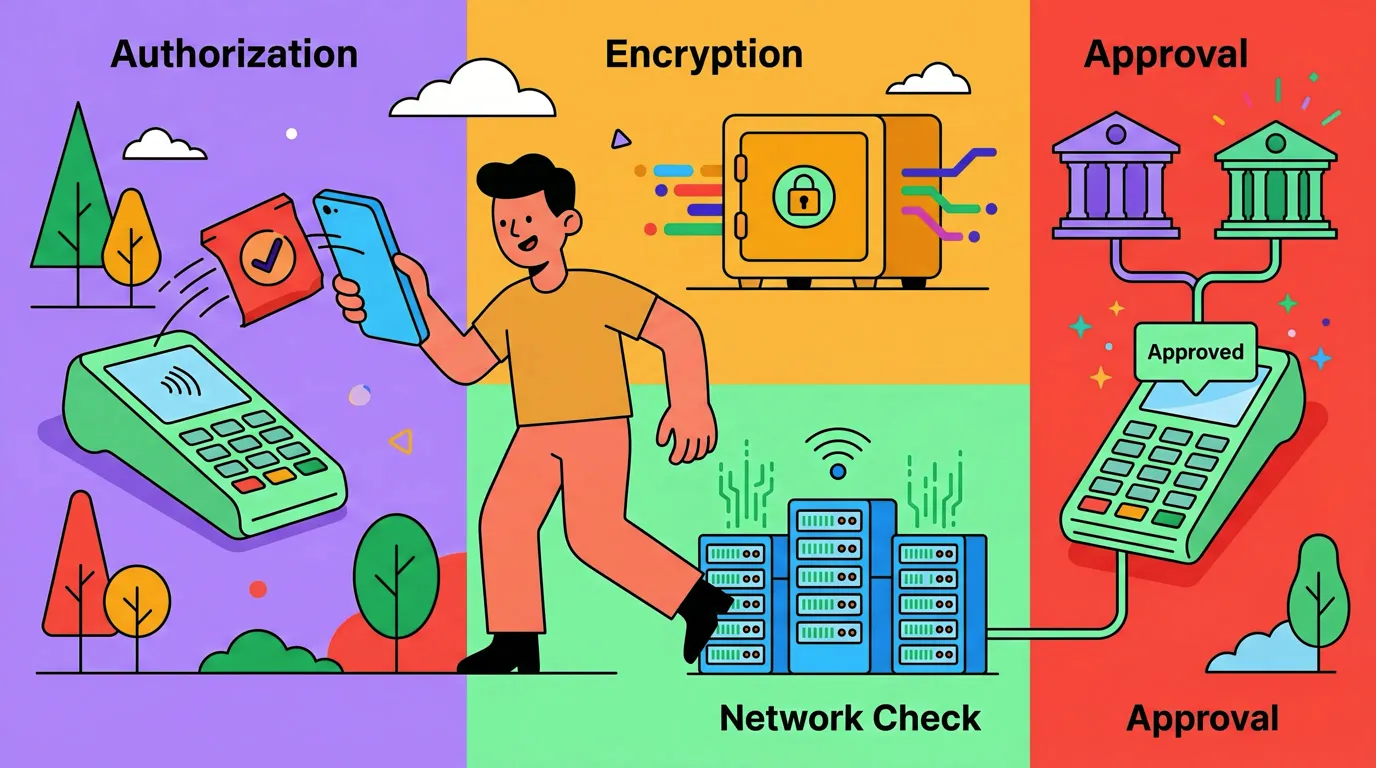
Are receipt scanning apps safe? Most receipt scanners use standard encryption and are safe from outside attackers. The real privacy question is internal: does the app sell your scanned data to third parties, require your bank login, or process images on a server it controls? The safest receipt scanners process images on-device or in encrypted private storage, do not sell data to advertisers, and do not require bank credentials.
Two Categories of Receipt Scanning Apps
Receipt scanners split into two business models that are easy to confuse but have very different data implications.
Cashback and Rewards Scanners
Apps like Fetch, Ibotta, and Receipt Hog pay you small amounts of money or points in exchange for scanning receipts. The model is straightforward: they aggregate your purchase data, sell it (usually anonymized) to brands and market research firms, and share a small percentage of the revenue back to you in the form of rewards.
This is not a security failure. It is the explicit deal you accept when you sign up. Read the privacy policy of any cashback receipt app and you will find clear language about sharing purchase data with brands, retailers, and research partners.
If you are comfortable with that exchange, these apps are safe in the sense that they do what they say. If you assumed the rewards came out of nowhere, the discovery that your purchase history is the product can feel like a surprise.
Expense Tracker Scanners
The second category includes apps like Finny, Expensify, and Shoeboxed. The business model is a subscription, not data sales. You pay for the app and the app uses scanning to make tracking easier. Your data is not the product.
This category is generally safer for privacy because the incentives align. The company makes money when you keep paying, not when they sell your purchase history. As always, verify by reading the privacy policy.
For a broader privacy framework, see finance app security and privacy.
Privacy Risks to Know About
Beyond the business model question, four specific risks come up:
Data Brokers and Ad Targeting
Even within expense tracker apps, some include third-party SDKs that track behavior or share aggregated data. The risk varies widely. Apps owned by larger ad networks tend to share more; small independent developers tend to share less.
Cloud OCR Uploads
Most OCR (optical character recognition) is done on servers, not on your phone. That means your receipt image is uploaded, processed, and stored somewhere. The sensitive parts of a receipt (your name on a credit card receipt, sometimes a partial card number) are uploaded with the rest.
The risk is not usually the OCR provider itself (Google Cloud Vision, AWS Textract, Apple's Vision framework) but where the receipt sits afterward. On-device OCR using Apple's Vision framework is the most private option but has limited accuracy on damaged receipts.
Bank-Linked Apps
Some receipt scanners also offer bank linking through Plaid or similar aggregators. That is a separate, larger privacy decision. Linking a bank means a third party stores your account credentials and full transaction history. The historical incidents involving aggregators are non-zero.
If your only need is receipt scanning, you do not need bank linking. Avoid it unless you have a specific reason.
Third-Party SDKs in Finance Apps
Many free apps include analytics, ad networks, and crash reporting SDKs that share data with multiple third parties. The cumulative effect can mean a single scan touches five or six different companies' systems.
App Tracking Transparency (Apple's privacy framework) and Privacy Nutrition Labels in the App Store let you see most of this, but not all of it. The label is a starting point, not a guarantee.
How to Tell If a Receipt Scanner Is Safe
Apply this checklist before installing:
- Read the privacy policy section on data sharing. Search for the words "sell," "share with third parties," and "advertising partners." Cashback apps will say yes to all three. Expense trackers should say no.
- Check the App Store Privacy Nutrition Label. Look for "Data Linked to You" categories. Receipt scanners that share your name and purchase history with a long list of partners will show it here.
- Look for on-device processing. Apps that process OCR on-device have a smaller exposure surface. Apple's Vision framework, used by some apps, is private by default.
- Avoid apps that pay for receipts. If you are getting paid, your data is the product. That is fine if you accept the deal, but do not assume it is private.
- No bank login required. A scanner that asks for bank credentials is two products in one. You may want only one.
- Encryption at rest and in transit. Standard for any reputable app, but worth verifying in the privacy policy.
- Clear data deletion options. Look for an "export and delete my data" flow inside the app or on the support page. If it is hard to find, that is a signal.
Safer Receipt Scanning Apps to Consider
A few apps that prioritize privacy in their model:
Finny is built around AI receipt scanning for expense tracking, with single and batch (up to 5) photo input. There is no bank login required, no cashback program selling your data, and it costs a low monthly price for Pro. Receipt OCR is processed through secure AI services and not used for advertising. CSV export is one tap and full data deletion is available.
Expensify is a long-running expense management app with strong receipt scanning, used widely by business travelers. Subscription-based, no consumer data sales.
Shoeboxed is a receipt-management service with mail-in scanning and digital storage. Business-focused, subscription-based.
For more options, see our best receipt scanner apps for 2026 and the iPhone-specific receipt scanner roundup.
What About Apple's Built-In Tools?
If you want maximum privacy and minimum features, Apple's own tools handle limited receipt capture without a third party. Live Text lets you extract text from any photo on-device. The Notes app can scan and OCR documents into a searchable note. Apple Wallet keeps a basic transaction history for Apple Pay purchases.
These are not expense trackers. They will not categorize, total, or export anything in a useful format. But for someone who wants a private record of a few high-value receipts (a tax-deductible donation, a warranty claim), the built-in tools are the most private option available.
Common Questions
Are cashback receipt apps safe to use?
Cashback receipt apps are generally safe from outside attackers and use standard encryption. The privacy question is internal: their business model depends on aggregating and selling your purchase data to brands and market research firms. This is disclosed in their privacy policies. If you accept that deal in exchange for rewards, the apps are doing exactly what they say. If you expected your data to stay private, this is a surprise. Read the privacy policy before signing up.
Do receipt scanner apps sell my data?
It depends entirely on the app. Cashback scanners (Fetch, Ibotta, Receipt Hog) explicitly sell or share aggregated purchase data with brands as part of their business model. Subscription-based expense trackers (Finny, Expensify, Shoeboxed) generally do not sell receipt data, since their revenue comes from subscriptions instead. Always check the privacy policy and the App Store Privacy Nutrition Label before installing.
Is it safe to scan a receipt with my real name on it?
Yes, in most cases. Credit card receipts often include your name and the last four digits of your card. Receipt scanner apps store these in the same encrypted format as other transaction data. The risk is not the storage; it is whether the app shares that data downstream. If you are scanning sensitive receipts (medical, legal), use an app you have verified does not sell or share data, and consider blacking out your name before scanning if you want extra caution.
What's the most private receipt scanner app?
Apps that combine on-device OCR (using Apple's Vision framework or similar), no bank linking, no cashback model, and a clear "no data sales" privacy policy are the most private. Finny and similar subscription-based expense trackers fall into this category. For maximum privacy with minimum features, Apple's built-in Notes scanner and Live Text process everything on-device with no third party at all.
The Bottom Line
Receipt scanning apps are not inherently risky, but they vary widely in how they handle your data. The clearest dividing line is the business model: apps that pay you for receipts make money by selling your data, and apps that charge a subscription mostly do not. Both can be safe, in the sense that they do what they say. Knowing which one you signed up for is the part that matters.
For more on the privacy fundamentals of finance apps, see our guide on finance app security and privacy. For deeper coverage of the scanning workflow itself, see our AI receipt scanner guide and our batch receipt scanning walkthrough.