
Copilot Money vs Quicken Simplifi (2026): Which Budgeting App Wins?
If you have narrowed your search for a paid budgeting app down to two names, you have probably arrived at the Copilot Money vs Quicken Simplifi decision. Both are well-liked, actively maintained, and genuinely good at what they do. Both connect to your bank, categorize your transactions, and give you a clear picture of where your money goes. Neither is a Mint clone that quietly stopped updating.
So why is it hard to choose? Because they are built on different priorities. Copilot Money is a design-first, AI-driven app that lives inside the Apple ecosystem. Quicken Simplifi is a cross-platform planner built around a forward-looking Spending Plan, at roughly half the price. This guide compares them fairly on pricing, platforms, bank syncing, budgeting, and investment tracking, with current 2026 figures, so you can pick the one that actually fits how you manage money.
Quick Verdict: The Short Version
If you only read one section, here it is.
- Choose Copilot Money if you live on Apple devices, want the best automatic AI categorization available, and care about polished design more than saving a few dollars.
- Choose Quicken Simplifi if you want cross-platform access (including Android), a strong forward-looking budget, and a lower yearly cost.
- Consider a third path if the recurring subscription or the required bank connection bothers you. We cover that near the end.
Both apps are solid. The rest of this comparison is about matching their strengths to your situation.
Pricing Compared: Copilot Money vs Quicken Simplifi
Neither app has a permanent free tier, so cost is a real factor over time.
Copilot Money costs $13 per month, or $95 per year, which works out to about $7.92 per month when billed annually. Every feature is included at both billing levels: there is no Core versus Plus split and no premium upgrade to weigh. New users get a one-month free trial, and referral codes can extend that trial further.
Quicken Simplifi is billed annually only, with no month-to-month option. Its standard rate is $5.99 per month, or $71.88 per year, and Quicken almost always runs a promotion that brings the first year down to around $47.88 (roughly $3.99 per month). There is no free trial in the usual sense, but a 30-day money-back guarantee lets you test it risk-free.
Two things stand out. First, Simplifi is meaningfully cheaper, often close to half of Copilot on an annual basis. Second, Simplifi's introductory rate rises at renewal, so budget for the standard $71.88 rather than the promo price you pay in year one. Even at full price, Simplifi still undercuts Copilot.
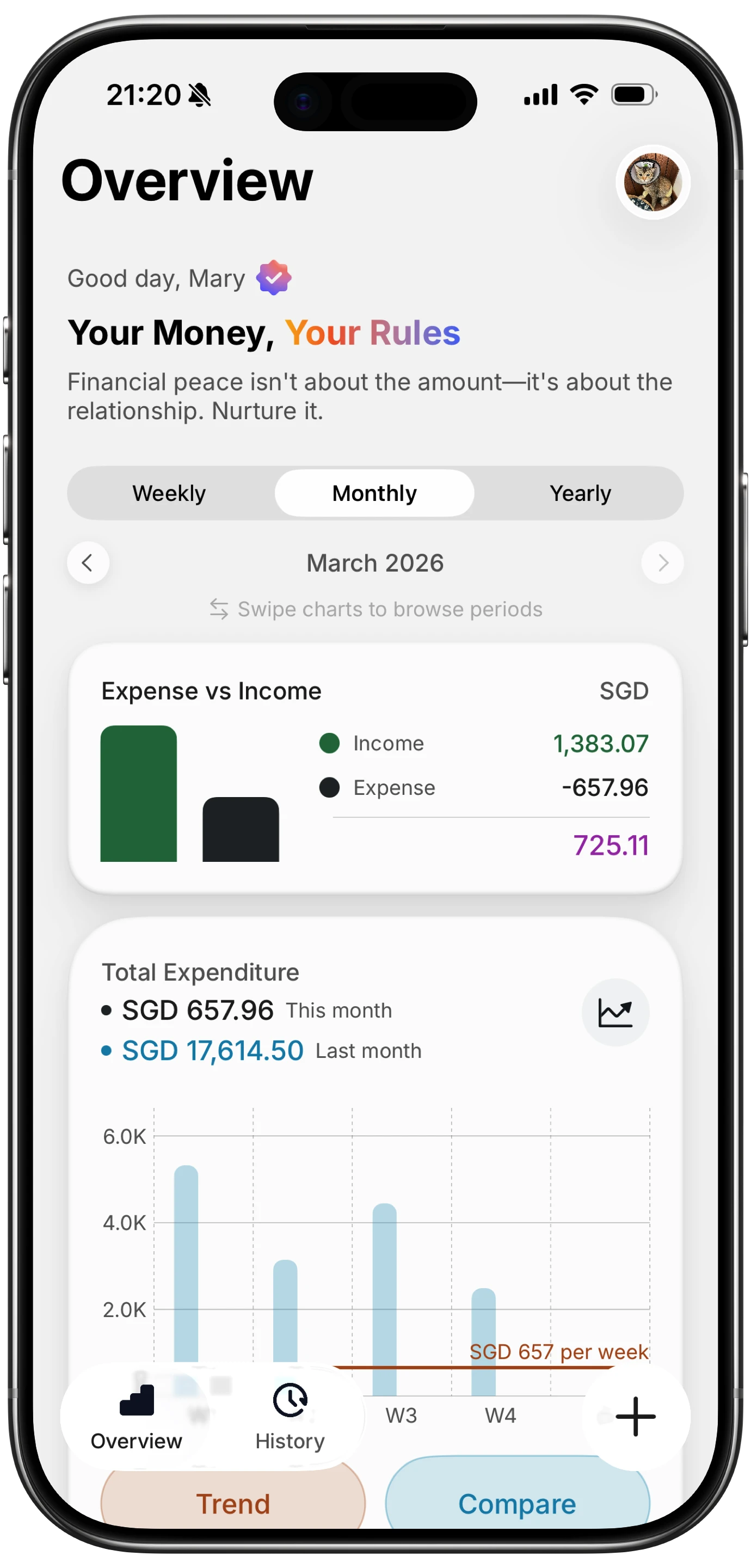
Finny app's Overview feature
Platforms and Devices: Apple-Focused vs Cross-Platform
This is the difference most likely to make the decision for you, and it is worth checking before anything else.
Copilot Money
Copilot is built around Apple. It has beautifully designed native apps for iPhone, iPad, and Mac, and it added web app access in December 2025, which widened its reach beyond Apple hardware. What it still does not have is an Android app. If everyone who needs access uses an iPhone or a Mac, Copilot feels excellent and integrated. If anyone in your household is on Android, that is a hard limit.
Quicken Simplifi
Simplifi is fully cross-platform. It runs on iOS and Android and has a complete web app that works in any browser. A few features, such as customizable columns in the transaction register, live only in the web version. For mixed-device households or anyone who prefers managing money on a large screen, this flexibility is a clear advantage.
The short version: if an Android phone is in the picture, Simplifi is your option. If you are all-in on Apple, both remain on the table and the other differences matter more.
Bank Syncing and Transaction Handling
Both apps are built around automatically importing your transactions, and both do it well.
Copilot connects to your accounts through Plaid, covering more than 10,000 institutions, including cards, banks, Venmo, Coinbase, and Apple Card. Once connected, it pulls in transactions continuously and keeps balances current. Copilot's reputation rests heavily on what happens after the import, which we cover in the next section.
Simplifi connects to more than 14,000 financial institutions and pulls in transactions automatically, then categorizes them and folds them into your Spending Plan in real time. It also monitors your credit score alongside your accounts, which Copilot does not do.
Both require a bank connection to function as designed. Neither offers a serious manual-only mode. That is worth remembering if the idea of linking every account through an aggregator makes you uneasy, a point we return to below.
Budgeting and Categorization: Copilot's AI vs Simplifi's Spending Plan
Here the two apps genuinely diverge in philosophy, and this is where your preference should decide.
Copilot leans on AI. Its automatic categorization is widely rated the best in the category, sorting the large majority of transactions correctly on the first pass and learning from every correction you make. In 2026 Copilot pushed this further into what it calls adaptive budgeting: the app predicts your future spending and can suggest rebalancing money between categories when you overshoot in one area but have room in another. It also warns you when you are trending over budget. For people who hated re-categorizing the same merchant over and over, this hands-off intelligence is Copilot's headline strength.
Simplifi leans on a plan. Its Spending Plan starts with your expected income, subtracts your bills and subscriptions, sets aside savings goals and planned spending, and shows you what is genuinely left to spend. That number adjusts automatically as transactions land. You can map the plan up to 12 months ahead, which makes it strong for people who want to answer "can I afford this?" with confidence rather than review last month after the fact. Categorization is reliable, though the app is designed around the plan rather than around AI that quietly tunes itself.
Put simply: Copilot minimizes the work of sorting transactions, while Simplifi maximizes your visibility into what you can spend going forward. Both are accurate. Which one you prefer depends on whether you want the app to think for you or to plan with you. If you are weighing rules-based control against automation more broadly, our look at the best YNAB alternatives covers the wider field.
Investment and Net Worth Tracking
Both apps go beyond day-to-day spending to track your overall financial picture, and both do it competently.
Copilot imports holdings from your brokerage and retirement accounts, then shows total portfolio value, individual positions, unrealized gains and losses, asset allocation, and even currency exposure for international holdings. It presents all of this with the same clean, glanceable design as the rest of the app, and rolls it into a single net-worth dashboard.
Simplifi tracks stocks, ETFs, mutual funds, bonds, and cryptocurrency across 401(k)s, IRAs, and brokerage accounts. It calculates both time-weighted and internal rate of return, delivers real-time market data through the trading day, and includes a retirement planner that models up to 15 adjustable variables. For someone who wants to forecast the long term rather than just review the present, Simplifi has more planning depth here.
For most people with a handful of accounts, either app is more than enough. The gap matters mainly to serious planners, who will appreciate Simplifi's projections, and to design-minded Apple users, who will prefer Copilot's presentation.
Copilot Money vs Quicken Simplifi: Side by Side
| Feature | Copilot Money | Quicken Simplifi | Finny |
|---|---|---|---|
| Monthly price | $13/mo | No monthly option | a low monthly price |
| Annual price | $95/yr (~$7.92/mo) | ~$47.88/yr promo, $71.88 standard | a low yearly price |
| Free trial | 1 month | 30-day money-back guarantee | Free forever core |
| Platforms | iPhone, iPad, Mac, web | iOS, Android, web | iPhone, Apple Watch |
| Bank sync | Yes, via Plaid (10,000+) | Yes (14,000+) | No, AI manual input |
| Categorization | AI-driven, learns from you | Reliable, plan-based | Custom categories |
| Budgeting style | Adaptive AI budgets | Forward-looking Spending Plan | Manual and AI input |
| Investments | Yes, visual dashboard | Yes, TWR/IRR, retirement planner | Not the focus |
| Multi-currency | Limited | Limited | 150+ currencies |
| Data location | Cloud (bank-linked) | Cloud (bank-linked) | On device |
A Cheaper, Privacy-First Alternative: Finny
There is a third reaction worth taking seriously. Some people look at $95 a year, or even Simplifi's lower rate, and decide a budgeting app should not be a recurring bill at all. Others are simply not comfortable routing every account through an aggregator to make the app work.
If either describes you, Finny is built for exactly that audience. It is an AI-powered expense tracker for iPhone and Apple Watch that keeps your data on your device and requires no bank login. Instead of syncing accounts, you log expenses in seconds: type "coffee 5", speak it out loud, or snap a receipt, and Finny's AI parses it into a clean entry you review before saving.
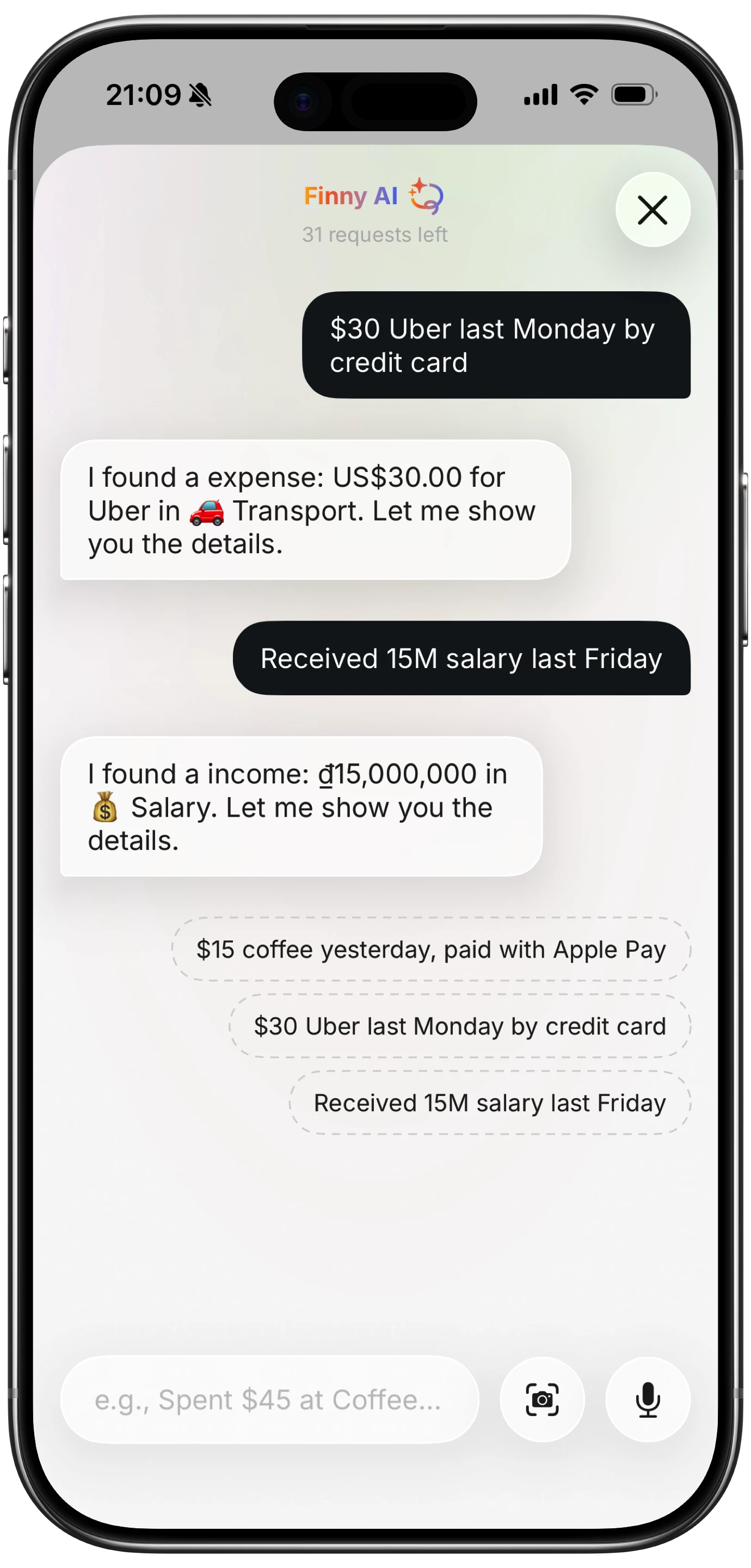
Finny app's AI chat feature
The core app is free forever, covering manual tracking, custom categories, spending charts, offline support, and one free AI credit. Finny Pro unlocks the full AI input, Tap to Track, batch receipt scanning of up to five receipts at once, and cloud sync, for a low monthly or yearly price. That is well under either Copilot or Simplifi.
Finny also handles more than 150 currencies natively, which makes it a strong fit for travelers and anyone earning or spending across borders. If you want to dig into that, see our guide to the best multi-currency expense trackers.
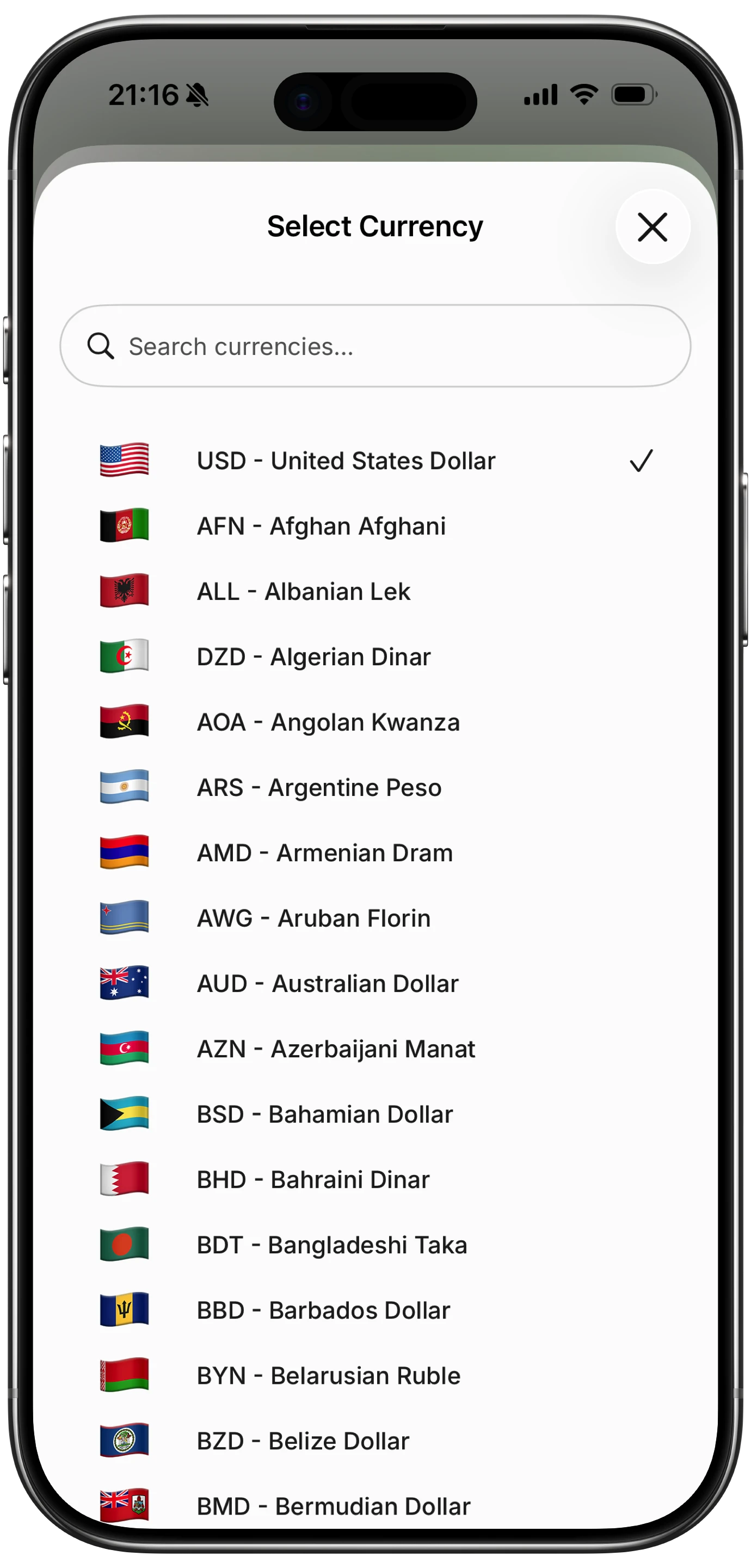
Finny app's multi-currency feature
To be honest about the tradeoff: Finny does not auto-import transactions. That is the deliberate cost of keeping your bank out of the loop and the price this low. If automatic syncing is essential to you, Copilot or Simplifi is the better tool. But if cost or privacy is your sticking point, Finny is worth a look. For more options in that vein, see our roundup of the best expense trackers with no bank login.
Frequently Asked Questions
Is Copilot Money or Quicken Simplifi cheaper?
Quicken Simplifi is cheaper. Its standard price is $71.88 per year, and it usually runs a promotion bringing the first year to around $47.88. Copilot Money costs $95 per year, or $13 per month. Even at full price, Simplifi undercuts Copilot, though its rate rises at renewal, so plan for the standard price rather than the promo.
Can I use Copilot Money on Android?
No. Copilot Money is Apple-focused, with apps for iPhone, iPad, and Mac, plus a web app added in December 2025, but there is no Android app. Quicken Simplifi runs on iOS, Android, and the web, so if anyone who needs access uses an Android phone, Simplifi is the practical choice.
Which has better budgeting, Copilot or Simplifi?
It depends on how you like to budget. Copilot uses AI to categorize automatically and suggest rebalancing between categories, which minimizes hands-on work. Simplifi's Spending Plan projects your income, bills, and goals up to 12 months ahead so you always know what is safe to spend. Pick Copilot for automation and Simplifi for forward planning.
Do both apps require connecting my bank?
Yes. Both Copilot Money and Quicken Simplifi are designed around automatic transaction import and need a bank connection to work as intended. Neither has a meaningful manual-only mode. If you would rather not link accounts, a privacy-first app like Finny tracks expenses entirely on your device with no bank login.
Is there a free alternative to both?
Finny offers a free-forever core with manual tracking, custom categories, spending charts, and 150+ currencies. Its Pro tier, at a low monthly or yearly price, adds AI input, receipt scanning, and cloud sync. It does not sync banks, which is the tradeoff for the low price and on-device privacy.
The Bottom Line
Copilot Money and Quicken Simplifi are both genuinely good, so this is not a question of which is better overall. It is a question of fit.
Choose Copilot Money if you are an Apple user who wants the most polished design and the best automatic AI categorization on the market, and you do not mind paying a premium for it. Choose Quicken Simplifi if you want cross-platform access, a forward-looking Spending Plan, deeper investment and retirement projections, and a lower yearly cost. If you are still deciding between the whole category of premium trackers, our comparisons of Copilot Money vs Monarch Money and Monarch Money vs Quicken Simplifi round out the picture.
And if both feel too expensive or too invasive, remember there is a lighter path. Finny gives you low-cost, privacy-first expense tracking with no bank link required, right from your iPhone. See how it compares for yourself at getfinny.app.