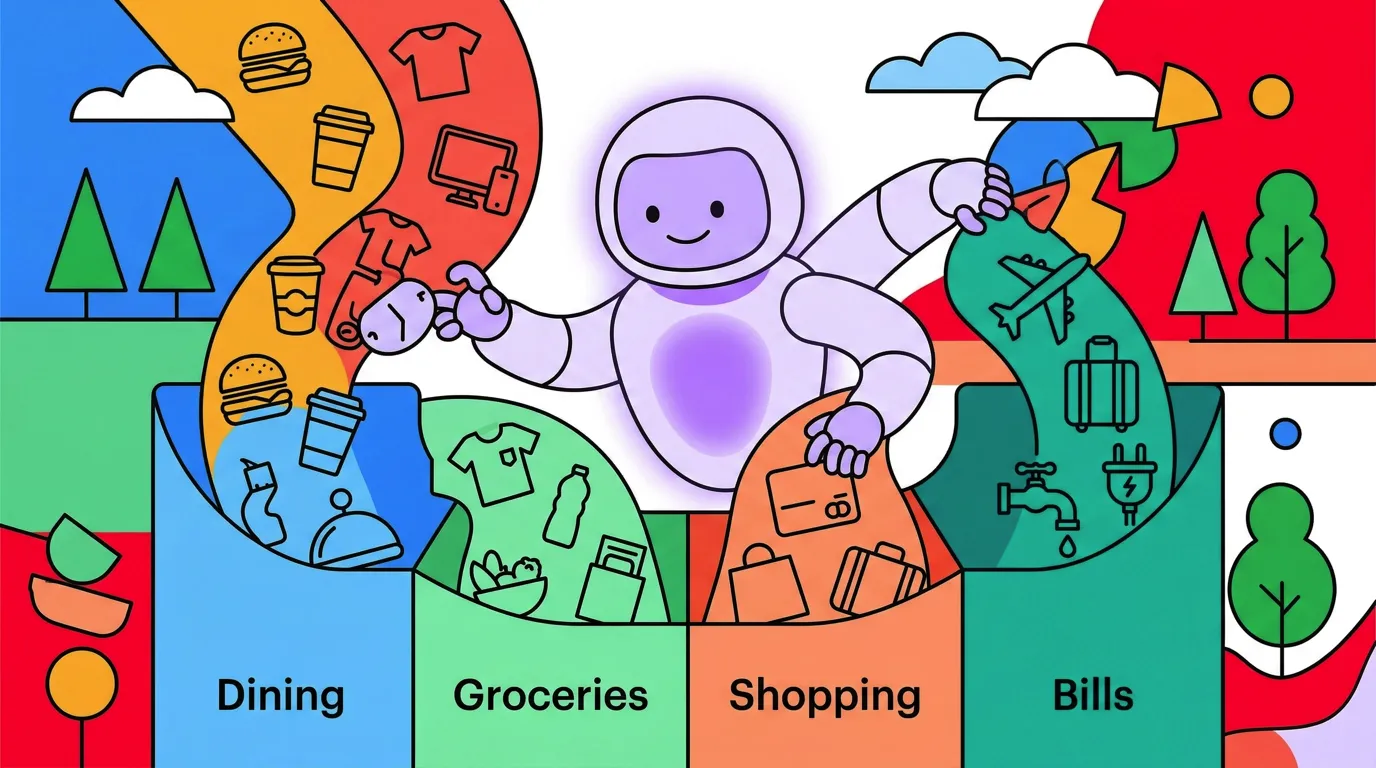
Automatic Expense Categorization: How AI Sorts Your Spending
Sorting every purchase into the right budget category is one of the most tedious parts of expense tracking. A coffee shop visit goes under "Food & Drink." A gas station charge goes under "Transport." A Target purchase could be groceries, clothing, or household supplies. Doing this manually for every transaction wears people down, and most quit within a few weeks.
Automatic expense categorization uses technology to assign spending categories without requiring you to pick from a dropdown for every purchase. The approaches range from simple rule-based matching to AI-powered systems that learn from context. This guide explains how each method works, where they succeed, and where they still fall short. For a broader look at tracking tools, see our best money tracker apps in 2026 guide.
What Expense Categorization Actually Involves
Expense categorization is the process of grouping your transactions into buckets like groceries, dining, transport, entertainment, and housing. These categories make your spending data meaningful. Without them, you have a list of numbers. With them, you can see that you spent $480 on dining last month versus $320 the month before.
Most budgeting methods depend on accurate categorization. Zero-based budgeting allocates every dollar to a category. The 50/30/20 rule splits spending into needs, wants, and savings — and a 50/30/20 Budget Calculator can show you where those lines fall for your income. Envelope budgeting puts physical or digital limits on each category. None of these work if your transactions are not sorted correctly.
The challenge is volume. The average person makes 30 to 50 transactions per week. Manually categorizing each one takes 5 to 10 seconds, adding up to several minutes per day. That may not sound like much, but it is enough friction to kill the habit for most people.
Three Approaches to Categorization
There are three main ways to categorize expenses: manual, rule-based, and AI-powered. Each has distinct strengths and trade-offs.
Manual Categorization
You assign a category to each transaction yourself. This is what spreadsheet trackers and basic finance apps require. You see "Trader Joe's $47.50" and select "Groceries" from a list.
Accuracy: Near-perfect, because you know what you bought. That Target purchase? You know it was groceries, not clothing.
Consistency: Low. Manual categorization depends on your willingness to do it for every single transaction, every single day. Most people are consistent for a week or two, then start skipping entries or mis-categorizing out of laziness.
Speed: Slow. Each transaction takes 10 to 20 seconds when you include opening the app, finding the transaction, and selecting the right category.
Rule-Based Categorization
The system matches merchant names to preset categories using a lookup table. "Starbucks" always maps to "Coffee." "Shell" always maps to "Gas." "Netflix" always maps to "Subscriptions."
Accuracy: Good for known merchants with clear categories. Poor for merchants that sell multiple types of products (Amazon, Target, Walmart) or for new merchants the system has not seen before.
Consistency: High, since rules are applied automatically. The same merchant always gets the same category, even when that is wrong.
Speed: Instant, once the rules are configured.
The biggest weakness of rule-based systems is ambiguity. A pharmacy purchase could be medicine, snacks, or personal care. A department store purchase could be anything. Rules cannot distinguish between a grocery run at Walmart and a clothing purchase at Walmart.
AI-Powered Categorization
AI categorization goes beyond simple merchant matching. It uses natural language processing, transaction context, and learning models to suggest categories. Here is how the technology works.
Natural Language Processing (NLP): When you type "lunch at the Thai place near work, $14," an AI model parses the sentence to identify the amount ($14), the context (lunch, Thai restaurant), and suggests "Dining Out" rather than requiring you to pick from a menu.
Pattern Recognition: AI models look at your spending history to identify patterns. If you regularly categorize transactions at a specific merchant as "Groceries," the model learns that association and applies it to future transactions automatically.
Contextual Understanding: Unlike rule-based systems, AI can use surrounding context. A $5 charge at a gas station might be categorized as "Snacks" rather than "Gas" if the amount is too small for fuel. A $200 charge at a pharmacy might be flagged as "Health" rather than "Personal Care" based on the amount.
Accuracy: Better than rule-based for ambiguous merchants. Still imperfect for unusual purchases or merchants the model has not encountered.
Consistency: High and improving over time as the model learns from your corrections.
Speed: Instant or near-instant, depending on whether processing happens on-device or in the cloud.
Comparing All Three Methods
| Feature | Manual | Rule-Based | AI-Powered |
|---|---|---|---|
| Accuracy (clear merchants) | Perfect | High | High |
| Accuracy (ambiguous merchants) | Perfect | Low | Medium-High |
| Speed per transaction | 10-20 seconds | Instant | Instant |
| Learning over time | No | No | Yes |
| Setup effort | None | High (configuring rules) | Low |
| Consistency | Low (human fatigue) | High (rigid) | High (adaptive) |
| Handles natural language | No | No | Yes |
| Privacy implications | None | Depends on app | Depends on app |
The takeaway: AI-powered categorization offers the best balance of speed and accuracy for most users. Manual categorization is more accurate in theory but fails in practice because people stop doing it. Rule-based systems work for simple, repetitive transactions but break down with ambiguous merchants.
How AI Categorization Works in Practice
To make this concrete, here is what happens when you log an expense in an AI-powered tracker.
Step 1: You provide input. This could be typing "coffee at Blue Bottle $5.50," speaking the same phrase, or scanning a receipt. The AI needs something to work with.

Finny app's AI chat feature
Step 2: The AI parses the input. NLP models extract structured data from your unstructured input: amount ($5.50), merchant (Blue Bottle), and contextual clues (coffee, which suggests a cafe).
Step 3: The AI suggests a category. Based on the parsed data and your history, the model suggests "Coffee" or "Food & Drink" or whatever category fits your setup.
Step 4: You confirm or correct. This is the critical step. You review the AI's suggestion and either accept it or change it. If you change it, the model learns from the correction.
This "AI suggests, human confirms" model is what separates useful AI tools from unreliable automation. You get the speed benefit of not having to manually categorize, but you keep the accuracy benefit of human judgment. For a deeper comparison of AI versus manual tracking, see our guide on AI expense tracking versus manual methods.
Addressing Accuracy Concerns Honestly
AI categorization is not perfect. Here are the most common accuracy issues and realistic expectations.
Where AI Gets It Right
Standard purchases at well-known merchants are categorized correctly the vast majority of the time. Coffee shops, gas stations, grocery stores, subscription services, utility bills: these are straightforward for any modern AI model. If 80% of your transactions are routine purchases at familiar merchants, AI will handle them reliably.
Where AI Struggles
Multi-category merchants: Amazon, Target, Walmart, and Costco sell everything. A single receipt from Costco might include groceries, electronics, and clothing. Without line-item parsing, AI has to pick one category for the entire transaction.
Cash transactions described vaguely: If you type "spent $20 at the market," the AI must guess whether "market" means a grocery store, a farmers market, or a flea market. More specific input produces better results.
Regional and niche merchants: A local restaurant the model has never seen will rely on contextual clues rather than merchant-specific knowledge. Results are usually reasonable but not always exact.
Split and shared expenses: When you pay $60 for dinner but your share is $20, AI does not know about the split unless you tell it. The categorization may be correct (Dining), but the amount tracking requires your input.
Realistic Accuracy Expectations
A well-designed AI categorization system should correctly categorize 85 to 95 percent of routine transactions without correction. The remaining 5 to 15 percent will need a quick tap to fix. That is still dramatically faster than categorizing every transaction manually.
The key is the correction loop. Every time you fix a miscategorization, the AI learns. After a few weeks of use, accuracy for your personal spending patterns should be at the higher end of that range.
Privacy and Categorization: Where Your Data Goes
Categorization accuracy often depends on how much data the app has access to. Bank-linked apps like Monarch Money and Copilot Money see your full transaction history, which gives their AI more context for categorization. The trade-off is that your complete financial life sits on their servers.
Apps that avoid bank connections rely on the data you provide at input time. This means less context for the AI, but also less data exposure. The categorization may be slightly less automated, but your financial profile stays under your control.
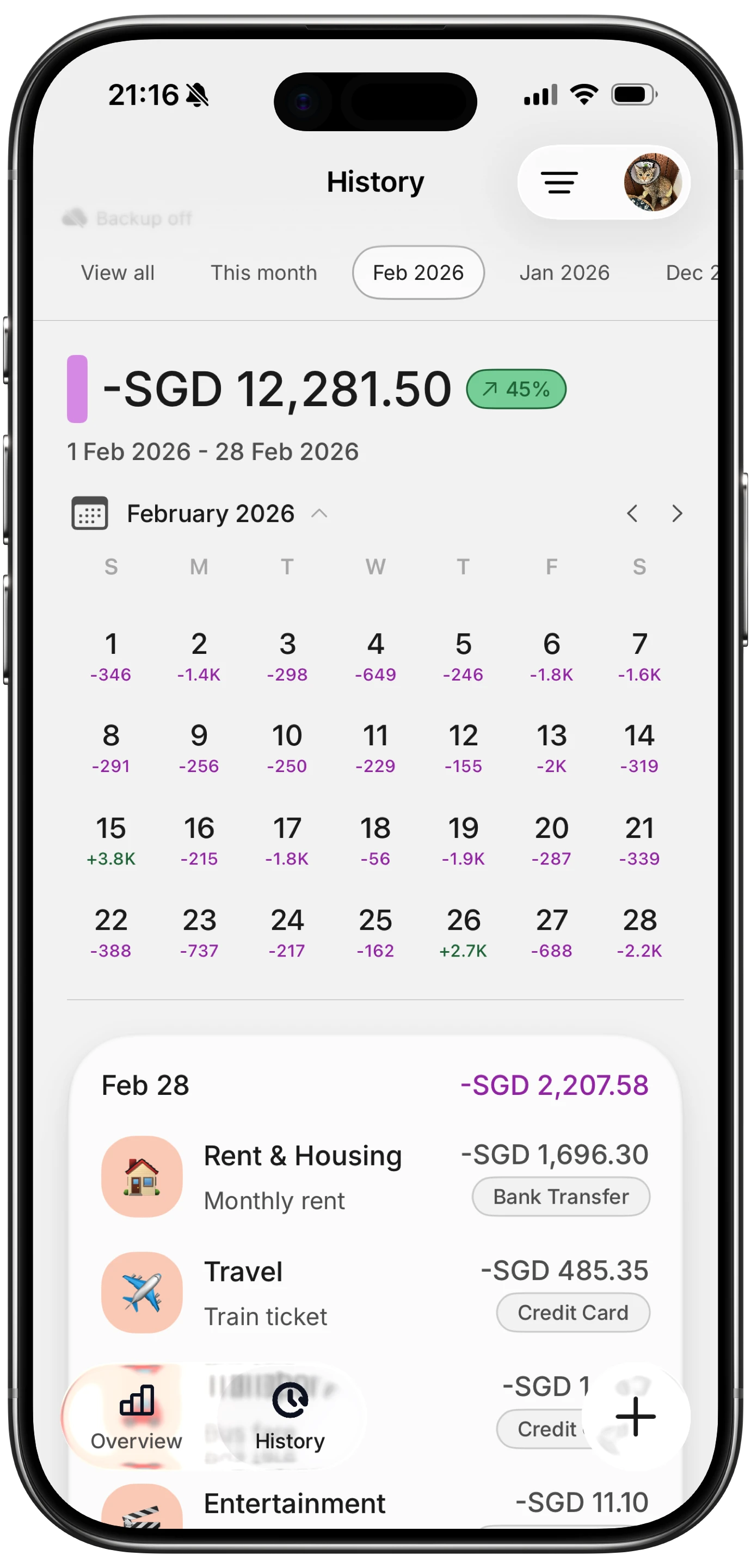
Finny app's History calendar feature
Finny takes the privacy-first approach. You provide each transaction through text, voice, or receipt scanning. The AI parses and categorizes based on what you give it, learns from your corrections, and stores data locally on your device. No bank links, no cloud-dependent categorization, no third-party access to your purchase history. For more on privacy-first tracking, see our guide on tracking expenses without linking your bank. If you want to pull in credit card transactions without full bank linking, our guide on the best expense trackers that import credit card transactions covers the options.
Making Auto-Categorization Work Better
Regardless of which app you use, these practices improve categorization accuracy:
- Be specific in your input. "Lunch $15" is harder to categorize than "lunch at Chipotle $15.40." More detail gives the AI more to work with.
- Correct mistakes promptly. When the AI miscategorizes, fix it immediately. This trains the model on your preferences.
- Use consistent category names. If you sometimes say "Food" and sometimes say "Dining," the AI has to map both. Stick with one system.
- Scan receipts for complex purchases. A receipt from Target with line items lets AI see what you actually bought, rather than guessing from the merchant name alone.
- Review weekly. Spend five minutes each week checking that your categories look right. Catching errors early prevents budget reports from drifting. For help setting up effective categories, see our guide on optimizing spending categories.
The Bottom Line
Automatic expense categorization has improved significantly in 2026. AI-powered systems handle the majority of routine transactions accurately and learn from your corrections over time. They are not perfect, especially with ambiguous merchants and complex purchases, but they reduce the daily effort of expense tracking from minutes to seconds.
The best approach is a hybrid: let AI handle the categorization, but take a few seconds to confirm each suggestion. This gives you speed without sacrificing accuracy. Over time, the AI learns your patterns and needs fewer corrections.
If you want auto-categorization without bank connections, look for apps that use AI input parsing with a confirmation step. If you are comfortable with bank linking, you will get more automation but less privacy control.
Common Questions About Automatic Expense Categorization
What is the best app for automatic expense categorization in 2026?
It depends on your approach. Bank-linked apps like Monarch Money and Copilot Money categorize imported transactions automatically. For manual input with AI categorization, Finny parses text, voice, and receipt inputs and suggests categories without requiring bank connections.
How accurate is AI expense categorization?
For routine purchases at well-known merchants, accuracy is typically 85 to 95 percent. Ambiguous merchants like Amazon or Walmart may need manual correction. Accuracy improves over time as the AI learns from your corrections.
Can I auto categorize expenses without linking my bank?
Yes. Apps like Finny use AI to categorize expenses based on your text, voice, or receipt input. You describe what you bought, and the AI suggests a category. No bank connection needed.
Does AI categorization work offline?
Some apps support offline categorization using on-device models. Finny works entirely offline, categorizing expenses based on local processing and syncing when you choose to connect.
Ready to stop manually sorting every purchase?
Download Finny to log expenses with text, voice, or receipt scanning. AI categorizes your spending automatically, you confirm with a tap. No bank connection required, works offline, and your data stays on your device.