
Splitwise Pricing 2026: What Pro Costs and What Stays Free
Splitwise pricing is unusually hard to pin down for an app this popular. Splitwise does not print a price on its Pro page, the free plan's limits are not published anywhere official, and the numbers you see quoted around the web disagree with each other.
Here is what can actually be verified in August 2026, what Pro unlocks, and how to decide whether the upgrade earns its money for the way your group uses it.
What Does Splitwise Pro Cost in 2026?
Splitwise is free to download with in-app purchases. The App Store listing for Splitwise shows in-app purchase tiers at $2.99, $3.99 and $4.99 for monthly options, and $29.99 and $39.99 for annual options.
In practice, US users typically see Pro at around $4.99 per month or $39.99 per year. The lower tiers reflect regional pricing and legacy plans, so what you are offered depends on your country and when you signed up.
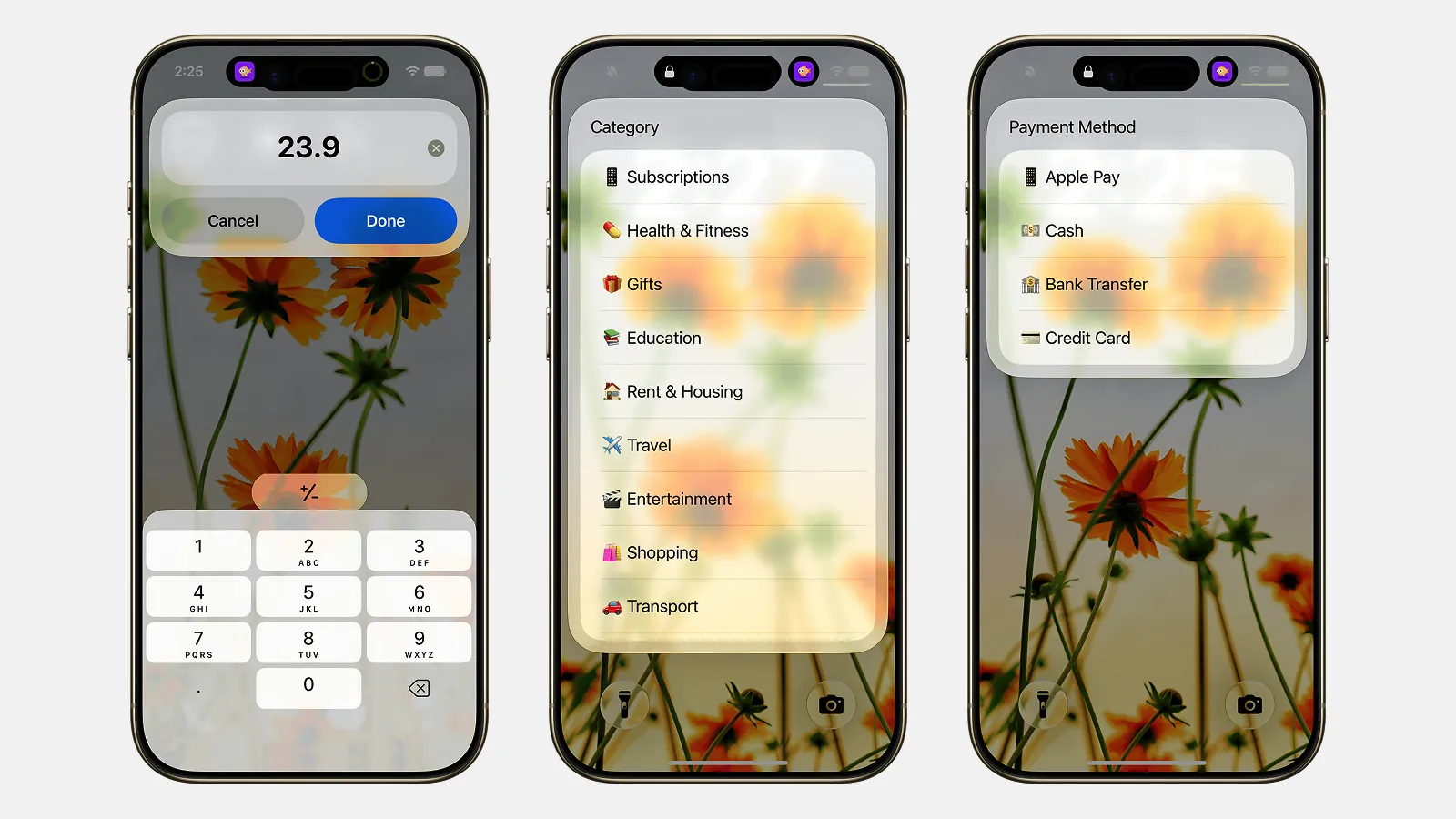
Finny app's Quick Log feature
Two things follow from this that are worth knowing before you subscribe:
- The annual plan is the only one that makes sense. At roughly $40 a year against roughly $60 for twelve monthly payments, monthly billing costs about a third more for the same product.
- Your price may not be your friend's price. Splitwise's tiers vary by region, so comparing notes inside a group can be confusing. Neither of you is wrong.
Splitwise does not publish a price list on its own site, so verify the figure in the App Store or Play Store before you commit. That is the only authoritative source for what you personally will be charged.
What You Get With Splitwise Pro
Splitwise's own Pro page lists the upgrade as follows:
- Unlimited expenses with no interruptions, which is the polite phrasing of "no daily cap and no ads"
- Transaction import from credit and debit cards, US only
- Currency conversion at current exchange rates
- Charts and graphs showing spending by category
- Receipt scanning with automatic detection of what is on the receipt
- Itemization, so a single receipt can be split line by line
- Expense search
- Custom default splits per group
- Early access to new features
- An ad-free experience
The honest summary: Pro is not one killer feature. It is the removal of friction that the free tier adds on purpose, plus receipt scanning and currency conversion, which are the two features that matter most on exactly the trips where you are logging the most expenses.
What Is Still Free
The free plan is not a trial and does not expire. It still includes:
- Unlimited groups and unlimited friends
- Equal, percentage, share and exact-amount splits
- Debt simplification, so a group of five settles in as few payments as possible
- Balance history and settle-up records
- Notifications and comments on expenses
That is a real product, and for a stable flatshare where three or four expenses land per week, most people never notice a limit.
The Free Plan's Two Real Limits
The daily entry cap
Free users hit a wall after roughly three to five expenses added in a single calendar day, across all groups. Splitwise has never published the exact number, and reports vary, which suggests it is tuned rather than fixed. When you hit it, the app blocks the entry and offers Pro.
This is the single most common reason people pay or leave. It is invisible for months of ordinary use and then appears on the second day of a holiday, when a group logs breakfast, taxis, tickets and lunch before the afternoon.
The workaround people actually use is batching: one person logs everything at the end of the day across two days, or two people in the group each log their own purchases so neither hits the cap alone. It works. It is also exactly the friction the cap is designed to create.
Ads between screens
The free tier shows interstitial ads. They are not aggressive by app-store standards, but they land in the middle of the flow, which is when they are most noticeable.
Is Splitwise Pro Worth It?
It depends almost entirely on how bursty your logging is.
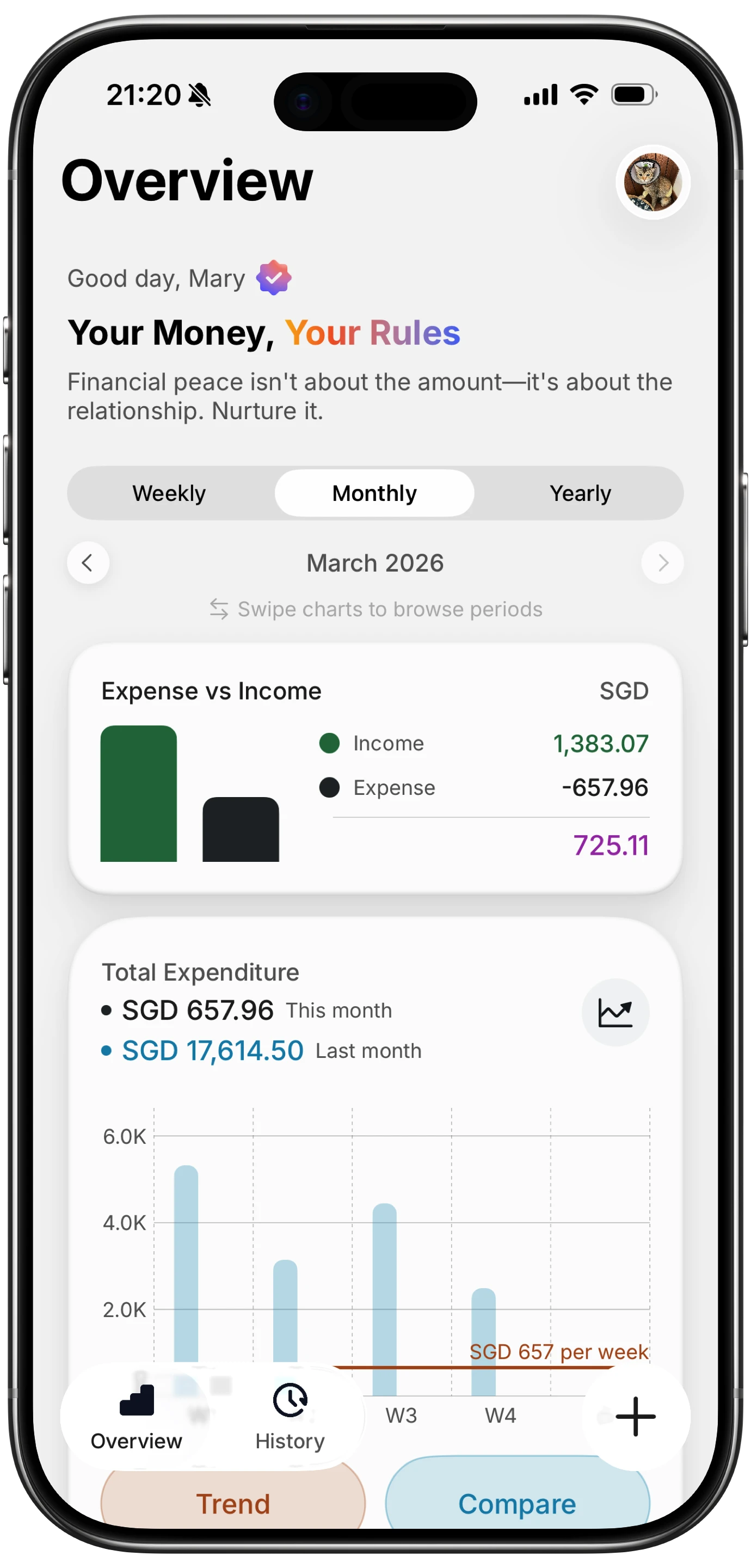
Finny app's Overview feature
Pro is worth it if you:
- Travel in groups more than once or twice a year, where the daily cap and currency conversion both bite at once
- Are the designated logger in your group, so every expense goes through your account and you hit the cap alone
- Split itemized receipts often, such as a large grocery run where each person owes for different items
- Are in the US and want card transactions imported instead of typed
Pro is hard to justify if you:
- Share a flat with steady, predictable bills, a few entries a week at most
- Split with one other person, where a payment-app request does the same job for free
- Already keep your own spending in a separate app and only need Splitwise for the group balance
At roughly $40 a year, the deciding question is not whether the features are good. It is whether you hit the cap. If you have never seen it, you are not the customer Pro was built for.
Cheaper and Free Alternatives
If the price does not fit, several apps cover the same ground for less.
| App | Cost | Daily entry cap | Multi-currency | Receipt scanning |
|---|---|---|---|---|
| Splitwise Pro | ~$4.99/mo or ~$39.99/yr | No | Yes | Yes |
| Splitwise free | Free | Yes, roughly 3 to 5 | No | No |
| Tricount | Free | No | Yes | Varies |
| Splid | Free | No | Yes | No |
| Settle Up | Free with ads, ~$18.99/yr | No | Yes | No |
| Spliit | Free, open source | No | Limited | No |
Tricount is the closest free replacement for most people. Splid is the one to pick if anyone in the group will not create an account. We compare all of them in best Splitwise alternatives 2026.
One Thing Splitwise Pro Will Not Do
Even at $40 a year, Splitwise answers one question: who owes whom. It does not tell you what your own money did.
After the group settles, the ledger is square and your personal budget still has a hole in it. Splitwise holds the group's totals, not your share broken down by category, so it cannot tell you that the trip cost you far more in restaurants than you planned.
That is a different tool. Finny tracks your own spending, keeps each expense in the currency you actually paid in while converting your daily and monthly totals to your home currency, and requires no bank connection at all. It does not split bills between friends. Most people who travel in groups end up running both: a splitting app for the group ledger, and a personal tracker for their own money. Our guide to splitting expenses on a trip covers how the two fit together.
Common Questions About Splitwise Pricing
How much is Splitwise Pro?
The App Store lists Splitwise Pro in-app purchases at $2.99, $3.99 and $4.99 for monthly plans and $29.99 and $39.99 for annual plans, with pricing varying by country. US users generally see about $4.99 per month or $39.99 per year. Splitwise does not publish a price on its website, so check the store listing for your region.
Is Splitwise still free?
Yes. Splitwise has a permanent free tier with unlimited groups, all the standard split types and debt simplification. The free tier limits you to roughly three to five expenses per day and shows ads between screens.
How many expenses can you add per day on free Splitwise?
Splitwise has never published the number. Reports put it between three and five expenses per calendar day across all groups. When you hit it, the app blocks further entries until the next day or you upgrade.
Is Splitwise Pro worth it?
If you travel in groups or you are the person who logs everything, yes: the daily cap, currency conversion and receipt scanning all matter at once on a trip. For a steady flatshare with a few entries a week, the free tier is enough and the upgrade mostly buys the removal of ads.
Is there a free alternative to Splitwise Pro?
Tricount is free with no entry cap and multi-currency support, which covers most of what people upgrade for. Splid is free and needs no accounts. Both are compared in our Splitwise alternatives guide.
Want to see what your share of the trip actually cost? Download Finny to track your own spending in any currency with no bank login. Free to start, and Pro adds AI-assisted logging for a low monthly price.