Why Can't I Account for $300 Every Month? (How to Find Out)
You sit down on a Sunday night, open your bank app, and the math does not add up. Rent went out. Groceries went out. A few obvious bills went out. But somewhere between payday and now, an extra two, three, maybe five hundred dollars left your account and you genuinely cannot remember where it went. You are not careless. You are not bad with money. You just cannot see it.
If you have been searching where does my money go, or "I can't figure out where my money goes," or even "why am I always broke," you are in good company. Most people who track their income to the dollar still cannot account for a meaningful chunk of their outflow. The gap usually is not one big mystery purchase. It is dozens of small, fast, forgettable taps. This guide walks through a 7-day spending audit you can run by hand, explains the four blind spots that hide most untracked spending, and shows where light tooling helps. For a complementary view, our guide on how to track daily spending without burning out pairs well with the audit below.
The honest reason you cannot see your spending
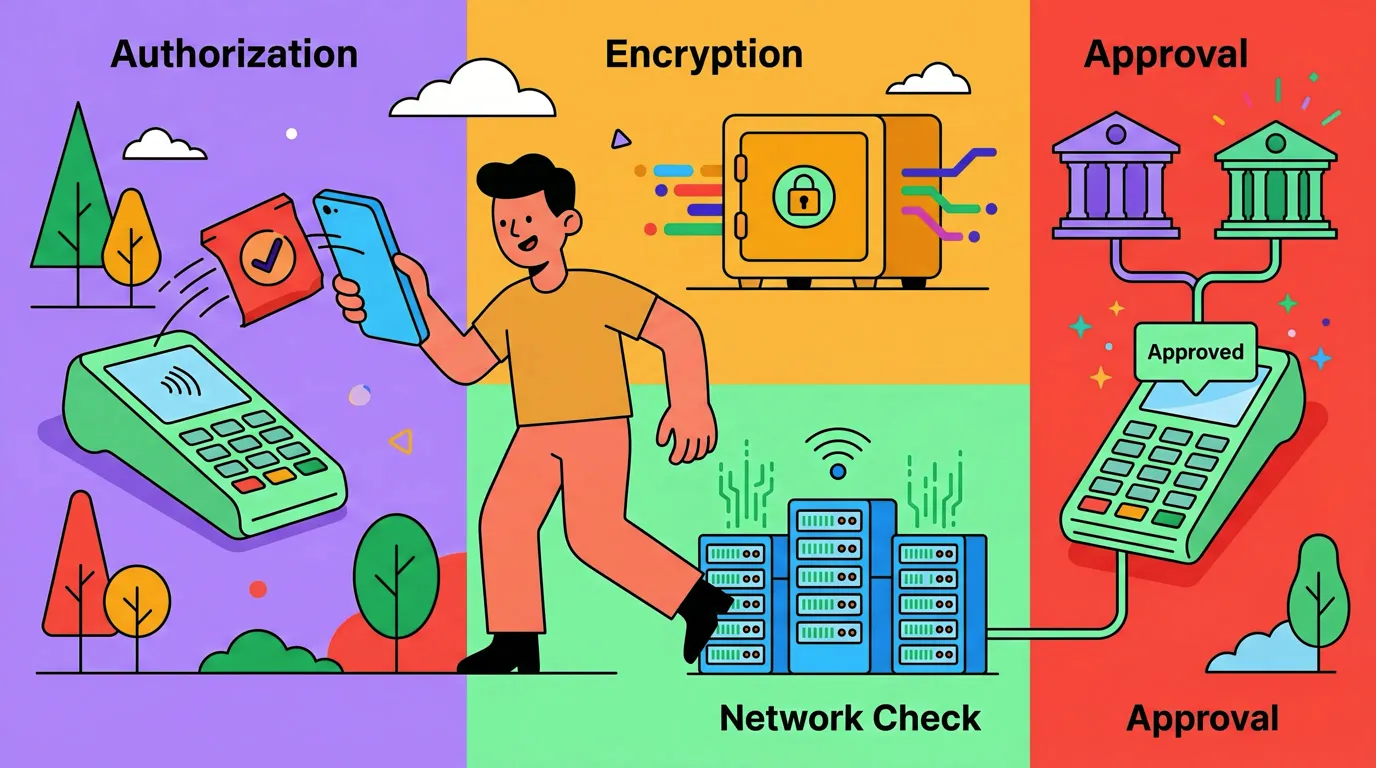
Modern payment design is engineered to be invisible. Apple Pay clears in under a second. Tap-to-pay terminals do not ask you to confirm an amount. Subscription renewals happen at 3am. Splitwise reimbursements net out before you see them. Your brain literally does not encode these as "spending events," because there is no friction, no paper, no pause.
That is the first thing to accept: this is not a willpower problem. It is a visibility problem. You cannot budget what you cannot see, and you cannot remember what your phone never asked you to confirm. The fix is not shame. The fix is a short, deliberate audit followed by a lightweight habit that catches the leaks going forward.
The 7-day spending audit (no app required to start)
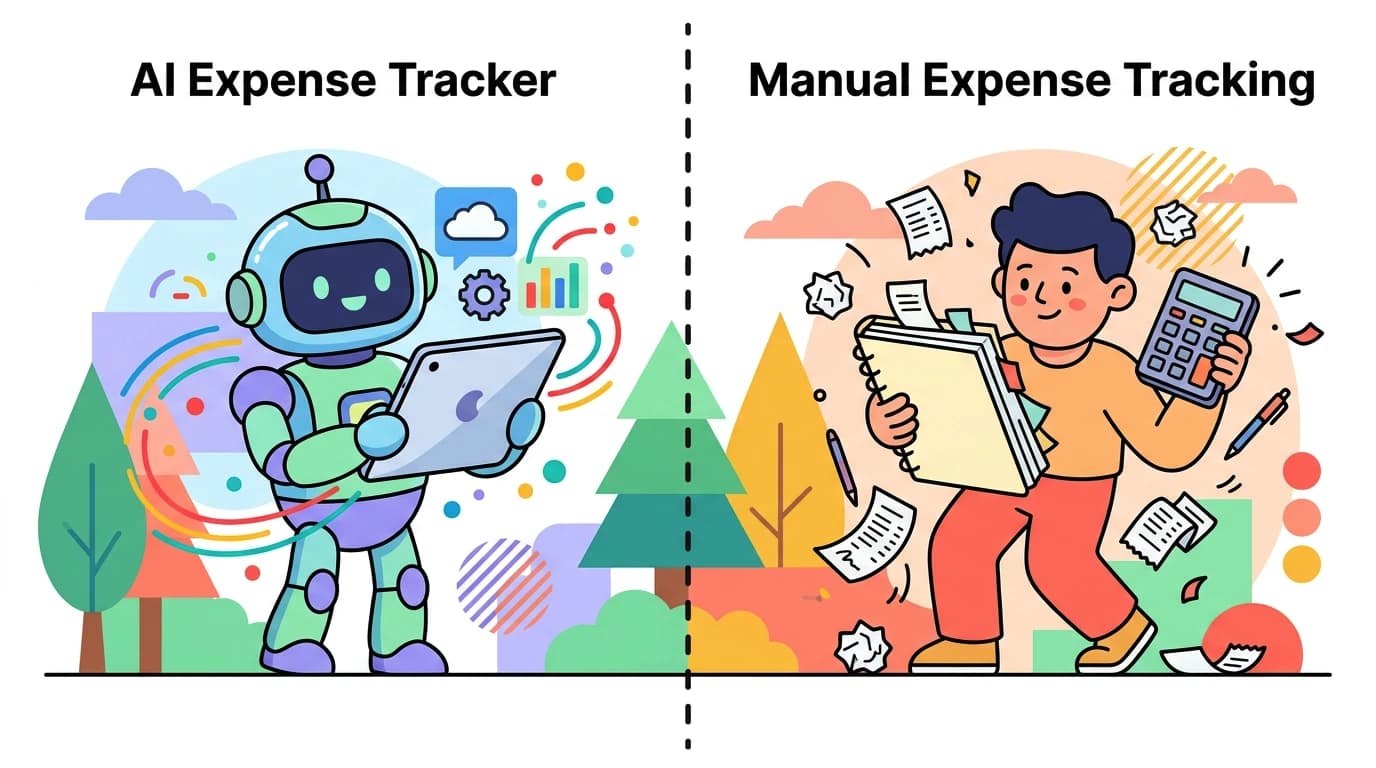
Before you install anything, run this manual audit. It takes about 20 minutes a day for a week and gives you a personal dataset that no aggregator can match.
- Pick a notebook or notes app. Anything you can open in five seconds counts. Pen and paper works fine.
- Log every outflow within 60 seconds. Card tap, cash, Venmo, in-app purchase, tip, parking meter. The amount and one word for what it was. Do not categorize yet.
- At the end of each day, add three columns. Need, Want, and Did-Not-Notice. The third column is the important one. If you logged it but cannot remember the moment of buying it, mark it Did-Not-Notice.
- On day 7, add it up. Total spending, total in each column, and the count of Did-Not-Notice items.
- Compare to your bank statement. Pull the same 7 days from your bank and credit card. The delta between what you logged and what actually cleared is your real blind spot.
The first time most people run this, the Did-Not-Notice column is between 20 and 35 percent of total spending. That is the missing money. It was not stolen. It was just spent below the threshold of conscious memory.

Finny app's Overview feature
The four blind spots that hide most untracked spending
Once you have a week of data, the leaks tend to fall into four buckets. Naming them helps you spot them in real time.
1. Sub-$10 Apple Pay taps
Coffee, a snack, a bus fare, a cheap lunch add-on. Each one feels like nothing. Twenty of them in a month is $200. Because they clear instantly and never produce a paper receipt, your brain treats them as zero. They are not. This is the single largest source of spending leaks for people under 40.
2. Subscriptions you forgot you have
Streaming trials that converted. A meditation app you used twice in 2024. iCloud storage tiers. A magazine bundle. Pull your Apple Subscriptions screen (Settings, your name, Subscriptions) and your Google Play subscriptions. Then check your email for "your receipt from" in the past 90 days. Most people find one to three live charges they had completely forgotten about.
3. Weekend takeout and delivery
Friday through Sunday spending is often double weekday spending, and delivery fees plus tips plus service charges roughly inflate the visible price by 35 percent. A $22 burrito bowl on the menu is a $30 line item on your card. If you order three weekends in a row, that is $90 of "I thought it was cheaper" stacked into the gap you cannot explain.
4. Cash and reimbursable spending
Cash withdrawals show up as one number on your statement, but they fragment into a dozen invisible purchases. Same with anything you front for a friend or a roommate. You logged the outflow as $80 to "ATM," but the actual story is parking, a tip, a birthday gift, and a round of drinks you never broke down.
If you want to go deeper on the psychology behind those small unplanned purchases, our explainer on what impulse spending actually is covers why your brain treats sub-$20 buys as free.
Comparing your audit to your statements
After day 7, do a side-by-side comparison. This is the step most people skip and it is the one that pays off.
| Source | Total for 7 days | Notes |
|---|---|---|
| Your manual log | $X | What you noticed |
| Bank + credit card statements | $Y | What actually cleared |
| Cash withdrawn but not itemized | $Z | Treat as a single Did-Not-Notice line |
The difference between Y and X is your monthly leak, scaled. Multiply the weekly delta by 4.3 to get the monthly figure. If your gap is $70 a week, you have been losing roughly $300 a month to spending you cannot see. That is your "missing $300."
For a fuller view of how week-over-week numbers stack up, see our walkthrough on how to compare monthly spending. It pairs naturally with the audit data you just collected.
Why most budgeting advice does not fix this
Most budgeting content tells you to set categories, allocate percentages, and track against them. That advice is fine, but it assumes the data going into the budget is complete. It almost never is. If 25 percent of your spending never gets logged, no envelope, zero-based, or 50/30/20 system can help you. The leak is upstream of the budget.
The fix has two parts. First, capture has to be effortless or it will not happen. Second, capture has to happen at the moment of the transaction, not during a Sunday review session, because by Sunday you have already forgotten the Tuesday coffee.
This is where lightweight tooling earns its keep. Not a full bank-linked aggregator that surveils every account, but something fast enough to use in the checkout line.
Where Finny fits (and where it does not)
Finny is a low-cost iOS app built specifically for this problem. Two features address the blind spots directly.
Tap to Track auto-logs Apple Pay transactions. You pay the way you always do, and the expense is recorded without you opening anything. It removes the "I will log it later" delay that kills every manual system.
Batch receipt scan lets you import up to five receipt photos at once. The AI extracts merchant, total, and date from each. If you save paper receipts in a coat pocket all week, you can clear the backlog in 30 seconds on Sunday instead of typing 12 entries by hand.

Finny app's screenshot import feature
To be honest about what no app can do: Finny will not stop you from spending. It will not auto-categorize cash perfectly. It will not give you discipline you do not already have. What it does is shrink the friction between the moment money leaves your account and the moment it shows up in your records. That alone tends to drop the Did-Not-Notice column by half within a month, because once you actually see the leaks, most people quietly stop them on their own.
If your goal is specifically to reduce leaks rather than just measure them, our guides on how to stop overspending and what conscious spending looks like in practice are the natural next reads. For benchmarking yourself against typical patterns, the average daily spending breakdown helps you see whether your numbers are unusual or normal.
A simple weekly habit after the audit
Once the 7-day audit is done, the maintenance habit is small.
- Log every outflow within 60 seconds, every day. Tap to Track, voice, or text. Pick one method.
- On Sunday, spend five minutes reviewing the week. Look only at the Did-Not-Notice column.
- Once a month, run the bank-statement reconciliation. The delta should shrink each month.
- When you find a recurring leak (a subscription, a delivery habit, a cash drift), name it and decide once. Cancel, cap, or accept. Do not relitigate it weekly.
This is not a system that demands willpower. It is a system that removes the conditions where spending stays invisible.
The bottom line
You cannot account for $300 a month because modern payments are designed to be forgotten and your bank statement is too coarse to surface the pattern. A 7-day manual audit, followed by a low-friction capture habit at the moment of purchase, closes the gap for most people inside one billing cycle. No app fully solves this on its own. The combination of a deliberate weekly review and tooling that removes the "log it later" delay is what actually works.
Common Questions About Untracked Spending
Why does my bank app not show me where my money goes?
Bank apps show categorized totals, but the categories are guessed from merchant names and they fail on common cases like Amazon, Square sellers, PayPal, and cash withdrawals. They also cannot see what you bought inside a single transaction. A $84 Target run might be groceries, a phone charger, and a birthday card, but your bank logs it as one line called "shopping." That is why the totals look right but the story behind them stays blurry.
How much untracked spending is normal?
In the first month of a manual audit, most people find that 20 to 35 percent of their spending was previously invisible to them. That share usually drops to under 10 percent after two or three months of consistent in-the-moment logging. If your gap stays above 25 percent after a full month of effort, the issue is almost always cash purchases or shared expenses that need a different capture method.
Will linking my bank accounts solve this?
Partially. Bank aggregation gives you a complete list of cleared transactions, but it does not solve categorization accuracy, it does not capture cash, and it does not show split-purchase context. It also requires you to share login credentials with a third party, which has real privacy and security tradeoffs. A manual or AI-assisted log gives you better data with less exposure, at the cost of a few seconds per transaction.
What is the fastest way to log expenses without forgetting?
The fastest method is one that fires at the moment of payment, not later. NFC-triggered shortcuts, voice memos to a tracking app, or a home-screen widget all work because they collapse the gap between paying and recording to under five seconds. Anything that requires opening an app, navigating menus, and typing usually fails within a week. The best capture tool is the one you will actually use in the checkout line.
Can I do this without paying for an app?
Yes. The 7-day audit in this guide works with a paper notebook or any notes app. The free tier of most expense trackers, including Finny, gives you unlimited manual logging and basic categories. Paid tiers are worth it only if a specific feature, like NFC auto-logging or batch receipt scanning, removes a friction point that has caused you to quit manual tracking before. Tools are leverage, not a substitute for the habit.
Ready to find your missing $300?
Download Finny for a low monthly price to log expenses with Tap to Track, voice, text, or batch receipt scan. No bank login required, offline-first, and your data stays on your device.