How to Track Money With ADHD (Without Quitting in 3 Days)
If you have ADHD, you have probably downloaded a budgeting app, used it for two days, ignored it for two weeks, then deleted it in a small wave of shame. You are not lazy and you are not bad with money. You were handed a system designed for a brain that loves spreadsheets, daily check-ins, and consistent dopamine from delayed rewards. That is not how an ADHD brain runs.
This guide is about how to track money with ADHD in a way that actually survives a bad week. We will cover why most budgeting apps quietly punish ADHD users, what a low friction system looks like in practice, and how voice and AI input remove the single biggest reason people quit: typing into a form when your working memory is already full. Along the way we will link out to related reads on building money habits and how to track daily spending so you can pick the pieces that fit your life.
One thing first, said plainly: no app cures ADHD. The goal here is not perfect tracking. The goal is the least friction system that survives a bad week, a hyperfocus week, a depressive week, and a week where you forgot the app exists. If you can log most of your spending most of the time, you are already ahead of the version of you that quit on day three.
Why budgeting apps fail ADHD brains
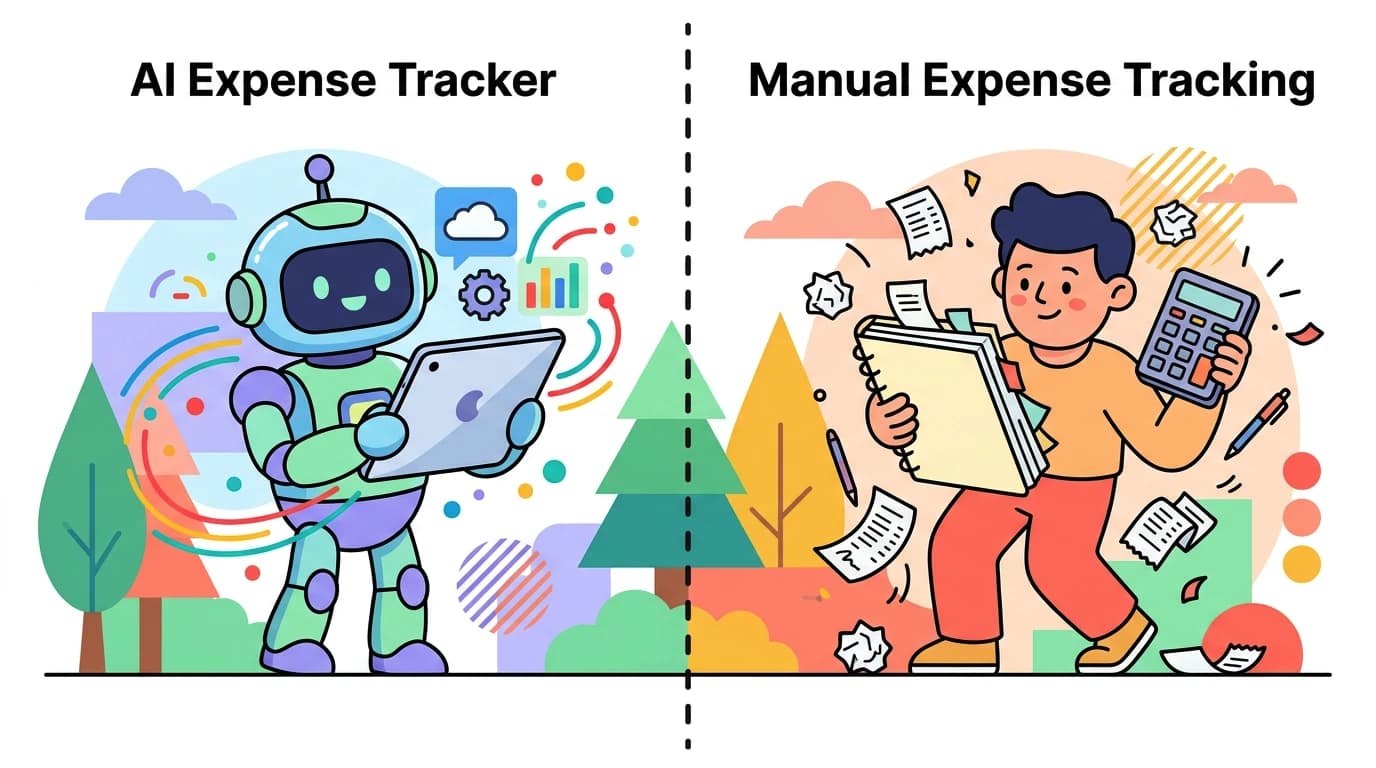
Standard budgeting apps assume three things that do not apply to ADHD: you will remember to open the app, you will accurately categorize each transaction, and you will sit down once a day to review. Each of those assumptions is a small tax on executive function. Stack five taxes on a Tuesday and the whole system collapses.
Budgeting with ADHD usually fails for one of these reasons:
- Friction at logging. Opening an app, tapping a plus button, choosing a category, typing the merchant, and saving is six decisions. Six decisions for a $4 coffee is too many.
- Novelty fatigue. A new app feels exciting for 72 hours. After that, the dopamine drops and the system stops feeling rewarding.
- Working memory gaps. You meant to log it. You walked into another room. The thought is gone forever.
- Decision paralysis on categories. Was that lunch a "Food" expense or a "Work" expense? You freeze, you tab away, you never come back.
- Daily review burnout. Most apps push daily reviews. ADHD brains often do better with weekly bursts than daily nibbles.
- Shame spiral after a missed day. One missed day becomes a missed week, which becomes a deleted app.
If any of that sounds familiar, the issue is not your discipline. It is the design. The fix is not "try harder." The fix is to remove decisions and reduce the time-from-purchase-to-logged to under five seconds.
The low friction principle
Low friction expense tracking means the act of logging an expense costs almost nothing in attention or time. If logging takes longer than the purchase itself felt, you will stop. The threshold matters more than people think. Five seconds is sustainable. Twenty seconds is not.
There are three ways to get under that threshold:
- Automate it. Let the phone log it for you the moment a payment happens.
- Voice it. Say the expense out loud, let AI parse it.
- Snap it. Take a photo of the receipt and let the app extract amount, merchant, and date.
Notice what is missing from that list: typing. Typing is the highest-friction option for an ADHD brain because it requires sustained attention on a tiny keyboard while the impulse to do anything else is screaming. Any system that depends on typing as the primary input will lose, eventually. We wrote more about this in how to log expenses without typing if you want to go deeper.
A realistic ADHD money tracking system
Here is a system built for a brain that is sometimes online and sometimes not. It has four parts: capture, categorize-later, weekly review, and a visible-now dashboard.
1. Capture in the moment, even sloppily
The first rule is capture beats accuracy. A messy log entry beats a perfect entry that never happened. When you spend money, do one of these within ten seconds:
- Speak it: "twelve dollars, lunch, Thai place."
- Snap the receipt with your phone camera.
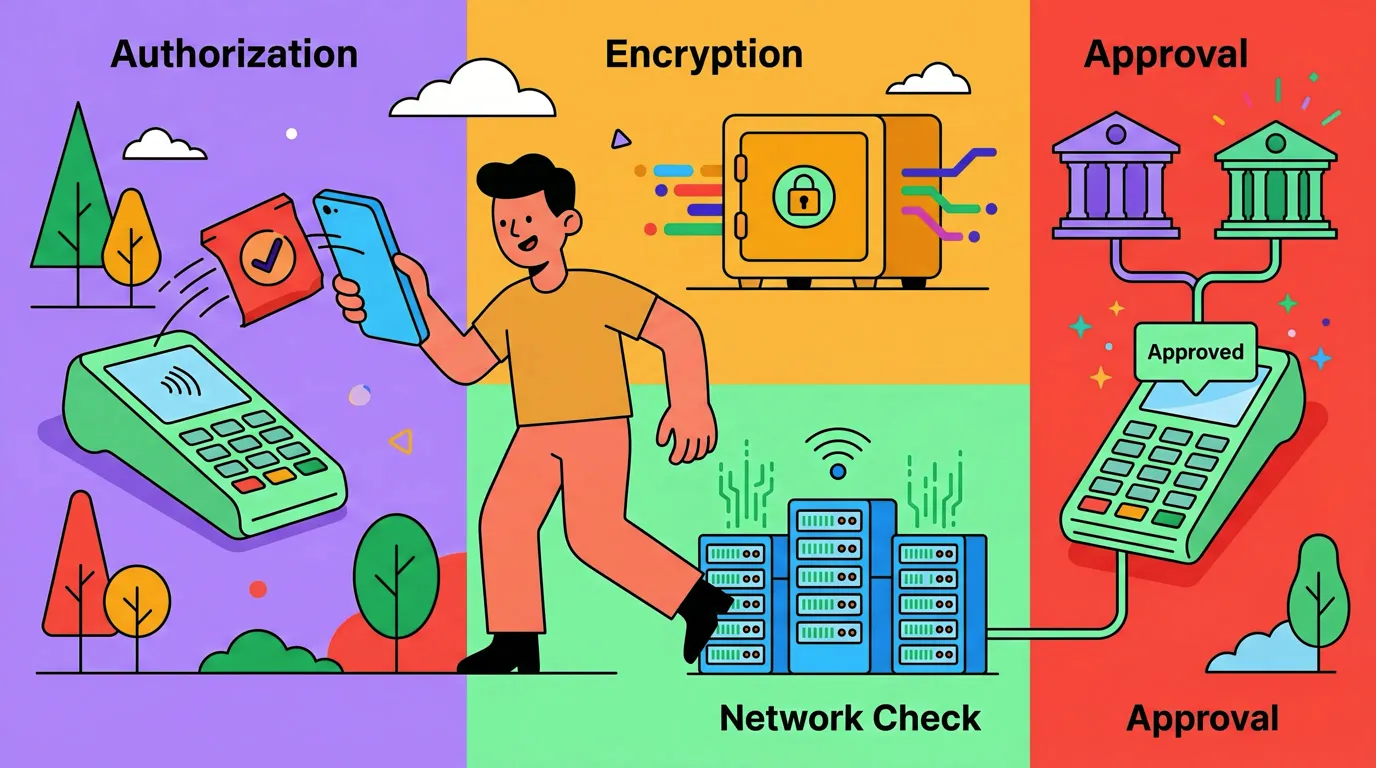
- For Apple Pay, let Tap to Track handle it automatically.
Do not try to assign a category. Do not try to add notes. Just get the transaction into the system. You can clean it up later, or never. Both are fine.
2. Batch your receipts
ADHD brains tend to do better with batching than continuous attention. Instead of logging every receipt in real time, throw them into a bag, your camera roll, or your jacket pocket. Then once or twice a week, sit down and process them all at once. Most people find this easier than the constant context-switching of in-the-moment logging. Batch receipt scanning, where you can pull in five photos in one go, is built exactly for this pattern.

Finny app's screenshot import feature
3. Replace the daily review with a weekly one
Most budgeting advice says check in daily. For ADHD, weekly works better. Pick a fixed time, say Sunday morning with coffee, and do a fifteen minute review. Look at totals by category, notice anything weird, and reset for the week. That is it. No moralizing, no spreadsheet, no recriminations. If you miss a Sunday, do it Monday. If you miss the week, do a fortnight review. The system has to bend or it breaks.
4. Build a visible-now dashboard
Out of sight is out of mind, literally, with ADHD. Put your spending dashboard somewhere you cannot avoid: as a widget on your home screen, as the first tab when you open the app, or as a recurring calendar reminder. The point is not to nag. The point is to make the number exist in your environment, so future-you trips over it instead of having to seek it out.
Voice and AI: the unlock for ADHD logging
This is the single change that has helped the most ADHD users we have heard from. Switching from typed entry to voice or AI entry takes a 25-second logging task and shrinks it to about 4 seconds. Over a month, that is the difference between 200 logged transactions and 20.
Finny is a low-cost iOS expense tracker built around this idea. Two features matter here for ADHD specifically:
- AI voice and text input. Say or type "thirty bucks gas at Shell" and the app parses amount, category, and merchant. No forms, no dropdowns. You can also use chat-style input or scan a receipt photo.
- Tap to Track. Using Apple Shortcuts and an NFC tag, you can stick a tag on your wallet, your card, or near the front door. Tap the phone, the latest Apple Pay charge logs automatically. The decision to log becomes a physical reflex instead of a mental task.
There is also a voice expense tracker deep dive if you want to see how the voice flow works step by step. The point is not the brand: the point is that voice plus near-field automation removes almost all of the executive function cost of tracking. That is what makes it stick.
Body double budgeting and other ADHD specific tactics
Body double budgeting is the practice of doing your money review with another person present, in person or on a video call. The other person does not need to participate, they just need to be there. For many ADHD adults, the simple presence of another human dissolves the avoidance that keeps a budget review on the to-do list for six months.
Other tactics that work surprisingly well:
- Pair it with an existing habit. Do your weekly review right after a routine you already do, like making coffee or walking the dog. The existing habit becomes the trigger.
- Use streaks lightly. Streaks can be motivating, but only if breaking one is not catastrophic. Set a streak goal of "log something five days a week" not seven. Build in slack.
- Name your spending triggers. Knowing that boredom, social media, or 11 pm scrolling lead to impulse buys helps you intercept them. We cover this in what is a spending trigger and what is impulse spending.
- Forgive missed weeks fast. The faster you forgive a missed week, the less likely you are to abandon the system. Treat lapses as data, not failures.
- Make stopping cheap. If overspending is the issue, our piece on how to stop overspending walks through small interventions that do not depend on willpower.
What to ignore
Most personal finance advice is not built for ADHD and following it directly will hurt you. Ignore advice that tells you to:
- Log every transaction within minutes of the purchase, every time.
- Build a 30-category zero-based budget with subcategories.
- Sit down every single day and review your spending.
- Aim for 100 percent accuracy.
- Punish yourself for missed days.
Pick the parts of any system that reduce friction. Throw out the parts that add it. A budget you actually use at 60 percent fidelity beats a perfect budget you abandon.
The bottom line
ADHD money management is not about discipline. It is about design. Build a system where capture takes seconds, categorization can wait, review happens once a week, and your spending number is visible without effort. Use voice, AI, and automation to do the parts that your brain refuses to do. Forgive yourself fast when you miss days. Add a body double when motivation is low.
Most importantly: pick the lightest possible version of tracking that gives you the information you need. You do not have to track every cent. You need to know roughly where money is going so you can make small course corrections. That is the whole game.
Common Questions About ADHD Money Tracking
Why can I not stick to a budget with ADHD?
Most budgets fail with ADHD because they require sustained daily attention, accurate categorization, and consistent dopamine from delayed rewards. ADHD brains struggle with all three. The fix is to reduce the friction of logging to under five seconds using voice or automation, replace daily reviews with weekly ones, and accept that 60 percent accuracy is a win. A budget you use loosely beats a perfect one you abandon in a week.
What is the best budget app for ADHD?
The best app for ADHD is the one with the lowest friction at the moment of logging. Look for voice input, receipt scanning, and automation features like NFC tap logging. Avoid apps that require linking your bank account if categorizing transactions stresses you out, since the cleanup work can become its own avoidance trigger. Free trials matter: if logging an expense feels heavy on day one, it will feel impossible on day thirty.
How do I track expenses without typing?
Use voice input, photo receipt scanning, or NFC automation. Speaking "twelve dollars lunch" into your phone takes about three seconds. Snapping a receipt and letting AI extract the amount takes about five. Sticking an NFC tag on your wallet and tapping it after an Apple Pay purchase takes one. All three remove the typed-form bottleneck that causes most ADHD users to quit. See our guide on logging expenses without typing for a full walkthrough.
Is body double budgeting actually effective?
Yes, for many ADHD adults it is the single most effective intervention. Body doubling means doing your money review with another person present, in person or on video. The other person does not have to participate or even pay attention. Their presence regulates your nervous system and reduces the avoidance that keeps financial tasks on the to-do list for months. Try a 20 minute video call with a friend doing their own admin work.
How often should I review my spending if I have ADHD?
Weekly works better than daily for most ADHD adults. Pick a fixed slot, like Sunday morning or Friday lunch, and spend fifteen minutes looking at category totals and noticing anything off. Daily reviews tend to create burnout and shame spirals after a missed day. A weekly cadence has enough slack that one missed session does not collapse the system, and enough frequency to catch problems before they grow.
Ready to track expenses with less friction?
Download Finny to log expenses using AI voice, receipts, or text. Tap to Track auto-logs Apple Pay purchases, batch receipt scan handles a week of receipts in one sitting, and there are no bank connections to manage. a low monthly price for the Pro features, with a free tier that covers manual tracking forever.