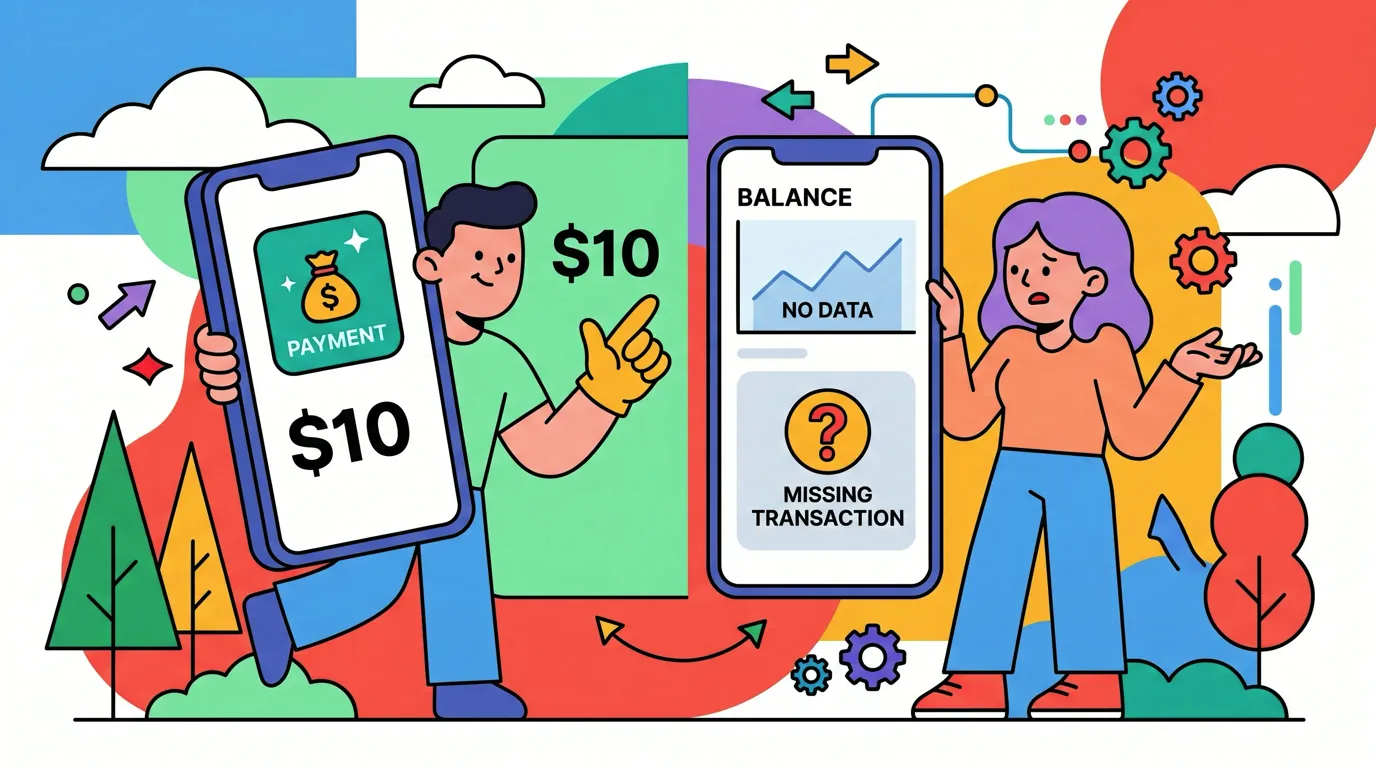
You pull up to a meter, see a sticker that says "Scan to pay," and do exactly that. The page looks like the city's parking site, so you enter your card. Days later there is a charge you don't recognize, and the city still has you down as unpaid.
QR code scams work because a QR code hides the address it leads to, and most people scan without looking. The FTC issued a fresh warning about fake parking codes on September 3, 2026. This guide explains how these scams work, where fake codes show up, how to check a code in a few seconds, and what to do if you already paid. Watching your spending closely helps too; our guide to tracking daily spending shows a light way to do it.
How QR code scams work
A QR code is just a link in visual form. That is useful, and it is also the problem: you can't read where it goes by looking at it, so a scammer only has to swap one square for another.
The most common version is a sticker. Scammers print codes that look official and stick them over the real code on a parking meter, a pay station or a payment sign.
Scanning the fake one opens a page built to look like the real payment site. Sometimes the address is one letter off from the genuine one, which is easy to miss on a small phone screen. Whatever you type in, your card number, your bank login or your personal details, goes to the scammer.
The FTC describes exactly this pattern in its alert: scammers covering legitimate parking codes with their own, sending people to fake sites "designed to steal your money or personal information." It is not just theory. The City of Raleigh warned drivers about "Scan here to pay for parking" stickers on its downtown meters at the start of 2026, as WRAL reported, and prosecutors in New York charged a man over fake codes on Manhattan parking meters, according to Gothamist.
Where fake QR codes show up
Parking is the headline, but the same trick works anywhere people expect to scan and pay.
Parking meters and pay stations. The classic target: people are in a hurry, the meter is public, and paying by phone is normal.
Payment signs at small businesses. A tip jar, a market booth or a food truck with a Venmo or Cash App code is easy to tamper with. The customer pays the scammer, and the seller never sees the money. If you take payments this way, our guide to accepting payments with a QR code covers how to protect your sign.
Unexpected packages and flyers. The FTC has warned about packages you didn't order that carry a QR code, usually promising to tell you who sent the gift.
Emails, texts and letters. A code in a message about a missed delivery, an unpaid toll or a locked account is phishing in a new costume. Email filters are built to check written links, and a code inside an image can slip past them, which is one reason scammers like codes.
Restaurant tables and menus. Most table codes are genuine, but a code that asks for payment details before you have even ordered deserves a second look.
How to spot a fake QR code before you pay
Checking a code takes a few seconds, and it is worth doing every time money is involved.
- Look at the sticker itself. A code stuck on top of another code, peeling at the edges, or slightly crooked compared with the rest of the sign is a red flag. Run a finger over it if you're unsure.
- Read the link preview. Most phone cameras show the address before opening it. The FTC's advice is to inspect it for misspellings and swapped letters, and to make sure it matches the organization you expect.
- Prefer the official app or the meter itself. If a city or business has its own app, or the machine takes cards directly, use that instead of the code. Type the website address yourself if you know it.
- Notice what the page asks for. Paying for parking should need a card and maybe a plate number. A page that asks for your bank login, your Social Security number or a one-time code is not a payment page.
- Be wary of urgency. Messages that pressure you to scan now, to avoid a fine or a locked account, are a classic scam tactic.
When you pay a person through Venmo, Cash App or PayPal, the check is different: confirm the name and photo the app shows match the business or person in front of you before you send. Payments to friends and strangers are hard to reverse once they go through.
What to do if you paid through a fake QR code
Act quickly. How fast you report a problem can decide how much you get back.
- Call your card issuer or bank. Report the charge as fraud and ask for a new card number. Under federal rules summarized by the FTC, your liability for unauthorized credit card charges is capped at $50, and many issuers charge nothing. Debit cards depend on timing: $50 if you report within two business days of noticing, up to $500 within 60 days, and potentially everything after that, according to the FTC's guide to lost or stolen cards.
- Change any passwords you entered. If the fake page asked for a login, change that password right away, and anywhere else you reuse it. Turn on multi-factor authentication.
- Watch your statements. Scammers sometimes test a card with a small charge before a large one. Check every account the page may have touched for the next few weeks.
- Report it. File a report at ReportFraud.ftc.gov, and tell the city or business whose sign was tampered with so they can remove the sticker before it catches someone else.
- Pay the real bill. If it was a parking meter, the city likely never received your payment. Pay through the official channel so you don't also end up with a ticket.
If you paid through a payment app rather than a card, contact the app's support right away. Recovering a payment sent to a scammer is much harder than disputing a card charge, which is one more reason to check the recipient's name first.
Catch fraudulent charges early
The FTC's advice after a suspicious scan comes down to one habit: watch your accounts for charges you don't recognize. The sooner you notice, the more protection you keep, especially on a debit card where the two-day window matters.
That is far easier when every card payment lands somewhere you actually look. If your purchases are logged as you make them, a charge you didn't make stands out the same day instead of weeks later on a statement.
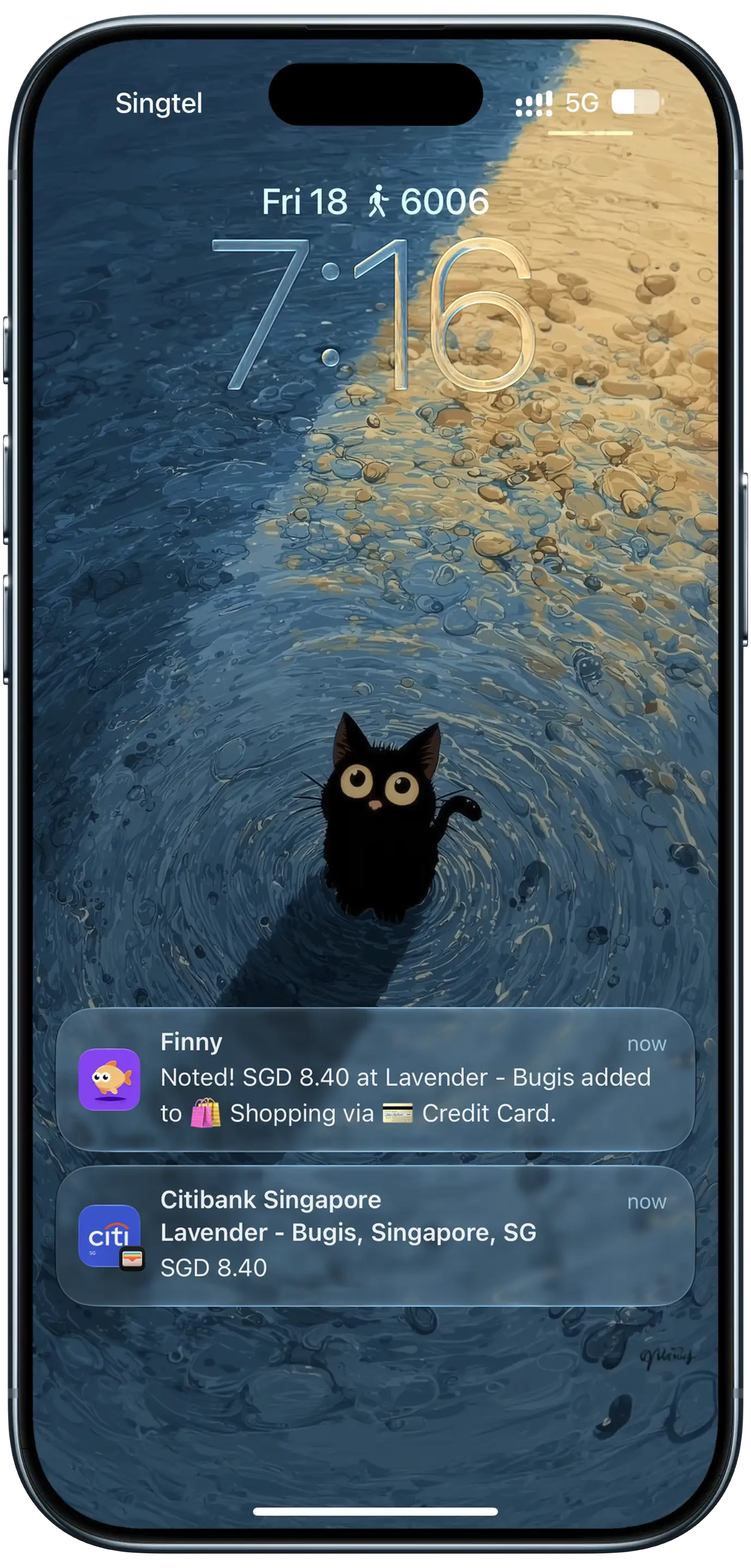
Finny app's Tap to Track feature
A daily view helps too. When each day shows its total, an unusual amount or a charge on a day you didn't spend is easy to spot.
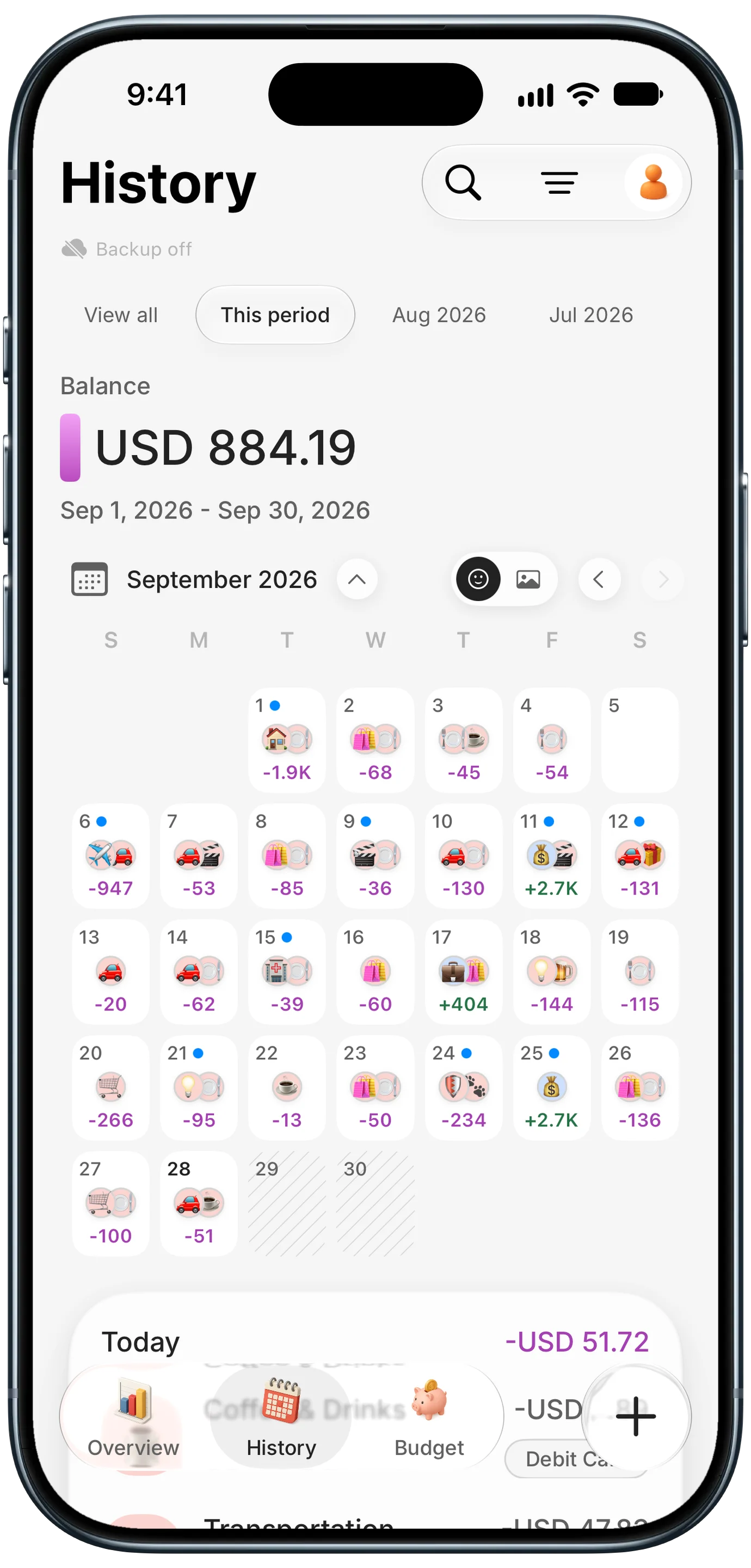
Finny app's History calendar feature
This short video shows how Finny's Tap to Track logs card payments as you make them, without connecting your bank:
For businesses: protect your own QR codes
If you put QR codes in front of customers, you are a target too. A swapped code doesn't just cost a sale; it sends your customers to a scammer under your name.
Make tampering obvious. Print codes directly onto signs or behind clear plastic instead of using loose stickers, so an add-on sticker stands out. Check them at opening and closing.
Print your name or domain next to the code. Customers can then compare it with the link preview or the payee name in their app. A code that previews a different address should look wrong to them.
Use static codes that hold your own link. A code that points to your own website, or straight to your payment profile, can't be redirected by anyone else. Codes from QR services hold the provider's short link instead, and they can also stop working when a subscription lapses. You can make static codes with our free QR code generator.
Tell customers what to expect. A line like "We only take payments to @YourBusiness" gives people a simple way to catch a fake.
Common Questions About QR Code Scams
What is a QR code scam?
A QR code scam uses a fake or tampered code to send you to a site that steals your money or information. The most common version is a sticker placed over a real code on a parking meter or payment sign, leading to a convincing copy of the real payment page. Codes in unexpected packages, emails and texts are used the same way, as a disguised phishing link.
Can scanning a QR code hack your phone?
Scanning a code mostly just opens a link, so the main danger is what you do on the page that opens: entering card details, logging in, or downloading something. A malicious page can occasionally exploit an outdated phone, which is why the FTC recommends keeping your operating system and apps updated. Check the link preview before opening, and never install an app from a QR code.
How can you tell if a QR code is safe?
Look for a sticker placed over another code, then read the link preview your camera shows before opening it. The address should match the business or city you expect, with no misspellings or extra words. A safe payment page asks only for what the payment needs. When in doubt, use the official app or type the website address yourself.
What should I do if I scanned a fake parking QR code?
If you entered card details, call your card issuer right away to report fraud and get a new card. Change any password you typed into the page, watch your statements for a few weeks, and report the scam at ReportFraud.ftc.gov. Then pay for parking through the official app or meter, since the city likely never received your money.
Will my bank refund money lost to a QR code scam?
Usually, if you paid by credit card and report it quickly, since federal rules cap your liability at $50 and many issuers charge nothing. Debit cards are protected too, but your liability grows the longer you wait to report. Money sent through payment apps to a scammer is much harder to recover, so contact the app immediately and report it to the FTC.
Spot a charge you didn't make the day it happens. Finny logs card payments as you make them and shows your spending day by day, with no bank connection. Free to start, Pro at a low monthly price.