How to Track Klarna, Afterpay, and Affirm Payments
Buy now, pay later makes a $240 purchase feel like $60. That is the whole appeal, and also the whole problem. One plan is easy to keep in your head. Three plans across Klarna, Afterpay, and Affirm, each with its own app, its own due dates, and its own autopay card, is not. Payments start overlapping, a card gets declined, and a late fee lands on a pair of shoes you have already forgotten about.
This guide shows how to track Klarna, Afterpay, and Affirm payments in your budget. You will learn how to record a BNPL purchase so your budget reflects the real cost, how to schedule each installment so nothing surprises you, and how to see all your plans in one place, without linking your bank. If online shopping is where most of your BNPL use happens, our guide to tracking online shopping spending covers the rest of the picture.
Why BNPL is so hard to track
Buy now, pay later breaks the usual link between buying something and paying for it:
- The purchase and the payments happen at different times. You buy once and pay four or more times over six weeks or longer.
- Each provider has its own app. Klarna, Afterpay, Affirm, PayPal Pay in 4, and Zip all keep schedules in separate places.
- Payments come from different cards. Autopay often pulls from a debit card, which can overdraw a checking account on a tight week.
- Your bank statement shows fragments. "AFTERPAY" and "KLARNA" lines say nothing about what you bought.
- Most plans do not show up on credit reports. Affirm now reports its pay-over-time loans to Experian and TransUnion, but Klarna and Afterpay have so far kept most US pay-in-4 plans off credit reports. That means no outside record is keeping count for you.
The result is often called "phantom debt": money you owe that does not feel like debt, because no single place shows the total.
Step 1: Log the full purchase when you buy
The most important decision is how to record a BNPL purchase. Log the full price, in the month you buy it, in the category it belongs to.
If you buy a $240 jacket with Afterpay, record a $240 clothing expense today, not $60 a month. Here is why:
- That is when you made the decision. Your budget should show what you chose to spend, not how the bill was split.
- It keeps categories honest. Logging $60 a month makes your clothing spending look a quarter of what it is.
- It stops stacking. When the full $240 shows up against this month's budget, a second BNPL purchase is much harder to justify.
Some people prefer to log each installment as it is paid, which matches their bank account more closely. That works if you also track the remaining balance somewhere. What does not work is logging only installments and never seeing the total.
Step 2: Schedule every installment
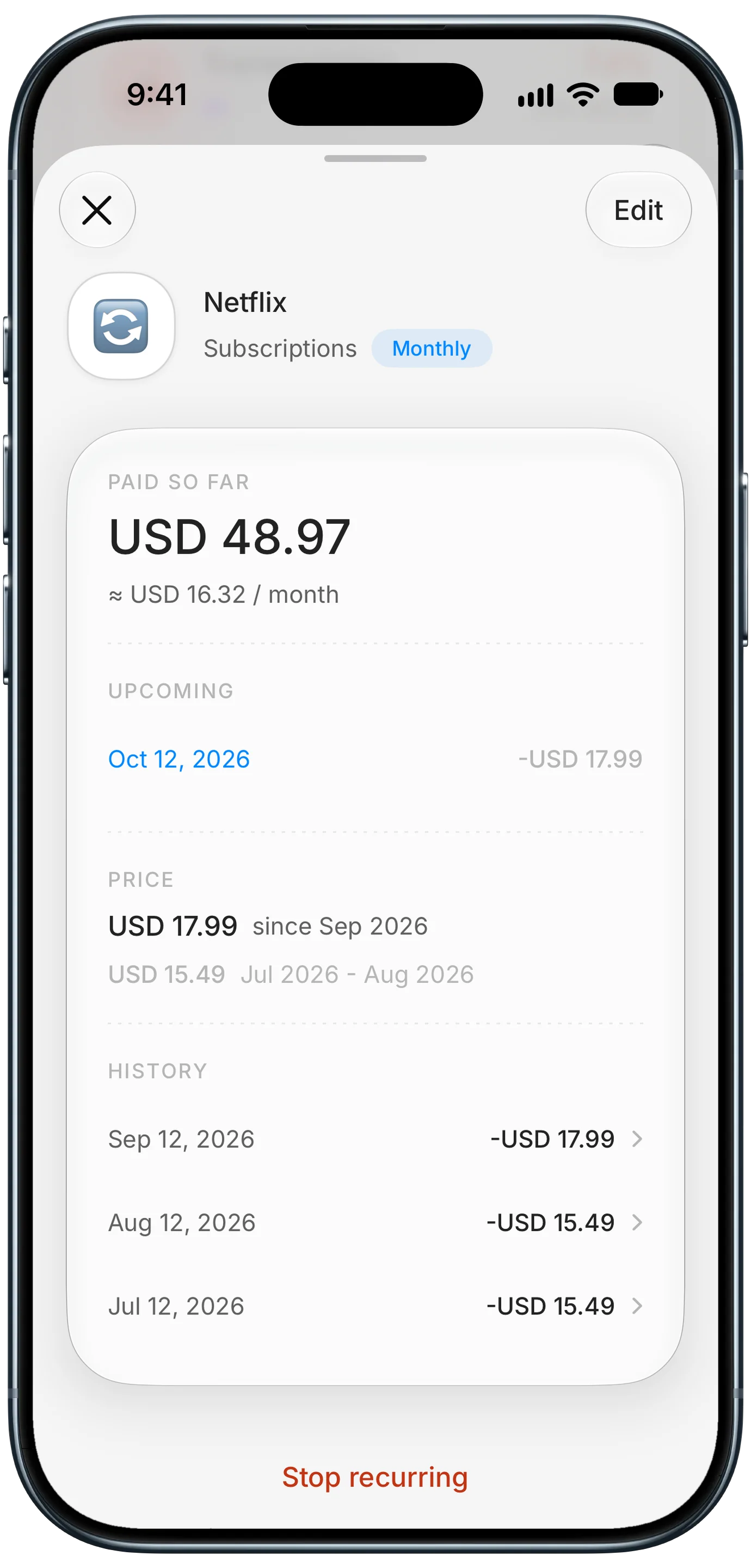
Finny app's subscription price history feature
Once the purchase is logged, the installments are bills. Treat them exactly like rent or a phone bill: known amounts on known dates.
- Open the provider's app and note each remaining payment date and amount.
- Add each one as an upcoming payment in your tracker or calendar, with a reminder two days before.
- Note which card pays it. If it is a debit card, check that the account will have enough on that date.
- Mark each one paid as it clears, so you always know what is left.
A recurring expense with reminders is the cleanest way to do this, since it shows what is coming before it hits. Our guide on how to never miss a bill payment covers reminder setups in more detail.
A quick reference for the major providers (US, typical terms):
| Provider | Common plan | Typical schedule | On credit reports? |
|---|---|---|---|
| Afterpay | Pay in 4 | Every 2 weeks | Generally no |
| Klarna | Pay in 4, Pay in 30, financing | Every 2 weeks, or 30 days | Pay in 4 generally no |
| Affirm | Pay in 4, monthly loans | Every 2 weeks, or monthly | Yes, to Experian and TransUnion |
| PayPal Pay in 4 | Pay in 4 | Every 2 weeks | Varies |
Terms and reporting rules change, so check your own plan in each app.
Step 3: Capture payments from the provider's app
The details of every plan live inside each provider's app: what you bought, the remaining balance, and the next due date. Retyping all of it is tedious, so log it from the screen instead.
Finny does this with Screen Log. Open the purchase in Klarna, Afterpay, or Affirm, or the order confirmation at checkout, and Finny reads the payment that is showing and logs it in one press. If several payments are listed on screen, they are staged for you to review rather than guessed, and nothing is imported until you confirm. The capture is kept with the entry as its photo, so the plan details travel with the expense, and nothing is connected to your bank or BNPL accounts.
Here is Screen Log logging a payment from the screen:
With purchases and installments in one place, your budget shows the true picture: what you committed to, and how much of next month is already spoken for.
Rules that keep BNPL under control
Tracking makes BNPL visible. A few rules keep it from becoming a problem:
- One plan at a time. Stacking plans is how payments start to collide. Finish one before starting another.
- Use it only for things you could pay for today. BNPL should smooth cash flow, not stretch it.
- Avoid BNPL for consumables. Paying for groceries or takeout in installments means still paying for food you ate weeks ago.
- Pay from a credit card, not debit, when allowed and when you pay the card in full. A failed debit payment can trigger both a late fee and an overdraft.
- Count interest-bearing plans as debt. Monthly Affirm or Klarna financing with an APR is a loan. Track the balance like any other debt.
- Check before checkout. Look at what is already scheduled for the next six weeks before you split another purchase.
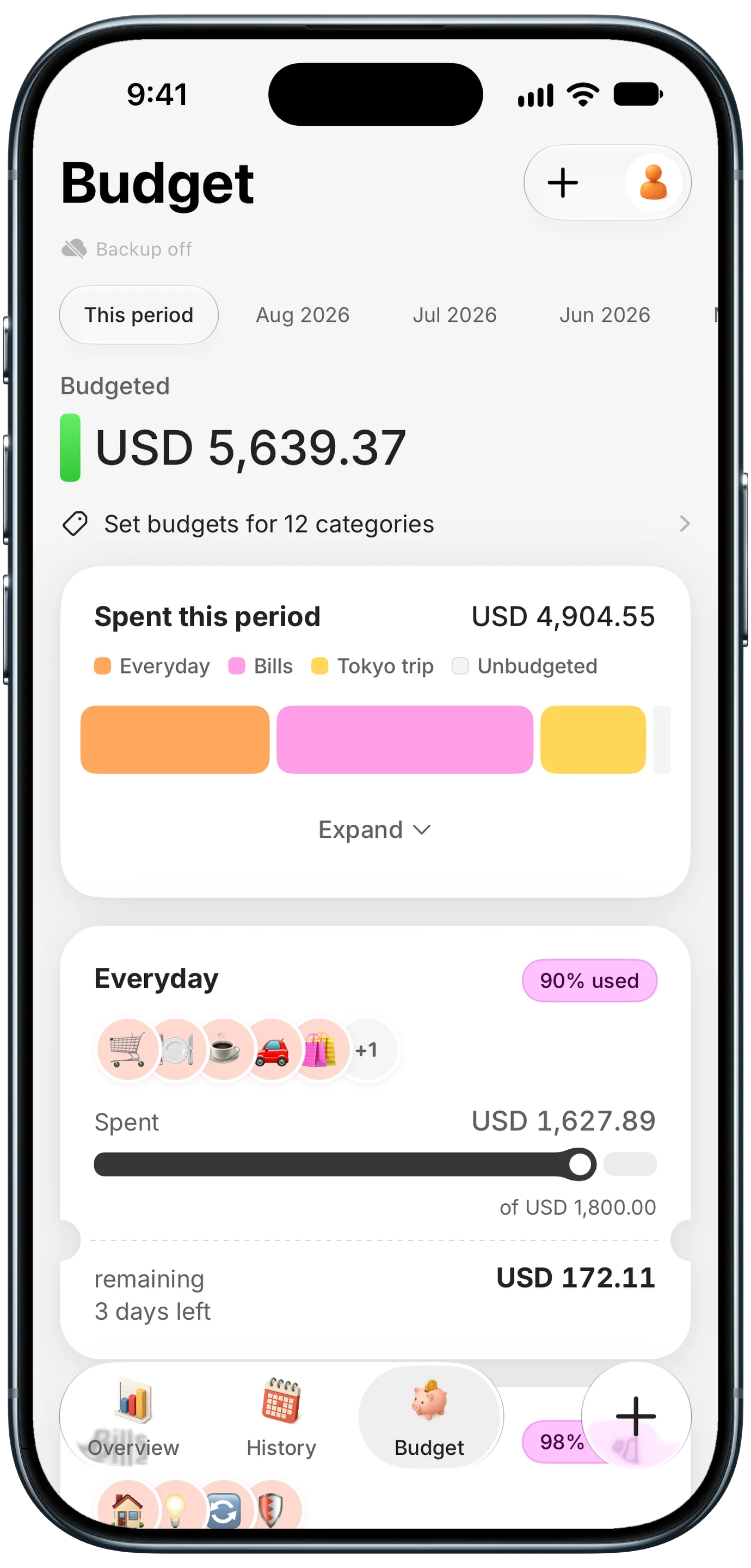
Finny app's Budgets feature
Apple Pay now offers more pay-later options right at checkout, which makes stacking even easier. Our guide to Apple Pay pay later in iOS 27 explains what changed.
Frequently Asked Questions
How do I keep track of all my buy now, pay later payments?
Log each BNPL purchase at its full price when you buy it, then add every remaining installment as an upcoming payment with a reminder. Review each provider's app weekly and mark installments paid as they clear. Keeping everything in one tracker shows your total BNPL balance, which no single provider app does.
Should I budget the full BNPL purchase or just the installments?
Budget the full purchase in the month you buy it, in its real category. That reflects the decision you made and stops you from stacking plans. Then track installments as scheduled bills so your cash flow stays accurate.
Do Klarna and Afterpay affect my credit score?
Most Klarna and Afterpay pay-in-4 plans are not reported to the major US credit bureaus, so on-time payments generally do not help your score. Affirm reports its pay-over-time loans to Experian and TransUnion. Missed payments can still lead to late fees and collections with any provider.
What happens if I miss a BNPL payment?
Most providers charge a late fee and may pause your account so you cannot start new plans. Repeated missed payments can be sent to collections, which can hurt your credit. Setting reminders a few days before each due date is the easiest way to avoid this.
The bottom line
To track Klarna, Afterpay, and Affirm payments, record each purchase at its full price when you buy, schedule every installment as a bill with a reminder, and keep all your plans in one place instead of three apps. Log from the provider's screen to skip retyping, stick to one plan at a time, and buy now, pay later goes back to being a cash flow tool instead of hidden debt.