
How to Track Reimbursable Work Expenses on a Personal Card
Your company asks you to pay for the client lunch, the conference hotel, or the rideshare to the airport, and expense it later. "Later" is the problem. Receipts get lost in a jacket pocket, the expense report waits until month end, and a $46 cab ride quietly never gets claimed. Meanwhile, your personal budget looks like you overspent, because work money and your money are mixed on the same card.
This guide shows how to track reimbursable work expenses on a personal card so every dollar comes back. You will learn the IRS timing rules most employer policies are built on, how to capture each expense and receipt in seconds, how to keep work spending out of your personal budget, and how to confirm that each reimbursement actually arrived. If you are self-employed and track business costs for taxes, see our guide to tracking business expenses and income on iPhone.
Why reimbursable expenses get lost
Out-of-pocket work spending fails in predictable ways:
- Receipts disappear. Thermal paper fades, digital receipts sink in email, and a lost receipt can mean a rejected claim.
- Reports get delayed. Most people batch expense reports monthly or after a trip, by which point details are fuzzy.
- Small items are skipped. Parking, tolls, a coffee with a client. Each feels too small to claim, but they add up to real money over a year.
- Reimbursements are not checked. Once the report is submitted, few people verify that the deposit matches what they claimed.
- Personal budgets get distorted. A $900 travel week on your personal card looks like overspending unless it is labeled as reimbursable.
The fix is not a better expense report at the end of the month. It is capturing each expense properly the moment it happens, so the report almost writes itself.
Know the rules your employer follows
Most US employers reimburse through what the IRS calls an accountable plan. Under that kind of plan, reimbursements are not taxable income to you, but only if three conditions are met: the expense has a business purpose, you substantiate it within a reasonable time, and you return any excess advance.
The IRS treats these as safe-harbor timelines:
| Requirement | Safe-harbor timeline |
|---|---|
| Substantiate the expense (receipt plus details) | Within 60 days of paying it |
| Return any excess advance | Within 120 days |
| Advance given for an expected expense | Within 30 days of when you expect to pay it |
If you miss the window, your employer may still pay you, but the reimbursement can be treated as taxable wages. Many companies set shorter deadlines of their own, often 30 days, so check your expense policy.
What substantiation usually means: the amount, the date, the place, and the business purpose. "Lunch with Jordan from Acme, Q4 renewal" is a business purpose. "Lunch" is not. Many policies require an itemized receipt above a set amount, commonly $25 or $75.
Capture each expense the moment it happens
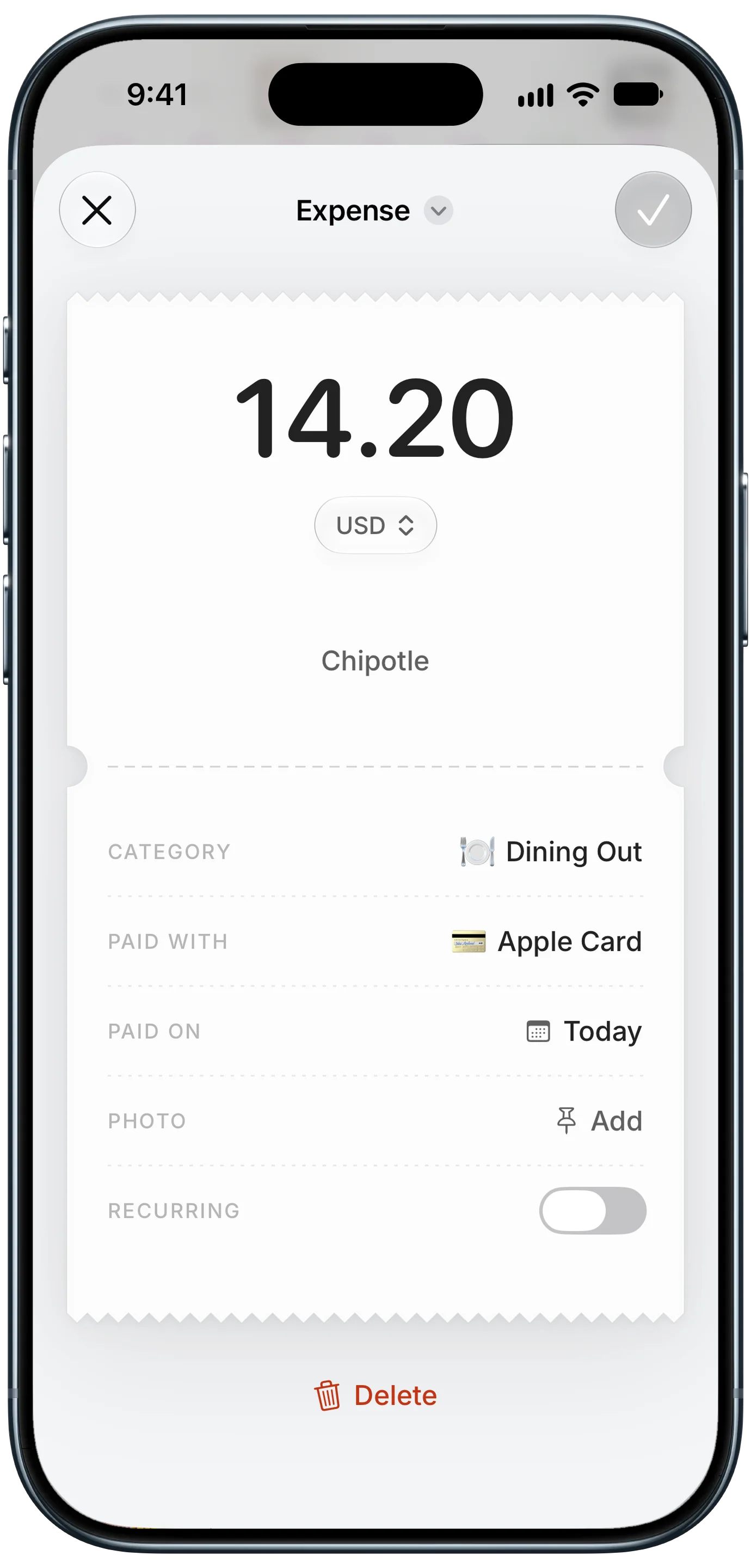
Finny app's expense entry feature
The single best habit is to record the expense and the proof together, right away. That means four things in one entry: amount, date, receipt, and purpose.
Finny makes this fast without connecting any accounts. Snap a paper receipt and AI reads the store, total, and date into an entry, with the photo attached. For rideshares, hotel folios, and online bookings, Screen Log captures the payment showing on your screen in one press and keeps the capture as the entry's photo, so the e-receipt is already attached. Add the business purpose as a note, and put the expense in a Reimbursable category so it is easy to filter later. Expenses in other currencies are logged in the currency you paid and converted to your home currency, which is useful on international trips.
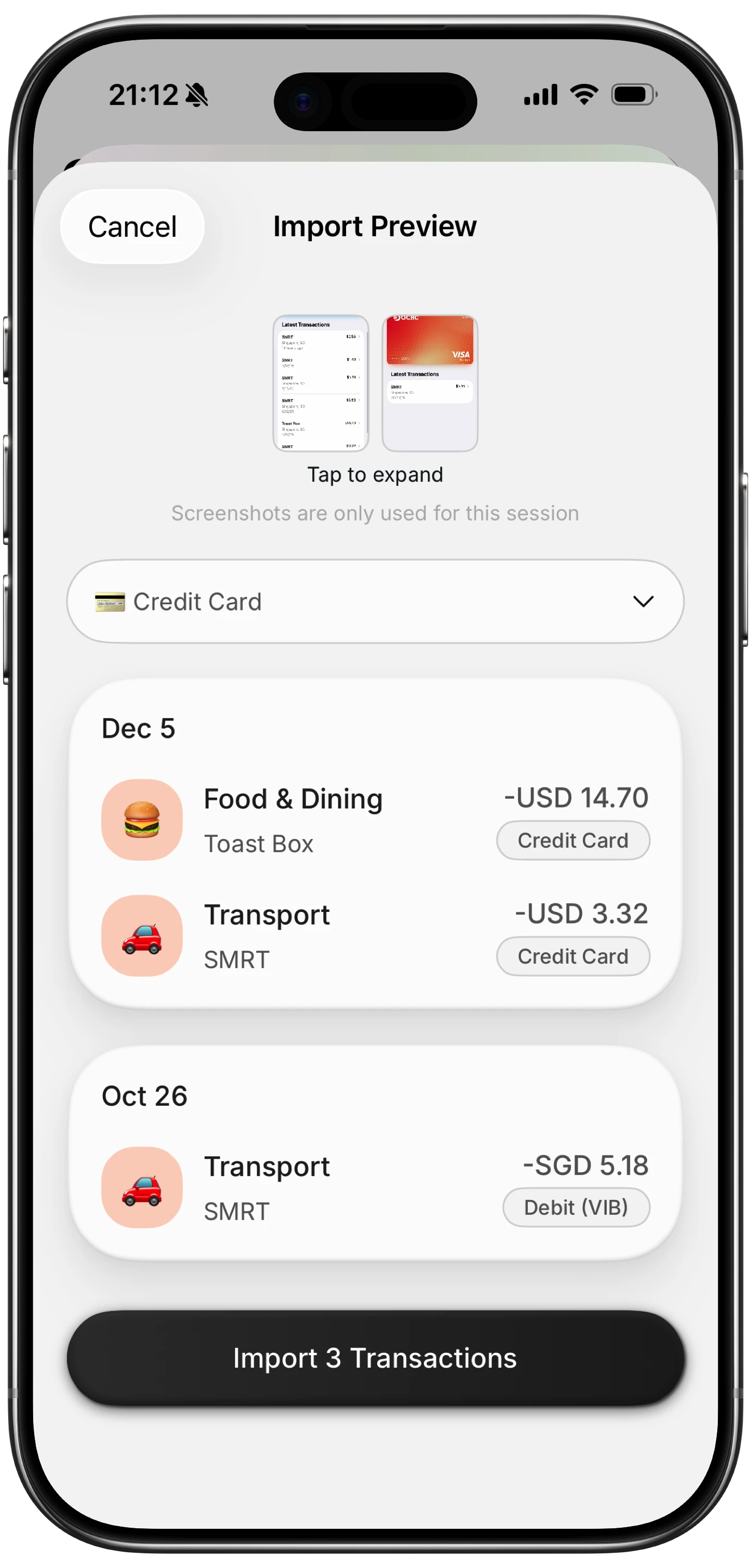
Finny app's screenshot import feature
Here is Screen Log capturing a payment from the screen:
Keep work spending out of your personal budget
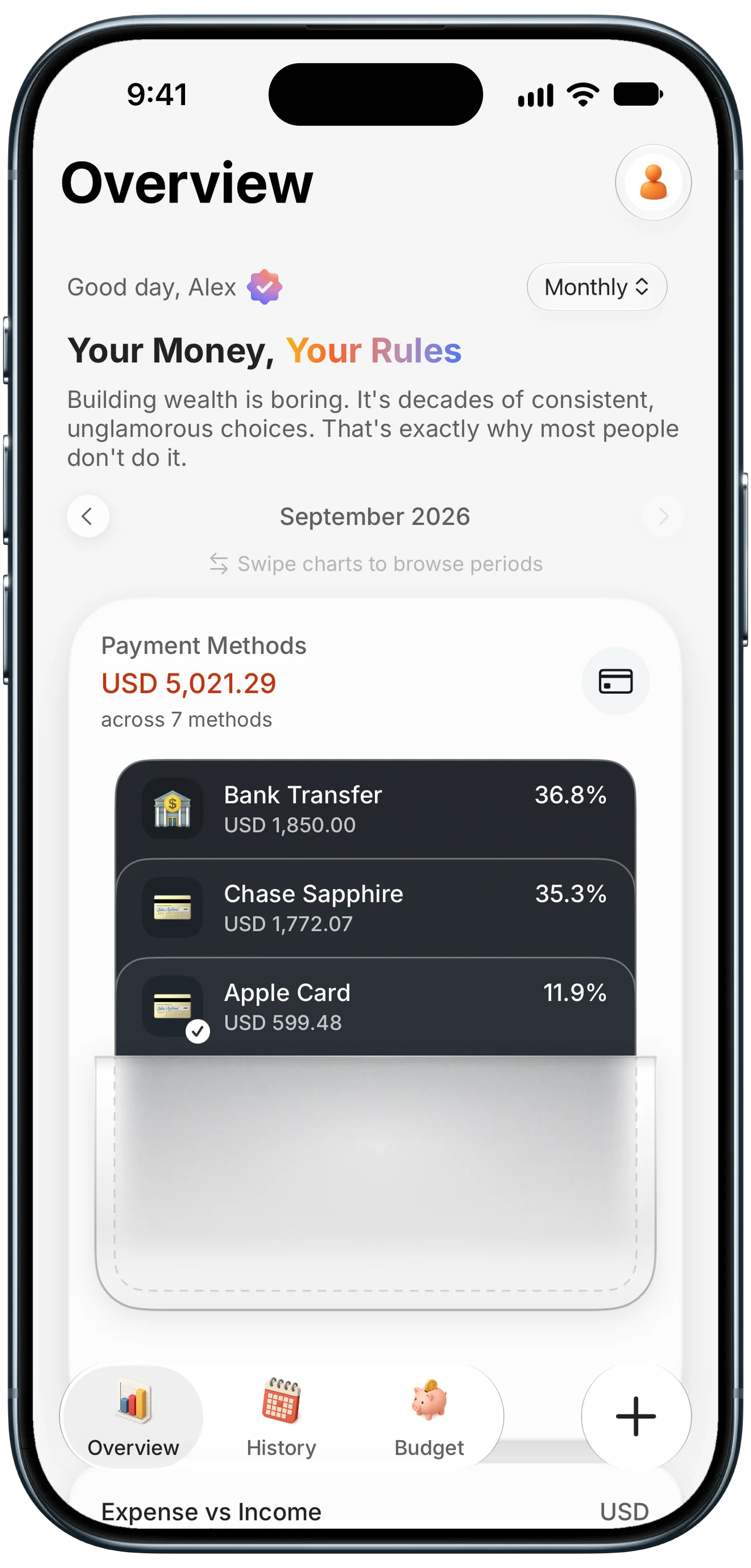
Finny app's Payment Methods feature
Reimbursable spending is not really your spending, but it is on your card. If you do not separate it, your monthly totals become useless during busy work periods.
Three ways to keep things clean, from simplest to most thorough:
- A dedicated category. Put every work expense under "Reimbursable." Your personal categories stay accurate, and you can exclude the reimbursable category when you review your budget.
- A dedicated card. If you travel often, use one personal card only for work expenses. Then the whole card is reimbursable, and the statement is your report checklist. Our guide to seeing your spending by credit card shows how to track each card separately.
- Log the reimbursement as income to the category. When the deposit arrives, record it against the reimbursable category so the net goes back to zero. Do not count it as salary.
A credit card, paid in full each month, is usually the better choice for work expenses than debit. It gives you dispute protection, keeps your checking account untouched while you wait to be paid back, and may earn rewards on spending you get back anyway.
Submit, then confirm you were paid
The last step is the one most people skip: checking that the money came back.
- Submit on a schedule, weekly or right after each trip, not when you remember. Earlier submission means earlier repayment and no 60-day risk.
- Export the reimbursable category for the period, with receipts attached, and use it to fill in your company's expense tool.
- Mark each item as submitted with a note or tag, so you never claim something twice or skip it.
- Match the deposit to what you submitted when it arrives. Partial reimbursements happen, often because a receipt was missing or a policy limit applied.
- Follow up within a week on anything rejected or missing, while the details are still fresh.
If you drive for work, mileage is a separate kind of reimbursement with its own rate and logging rules. Our guide to tracking mileage and fuel expenses for work covers it.
Frequently Asked Questions
How do I keep track of work expenses I need to be reimbursed for?
Log each expense the moment you pay, with the amount, date, receipt photo, and business purpose, in a separate "Reimbursable" category. Submit on a regular schedule, mark items as submitted, and match each reimbursement deposit to what you claimed. Keeping receipts attached to each entry makes the expense report quick.
How long do I have to submit expenses for reimbursement?
Under the IRS accountable plan safe harbor, you should substantiate expenses within 60 days of paying them and return any excess advance within 120 days. Many employers set shorter deadlines, often 30 days, so check your company's expense policy and submit sooner rather than later.
Are reimbursed work expenses taxable?
Not when your employer uses an accountable plan and you substantiate expenses on time with receipts and a business purpose. If those rules are not met, reimbursements can be treated as taxable wages. Your employer's payroll team can confirm how your plan is set up.
Should I use a personal credit card for work expenses?
If your employer does not issue a corporate card, a personal credit card paid in full is usually better than debit. It offers dispute protection, keeps your checking balance intact while you wait for repayment, and may earn rewards. Using one card only for work expenses makes tracking even simpler.
The bottom line
To track reimbursable work expenses on a personal card, capture each one the moment you pay, with the receipt and business purpose attached. Keep work spending in its own category or on its own card, submit on a schedule well inside the 60-day window, and check that every reimbursement actually arrives. Do that, and fronting money for work stops being a slow leak in your personal budget.