
Are Voice Expense Trackers Accurate? A 2026 Test
Every voice expense app demos the same way: a clear voice in a quiet room says "twelve dollars on coffee," and a perfect entry appears. That tells you nothing, because it tests the easiest possible case.
The real question about whether voice expense trackers are accurate is what happens with an unusual merchant name, in a noisy shop, with an amount that sounds like another amount. Accuracy here is not one number, it is five distinct failure types with very different consequences. This covers what they are, which ones actually cost you money, and a ten minute test you can run on any app before trusting it.
For the categorization side of the same problem, see our test of AI expense categorization accuracy.
Why One Accuracy Number Is Meaningless
A vendor claiming "98% accurate" is combining several things that fail independently: transcribing the speech, extracting the amount, identifying the merchant, choosing the category, and picking the date.
Those errors are not equally bad. A wrong category is annoying and fixable in seconds. A wrong amount corrupts your totals silently and may never be noticed. Averaging them into one figure hides the distinction that matters.
The Five Error Types
1. Amount errors. The expensive one. English number words collide constantly: fifteen and fifty, sixteen and sixty, and so on through the teens. "Forty two fifty" can be read as $42.50 or $4,250 depending on how the parser handles it. These errors do not look wrong in a list, which is what makes them costly.
2. Merchant fragmentation. Local businesses, non-English names, and anything unusual get transcribed inconsistently across attempts. One shop becomes three merchants in your data, which quietly ruins any per-merchant analysis without ever producing an obviously wrong entry.
3. Category misassignment. The most frequent and least harmful. Ambiguous merchants that sell across categories are a coin flip. Easy to spot and fix in a review.
4. Date drift. Saying "yesterday" or "last Tuesday" is where parsers disagree most, especially across a month boundary. Usually minor, occasionally it moves a transaction into the wrong budget period.
5. Silent failure. The worst category, and not really an accuracy problem: the entry never saved. Connection dropped, the app was backgrounded, recognition timed out. You believe it is recorded and it is not, and you will not discover it because there is nothing there to review.
Why These Are Hard to Catch
Manual entry produces obvious errors. You typed the wrong number and it looks wrong.
AI parsing produces plausible errors. Every field is filled, the format is correct, the category is reasonable. A $50 entry that should be $15 sits in your list looking exactly like a real transaction. Nothing about it invites a second look.
That is why the confirmation step matters more than raw accuracy. An app that is 95% accurate and shows you the parse before saving is more reliable in practice than one that is 98% accurate and saves silently, because you catch errors while you still remember the purchase.
Our explainer on how a voice expense tracker works covers where that confirmation step sits in the flow.
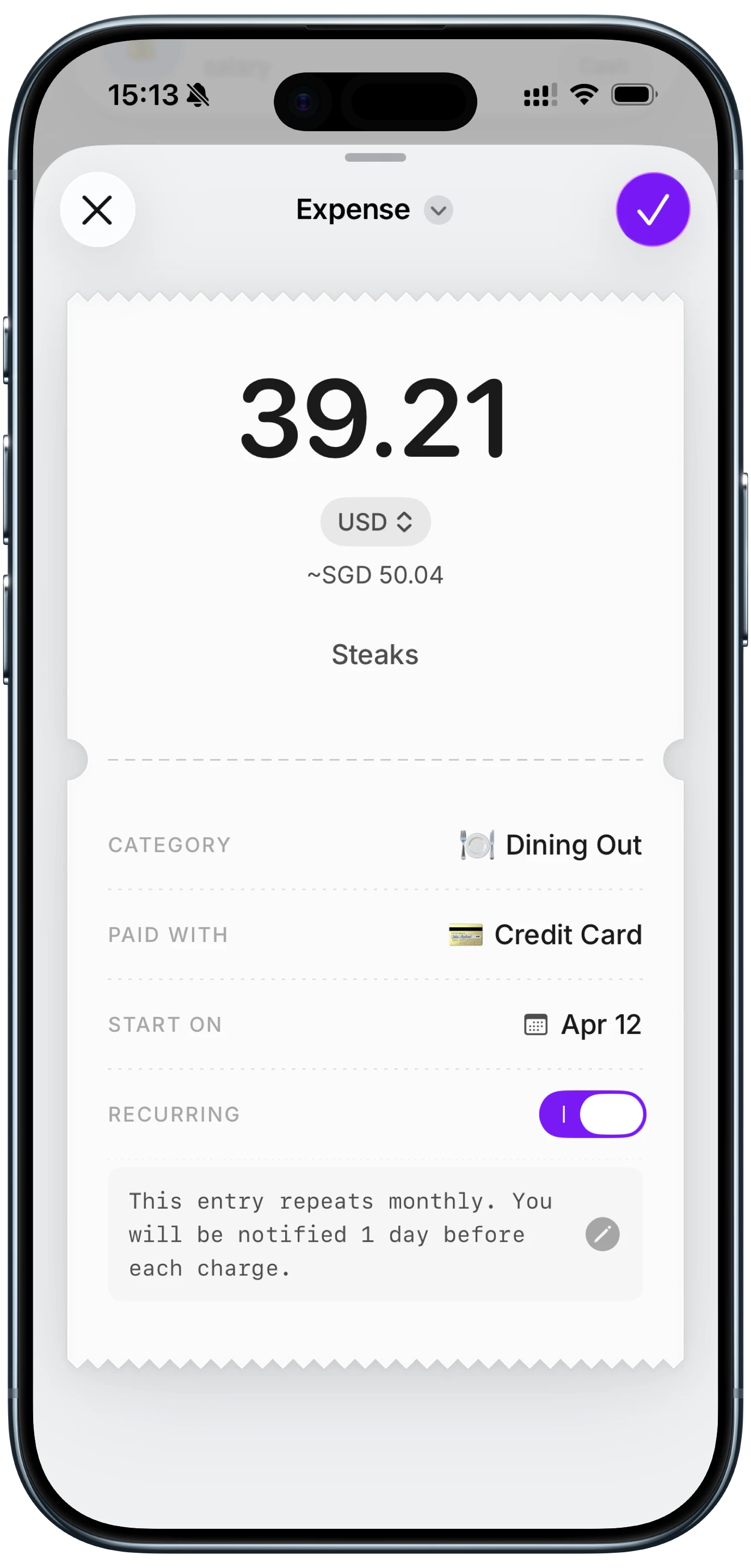
Finny app's expense entry feature
The Ten Minute Test
Run this on any app before you trust it with months of data. Environment and accent affect results enough that someone else's numbers will not predict yours.
Test 1: the number trap. Log five expenses using amounts that collide: $15, $50, $16, $60, $19. Speak naturally, do not over-enunciate. Check every amount.
Test 2: noise. Repeat three entries with background noise, ideally in an actual shop or cafe rather than with a recording.
Test 3: awkward merchants. Use the real names of three local businesses, especially any that are non-English or unusual. Log each twice and check whether you get one merchant or two.
Test 4: relative dates. Log "coffee three fifty yesterday" and confirm the date landed correctly.
Test 5: airplane mode. Turn off connectivity and try to log an expense. Note whether it saves, queues, or silently fails. This is the single most revealing test in the list.
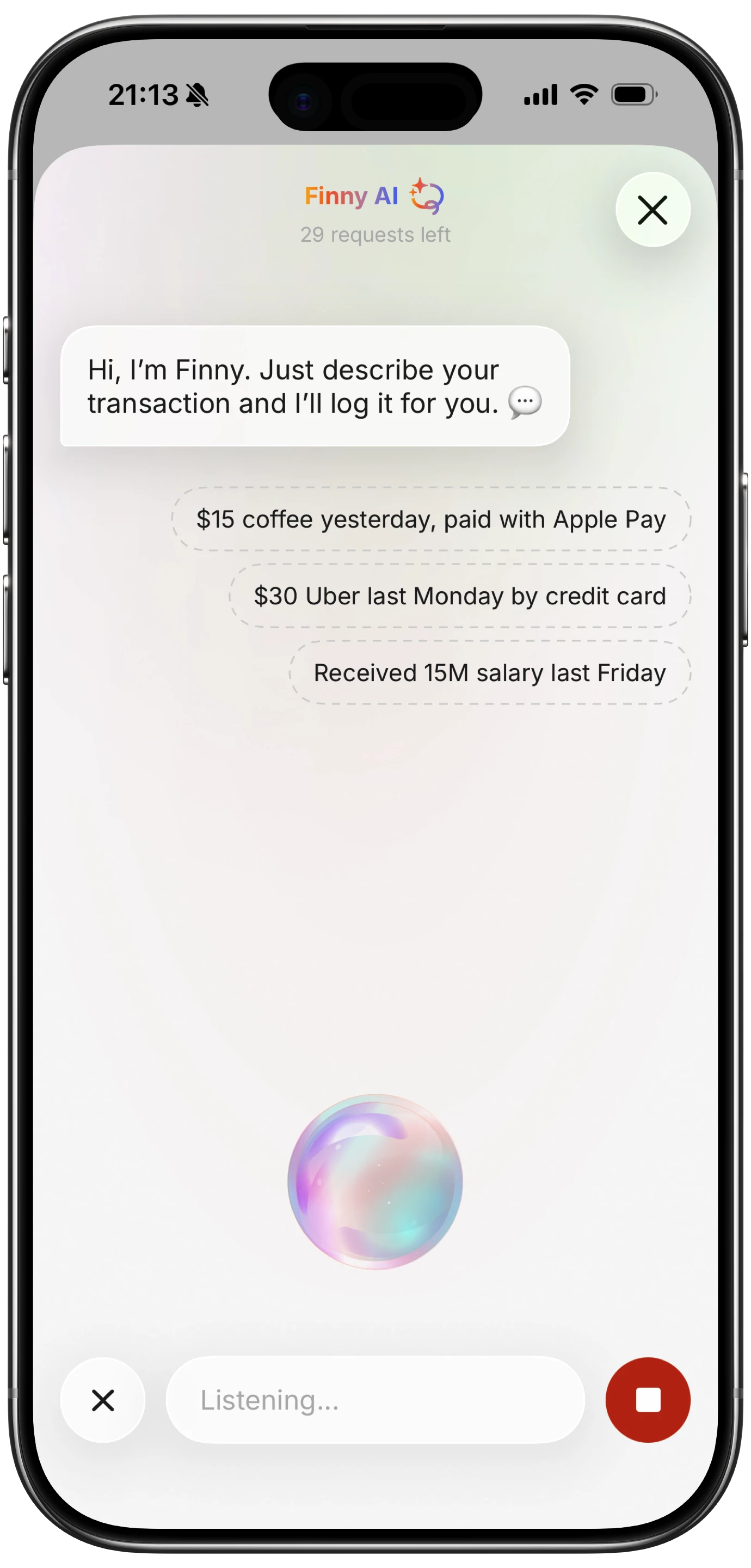
Finny app's voice input feature
Test 5 separates the category more than anything else. Most voice trackers process audio on a server and simply cannot record offline, which matters because cash spending concentrates in exactly those places: markets, basements, parking garages, abroad without data.
Finny records offline and shows the parsed result for confirmation before saving, which addresses both the silent failure case and the plausible error case. Card payments are also captured as they happen, so the most common transactions never go through speech recognition at all, and the error classes above do not apply to them.
Habits That Reduce Errors
Say the currency. "Twelve dollars" parses more reliably than "twelve," particularly if you ever spend abroad.
Say numbers in full. "Forty two dollars fifty cents" is unambiguous where "forty two fifty" is not.
Confirm large amounts. Small errors on small purchases barely matter. Check anything over about $50, since that is where a misparse actually moves your totals.
Review weekly, not monthly. A wrong entry is correctable while you remember the purchase and effectively permanent after a few weeks.
Use voice selectively. It is best when your hands are busy and worst in queues and noisy rooms. Our voice expense tracker comparison covers which apps offer alternative input methods for those moments.
The Bottom Line
Voice expense trackers are accurate enough to rely on, with one important qualification: choose an app that shows you the parse before it saves, and test its offline behavior before you trust it.
The failure that costs you real data is not a misheard word, it is an entry that never saved and that you therefore never review. Amount errors come second, because they corrupt totals while looking entirely normal. Category errors, which is what most people worry about, are the least important of the three.
Common Questions About Voice Tracking Accuracy
How accurate are voice expense trackers?
Accurate enough for daily use, though a single accuracy figure is misleading because five different things fail independently: transcription, amount extraction, merchant identification, category assignment, and date parsing. Amount errors matter most since they corrupt totals invisibly, while category errors are the most common and the easiest to fix. Results also vary with accent and environment, so testing on your own voice is more informative than any published number.
What causes voice expense tracking errors?
The most frequent causes are similar-sounding numbers such as fifteen and fifty, background noise in shops and cafes, and unusual or non-English merchant names that transcribe inconsistently and fragment one business into several entries. Ambiguous merchants that sell across categories also produce frequent category errors. The most consequential failure is not an error at all: an entry that never saved because connectivity dropped.
How do I check if my voice expense entries are correct?
Run a short test with amounts that collide, such as $15, $50, $16, $60, and $19, spoken naturally rather than over-enunciated. Repeat a few entries in a genuinely noisy place, log the real names of local businesses twice each to check for merchant fragmentation, and try logging with connectivity turned off. Then review weekly rather than monthly, since errors are correctable while the purchase is still fresh.
Is voice more accurate than typing an expense?
Typing is more accurate and slower. The useful comparison is not accuracy alone but accuracy multiplied by how often you actually record something, since a perfectly accurate method you skip produces worse data than a slightly lossy one you use consistently. Voice wins when hands are occupied and loses in queues and noisy rooms, which is why apps offering several input methods tend to produce more complete records than voice-only ones.
Ready to track expenses with less friction?
Download Finny to log expenses using AI, receipts, or text. No bank connections, offline support, and full control over your financial data.