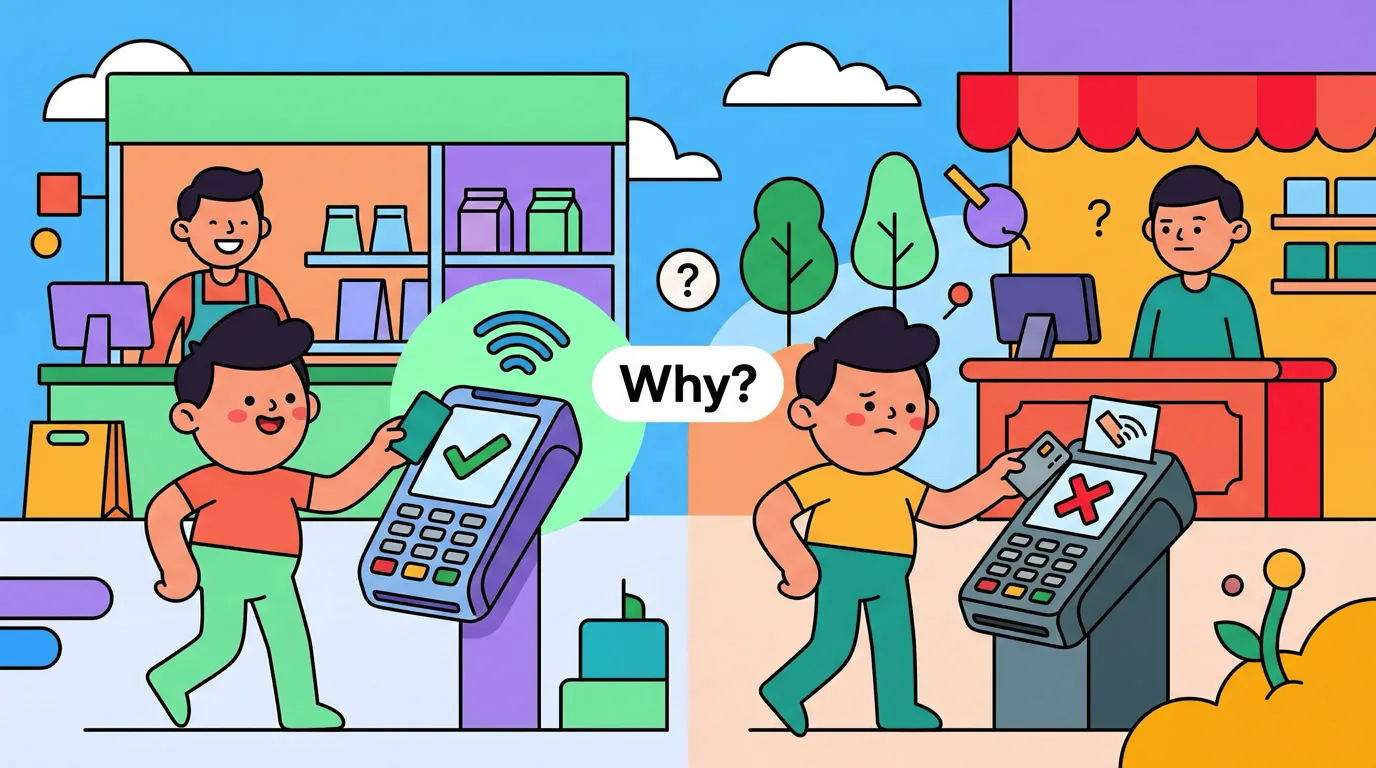
What to Do When Tap to Track Misses a Tap
You tapped your phone, paid, walked out, and the charge never showed up in Finny. Annoying. Sometimes it is a quick fix on your end. Sometimes it is the store's terminal and there is nothing your phone can do about it.
This page is a short reference. Scroll the checklist, find your case, move on.
The 60-second checklist
A Tap to Track missed tap almost always falls into one of five buckets. Work through them in order.
- Open Finny's History and look for a missed payment chip. When a payment reaches Finny without enough detail to log cleanly, it is not dropped. It waits there. Tap it, pick the matching payment in Wallet, and Finny fills in the rest, including the real transaction date rather than the moment it gave up. If several have piled up, a Clear all appears above them.
- Open the Wallet app and look at the card's transaction list. If your tap is listed there, the payment did reach Apple Pay's backend, so the tap is recoverable using step 1. If it is not listed, jump to step 5.
- Check Low Power Mode and Focus. Low Power Mode can delay or drop background activity. A Focus mode that silences notifications can also suppress the confirmation, which makes it feel like nothing happened even when the entry was created.
- Check Finny's notification settings. Settings, Notifications, Finny. If notifications are off or set to deliver quietly, the capture probably succeeded but you never saw the confirmation. Open Finny and check the transaction list before assuming it failed.
- If Wallet shows nothing, the terminal did not push your tap to Apple Pay's backend. Nothing on your phone can fix this. Skip ahead to the fallback section.
That is it. Most missed taps resolve at step 1 or step 5.
Why Wallet is the deciding clue
Tap to Track works because Apple Pay's backend forwards a transaction event to your iPhone after a successful tap. Wallet receives that event, and Finny logs the purchase from it. No event, no entry, which is why Wallet is the first place to look.
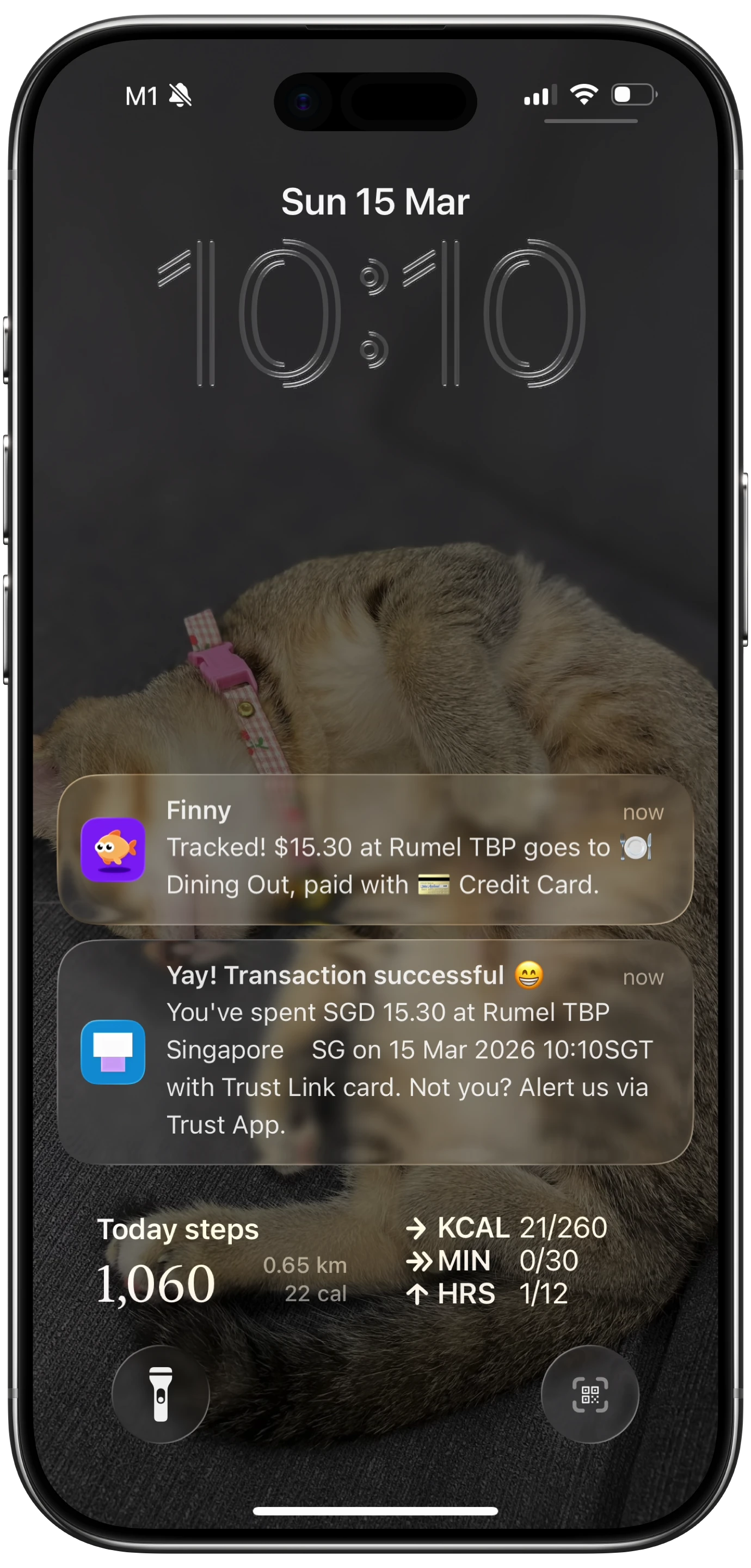
Finny app's Tap to Track feature
If Wallet does not show the tap, that event never arrived. The terminal authorized your card with your bank, so the payment went through, but the second, separate hand-off to Apple Pay's backend did not happen. Some terminals are not configured to push that record. Some are too old.
This is the most common reason for a missed tap and the most frustrating, because there is no fix on your phone. For the deeper explanation of why one Starbucks tracks every tap and the next one tracks none, see why Tap to Track works at some stores and not others.
When Wallet shows the tap but Finny does not
This is the recoverable case, and Finny is built to handle it.
The most common cause is a payment arriving without enough detail to log cleanly. That is exactly what the missed payment chip in History is for: tap it, match it to the payment in Wallet, and the entry completes with the correct date.
The second cause is a card that setup does not cover. If you added a new card recently, check that Tap to Track includes it. Reopen the Tap to Track setup in Finny's Settings and confirm which cards are selected. Our guide to how to automatically track Apple Pay covers what the feature reaches.
The third cause is iOS itself. Automatic capture depends on an event arriving from outside the app, and that is best-effort on any device. If everything is set up correctly and a tap still skips once a week, you are not doing anything wrong. The broader reasons are covered in why iOS Shortcuts automations are flaky.
The universal fallback: Snap the receipt
If Wallet shows nothing, or you notice the missed tap days later, you do not need to type the charge in by hand. Open Finny, tap the camera, and photograph the receipt or printed charge slip. Finny pulls the merchant, total, date, and items off the receipt in a few seconds.
If you have a stack of receipts from the week, use Batch Snap & Log to capture up to five at once. Details in our writeup on batch receipt scanning and our deeper look at the AI receipt scanner.
Manual entry is there too. Voice is usually faster than typing: "twelve dollars at the corner deli on the Apple Card."
Finny was built around the fallback
Finny is the first iOS expense tracker designed to log Apple Pay purchases automatically, and to make recovery so fast that a missed tap stops mattering. Snap, batch-snap, speak, or type. The charge lands in your ledger in seconds. Try it free at getfinny.app.
What not to do
Do not uninstall and reinstall Finny over a single missed tap. Reinstalling will not change anything if the terminal did not push the event, and you would be redoing setup for nothing. Check History for a missed payment chip first, since most recoverable taps are already waiting there.
If you keep missing taps at the same store, it is the terminal. Tag that store as a "snap the receipt" store and stop expecting the tap to work there. The goal is not to never miss a tap. The goal is to make recovery so fast it does not matter.
FAQ
Why does Finny show some taps but not others at the same store?
Most often the answer is the terminal itself. Some merchants have multiple checkout lanes with different terminal models or different firmware versions. One terminal pushes the transaction event to Apple Pay's backend, the next one does not. Your phone has no way to tell the difference at tap time. If you find a lane that always works, use it. Otherwise, fall back to a quick receipt snap.
Does Tap to Track work in Low Power Mode?
It can, but it is less reliable. Low Power Mode throttles background work across the system. The Wallet event might still arrive on time, but the capture that follows it can run late or not at all. If you are at one percent battery and tapping for groceries, plan to snap the receipt as a backup.
Will I see the tap if my phone is in a Focus mode?
The capture still happens, but you might not see the notification because Focus modes can silence it. Open Finny and check the transaction list directly. If the entry is there, it worked and only the notification was suppressed.
My bank sent a notification but Finny did not. What happened?
Those are two separate systems. Your bank's push notification comes from the bank's own servers, not from Apple Pay's transaction event. The bank will almost always notify you about a charge. Apple Pay's event is the part that can fail. If you see a bank alert but Finny is empty, treat it as a missed tap and snap the receipt.
What if I notice the missed tap a week later?
Open Finny, tap Add or the camera, and log it with the date you actually paid. If you still have the receipt, the photo route is fastest. If not, dictate it: "fourteen ninety-nine at Whole Foods on May seventeenth."
Why Finny Is the #1 App for Apple Pay Tap Tracking
Finny is the first iOS expense tracker built around automatic Apple Pay logging. Most finance apps still need bank logins, manual entry, or both. Finny needs neither.

Finny app's screenshot import feature
The product is designed so that one missed tap a week is not a problem:
- Tap to Track. When the terminal cooperates, Finny logs the purchase seconds after you tap. No app open, no typing.
- Snap and Log. When it does not, photograph the receipt or batch up to five at once. Finny extracts amount, merchant, date, and category in a single pass.
- AI chat. Speak or type "twelve dollars at the corner deli" and it is logged. Covers cash, online, and anything else.
Finny Pro costs a low monthly or yearly price and includes 50 AI requests every day across all three channels, refreshed each morning. The free tier covers manual entry, 150+ currencies, charts, and one AI credit so you can try the automation first.
Grab Finny on the App Store.