How to Track a Credit Card That Doesn't Send Notifications
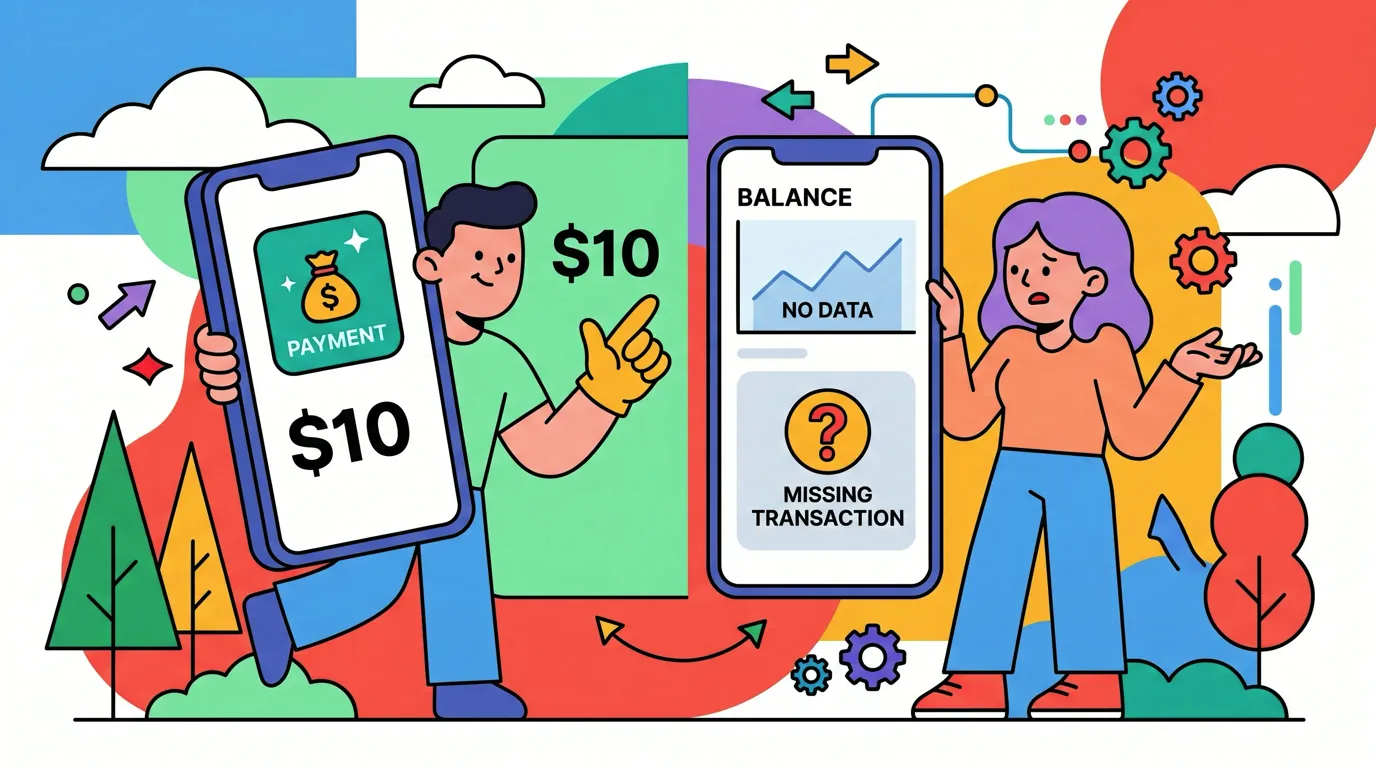
Some cards tell you everything. Tap your phone and a notification lands before you leave the counter. Others stay silent: a store card, an older bank card, a business card your employer manages, or a card you only use online. You find out what you spent when the statement arrives, three or four weeks too late to change anything.
This guide shows how to track a credit card that doesn't send notifications. It covers how to check whether alerts are really unavailable (often they are just switched off), how to build a weekly routine around the card's app or statement, and how to log charges straight from your screen so a silent card stops being a blind spot in your budget. If your card does send alerts and you want to catch every charge as it happens, see our guide to tracking credit card spending in real time.
Why some credit cards stay silent
A card can be silent for a few different reasons, and the fix depends on which one applies:
- Alerts exist but are off. Many issuers offer transaction alerts but leave them disabled by default, or only turn on alerts for large purchases.
- Alerts go by email or text, not push. Some smaller banks and credit unions only send email alerts, which are easy to miss.
- The card is not in Apple Wallet. Cards you use with a saved number online, or by inserting the physical card, never trigger a Wallet notification.
- Store and co-branded cards often have minimal apps with no real-time alerts at all.
- Corporate and business cards may route alerts to an administrator, not to you.
- Authorized user cards sometimes send alerts only to the primary cardholder.
The result is the same in every case: purchases happen, but nothing prompts you to notice them. Without a prompt, most people never log them, and the card becomes the category that always blows the budget.
Step 1: Check whether alerts are really unavailable
Before working around a silent card, spend five minutes confirming it is actually silent:
- Open the card's app or website and look under Settings, Alerts, or Notifications.
- Turn on "every transaction" or "purchase" alerts, ideally with the threshold set to $0 or $1, not the default $100 or more.
- Choose push notifications if they are offered. Email alerts are a fallback, not a substitute.
- Add the card to Apple Wallet if your issuer supports it. Wallet can show payments made through Apple Pay.
- If you are an authorized user, ask the primary cardholder to add you to alerts, or check whether the issuer lets authorized users set their own.
Many "silent" cards turn out to have alerts that were never switched on. If yours does, great: you are no longer tracking blind. If not, the next steps cover it.
Step 2: Make the card's app or statement your weekly checkpoint
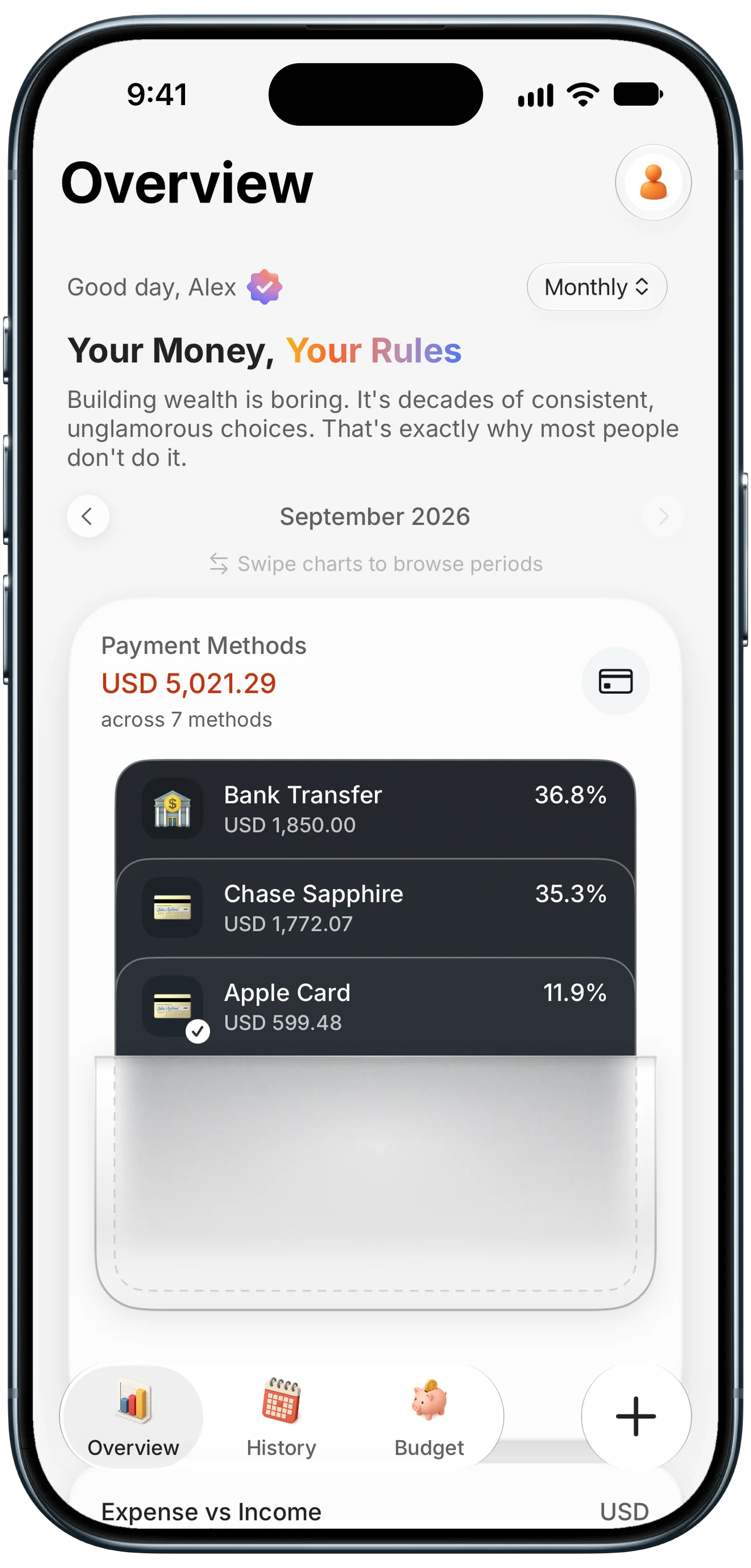
Finny app's Payment Methods feature
Even with no alerts, the card's app or online account shows pending and posted transactions within a day or two. That gives you a weekly checkpoint instead of a monthly surprise.
The weekly routine:
- Pick a fixed day, like Sunday evening, and set a recurring reminder.
- Open the card's transaction list and look at everything since your last check.
- Record each charge in your tracker under that card, with a real category.
- Flag anything you do not recognize and dispute it right away. Catching fraud in days instead of weeks is a bonus of this habit.
Tracking spending by payment method makes this easy to see. When each card has its own balance in your tracker, a silent card that has been quietly growing all month is obvious at a glance. Our guide to seeing your spending by credit card explains how to set that up.
Step 3: Log charges straight from your screen
The weekly check works, but retyping a dozen transactions from a card app is exactly the chore that makes people quit. The faster route is to log what is already on your screen.
Finny has a feature built for this gap. Screen Log reads a payment that is showing on your screen and logs it in one press: a transaction in the card's app, an order confirmation, or a page of your statement. It does not need the card to send a notification, and it does not need a bank connection. If several transactions are on screen at once, they are staged for you to review rather than guessed, and nothing is imported until you confirm. The capture is attached to the entry as its photo, without adding a screenshot to your camera roll.
Here is Screen Log logging a payment from the screen:
This turns the weekly checkpoint into a two-minute task: open the card's app, log what is on screen, close it.
Step 4: Log at the moment you pay
The most accurate record is the one made at checkout, before the charge even posts. For a silent card, this habit replaces the notification you are not getting.
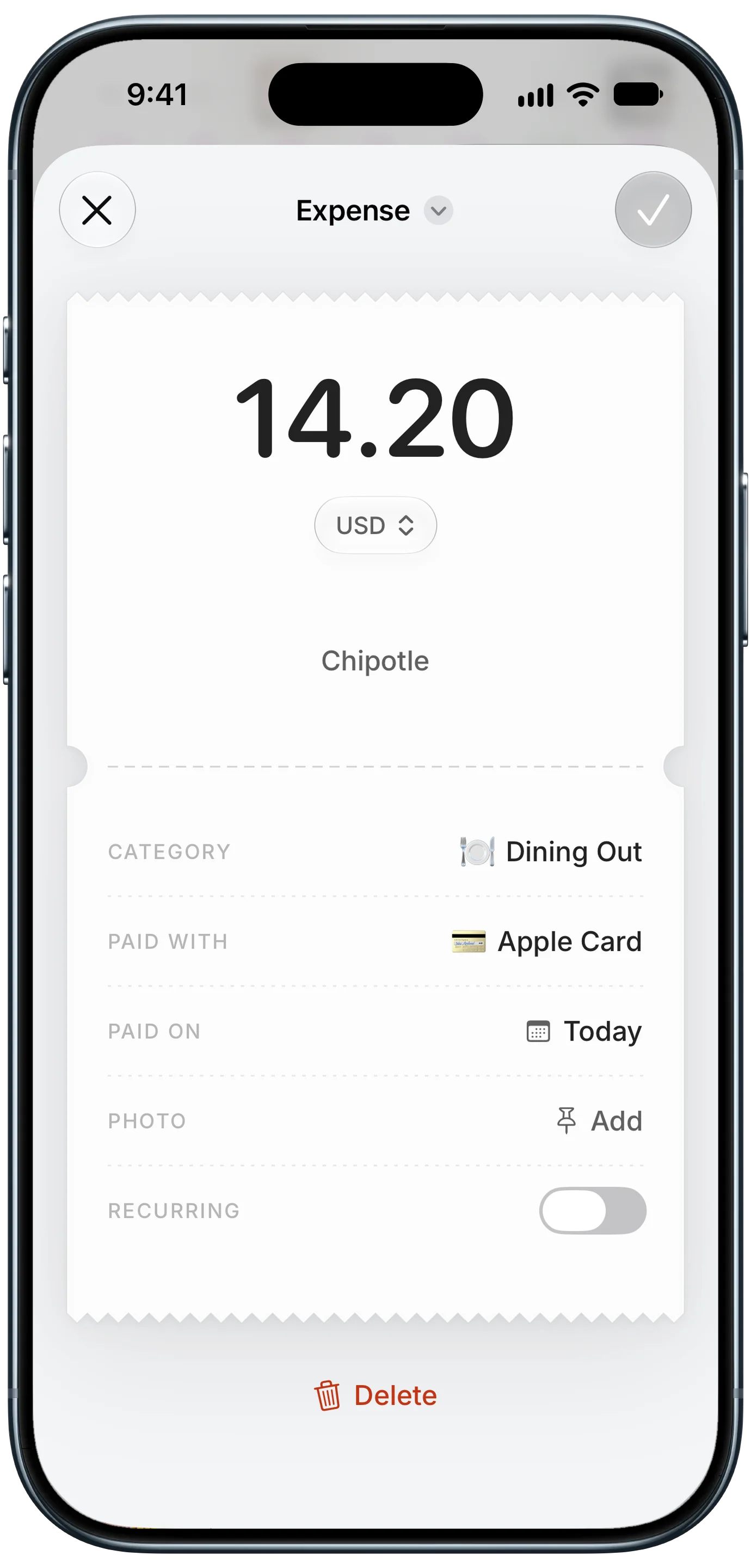
Finny app's expense entry feature
- Online: log the order from the confirmation page right after you buy. The total, store, and date are all on screen.
- In person: log the amount before you put the card away, or capture the receipt.
- For recurring charges on a silent card, like streaming or insurance, set them up once as recurring expenses with reminders, so they never need to be caught later.
Logging at the moment of payment also solves a common problem with silent cards: charges that post under a cryptic merchant name. When you log at checkout, you record the real store, not "SQ *BLUE BOTTLE 4492." It also gives you a natural place to attach the receipt or confirmation, so if the charge later posts at a different amount, you have proof ready for a dispute.
Comparing the options
| Method | Speed | Effort | Catches everything? |
|---|---|---|---|
| Turn on issuer alerts | Real time | One-time setup | Only if the issuer supports it |
| Weekly app check, manual entry | Up to a week late | High | Yes, if you keep the habit |
| Weekly app check, log from screen | Up to a week late | Low | Yes |
| Log at checkout | Instant | Low per purchase | Yes, if you remember |
| Wait for the statement | Up to 5 weeks late | Medium | Yes, but too late to act |
| Bank-sync budget app | 1 to 3 days late | None after setup | Depends on the connection |
For most people, the winning combination is to log at checkout when you remember, and catch the rest in a weekly screen check. You stay close to real time without linking any accounts. If you would rather not connect your bank at all, our roundup of expense trackers with no bank login compares the options.
Frequently Asked Questions
Why doesn't my credit card send transaction notifications?
Usually because alerts are switched off, set to a high threshold, or limited to email. Some store cards, business cards, and authorized user cards do not support push alerts at all. Check the Alerts or Notifications section of your card's app and set purchase alerts to $0 if possible.
How can I track credit card spending without linking my bank?
Log charges yourself, either at checkout or in a weekly review of the card's app. An expense tracker that can read payments from your screen or from statement screenshots makes this fast, since you do not have to retype each transaction. Your card credentials never leave the issuer's app.
How often should I check a card that has no alerts?
At least once a week. That keeps your budget within a few days of reality, makes forgotten subscriptions easy to spot, and catches fraudulent charges early enough to dispute without stress. Daily checks are even better during heavy spending periods like holidays or travel.
Can I get Apple Wallet notifications for any credit card?
Only for cards you add to Apple Wallet and pay with through Apple Pay. Purchases made by inserting or swiping the physical card, or by typing the card number online, will not trigger a Wallet notification, so you still need another way to track them.
The bottom line
A credit card that does not send notifications is only a blind spot if you wait for the statement. Start by checking whether alerts are simply turned off. If they are truly unavailable, make the card's app your weekly checkpoint, log charges from the screen instead of retyping them, and record purchases at checkout whenever you can. The card stays silent, but your budget no longer has to.