How Much Have I Spent on DoorDash? Find Your Total
Food delivery rarely feels expensive in the moment. Dinner arrives, the receipt says $31, and the number fades by morning. A few orders a week can quietly become one of the larger lines in a budget, and DoorDash never shows you that line.
If you have been asking yourself how much have I spent on DoorDash, this guide walks through the tools DoorDash actually offers as of November 2026: the Orders tab, downloadable receipts, the account data archive, and your card statement. It also breaks down where each delivery dollar goes, runs a DashPass break-even check, and shows what to do with the total. For online shopping, see our guide to how much you've spent on Amazon.
Why DoorDash shows your orders but not your total
DoorDash keeps a complete list of your orders, but its help center only describes opening them one at a time. There is no yearly summary or lifetime spending figure in the consumer app, so the adding up is on you.
A few things make the true figure harder to pin down than scrolling a list:
- Fees and tips sit inside each receipt. The menu prices you remember are only part of what you paid. Fees, tax, and the tip land on the same charge.
- DashPass bills separately. The membership shows up on your card as its own charge, labeled "DoorDash DashPass" or "DashPass," according to DoorDash's DashPass page. It does not appear as an order.
- Refunds and credits change the math. A refund to your card lowers what you spent. A refund as DoorDash credit just shifts money to your next order.
- Not every order is takeout. Grocery and convenience orders share the account, so "DoorDash" can mean dinner, toothpaste, and produce.
- Caviar shares the login. Orders on either app count toward the same habit.
Find your DoorDash order history in the app and on the web
The fastest route is the order list itself. DoorDash's help center describes the same basic path on both platforms, though button labels can shift between app versions.
In the DoorDash app:
- Open the Orders tab to see your past orders.
- Tap an order to open its details.
- Tap Receipt in the Order Details section to see the breakdown of food, fees, tax, and tip.
On doordash.com:
- Select Orders from the menu in the bottom left corner of the site.
- Choose an order, then click View Receipt.
- Click Download Receipt if you want a copy for your records.
To turn this into a total, open a spreadsheet with five columns: date, store, food subtotal, everything else (fees, tax, tip), and the final charge. Work one month at a time. Subtract amounts refunded to your card, but ignore refunds paid as DoorDash credit, since that money gets spent on a later order you will also count.
It is slow if you order often, but the split between food and everything else shows what convenience costs, which no card statement can.
Get every order at once: data archive, email receipts, and card statements
Clicking through a year of orders is tedious. Three faster routes each have tradeoffs.
Request your DoorDash data archive. Per DoorDash's privacy help article, you go to Account Settings from the home page, click Manage Account, select Request Archive, and follow the steps. You have to pass two-step verification first. Be careful on that screen: the Delete Account option sits right next to it. The archive arrives later as a download. Treat it as a complete record you may need to tidy, not a ready-made report.
Search your inbox. DoorDash order emails are a decent backup record. Searching your email for "DoorDash" and a date range pulls them together so you can scan the totals.
Check your card statement. For a fast, honest number, search your card or bank app for "DoorDash" across the last 12 months. The statement shows what actually left your account after refunds, including DashPass charges. The tradeoff: it says nothing about fees versus food, and orders paid with gift cards or credit will not appear.
For most people, the statement gives the yearly number in minutes, and a few receipts explain it.
Where your DoorDash money goes
Next question: how much of the total was food? DoorDash's fee explainer lists the charges for most US markets, and you can see them on every receipt.
| Line on the receipt | What it is | Can you shrink it? |
|---|---|---|
| Menu prices | Set by the restaurant, and they can be higher than in store | Compare with the restaurant's own menu |
| Service fee | Variable, depends on factors like distance and order size | Reduced with DashPass on eligible orders |
| Delivery fee | A fixed fee per order that varies by merchant | $0 with DashPass on eligible orders |
| Other fees | Long distance, regulatory response, weather impact, optional Express | Avoid Express, order closer to home |
| Tax | Based on local rules and your subtotal | Not really |
| Dasher tip | Optional, and DoorDash says Dashers receive 100% of it | It is your choice, but it is real money |
The menu line is the one people miss. In a 2023 statement, DoorDash said it encourages prices close to in store but "does not require delivery prices to match in-store," and called marked-up menu prices one of its top customer complaints. So an $11 burrito at the counter might cost more in the app before a single fee.
Try this with your last five receipts: add up the food subtotals, then everything else. The gap is your convenience premium, and seeing it in dollars persuades better than any rule about cooking at home.
Is DashPass worth it? A break-even check
DashPass costs $9.99 a month or $96 a year, plus tax, per DoorDash's current membership terms. Members get $0 delivery fees and reduced service fees on eligible orders, but only when the order meets the store's subtotal minimum. DoorDash notes a $10 minimum in some cities, and other stores set their own.
The break-even math is simple:
- Pull three recent receipts from stores that show the DashPass icon.
- Add the delivery fee and the service fee difference you would save on each. That is your savings per order.
- Divide $9.99 by that number. The result is how many orders a month you need on the monthly plan just to break even.
If you would save about $5 per order, two orders a month roughly covers the monthly plan. One order a month does not.
There is a catch worth naming: a membership changes behavior. Minimums nudge you to add a drink or dessert, and "free delivery" makes the next order feel cheaper than it is. If your order count went up after you subscribed, the membership may cost more than it saves. To see what you have paid for DashPass itself, open Manage DashPass and check Billing History.
What to do with your DoorDash number
A yearly total is a gut punch, not a plan. Turn it into one or two decisions you can keep.
Finny app's categories feature
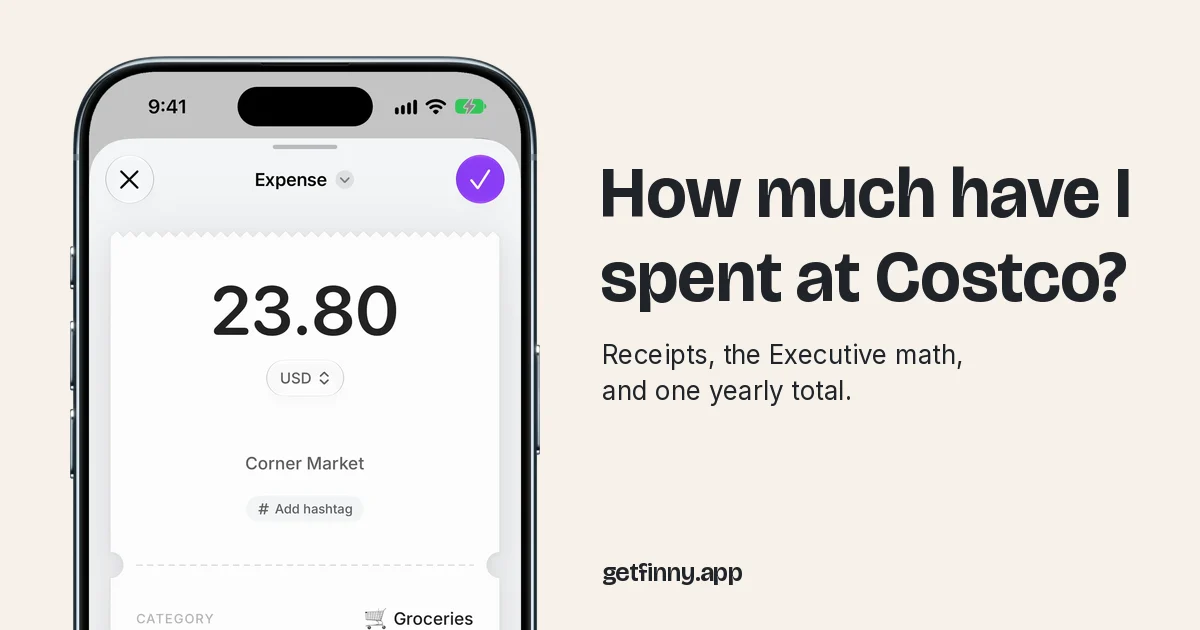
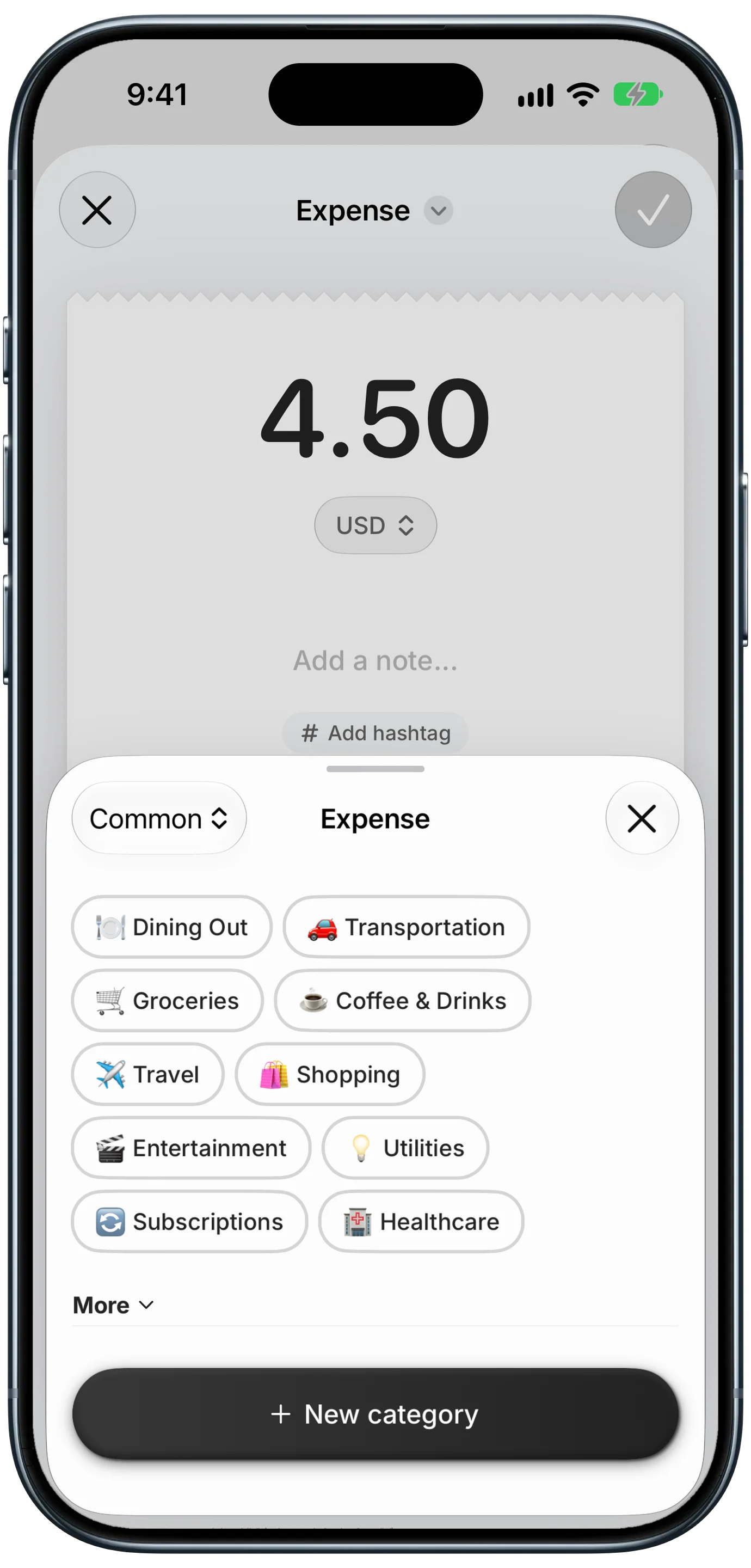
Sort orders by what they were, not where they came from. DoorDash is a delivery service, not a budget category. A restaurant order belongs in Dining Out and a grocery delivery belongs in Groceries, and in an app like Finny that is the category you pick when you log the order. Once groceries stop hiding inside "DoorDash," your grocery budget becomes much easier to read.
Then pick one rule:
- Set a monthly delivery cap. Take your average month, cut it by a quarter, and treat that as a hard limit. Our explainer on spending limits covers how to make one stick.
- Use swap rules. Pickup instead of delivery removes the delivery fee and the tip. A frozen backup meal can cover the nights you would otherwise order.
- Order bigger, less often. One order that covers two dinners pays one set of fees.
- Add a pause. Tired and hungry is the classic setup for impulse spending. Waiting ten minutes before checkout is often enough.
If DoorDash is one of several leaks, our guide on how to stop overspending puts it in a wider plan.
Keep a running DoorDash total from now on
Digging up a year of orders once is useful. Doing it every year is not. Record each order when it happens and the number stays current.
Finny app's voice entry feature
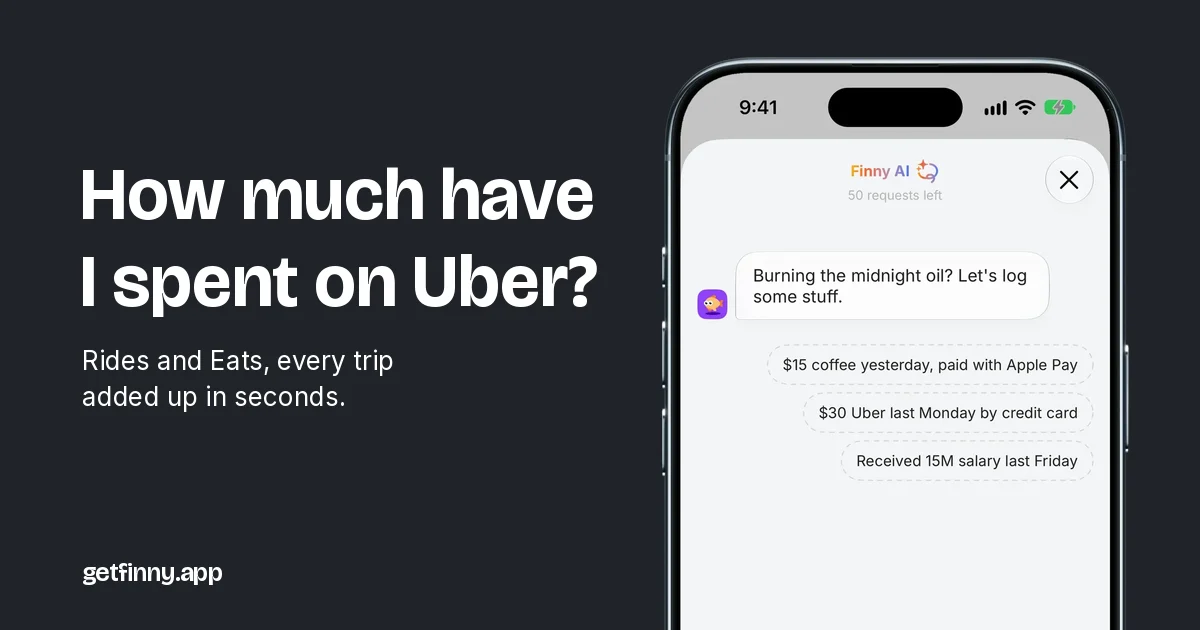
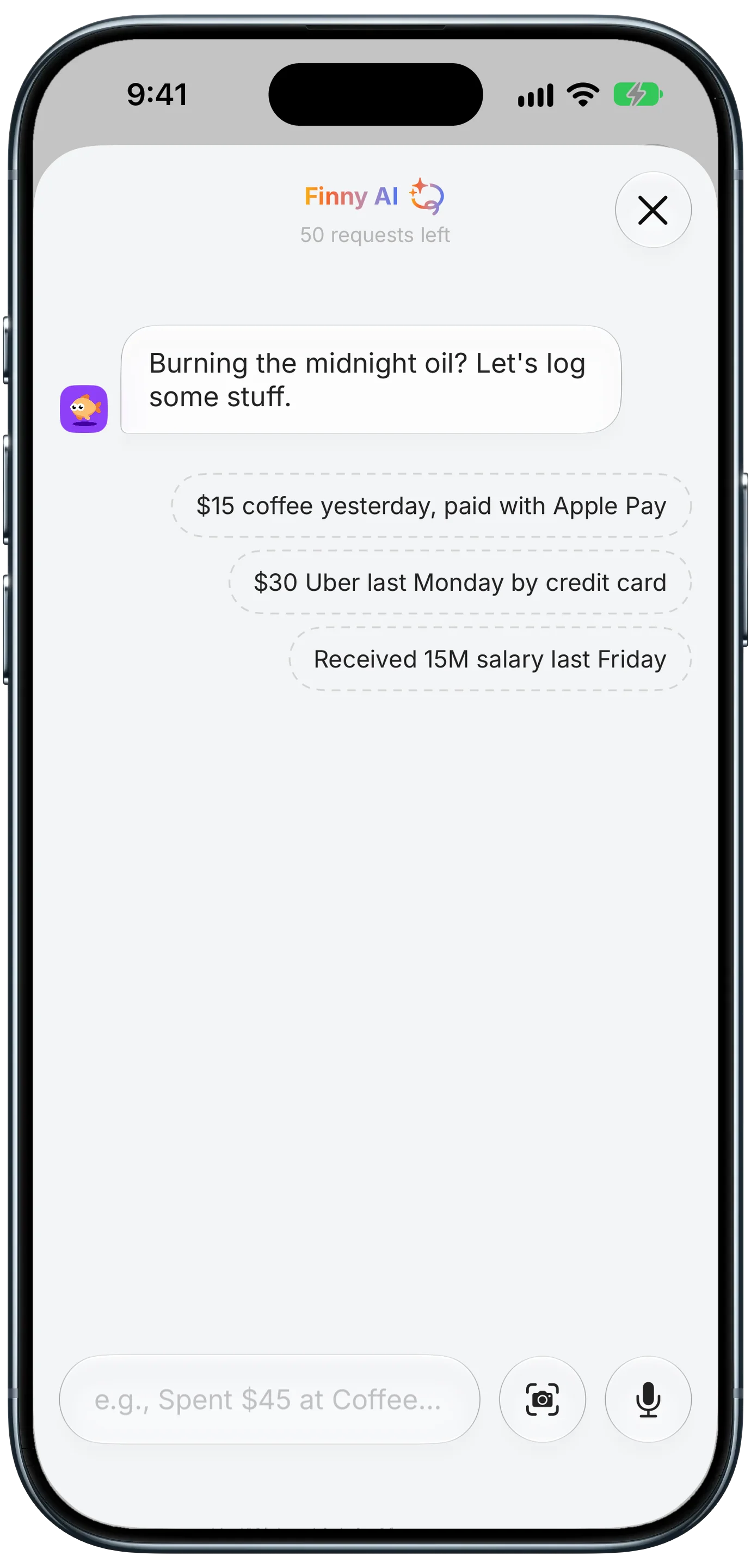
If typing is why you never log anything, speak instead. With Finny Pro, the AI chat listens while you say something like "DoorDash, 34 dollars, Thai food, Apple Card" and turns it into an entry for you to confirm. Pro includes a 3-day free trial, and no plan needs a bank connection.
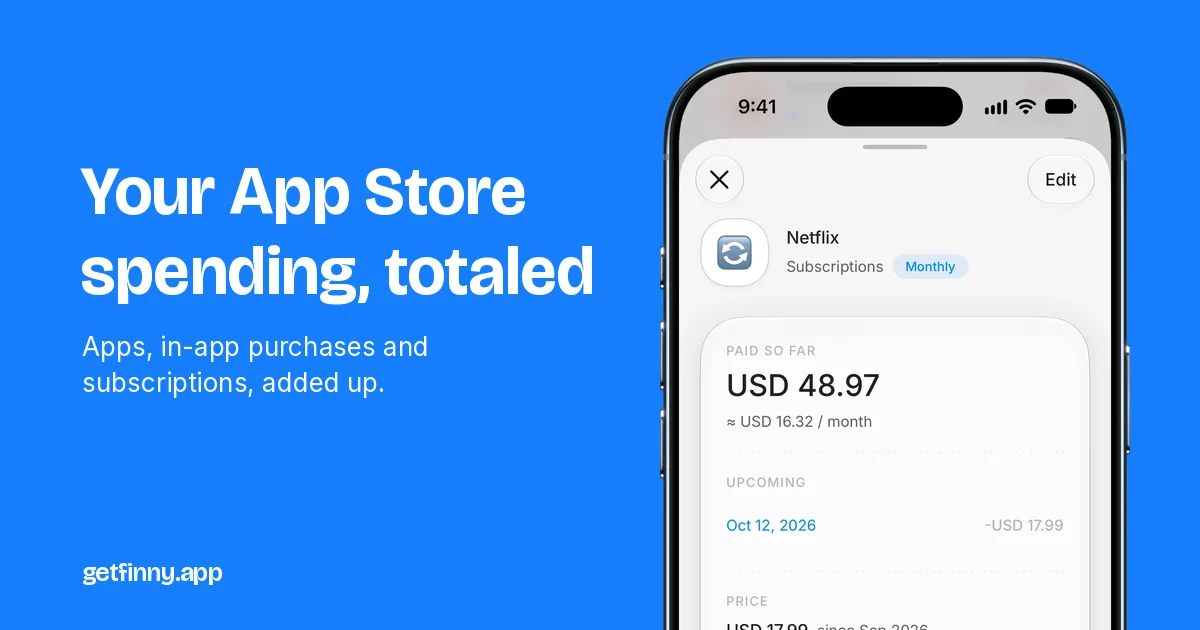
Include "DoorDash" in the note and, later, searching History for DoorDash shows a receipt-style total at the top of the results, in your home currency and split by category and payment method, so delivery groceries and takeout stay separate. Search totals are free.
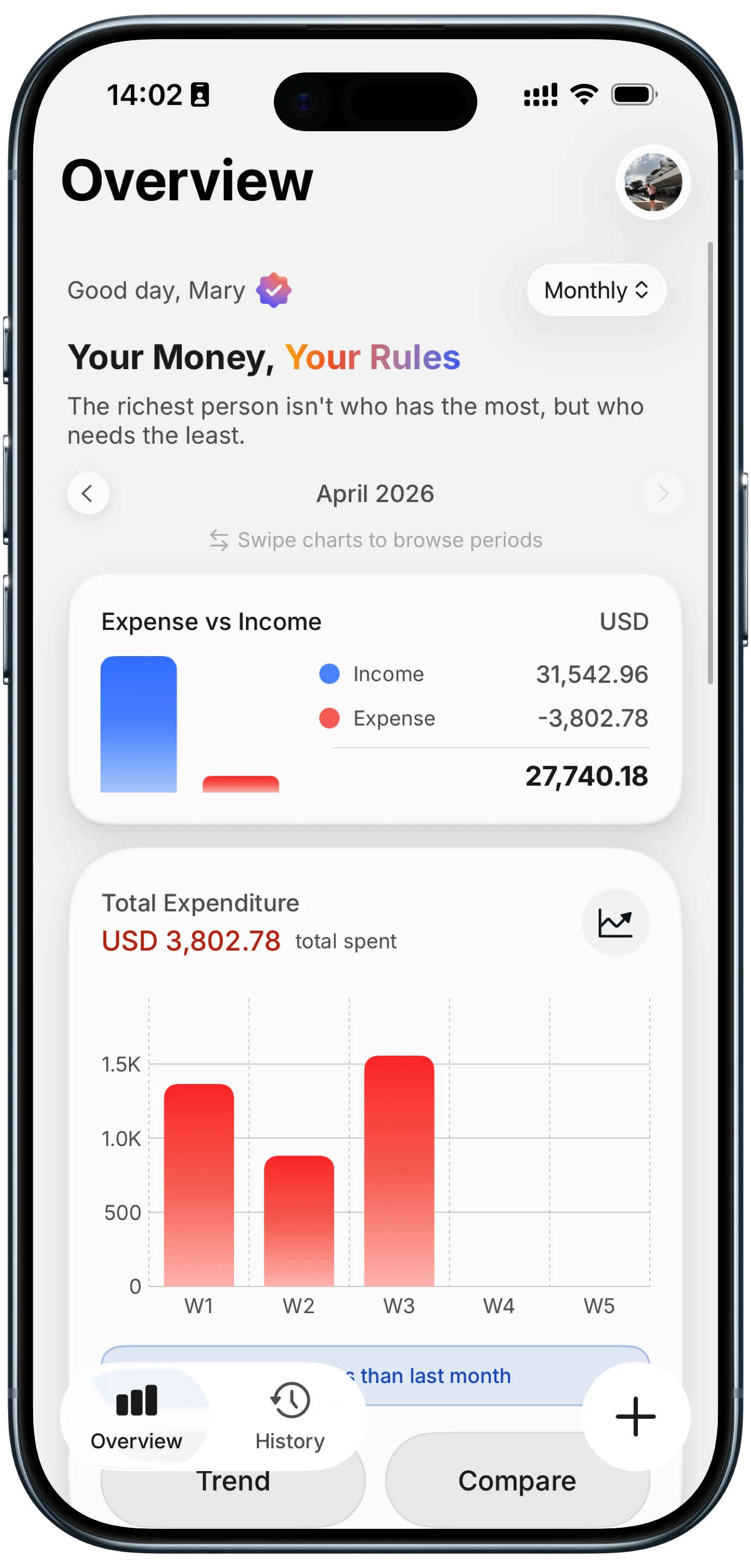
You can also log straight from the order confirmation. Here is how a payment on your screen becomes an entry:
Logging the final charge rather than the menu price keeps fees and tips in your total, which is where the surprise lives. If rides are your other app habit, our companion guide on how much you have spent on Uber does the same for trips and Uber Eats.
Common Questions About DoorDash Spending
Can I see my total spent on DoorDash in the app?
No. DoorDash lists past orders in the Orders tab, each with a receipt, but the consumer app does not add them up or show a yearly summary. To get a total, add the receipts in a spreadsheet, request your data archive from Account Settings, or search your card statement for "DoorDash" across 12 months. The statement is usually the quickest way to see the total spent on DoorDash.
How do I download my DoorDash order history?
For single orders, open the order on doordash.com, click View Receipt, then Download Receipt. For everything at once, go to Account Settings, click Manage Account, and select Request Archive, which requires two-step verification. The archive is the most complete copy of your DoorDash order history, but expect to tidy it before it gives you clean totals.
Is DashPass worth it if I only order twice a month?
It depends on your savings per order. DashPass is $9.99 a month or $96 a year, plus tax. If the delivery fee and the service fee reduction together save you about $5 on a typical eligible order, two orders a month roughly breaks even. Below that, or if your orders often miss the store's subtotal minimum, paying fees per order is likely cheaper.
Why is my DoorDash total higher than the menu prices?
Because the menu is only one line. DoorDash fees include a service fee and a delivery fee, and some orders add long distance, regulatory response, or weather fees, plus tax and an optional tip. Restaurants can also set delivery menu prices above in-store prices, which DoorDash allows. Comparing your food subtotal with your final charge shows the gap.
Want your delivery total without the spreadsheet?
Download Finny to log each order as it happens and see your DoorDash total with a single search, with no bank connection and no account needed to start.