
Apps That Track Subscription Price Increases in 2026
Subscription cancellations get all the attention, but the quieter problem costs more. A service you still want and still use raises its price by $2 a month, sends an email you skim, and keeps charging. Repeat that across nine subscriptions over three years and the total has moved considerably while every individual change felt too small to act on.
Apps that track subscription price increases are supposed to catch this. Some genuinely do, several claim to and only partly deliver, and the difference matters because a tool you trust to watch for you is worse than no tool if it is not actually watching.
For the wider category, our guide to the best subscription tracker apps covers tracking generally. This piece is specifically about detecting price changes.
How Price Detection Actually Works
Almost every app in this category detects price increases the same way: by comparing the amount of a recurring charge against the previous one from the same merchant. If Netflix charged $15.49 last month and $17.99 this month, the app flags it.
That method has three consequences worth knowing before you rely on it.
It is retrospective. The alert fires after you have paid the higher price at least once. No consumer app predicts an increase, because the information does not exist until the charge posts.
It needs consistent merchant naming. Billing descriptors change, and when they do the app sees a cancelled subscription and a new one rather than a price change.
It misses annual plans by default. A yearly subscription produces one charge every twelve months, so a comparison against "last month" finds nothing. Annual renewals are where the largest increases hide, and they are the ones most tools handle worst.
Which Apps Detect Increases
| App | Detects increases | Annual plans | Requires bank link | Annual price |
|---|---|---|---|---|
| Rocket Money | Yes, alerts on changes | Partial | Yes | $74.99 |
| Monarch | Recurring view, manual review | Partial | Yes | $99.99 |
| Copilot | Recurring detection, some alerts | Partial | Yes | $95 |
| PocketGuard | Recurring bills, limited alerting | Weak | Yes | Varies |
| Bank or card app | Occasionally, varies widely | No | Native | Free |
| Manual review | Yes, if you do it | Yes | No | Free |
Prices were accurate at the time of writing.
Rocket Money
Rocket Money is the most active of these. It identifies recurring charges, notifies you about changes, and offers to cancel or negotiate on your behalf, which is a genuine service that the others do not provide.
The considerations are that it requires a bank connection, the negotiation service takes a share of what it saves you, and its data sharing arrangement is broader than many people expect. We covered that in detail in does Rocket Money sell your data.
Monarch
Monarch shows a recurring transactions view that makes increases visible when you look, but it leans toward presenting information rather than alerting you about it. That suits people who review their finances regularly and fails people who were hoping to be told.
Copilot
Copilot's recurring detection is accurate and its categorization is the best of the bank-linked group, so subscription charges are reliably identified. Alerting on price changes specifically is less prominent than in Rocket Money.
Your Bank or Card App
Worth checking before paying for anything. Several major card issuers now surface recurring charges and occasionally flag changes, at no cost and with no third party involved. Coverage varies by issuer and is generally less thorough, but the price is right and no additional company gets access to your data.
The Method That Catches What Apps Miss
Because annual plans are the weak point of automated detection, and because annual increases are the largest, a manual pass twice a year catches more than most apps do.
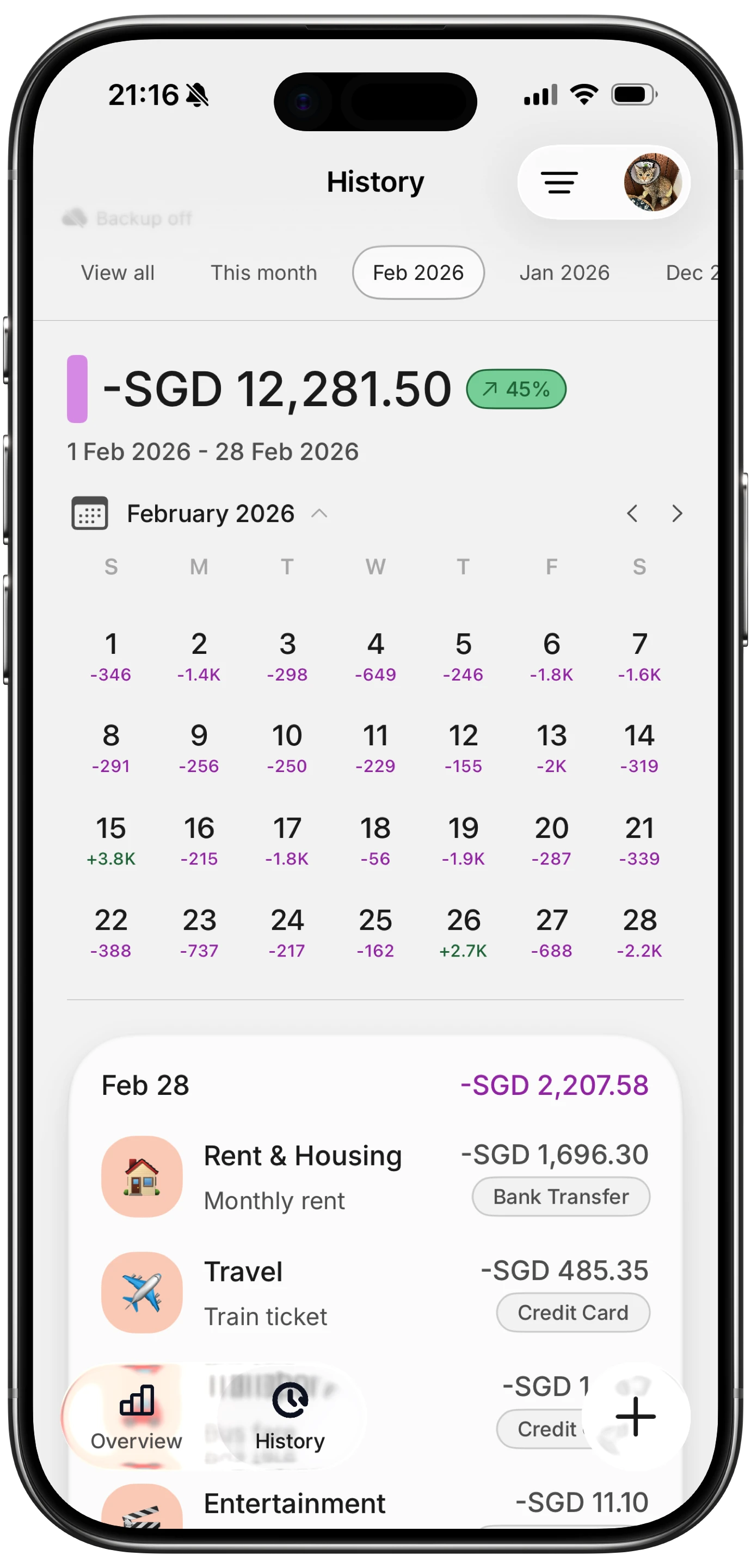
Finny app's History calendar feature
Twenty minutes, twice a year:
- Pull twelve months of statements rather than two, so annual renewals appear.
- List every recurring charge with its amount and month.
- Compare each against the same charge a year earlier, not last month.
- Mark anything that rose by more than inflation.
- Decide for each: keep at the new price, downgrade a tier, or cancel.
Step three is the one that finds real money. A monthly comparison catches a $2 rise. A yearly comparison catches the $2 rise that happened three times.
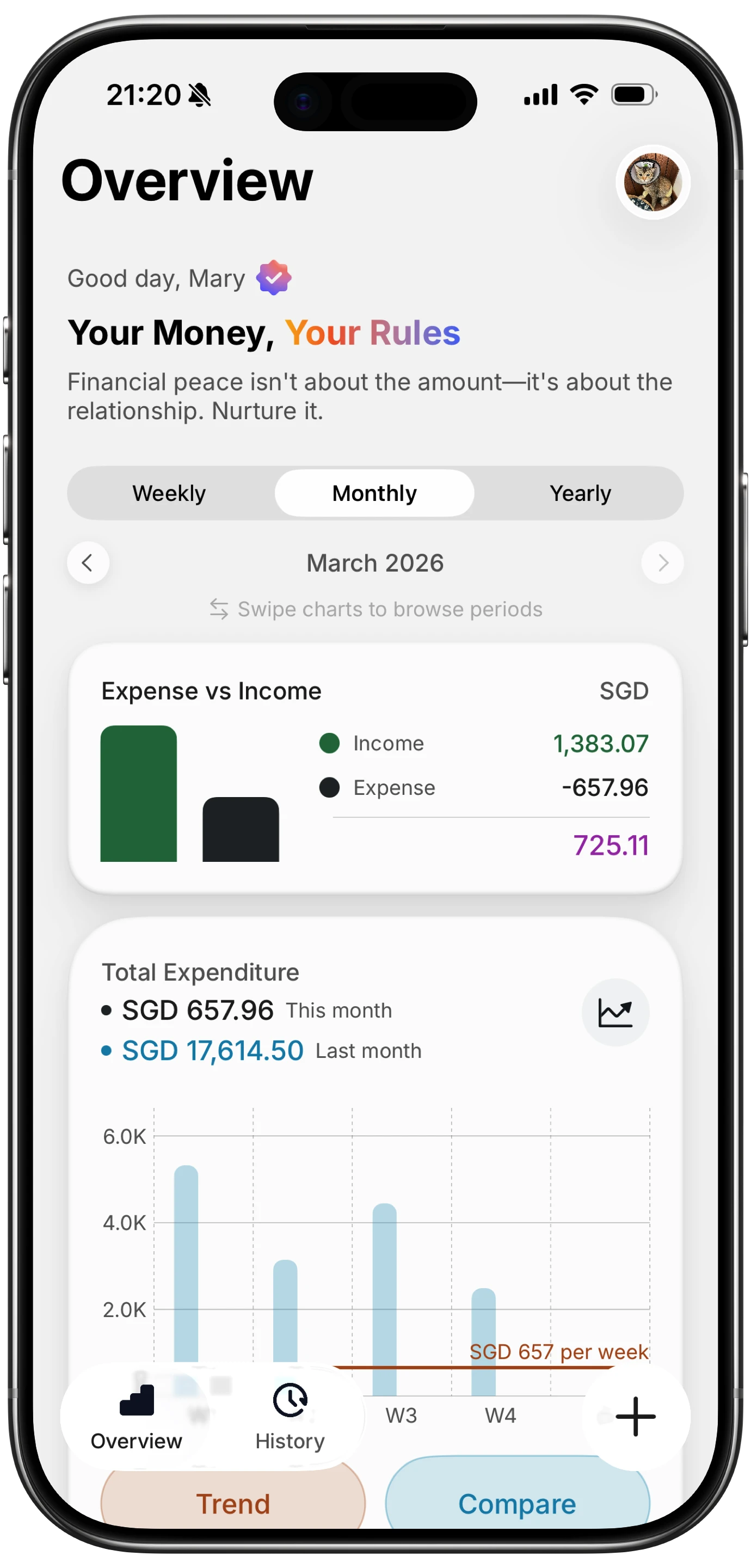
Finny app's Overview feature
Our guide to auditing subscriptions in 20 minutes has the full process, and stopping subscription creep covers why the total drifts even when no single charge looks wrong.
Logging Subscriptions Without a Bank Connection
Every automated option above requires linking accounts, which is a real cost for some people and the reason the manual method persists.
Finny covers the tracking half without that requirement. Recurring payments showing on your screen can be logged from what is displayed, and card charges get logged as they happen, so a subscription category builds up a year of history you can compare against without an aggregator holding read access to your accounts.
Subscription charges usually appear as an email or an app screen first, and this video shows one being logged from the screen:
It will not cancel or negotiate for you. For that, Rocket Money remains the most capable option, and our guide to privacy-focused subscription trackers covers the middle ground.
What To Do When You Find an Increase
Finding it is most of the work, but the response matters.
Check the tier. Many increases apply to the top tier while a lower one stays flat. Streaming services in particular often leave a cheaper plan in place and simply stop advertising it.
Ask. Retention departments frequently have discounts that are not published, especially for services with high churn. A short message before cancelling is worth the five minutes it takes.
Use the annual plan, carefully. Annual billing is usually cheaper per month and locks the price for a year. It also makes the next increase harder to notice, so add a calendar reminder a month before renewal.
Cancel decisively. If a service was marginal at the old price, an increase is the natural moment to stop. Deferring the decision means paying the higher price for another year while you think about it.
The Bottom Line
Rocket Money is the most active at detecting and acting on subscription price increases, at the cost of a bank connection and a broader data sharing arrangement. Monarch and Copilot make increases visible to people who look but are weaker at telling you. Your existing bank app may already do some of this for free.
All of them share the same blind spot: annual plans, where the biggest increases live. A twice-yearly manual comparison against the same month last year catches what the automation misses, and it takes twenty minutes.
Common Questions About Subscription Price Increases
Which app tracks subscription price increases?
Rocket Money is the most active, identifying recurring charges, alerting on changes, and offering to cancel or negotiate. Monarch and Copilot both detect recurring transactions and make increases visible in a recurring view, though they lean toward showing rather than alerting. Some bank and credit card apps now flag recurring charge changes at no cost, which is worth checking before subscribing to anything.
Can an app tell me before a subscription price goes up?
No consumer app predicts increases, because the information is not available until the charge posts or the provider emails you. Every app in this category is retrospective: it compares the new charge against the previous one and flags the difference, meaning you have already paid the higher price at least once. The only advance warning comes from the provider's own notification email, which is easy to miss.
Why do apps miss annual subscription increases?
Detection works by comparing consecutive charges from the same merchant, and an annual plan produces one charge every twelve months. A comparison against last month finds nothing, so the increase passes unnoticed. Since annual renewals carry the largest single price changes, this is the most costly blind spot in automated tracking. Comparing against the same month a year earlier is what catches them.
How often should I review my subscriptions?
Twice a year is enough for most households, using twelve months of statements rather than two so annual renewals appear. Twenty minutes per review catches both new subscriptions you forgot and price increases that accumulated quietly. Reviewing more often has diminishing returns, while reviewing once a year means paying an increased price for up to twelve months before noticing it.
Ready to track expenses with less friction?
Download Finny to log expenses using AI, receipts, or text. No bank connections, offline support, and full control over your financial data.