Best Household Budget Apps in 2026, Compared
Running a household budget isn't the same as tracking your own coffee spending. There's a mortgage or rent, utilities that change with the seasons, a grocery bill that feeds several people, insurance premiums due twice a year, and kids' costs that never arrive on schedule. Most of it is shared, and most of it recurs.
A good household budget app has to handle that shape of spending: predictable bills, irregular big costs, and more than one person spending from the same pool. This guide compares the best options in 2026 on price, how much effort they take, and how well they work for a whole household. If you're budgeting as a couple specifically, our best budgeting apps for couples guide goes deeper on that.
What a household budget app needs to do
Before comparing apps, it helps to know what separates a household tool from a personal one:
- Bills and recurring costs. Rent, utilities, phone, streaming, insurance. The app should know what's due and when, and flag a bill that's higher than usual.
- Sinking funds. Car registration, holiday gifts, the annual HOA fee. Saving a little each month for irregular costs is what keeps a household budget from falling apart in December. Our explainer on what a sinking fund is covers the method.
- Shared access. Two adults (sometimes teenagers too) spend from the same budget, so everyone needs to see the same numbers.
- Budget periods that match paydays. If you're paid on the 15th and the 30th, a budget that resets on the 1st splits every paycheck awkwardly.
- Low upkeep. A household budget only works if it's kept current, and busy families don't have an hour a day to spare.
The best household budget apps compared
| App | Price | Shared access | Budget style | Bank link | Best for |
|---|---|---|---|---|---|
| Monarch Money | $99.99/yr or $14.99/mo | Household included, separate logins | Flexible categories and goals | Yes | Complete household picture |
| YNAB | $109/yr or $14.99/mo | Up to 6 people | Zero-based | Optional | Tight budgets, planning ahead |
| Goodbudget | Free, Premium $80/yr | One shared account (2 or 5 devices) | Envelopes | No (Premium adds US import) | Envelope households |
| EveryDollar | Free, Premium $79.99/yr | Share by login | Zero-based | Premium only | Ramsey-style families |
| Quicken Simplifi | From $47.88 first year | Invite others | Spending plan | Yes | Low-cost, hands-off overview |
| Finny | Free, Pro a low monthly price | One person per app | Category budgets | No | Fast logging without bank links |
Prices are US prices checked in September 2026. Confirm on each app's site before subscribing.
1. Monarch Money: best overall household budget app
Monarch treats the household as the unit. One subscription covers your household, each adult gets a separate login, and everyone sees the same accounts, budgets, recurring bills, and goals. A recurring view shows upcoming bills, and goals with target dates work well as sinking funds.
It also tracks investments and net worth, which matters once a household has retirement accounts and a mortgage. Core costs $99.99 a year or $14.99 a month after a 7-day trial.
Best for: households with combined finances that want everything in one place and are comfortable linking accounts. Our Monarch Money review covers the details.
2. YNAB: best for households on a tight budget
YNAB's zero-based method is especially useful when money is tight. You budget only the money you have, give every dollar a job, and set targets for irregular costs, like $1,200 for car insurance by March. When a surprise hits, you move money from another category, so the trade-off is visible to everyone.
It costs $14.99 a month or $109 a year after a 34-day free trial, and one subscription covers up to six people. There's a real learning curve, but many families say it's the first budget that actually stuck.
Best for: families living paycheck to paycheck, or anyone who wants to stop being surprised by irregular bills.
3. Goodbudget: best envelope app for households
Goodbudget brings the cash-envelope method to a shared household account. You fill envelopes for groceries, gas, and kids' activities at the start of each period. When anyone spends, they subtract it, and everyone sees the remaining balance. Annual envelopes handle sinking funds naturally.
The free plan gives 20 envelopes, one account, and two devices. Premium at $10 a month or $80 a year adds unlimited envelopes and five devices, which a family with teenagers may need. Entry is manual by design.
Best for: households that like hard spending limits and don't want to link a bank.
4. EveryDollar: best for Ramsey-style family budgets
EveryDollar, from Ramsey Solutions, is a zero-based budget built around the Ramsey baby steps. The free version lets you build a monthly budget and enter transactions manually. Premium at $17.99 a month or $79.99 a year adds bank sync and more reporting.
It's simpler than YNAB and more opinionated. You plan the month before it starts, and the app is organized around that plan.
Best for: families already following the Ramsey plan. Our YNAB vs EveryDollar comparison shows how the two differ.
5. Quicken Simplifi: best low-cost overview
Simplifi builds a monthly spending plan from your income, recurring bills, and savings, then shows what's left to spend. It detects recurring bills and projects your cash flow, which is useful for a household that wants to see whether next month's bills are covered.
New subscribers usually pay $3.99 a month billed annually ($47.88) for the first year, and you can invite others to view and edit your plan. It's annual billing only.
Best for: households that want a low-maintenance dashboard at the lowest price among the bank-synced options.
6. Finny: best for logging household spending without a bank link
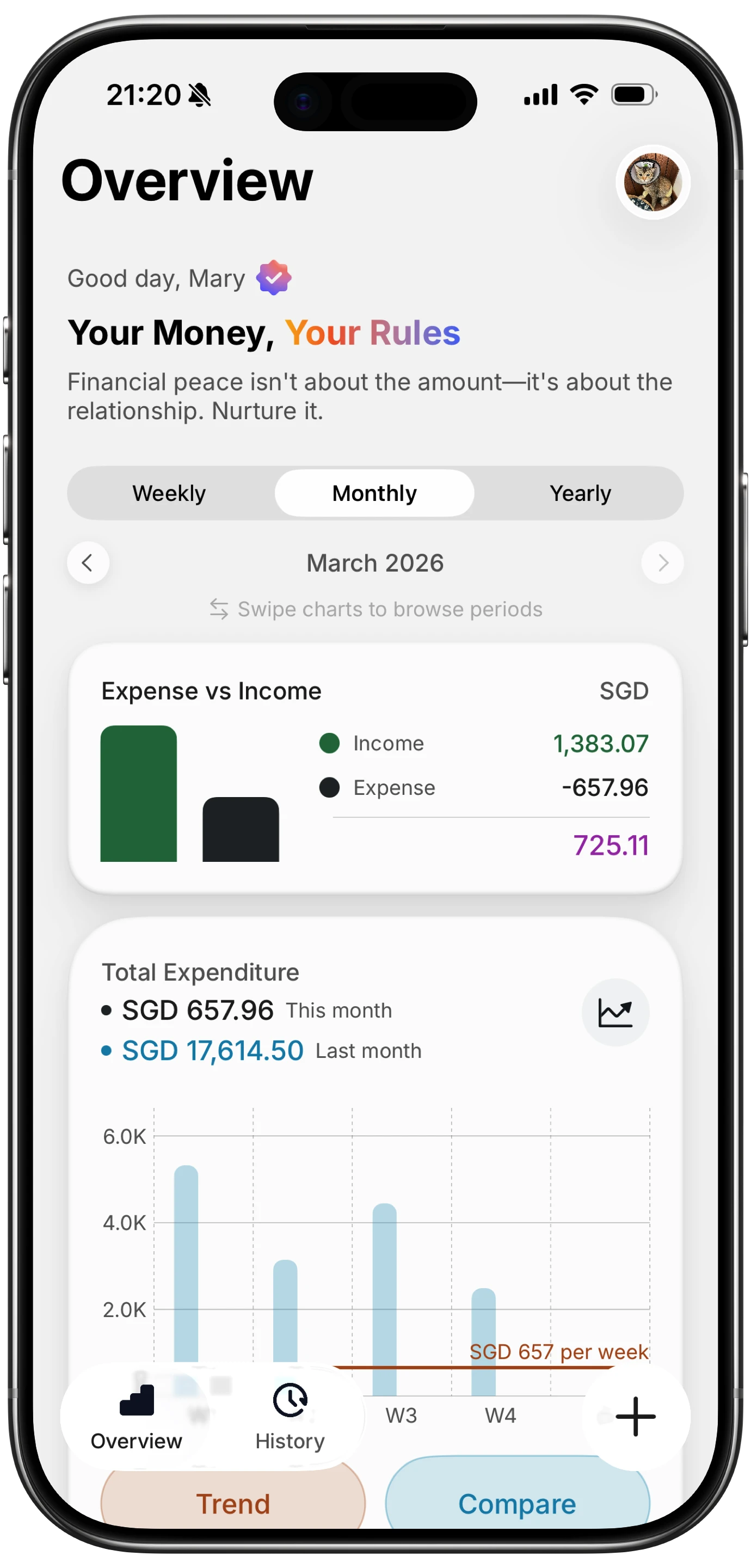
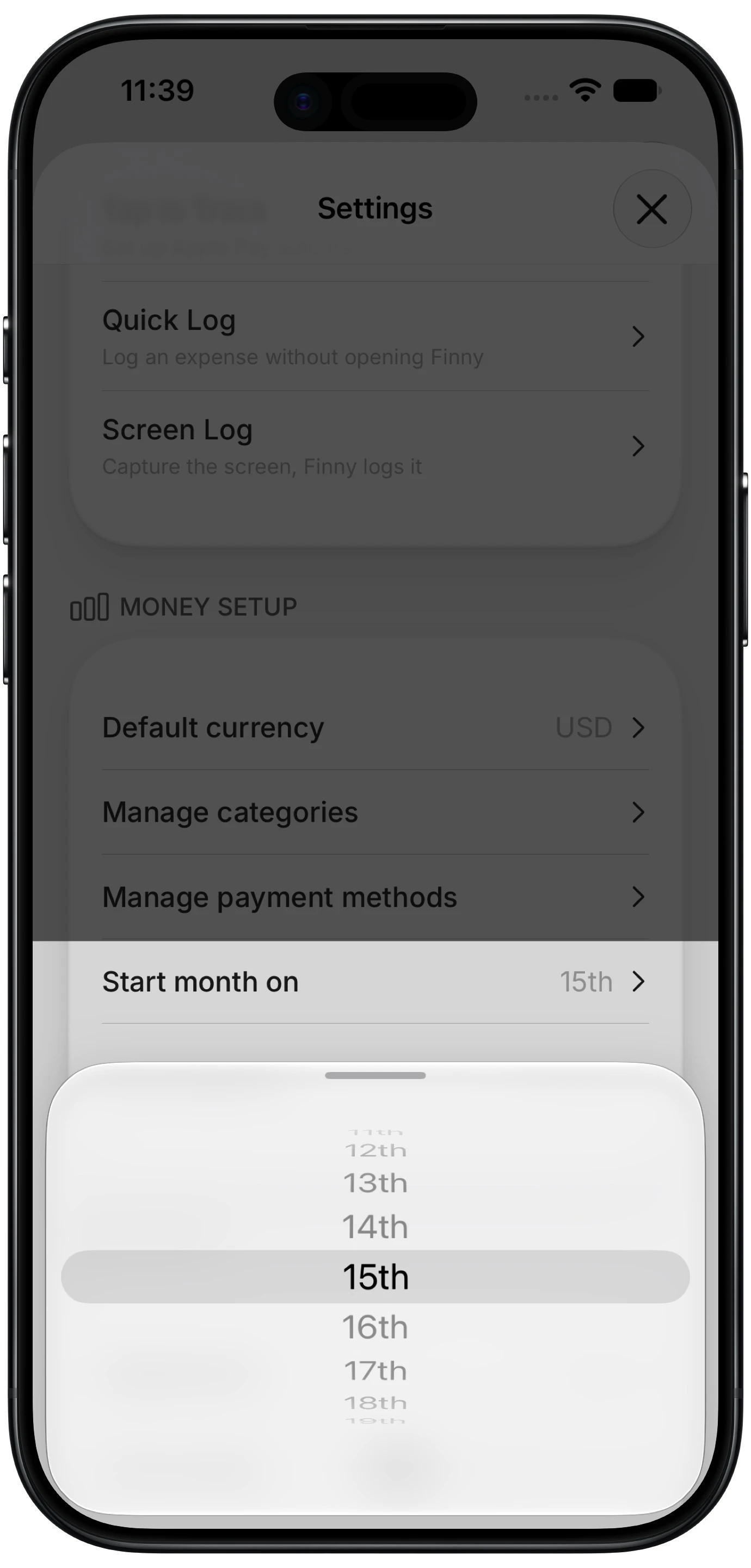
Not every household wants to hand bank credentials to an aggregator. Finny is an iPhone app for the person who keeps the household's books. Card payments are logged as you make them, online orders and transfers can be logged from your screen, and anything else takes a quick sentence. Recurring entries come with reminders before a bill renews, category budgets can roll over, and the budget month can start on payday instead of the 1st. It isn't a shared multi-user app, so it works best when one person manages the household numbers, or when each adult tracks their own spending.
Here's what card-payment capture looks like on an iPhone:
Best for: households that want a clear record of spending on an iPhone without linking a bank.
How to set up a household budget that lasts
The app matters less than a few household habits:
- List every recurring bill first. Before any category, write down each fixed cost and its due date. That's the floor of your budget.
- Add sinking funds for irregular costs. Take last year's annual and semi-annual bills, divide by 12, and set that aside monthly.
- Align the budget period to payday. If you're paid on the 15th, start the month on the 15th. Our guide on why budget apps split your paycheck explains why this helps.
- Give each adult a small no-questions allowance. It cuts down on arguments over small purchases.
- Hold a 20-minute monthly check-in. Review categories, adjust next month, and celebrate what went right.
For the fundamentals behind these steps, see our family budget app guide.
Frequently Asked Questions
What is the best app for a household budget?
For most households with combined finances, Monarch Money is the most complete option, with separate logins, recurring bills, goals, and investments. YNAB is better for tight budgets that need every dollar planned. Goodbudget is the best free option for envelope budgeting. If you don't want to link a bank, Goodbudget, EveryDollar's free plan, or a manual tracker like Finny all work.
Is there a free household budget app?
Yes. Goodbudget's free plan covers 20 envelopes and two devices on a shared account, which suits many couples. EveryDollar's free plan supports a full zero-based budget with manual entry. Paid tiers mainly add bank sync, more devices, or automation. A shared spreadsheet is also free and fully flexible, though someone has to enter every expense by hand.
How do I make a household budget on my iPhone?
Pick an app, list your recurring bills with due dates, add categories for variable spending like groceries and gas, and set monthly limits based on the last three months of actual spending. Add sinking funds for irregular costs. Then log spending as it happens, either manually, through bank sync, or with automatic capture, and review it together once a month.
How much should a household spend on groceries?
It varies with household size, location, and diet. The USDA publishes monthly food plans at four cost levels that are a useful benchmark for families. Track your actual grocery spending for two or three months, compare it to those plans, and set a realistic target from there. Our guide on how to budget for groceries walks through the numbers.
The bottom line
The best household budget app is the one your household will actually keep up with. Monarch gives combined households the fullest picture. YNAB gives tight budgets the most control. Goodbudget makes envelope budgeting a shared habit, and EveryDollar suits Ramsey families. If you'd rather keep bank logins out of it, a fast manual tracker plus a monthly check-in covers the essentials.