
Best Personal Finance AI Assistant Apps in 2026
"AI assistant" has become a checkbox on every budgeting app's marketing page, and it now describes at least four different things. Some apps mean a chat window that answers questions about your transactions. Some mean automatic categorization. Some mean spending forecasts. A few mean an assistant that logs expenses for you.
Those are not the same product, and the gap between them is where most disappointment comes from. This comparison of the best personal finance AI assistant options separates what each one genuinely does from what the label implies, because the useful question is not whether an app has AI but which task it removes.
For budgeting apps more broadly, see our guide to the best AI budget apps.
The Four Things "AI Assistant" Can Mean
Conversational query. Ask a question in plain language and get an answer about your own data. "How much did I spend on restaurants in July?" This is the most common implementation and the most reliable, because it is reading data rather than deciding anything.
Automatic categorization. The app decides that a charge belongs in Groceries. This has existed for a decade under other names and works well, though accuracy varies more than vendors admit. We tested this in AI expense categorization accuracy.
Forecasting and coaching. Predicting cash flow, flagging that you are on pace to overspend, suggesting adjustments. Genuinely useful, and the hardest to evaluate because a prediction is only wrong in retrospect.
Assisted input. The AI reads a receipt, a sentence, or a spoken phrase and turns it into a structured expense. This is the one that removes actual work rather than reorganizing information you already have.
When you compare apps, work out which of the four you actually want. An app with an excellent chat window will not help if your problem is that transactions never get recorded.
The Comparison
| App | What the AI does | Bank link | Annual price |
|---|---|---|---|
| Monarch | Conversational query, categorization | Required | $99.99 |
| Copilot | Categorization, spending insights | Required | $95 |
| Rocket Money | Recurring detection, bill negotiation | Required | $74.99 |
| Quicken Simplifi | Categorization, spending plan | Required | $71.88 |
| Finny | Assisted input from text, voice, receipts | Not required | a low monthly or yearly price, free tier |
Prices were accurate at the time of writing and change regularly.
Monarch
Monarch's assistant is the clearest example of the conversational query model. You ask about your spending in plain language and it answers from your connected accounts. It is genuinely useful for the monthly review, and it is the closest thing here to "ask my finances a question."
The limits are worth naming. It answers from data that arrived through a bank connection, so it inherits the one to three day posting lag and knows nothing about cash. We go deeper in what the Monarch AI assistant actually does.
Copilot
Copilot's categorization is the most accurate in this group and its insights surface unusual spending well. The AI here is quiet: it works in the background rather than presenting itself as an assistant, which is arguably the better design.
It is iPhone and Mac only and requires bank connections.
Rocket Money
Rocket Money's automation is aimed at a narrower target: finding recurring charges and negotiating or cancelling them. Within that scope it does more real work than anything else here, because it takes actions rather than presenting information.
It requires bank connections, and its data sharing arrangement is broader than many users expect, which we covered in does Rocket Money sell your data.
Quicken Simplifi
Simplifi's spending plan adapts as the month progresses, which is a modest but practical form of forecasting. The assistant framing is lighter here than elsewhere, and the product is better for it.
Finny
Finny sits in the fourth category: assisted input. Describe a purchase in a sentence, speak it, or capture a receipt, and the AI extracts the amount, merchant, and category for you to confirm.
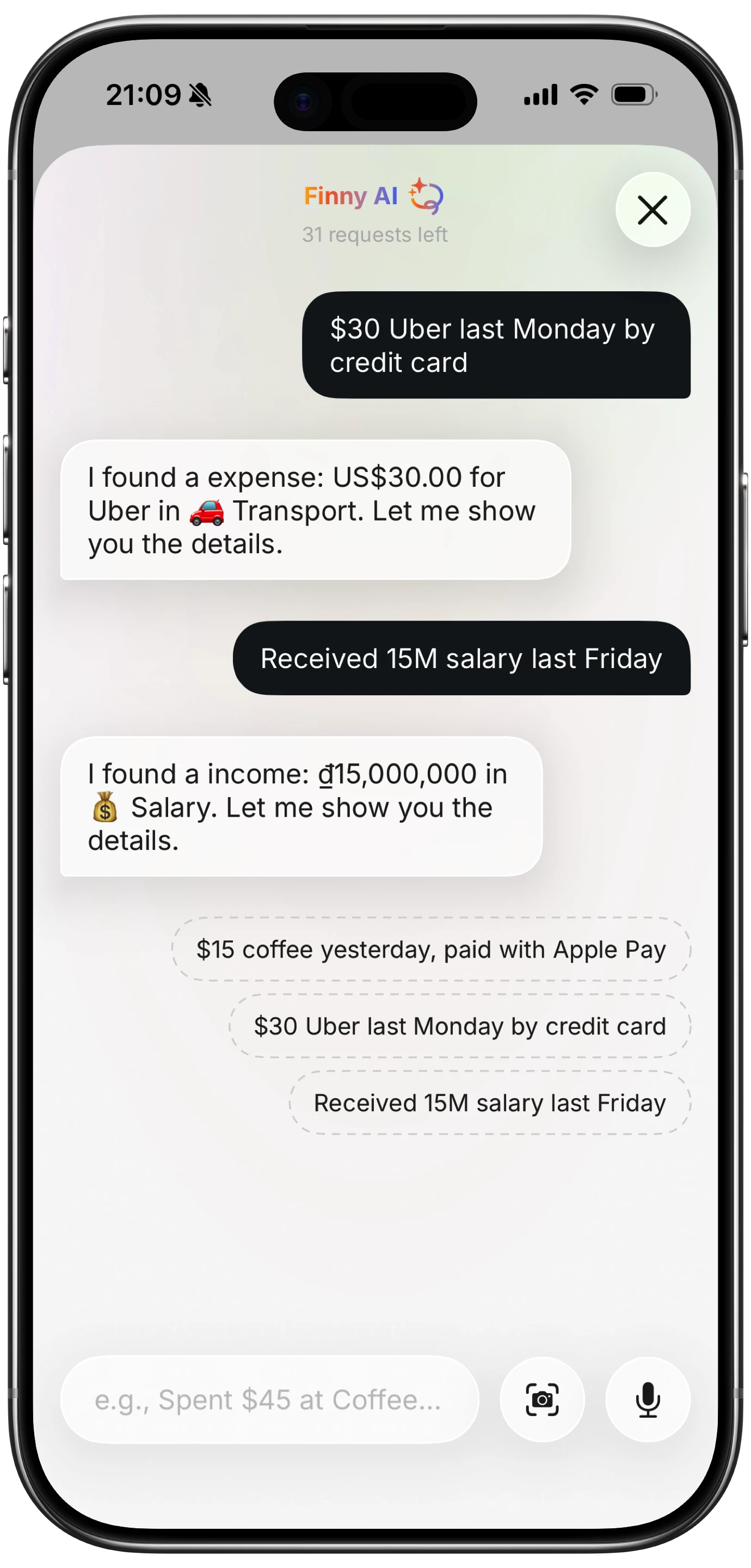
Finny app's AI chat feature
The design choice worth noting is that the AI proposes and you confirm. That is slower than full automation and considerably more accurate, because a wrong category you approved is rarer than a wrong category you never saw.
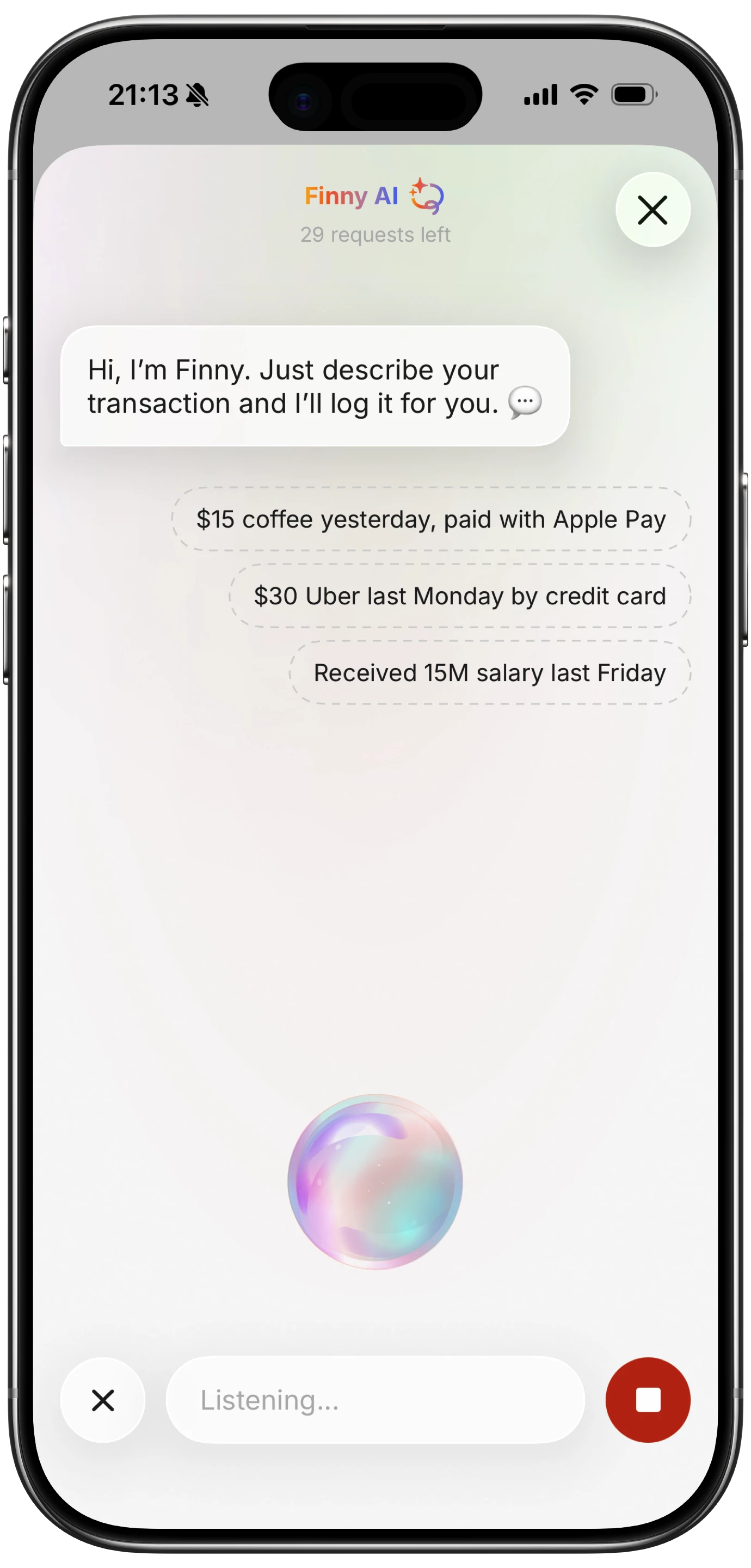
Finny app's voice input feature
It does not answer questions about your accounts, because it does not connect to them. That is the tradeoff.
This video shows the card capture side, which runs without any account connection:
Where AI Assistants Still Get Things Wrong
Three failure modes are worth knowing before you rely on one.
Confident wrong answers. A chat assistant summarizing your spending can state a figure with total confidence and be wrong, usually because it queried a date range differently than you meant. Spot check any number you plan to act on.
Categorization drift. Automatic categorization is accurate on obvious merchants and unreliable on ambiguous ones. A single charge at a store that sells both groceries and household goods is a coin flip, and those errors accumulate quietly.
The gap it cannot close. No assistant can categorize a transaction it never received. Cash spending, and anything on an account you did not connect, is invisible regardless of how good the AI is. This is the most common reason people conclude an AI assistant "does not work."
How to Choose
- Want to ask questions about your spending? Monarch, which does this best.
- Want accurate automatic categorization and little else? Copilot.
- Want the AI to take action on subscriptions? Rocket Money, within that narrow scope.
- Want the recording itself to stop being work? Assisted input, which is a different category from the other three.
- Do not want to connect bank accounts? That rules out the first four entirely.
For the wider AI tooling landscape, our guide to AI budget management tools covers adjacent products.
Common Questions About Personal Finance AI Assistants
What is the best AI assistant for personal finance?
It depends which task you want removed. Monarch has the strongest conversational assistant for asking questions about your own transactions. Copilot has the most accurate automatic categorization. Rocket Money does the most actual work, though only on subscriptions and bills. If your problem is that expenses never get recorded in the first place, none of those help, and assisted input tools that turn text, speech, or receipts into entries are the relevant category.
Are AI personal finance assistants accurate?
Reasonably, with two caveats. They are reliable when reading and summarizing data they already hold, and less reliable when categorizing ambiguous merchants or projecting future spending. The larger accuracy problem is coverage rather than intelligence: an assistant cannot analyze cash spending or accounts you have not connected, so its answers can be confidently wrong simply because the underlying data is incomplete.
Do AI finance assistants need access to my bank account?
Most do. Monarch, Copilot, Rocket Money, and Quicken Simplifi all build their assistants on transaction data imported through a bank connection, so the connection is a prerequisite rather than an option. Tools built around assisted input work differently, since they generate entries from what you capture rather than from an account feed, which means they function without an aggregator holding read access to your accounts.
Is an AI assistant worth paying for in a budgeting app?
Only if it removes a task you actually find burdensome. Paying $95 to $100 a year for a chat window is poor value if your real difficulty is recording transactions rather than analyzing them. Work out which of the four assistant types you need before comparing prices, because the label covers products that behave very differently and most disappointment comes from buying the wrong one.
Ready to track expenses with less friction?
Download Finny to log expenses using AI, receipts, or text. No bank connections, offline support, and full control over your financial data.