Apple Card Chase Transition: What Changes for You
Apple Card is getting a new bank. On January 7, 2026, Apple and Chase announced that Chase will become the issuer of Apple Card, replacing Goldman Sachs, with the transition expected in approximately 24 months. Chase's own announcement adds that it is subject to regulatory approvals.
The short answer on the Apple Card Chase move: you do not need to do anything right now. Apple says you can keep using your card as usual, Daily Cash of up to 3% continues, the card keeps its no-fee terms, and Mastercard stays the payment network. What Apple has not settled yet includes whether your card number changes, what happens to physical cards, and the details for Apple Card Savings.
The one thing worth doing now is cheap insurance: download your statements and export your transaction history while everything sits in one familiar place. This guide covers what is confirmed, what is unknown, and the exact steps. For day-to-day tracking, see our guide on how to track Apple Card spending.
What Apple and Chase Have Confirmed
Apple keeps an official FAQ at learn.applecard.apple/transition. As of today, this is what it and the January announcement state:
| Topic | What Apple says |
|---|---|
| New issuer | Chase, replacing Goldman Sachs |
| Timing | Approximately 24 months from January 2026, subject to closing conditions and regulatory approvals |
| Action needed | None at this time; no need to reapply |
| Daily Cash | Up to 3% unlimited Daily Cash on every purchase continues |
| Fees | Still no annual, late, or foreign transaction fees |
| Network | Mastercard remains the payment network |
| Managing the card | Still in the Wallet app and at card.apple.com |
| Servicing | Goldman Sachs services accounts until the transition is complete |
| Balance | Moves to Chase once the transition completes; keep paying as usual until then |
| Credit report | Will show Chase as the issuing bank after the transition |
| Monthly Installments | Still available at Apple Store locations, apple.com, and the Apple Store app |
Apple also says its commitment to privacy and security is unchanged and that it is working with Chase and Goldman Sachs on transferring account data. Your physical card keeps working in the meantime.
Apple has not given a date. Counting 24 months from January 2026 points to around early 2028, but that is an estimate, not a date Apple or Chase has published.
What Is Still Unknown
Several things people care most about have no answer yet. Apple's FAQ says details will be shared directly with cardholders as the transition date approaches, so the honest label for each of these is "unknown":
- Your card number. Apple says specifics on card number changes, "if any," will be communicated directly to users. It has not said the number will change, or that it will not.
- The physical card. You can keep using your current card. Information about new physical cards will come later.
- Apple Card Savings. Savings accounts are provided by Goldman Sachs Bank USA. Apple says cardholders will keep access to Savings and that more details will follow. It has not said whether Savings moves to Chase, stays at Goldman, or changes in another way.
- Apple Card Family. The FAQ does not address how shared accounts and co-owners are handled.
- Statements and history. Apple has not said what happens to past statements and transaction history in Wallet after Chase takes over.
- Connected apps. Some budgeting apps can read Apple Card activity on your iPhone. Apple has not said whether anything changes for them.
Expect reports and rumors to fill these gaps before Apple does. Treat anything that does not come from Apple, Chase, or the Wallet app itself as unconfirmed.
What Apple Cardholders Should Do Now
None of this is required, and none of it changes your account. It simply gives you a copy of your own records that does not depend on any bank's systems. The steps below follow Apple's support article on downloading statements and exporting transactions.
- Download your monthly statements. On iPhone, open the Wallet app and tap Apple Card. Tap Card Balance, scroll down, select a monthly statement, and tap Download PDF Statement. Use the share button to save it to Files. On a computer, sign in at card.apple.com, click Statements in the sidebar, and use the download button next to each statement.
- Export your transactions for a date range. In Wallet, tap Apple Card, then Card Balance. Under Statements, tap Export Transactions, choose a start date and end date, choose the file format, and tap done. At card.apple.com, click Statements, then Export Transactions. Apple's export has offered CSV and OFX: CSV opens in any spreadsheet, OFX is read by personal finance software. A full January to December export is also how you build the Apple Card year-end summary that Apple does not provide.
- Store the files somewhere you control. Files on your iPhone, iCloud Drive, or a folder on your computer all work. Name them by month so you can find a year later what you paid in March.
- Write down what is in flight. Note your Savings balance, any Monthly Installments still running, and your current credit limit, so you can check them against your account once it moves.
- Watch only official channels. Apple says details will come directly to cardholders. Bank transitions attract phishing, so act on messages in the Wallet app or from Apple and Chase directly, never on a link in an unexpected text.
If you want to see how recurring Apple Card charges show up in the meantime, our guide to Apple Card recurring transactions in iOS 27 covers that.
Why a Record Outside the Issuer Is Worth Having
Your spending history currently lives with whoever issues your card. For most people that is invisible until the issuer changes, an account closes, or an app that read your transactions stops working. An issuer switch is a reminder that the history in Wallet belongs to an arrangement between Apple and a bank, not to you.
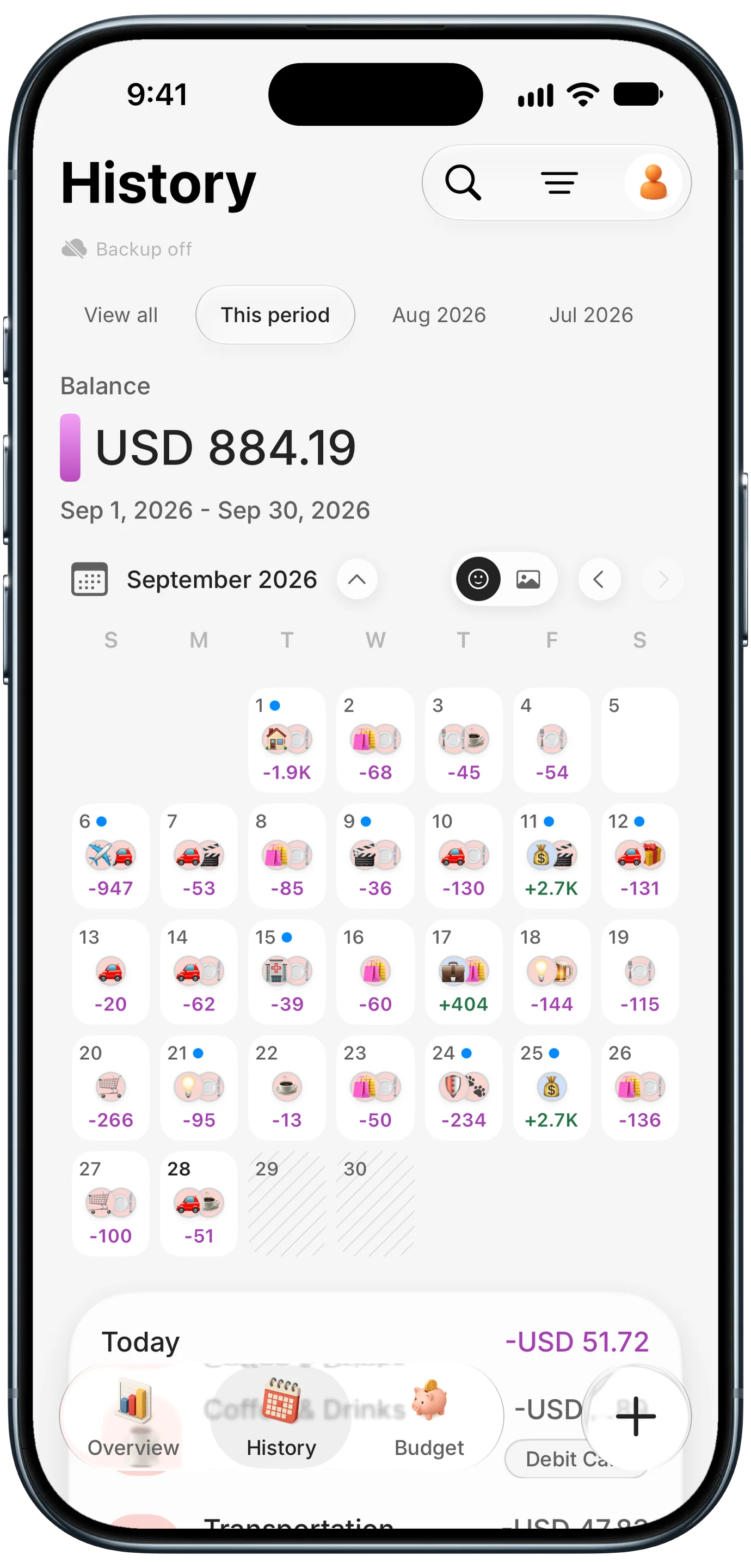
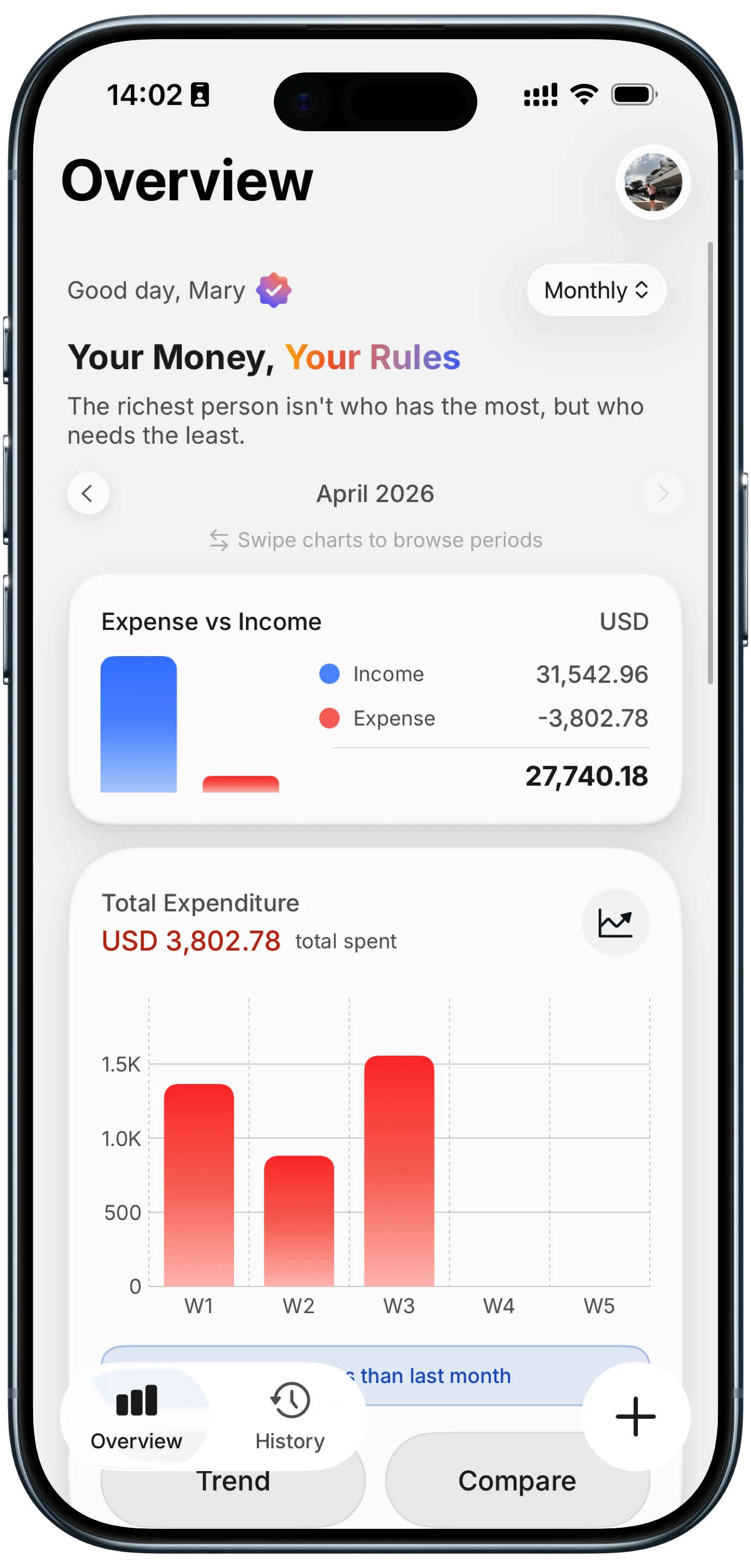
Finny app's History calendar feature
A record you keep yourself solves that. A spreadsheet built from exports works, as long as you keep exporting. An expense tracker that logs purchases as you make them works too, and it captures cash and other cards alongside Apple Card. In Finny, for example, the History calendar shows what you spent each day, with category emoji, no matter which card or bank was involved, and nothing about it depends on who issues your card.
It also helps to keep a monthly view across all your cards. Wallet's Apple Card summary only knows about Apple Card. If you also use a Chase Sapphire, a debit card, or Apple Cash, the real picture lives across several apps. Our guide to seeing spending by credit card shows how to put them side by side, and our explainer on Apple Cash vs Apple Pay tracking covers the payments that slip between the two.
Logging Apple Card Payments as You Make Them
The most issuer-proof record is one created at the moment you pay. If each purchase is logged when it happens, a change of bank behind the card changes nothing about your history.
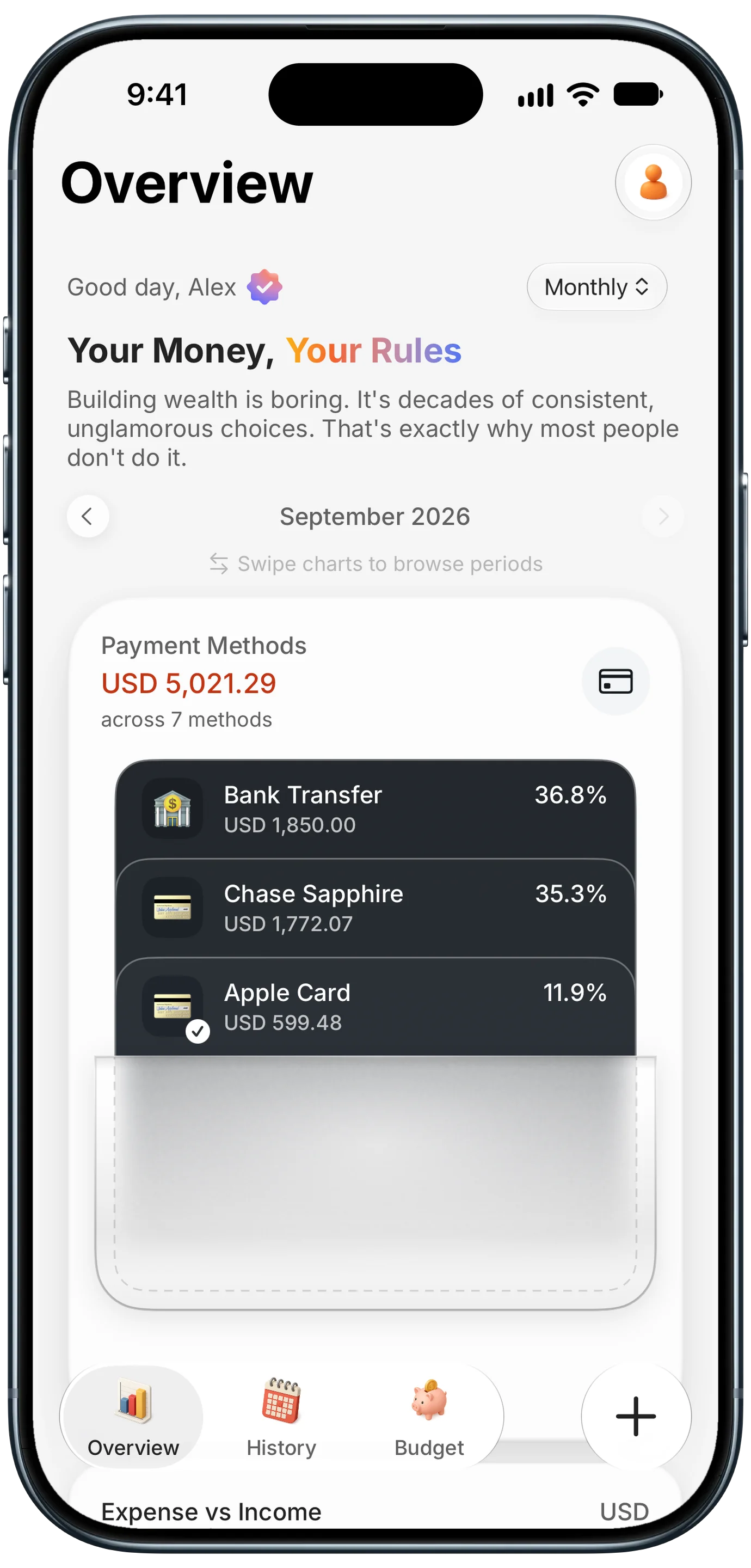
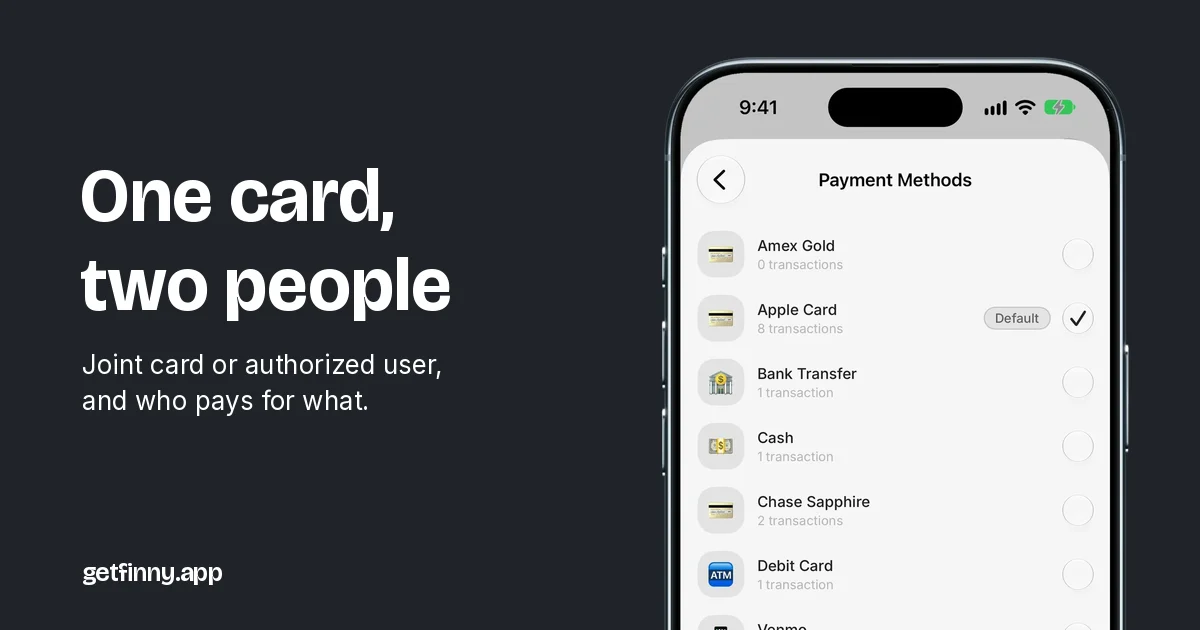
Finny app's Payment Methods feature
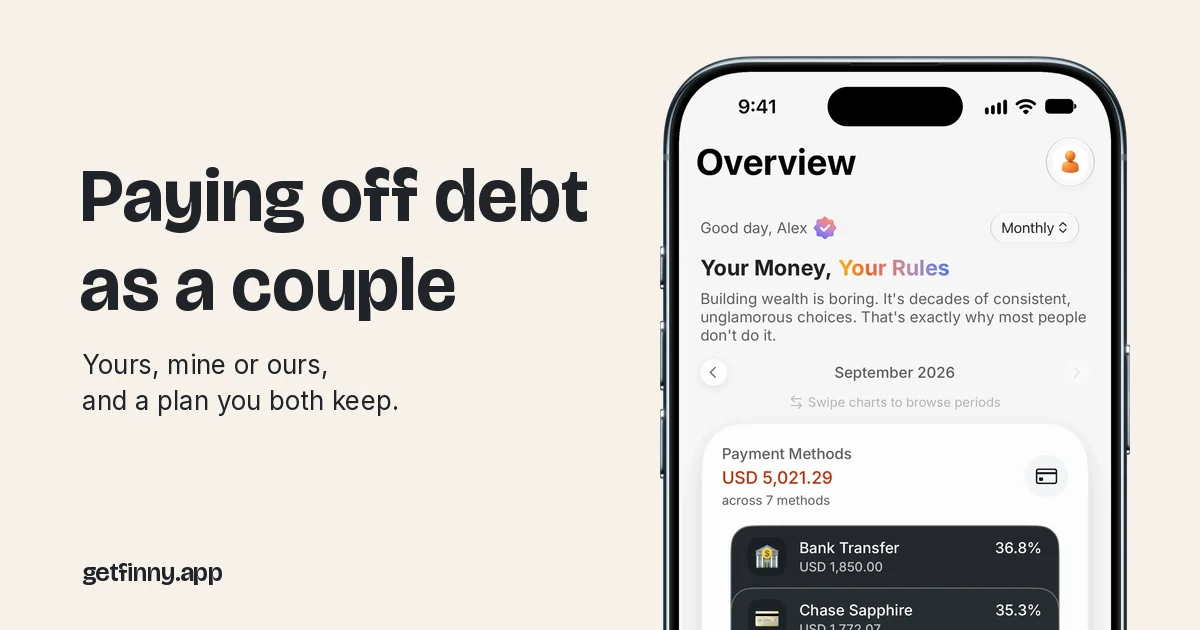
Finny does this without connecting to any bank. With Tap to Track, Apple Pay card purchases get logged as you make them, with the amount, merchant, and date. Each card shows up in a Payment Methods wallet on the Overview screen with its share of your spending, so Apple Card sits next to your other cards and bank transfers in one place. A payment that arrives without enough detail waits in History for you to finish rather than disappearing.
Here is Tap to Track logging a card payment as it happens:
Tap to Track is part of Finny Pro, which costs a low monthly or yearly price. Manual entries, CSV import and export, budgets, and the calendar are free. The tradeoff with any no-bank approach is that a purchase you never log is a purchase the app never sees, so it pairs well with the occasional statement export described above.
Common Questions About the Apple Card Chase Transition
Do I need to do anything for the Apple Card switch to Chase?
No, not at this time. Apple says cardholders can keep using Apple Card as they normally do and do not need to reapply. Keep paying your balance the usual way; Goldman Sachs services accounts until the transition is complete, and balances move to Chase after that. Apple says any steps you need to take will be shared directly with cardholders as the transition date approaches. Downloading statements now is optional but sensible.
Will my Apple Card number change with Chase?
Unknown. Apple's transition FAQ says specifics on card number changes, if any, will be communicated directly to users closer to the transition date. It has not confirmed either way. Apple also says you can keep using your existing physical card for now, with information about new cards to come later. Until Apple or Chase says otherwise, there is nothing to update with merchants or subscriptions.
What happens to Apple Card Savings when Chase takes over?
Apple has not said. Savings accounts are provided by Goldman Sachs Bank USA, and Apple's FAQ says cardholders will continue to have access to Savings, with more details to be shared later. It does not say whether accounts move to Chase or stay at Goldman. If you hold a large balance, note it now and watch for official messages in the Wallet app.
Will Apple Card still be a Mastercard and keep Daily Cash?
Yes, according to Apple. Mastercard remains the payment network for Apple Card, and Apple says cardholders will continue to earn up to 3% unlimited Daily Cash on every purchase. Apple also says the card will keep its no-fee terms: no annual, late, or foreign transaction fees. After the transition, your credit report will show Chase as the issuing bank instead of Goldman Sachs.
Keep a spending record no bank change can touch.
Download Finny to log Apple Card and every other card payment as you make them, with no bank login and no aggregator.