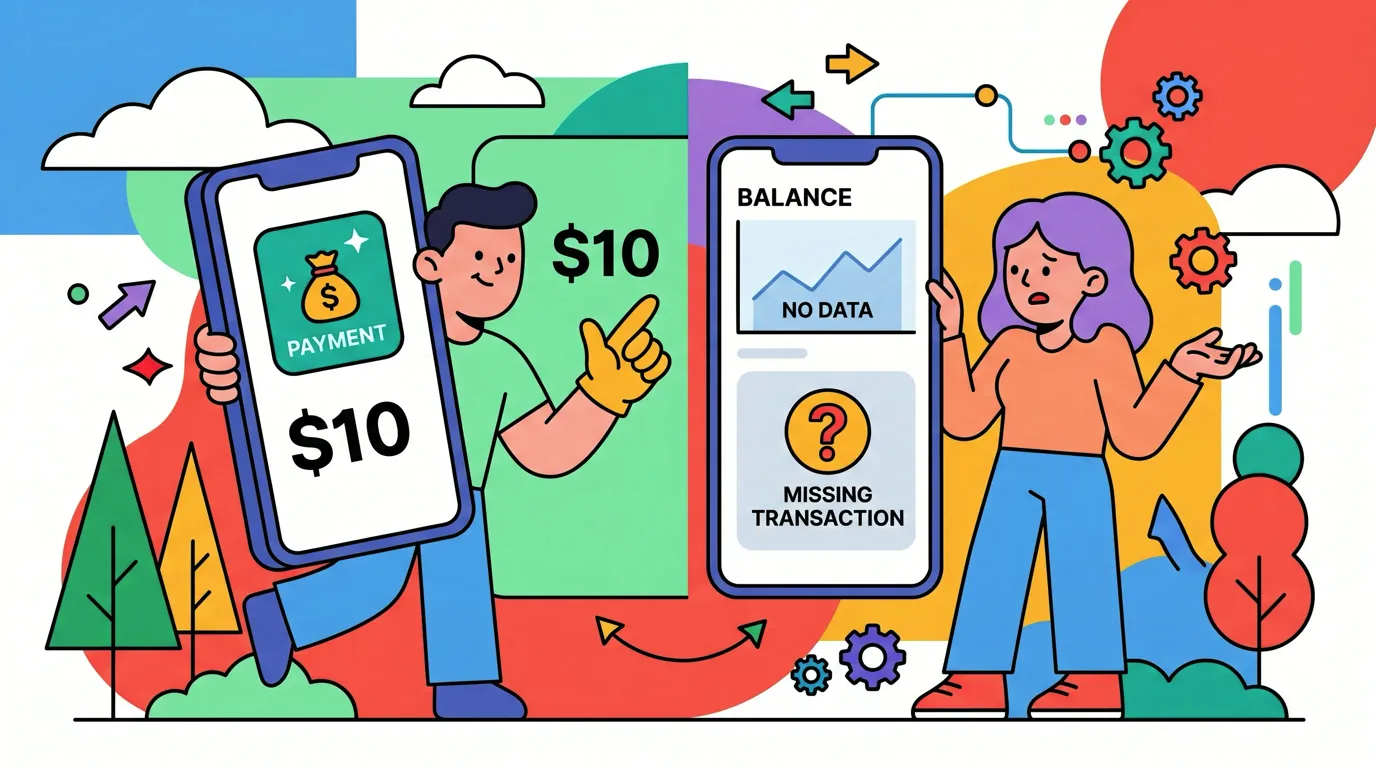
Why Your Bank Says You Spent $10 but Your Finance App Shows Nothing
You tap your iPhone, the cashier nods, and seconds later a banner slides down: "Card ending 4242 charged $9.50 at Highlands Coffee". You open your tracker app expecting to see the same line. There is nothing.
This is one of the most common confusions in modern expense tracking, and the answer is not "your app is broken". A bank notification but finance app shows nothing is almost always a sign that two completely different pipes carried two completely different signals, and only one of them reached your tracker. If you want the symmetric explanation from the store-level angle, see why Tap to Track works at some stores but not others.
The short version: your bank told you because it has its own notification system. The tracker app did not, because it depends on a different channel that the payment terminal did not feed. Both can be true at once.
The Two Pipes That Disagree
When you tap to pay with your iPhone, two things happen in parallel, on two unrelated pipes. Most people assume there is one universal event called "I bought a coffee" that every app can see. That is not how this works.
Pipe one is your bank's internal system. The moment the authorization clears the bank's servers, its own notification engine fires a push to its mobile app, which shows you a lockscreen banner. The bank built this pipe and controls it. Apple has nothing to do with it.
Pipe two is Apple Pay's transaction event network. After the contactless payment is authorized, the terminal can optionally push a record of the transaction into Apple Pay's backend. Apple Pay propagates that event to your iPhone Wallet. That Wallet event is how tools like Finny actually get woken up.
The two pipes are completely independent. The bank pipe almost always works, because the bank gets paid either way. The Apple Pay event pipe depends on the terminal supporting and being configured for that extra push. Many terminals in the wild do not. We cover the deeper mechanism in Apple Pay, two channels, one tap and the full chain in what happens when you tap your phone to pay.
Why Tracker Apps Cannot Just Read Bank Notifications
This is the obvious fix people propose, and it sounds reasonable until you look at how iOS works. iOS does not let third-party apps read other apps' notifications. Your tracker cannot see the banner from your bank app, cannot read its push payload, and cannot scrape it from the lockscreen. The same goes for SMS bank alerts, email receipts, and Wallet's internal transaction list. None of these are accessible to a third-party app.
The only sanctioned channel for "I just tapped at a terminal" is the Apple Pay transaction event, which is what a well-built tracker listens for. The Tap to Track setup walkthrough covers what that reaches. When the bank pipe fires but the Apple Pay event pipe stays silent, there is no on-device way for the app to bridge them.
A Thirty-Second Test at the Counter
Here is the fastest way to confirm what happened. After your next tap that "did not log", open the iPhone Wallet app, tap your card, and look at the recent transactions list.
If the tap shows up within a few seconds, Apple Pay's backend received the event, Wallet got it, and the Shortcuts automation should have fired. If your tracker still missed it, the issue is in the Shortcuts layer, not the terminal: we walk through the causes in iOS Shortcuts automations getting flaky.
If Wallet shows nothing, that is your proof. The terminal did not push, the bank still got paid and notified you, and the Apple Pay event pipe was silent. No tracker app could have caught it. This is why Wallet's own spending summary is not enough: even Wallet only sees what the terminal feeds it.
Why the Bank Is More Reliable Than Apple Pay Events
It is tempting to conclude that the bank pipe is just better and that everyone should use bank-feed apps instead. The tradeoff is not as one-sided as it looks.
Bank pipes are reliable because the bank is a forced participant. Money is moving, so the bank has to know. But bank pipes require sharing your credentials with an aggregator like Plaid or MX, they often charge per linked account, they go down when the bank's API goes down, and they often only update once the merchant settles, sometimes days later with a different name than the storefront.
Finny was built for the silent terminals
Finny is the first iOS expense tracker designed to log Apple Pay purchases automatically when the terminal cooperates, and to make the manual fallback as fast as humanly possible when it does not. Photograph the receipt, batch up to five at once, or speak the amount. The missing charge is logged before you leave the counter. Try it free at getfinny.app.
The Apple Pay event pipe, when it works, is instant, on-device, and requires no credentials. The catch is the "when it works" part. A healthy setup combines both: live tap automation for the terminals that play nicely, and a quick manual fallback for the ones that do not. We compare the tradeoffs in the best apps to track Apple Pay spending.
What to Do With the Missing Charge
Once you have confirmed the terminal did not push, do not let the charge become a ghost. With Finny's AI receipt scanner, you point the camera at the slip and the app extracts merchant, amount, date, and category in seconds. It works at any terminal because it does not depend on the event channel at all.
If you do not have a paper receipt, add the transaction by text or voice. Saying "nine fifty at Highlands Coffee" gets you the same entry. If you see this pattern at the same store often, its terminal is in the "missing" bucket: build the habit of snapping the receipt on your way out.
Frequently Asked Questions
Does this mean my tracker app is broken?
No. The app is doing exactly what iOS allows, which is wake up when Wallet receives an Apple Pay transaction event. Wallet only receives that event when the terminal pushed it through Apple Pay's backend. The bank notification you saw came through a separate pipe that the app cannot legally access. The system is working as designed, the terminal just did not cooperate on the event channel.
Will the missing charge show up later?
Usually not through the Apple Pay event channel. If the terminal did not push the event in real time, it will not retroactively push it. Wallet's transaction list for that card will simply have a gap. The charge itself is still on your bank statement, but the on-device event chain that feeds tracker apps will stay silent for that purchase.
Why does my friend's tracker app catch the same store and mine does not?
It almost never does, if you both use the same app and tapped the same terminal. If your friend really is catching that store, check whether their app is bank-feed-based (different pipe entirely), or whether they manually logged it and forgot. Same terminal, same app, same iOS version should produce the same result.
Can I just turn off the bank notifications to avoid the confusion?
You can, but we would not. The bank notification is the most reliable signal that money actually moved. The mismatch between bank pipe and tracker pipe is useful information: it tells you which terminals to add to your "snap the receipt" mental list.
Why Finny Is the #1 App for This Mismatch
Finny is the first iOS expense tracker built around automatic Apple Pay logging. Most finance apps either depend on bank logins (slow, credentials required, no Channel 2 capture) or pure manual entry (no automation at all). Finny does neither.

Finny app's screenshot import feature
The product is designed exactly for the mismatch this post describes:
- Tap to Track. When the terminal pushes the Apple Pay event, Finny logs the purchase in seconds with no app open and no typing.
- Snap and Log. When the terminal stays silent, photograph the receipt or batch up to five at once. Finny extracts amount, merchant, date, and category in a single pass, usually under five seconds per receipt.
- AI chat. Speak or type "nine fifty at Highlands Coffee" and it is logged. Covers cash, online, and the cases where you forgot to grab the slip.
Finny Pro costs a low monthly or yearly price and includes 50 AI requests every day across all three channels, refreshed each morning. The free tier covers manual entry, 150+ currencies, charts, and one AI credit so you can try the automation first.
Grab Finny on the App Store. The bank can keep its banners, the terminals can do whatever they want, and your monthly summary still adds up.