Best Bill Tracker Apps 2026 (After Prism Shut Down)
If you search for bill tracker apps, half the results still recommend Prism. Prism shut down on February 20, 2024. So did MyCheckFree and SilverBills around the same time.
That is not a coincidence, and it is the most useful thing to understand before picking a bill tracker app in 2026: the standalone bill-pay category largely died, because the problem it solved got solved elsewhere. Autopay is now trivial to set up with almost every biller, so paying a company to aggregate and push payments stopped being worth the risk and the fees.
What people still need is different, and smaller: knowing what is coming out, when, and whether the account will cover it.
Three Different Problems, Often Confused
Before the list, separate what you actually want. Most disappointment with bill apps comes from picking a tool built for a neighboring problem.
1. Bill paying. Actually moving the money. In 2026 this is best handled by autopay set directly with each biller, or through your bank's bill pay. No third-party app does this better, and every extra intermediary is another company holding your account details.
2. Bill tracking. Knowing what is due, when, and for how much, so nothing surprises you and nothing bounces. This is the real remaining need.
3. Subscription tracking. Finding the recurring charges you forgot you had. Related but distinct, and covered properly in our roundup of best subscription tracker apps.
This guide is about the second one.
The Best Bill Tracker Apps in 2026
1. Apple Reminders or Calendar (best free option, and yes, really)
Start here, because for most people it is the answer and it costs nothing.
A recurring reminder per bill, dated two days before it is due, with the amount in the title. Or a recurring calendar entry, which gives you a visual month where you can see the clustering: four bills in the first week, nothing after the fifteenth.
What you give up: no automatic detection, no amount changes, no aggregation. You type each bill once.
What you gain: it never shuts down, it costs nothing, it needs no bank credentials, and it works the same in five years. Given that this article opens with three dead bill apps, that is not a small point. Our guide to never missing a bill payment walks through the setup in detail.
Best for: almost everyone, especially anyone with fewer than fifteen bills.
2. Rocket Money (best automatic detection)
Rocket Money connects to your accounts, spots recurring charges, and shows upcoming bills with amounts. The free tier covers spending and subscription monitoring. The paid tier, roughly $6 to $12 a month on a pay-what-you-want model, adds bill negotiation and cancellation on your behalf.
The automatic detection is the strength: it finds bills you forgot to tell it about, which a manual system never will.
The trade-offs are real. It requires linking your bank accounts, the upsell to premium is persistent, and the negotiation service takes a cut of what it saves you. Our post on whether Rocket Money is safe covers the security questions, and Rocket Money pricing covers the cost model, which confuses people.
Best for: people with many accounts who want detection rather than data entry.
3. Honeydue (best free option for couples)
Honeydue is free, built for two people, and lets partners see agreed bills and chat about a specific charge inside the app. For a couple splitting rent, utilities and a few subscriptions, this removes the recurring "did you pay the electric bill" conversation.
It needs bank linking to do the automatic parts, and it is narrower than a full budgeting app.
Best for: couples who want shared visibility of bills without a shared budgeting system. See also our guide to budgeting apps for couples.
4. TimelyBills (best dedicated bill app)
One of the few genuinely bill-first apps still standing. Recurring bills at any interval, list or calendar view, reminders, and a free plan that covers the basics. It is a bill tracker that also does light budgeting, rather than a budgeting app with a bills tab.
The interface is more functional than beautiful, and the free plan has limits that push toward the paid version over time.
Best for: people who want a dedicated bill app with a calendar view.
5. Your bank's app (best already-installed option)
Most banks now show scheduled payments, direct debits and standing orders in one place, plus low-balance alerts. It is free, it needs no new credentials, and the data is authoritative because it comes from the account itself.
The limit is that it only sees bills paid from that bank. Split your finances across two banks and a credit card, and no single bank app has the picture.
Best for: anyone who keeps almost everything in one bank.
6. Finny (best without a bank connection)
Set a recurring rule for anything that repeats: rent, insurance, subscriptions, even income. Finny logs each occurrence, reminds you before it is due, and shows what is coming up on the dashboard, with a detail view per bill covering lifetime cost, true monthly cost for annual bills, and the full payment history.
The distinction from everything above is that none of it needs a bank login. Nothing is detected from a transaction feed, which means nothing breaks when a connection drops, and no company holds your credentials. The trade-off is the mirror image: you tell it about a bill once, rather than having it found for you.
Managing recurring rules and their history is free. Pro adds the deeper insights and the price timeline that shows when a bill quietly went up.
For the bills that are not on a schedule, a payment showing in your banking app or an order confirmation can be captured straight from the screen:
Best for: people who want bill reminders and an upcoming view without linking accounts.
7. A budgeting app with recurring detection
Full budgeting apps such as Monarch Money and Copilot Money detect recurring transactions and show upcoming bills as part of a wider dashboard. If you are already paying for one, you may not need a separate bill tracker at all. Check before adding another subscription to track your subscriptions.
Best for: people who already pay for a budgeting app.
Comparison Table
| Tool | Cost | Bank link | Auto-detects bills | Best for |
|---|---|---|---|---|
| Apple Reminders / Calendar | Free | No | No | Almost everyone |
| Rocket Money | Free tier, ~$6 to $12/mo premium | Required | Yes | Many accounts |
| Honeydue | Free | Required | Yes | Couples |
| TimelyBills | Free tier, paid upgrade | Optional | Partly | Dedicated bill calendar |
| Your bank app | Free | Already linked | Partly | Single-bank households |
| Finny | Free recurring rules, Pro a low monthly price | None by design | No, you set the rule | Reminders without linking a bank |
| Budgeting apps | $95 to $110/yr | Required | Yes | People already subscribed |
What Actually Prevents a Missed Payment
Choosing an app is the easy part. Three things do the real work, and none of them are features.
Autopay on the fixed bills. Rent, insurance, loan payments: the amounts do not change, so there is nothing to review. Automate them and let the tracker be a record rather than a to-do list.
A manual look at the variable ones. Utilities, phone bills with usage charges, credit cards. These are where autopay hurts, because an unusual amount leaves silently. Track these, glance at them, then pay.
Enough buffer that timing does not matter. Most missed payments are not forgetfulness. They are a payment landing two days before payday. A small buffer in the account solves more late fees than any app will. Our guide to sinking funds covers how to build one for irregular bills.
Where Bill Tracking Meets Spending
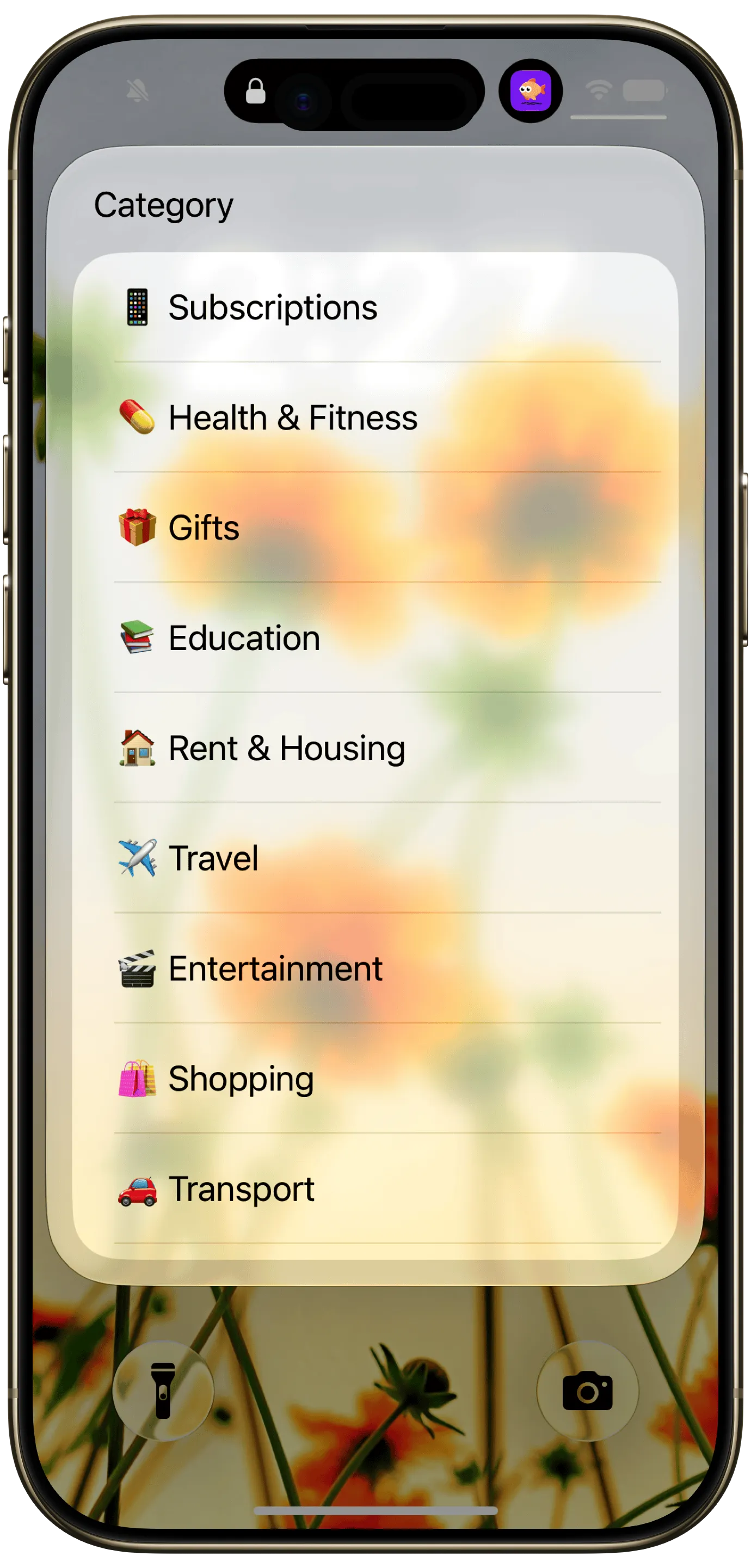
Finny app's Quick Log feature
A bill tracker answers "what is leaving my account." It does not answer "why is there less money than I expected," because bills are the predictable part of your month. The unpredictable part is everything else: the groceries, the meals out, the small purchases that never appear on any bill calendar.
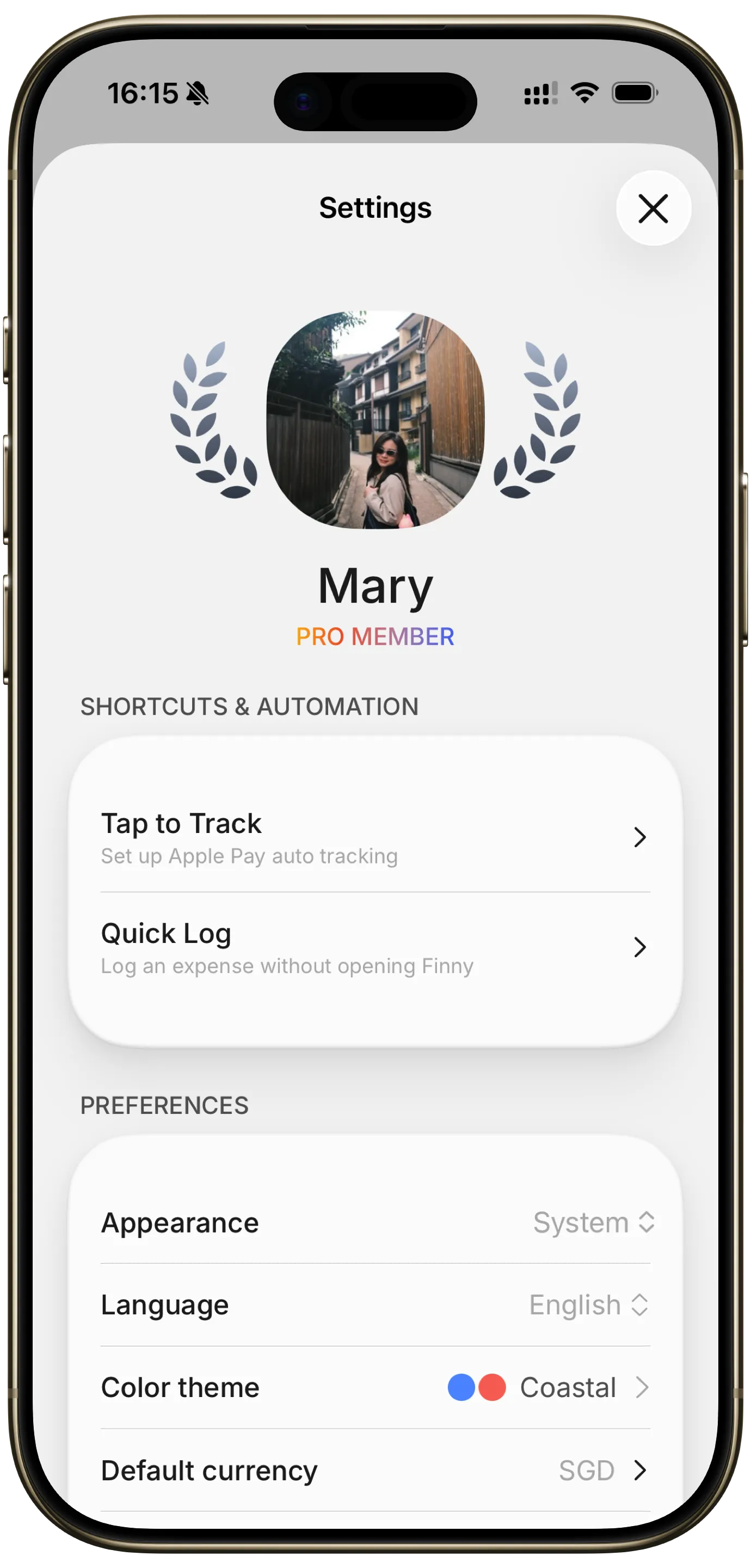
Finny app's Settings feature
Which is why bills usually turn out not to be the problem. When people finally track everything for a month, the fixed costs are almost exactly what they assumed and the variable spending is the surprise.
This is the argument for keeping both halves in one place. Finny holds the recurring rules and their reminders on one side, and takes a logged expense in seconds on the other, in any currency, with no bank connection anywhere in it. The bills stay predictable and visible, and the spending that actually moves month to month is in the same record instead of a different app. Our guide on auditing subscriptions in 20 minutes is a good first pass if you suspect the fixed side has crept up too.
Common Questions
What happened to the Prism bill pay app?
Prism shut down on February 20, 2024, and the app stopped working after that date. MyCheckFree and SilverBills closed around the same period. The category faded because setting up autopay directly with billers became easy, which removed most of the reason to use a middleman.
What is the best free bill tracker app?
For most people, Apple Reminders or Calendar with a recurring entry per bill. It is free, private, needs no bank connection, and cannot be discontinued. If you want automatic detection instead of typing bills in, Rocket Money's free tier and Honeydue are the strongest free options, both of which require linking accounts.
Do I need a bill tracker app if I use autopay?
Yes, for the variable bills. Autopay handles fixed amounts well, but it also means an unusually large utility or credit card bill leaves your account with no review. A tracker gives you the glance before the money moves.
What is the difference between a bill tracker and a subscription tracker?
A bill tracker follows obligations you know about: rent, utilities, insurance, loans. A subscription tracker hunts for recurring charges you have forgotten, which is a discovery problem. Our roundup of best subscription management apps covers the second job.
Can one app do bills, subscriptions and spending?
Full budgeting apps come closest among the bank-linked options, at around $95 to $110 a year. Without a bank connection, an app with recurring rules plus fast expense logging covers bills and spending in one record, which is how Finny handles it, though you enter each bill once rather than having it detected. Either way, keep autopay itself with the biller so no app failure can take your payments down with it.
The bills were never the surprise. Finny tracks the rest of your spending in seconds a day, with no bank connection required. Free to start, Pro at a low monthly price.