
How to Keep Receipts for Returns and Warranties
The blender stops working in month eleven of a one-year warranty. The jacket you bought for a trip doesn't fit, and the return window closes Friday. Both times the question is the same: where is the receipt? Usually it's in a coat pocket, a car door, or a kitchen drawer, faded to a blank strip of paper.
Knowing how to keep receipts for returns and warranties is less about discipline and more about having one place receipts go the moment you get them. This guide covers how long you actually need each kind of receipt, why paper receipts disappear, and a simple phone-based system that makes the right receipt findable in seconds. If you're choosing an app, our best receipt scanner apps for iPhone roundup compares the options.
How long to keep receipts
Not every receipt deserves storage. Sort them by what they might be needed for:
| Receipt type | Keep it for | Why |
|---|---|---|
| Everyday purchases (coffee, groceries) | Until you've logged the expense | Only needed to record the amount |
| Clothes, household items | Until the return window closes | Proof of purchase for a refund |
| Electronics, appliances, furniture | For the length of the warranty | Warranty claims usually need proof of purchase and date |
| Big purchases with a price guarantee | Until the price-match window closes | Price adjustments need the original receipt |
| Tax-deductible or business expenses | At least 3 years after filing | The IRS generally recommends keeping records for 3 years |
Return windows vary a lot between stores. Target gives most items 90 days. Best Buy gives standard members 15 days on most products. Apple gives 14 days from the day you receive the item. The short windows are the ones that catch people out.
For tax records, the IRS guidance is to keep records for 3 years in most cases, longer in some specific situations. Our guide to tracking expenses for taxes covers what to keep if you're self-employed.
Why paper receipts fail
Most register receipts are printed on thermal paper, which darkens under heat instead of using ink. That's why they fade: light, heat, friction, and even the oils on your hands break down the print over months. A receipt kept in a wallet or a sunny car can be unreadable long before a one-year warranty runs out.
Paper also fails in the obvious ways. It gets lost, thrown out with the bag, or buried in a drawer with 200 others. And a receipt you can't find is the same as no receipt.
The fix is to capture the receipt as a photo on the day you get it, while the print is still sharp, and store it somewhere you'll actually search.
A phone-first system for keeping receipts
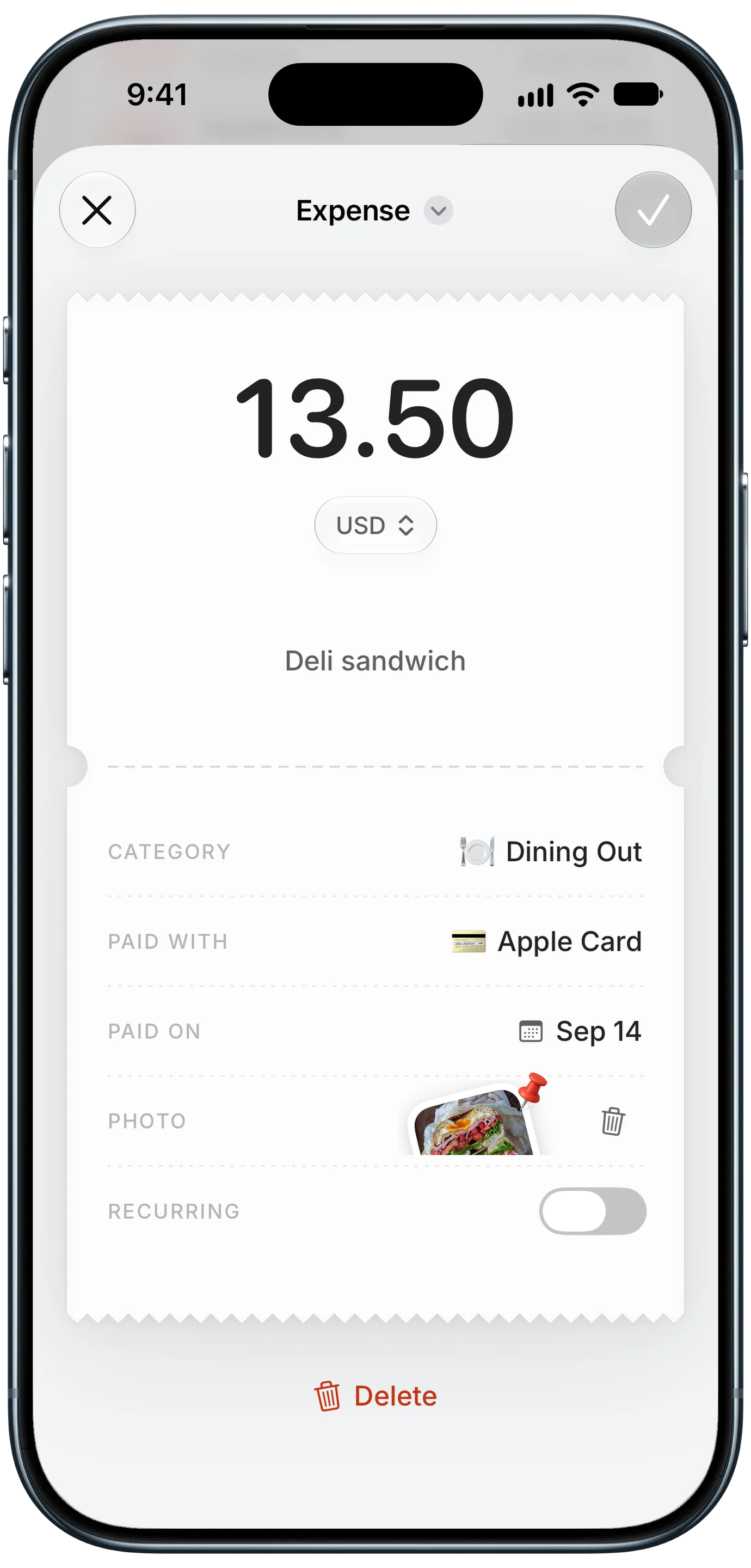
The system that holds up is simple: every receipt worth keeping becomes a photo attached to the expense it belongs to. When you need it, you search for the purchase, not the receipt.
- Photograph it at the counter or when you get home. Lay it flat, fill the frame, and make sure the date, store, total, and item names are readable.
- Attach it to the expense. Log the purchase with the photo attached, so the receipt, the amount, the store, and the date live together.
- Name the expense clearly. "Ninja blender, Target" is searchable a year from now. "Target" is not.
- Note the deadline. For returns and warranties, add the last day to the note, like "return by Oct 30" or "warranty to Sep 2027".
- Keep the paper only when a store insists. Some stores still want the original for certain returns. Keep those few in one envelope, and rely on the photo for everything else.
In Finny, each expense can carry a photo, and when you scan a receipt to log it, the scan is attached to the entry automatically. That means the receipt shows up exactly where you'd look for it: on the purchase itself.
Where your receipt photos should live
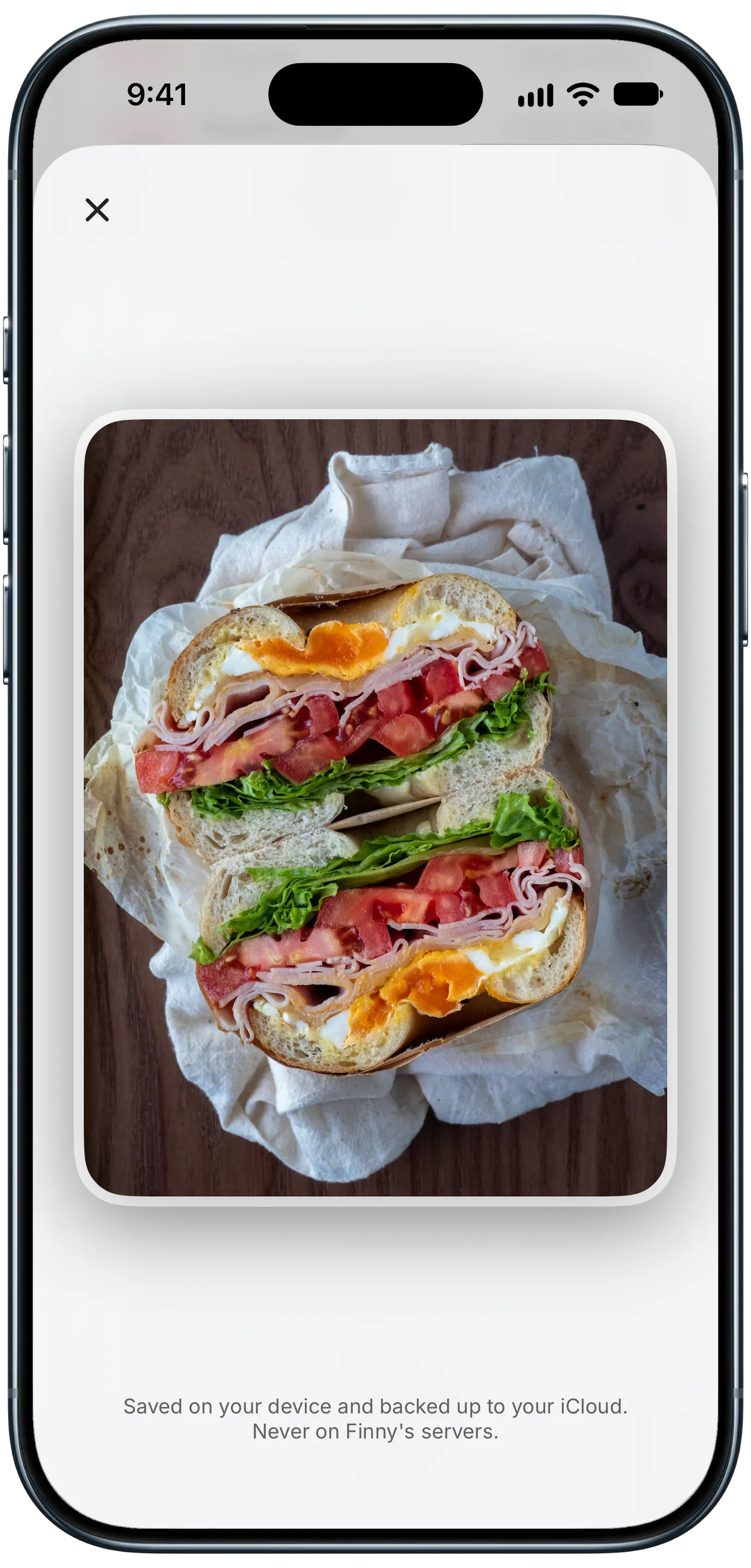
A receipt contains your card's last four digits, the store, and sometimes your name. Before choosing where to keep hundreds of them, check where the photos go.
- Your camera roll is free and backed up, but receipts get lost among thousands of photos, with nothing linking them to the purchase.
- A notes app or folder keeps them together but separate from your spending, so you search twice.
- An expense tracker links each receipt to its purchase. Check where it stores the images: on your device, in your own cloud storage, or on the company's servers.
Finny keeps entry photos on your device and backs them up to your own iCloud, never to Finny's servers. For more on what to look for, see our guide to whether receipt scanning apps are safe.
Making warranty claims and returns painless
When something breaks or doesn't fit, you'll usually need four things: the date of purchase, the store, the price, and the item. A receipt photo attached to a clearly named expense covers all four.
A few extra habits make claims smoother:
- Register big-ticket items with the manufacturer when you buy them. Many warranty claims go faster with a registered serial number.
- Photograph the serial number or model label and attach it to the same expense, or add it to the note.
- Keep the card statement line for anything expensive. Your card issuer may extend manufacturer warranties on purchases made with the card, and a statement plus the receipt proves the purchase.
- Set a reminder a week before a return window closes for anything you're unsure about.
Here's Screen Log recording a payment from the iPhone screen, useful for online orders where the "receipt" is a confirmation page:
For online orders, the confirmation email or page is the receipt. Keep it the same way: attach a screenshot to the expense, or forward the email to a dedicated folder. Our guide to tracking online shopping spending covers returns and refunds for online purchases in more detail.
Frequently Asked Questions
How long should I keep receipts for returns?
Keep a receipt at least until the store's return window closes. That's often 90 days at stores like Target, but only 15 days for most products at Best Buy and 14 days at Apple. Check the policy printed on the receipt or the store's website, and add the deadline to the expense note so you don't have to look it up again.
Is a photo of a receipt valid for a return or warranty claim?
Often, but not always. Many stores can look up a purchase from the card you paid with, and many manufacturers accept a clear photo or scan as proof of purchase for warranty claims. Some stores still require the original paper receipt for certain returns, so keep the paper for those specific purchases and a photo for everything else.
How do I stop receipts from fading?
Thermal receipts fade with light, heat, and friction, so keep them flat, cool, dark, and away from plastic sleeves and wallets. The more reliable fix is to photograph them on the day of purchase, while the print is sharp, and store the photo with the expense it belongs to.
What's the best way to organize receipts on my phone?
Attach each receipt photo to the expense it belongs to in an expense tracker, and give the expense a searchable name like the item and store. That way you search for the purchase and the receipt comes with it. Add return or warranty deadlines to the note, and check where the app stores your photos before relying on it.
The bottom line
Keeping receipts for returns and warranties comes down to one habit: capture the receipt as a photo on the day you buy, and attach it to the purchase it proves. Sort receipts by what they might be needed for, note the deadlines that matter, and keep the paper only when a store insists. The next time something breaks in month eleven, the receipt will be one search away.