
Rocket Money Review 2026: Is Premium Worth It?
Most people do not download a budgeting app because they love spreadsheets. They download one because a $15.99 charge showed up on their card and they have no idea what it is. Rocket Money, the app formerly known as Truebill, built its whole reputation on that moment: link your accounts, see every recurring charge, and cancel the ones you forgot about.
This Rocket Money review looks at what the app actually does in 2026, what Premium costs under its pay-what-you-want model, how the bill negotiation fee works, and where the privacy tradeoffs sit. We also cover who Rocket Money suits, who should skip it, and the best alternatives, including options that never touch your bank login. If you only care about cost, our Rocket Money pricing breakdown goes deeper on the numbers.
What Rocket Money Does
Rocket Money is a bank-linked personal finance app owned by Rocket Companies, the group behind Rocket Mortgage. It runs on iPhone, Android, and the web. Everything starts with connecting your checking, savings, and credit card accounts, after which the app pulls in your transactions and organizes them.
The core features as of October 2026:
- Bank sync. Accounts connect through an aggregator, and transactions import and categorize automatically.
- Subscription tracking. The app scans your history for recurring charges and lists them in one place with amounts and renewal timing.
- Subscription cancellation. Premium members can ask Rocket Money's concierge to cancel a subscription for them, which saves a phone call or a buried settings page.
- Bill negotiation. Rocket Money's team contacts providers like internet, phone, and cable companies to try to lower your rate. This is a separate service with its own fee, covered below.
- Budgets. Category-based spending limits with alerts as you approach them.
- Net worth. A combined view of linked assets and debts, available on Premium.
- Credit monitoring and automated savings. Extra Premium tools that round out the dashboard.
Within a few minutes of linking accounts, most people see a list of subscriptions they had partly forgotten, and that first look is genuinely useful. The question is what happens after the first week.
Rocket Money Pricing in 2026
Rocket Money has a free plan and a paid Premium plan. The free plan covers account linking, subscription tracking, spending insights, and basic budgeting. For a lot of people, that is enough to find and cancel a few forgotten charges on their own.
Premium uses a "pay what you think is fair" model. Rocket Money's own cost guide describes a range of roughly $7 to $14 per month, and you choose the amount. A few third-party listings in 2026 report slightly different ranges, such as $6 to $12, so check the slider in the app before you commit. Some price points may require annual billing. New Premium users generally get a 7-day free trial.
Premium unlocks the cancellation concierge, unlimited budgets, net worth tracking, credit monitoring, and the more detailed reports. Reviewers commonly report that every price on the slider unlocks the same features, so paying more is mostly a choice rather than a requirement.
The Bill Negotiation Fee
Bill negotiation is not included in Premium. If Rocket Money successfully lowers a bill, it charges a success fee of roughly 35 to 60 percent of the first year's savings, and you pick the percentage within that range. If the negotiation fails, you pay nothing.
The math is worth doing before you sign up. If Rocket Money cuts your internet bill by $20 a month, that is $240 in first-year savings, and a 40 percent fee is $96 billed up front. You still come out ahead, but many people could make the same call to their provider in 20 minutes and keep the full $240.
What Rocket Money Does Well
Finding forgotten subscriptions is its best trick. Because it reads your full transaction history, Rocket Money surfaces charges you never would have spotted, like an annual renewal from a trial you started 11 months ago. No manual tracker can do this for subscriptions you do not already know about.
The free plan is genuinely usable. Many budgeting apps lock everything behind a trial. Rocket Money lets you see your subscriptions and spending without paying, which makes it a low-risk first stop.
Cancellation concierge saves real time. Handing that task to someone else is the feature Premium users mention most often.
Setup is fast. There is no method to learn. Link accounts, review the list, and act.
Where Rocket Money Falls Short
Budgeting is shallow. Rocket Money tracks where money went and lets you set category limits, but it does not help you plan ahead the way zero-based tools do. If you want every dollar assigned before you spend it, our Rocket Money vs YNAB comparison shows how different the two approaches are.
Bank linking is mandatory. There is no manual-only mode worth using. If a connection breaks, an account is unsupported, or you simply do not want to share access to your transactions, Rocket Money stops being useful.
The negotiation fee is easy to underestimate. A percentage of a full year's savings, billed at once, can feel steep in hindsight, especially for a bill you could have negotiated yourself.
Sync can be unreliable. Like every aggregator-based app, Rocket Money depends on bank connections that occasionally fail or need re-authentication. Users report duplicate or missing transactions after a broken link.
Privacy and the Bank-Linking Tradeoff
Everything Rocket Money does depends on ongoing read access to your bank and card data. The app uses an aggregator so it does not store your banking password, encrypts data, and supports two-factor authentication. The connection is read-only, which means it cannot move money. That is industry standard, and there are no reported breaches that we found as of October 2026.
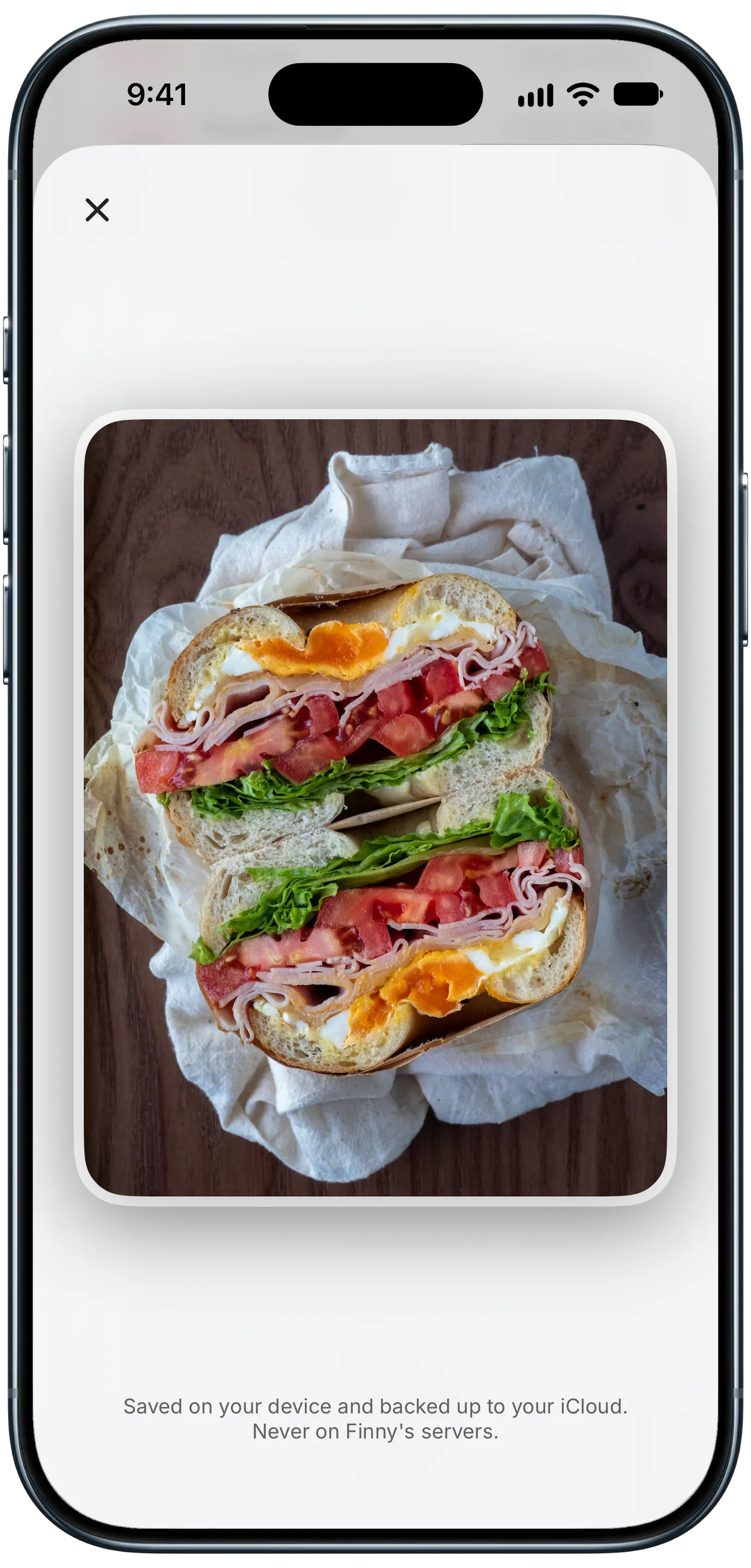
Finny app's private photo storage feature
Security and privacy are different questions, though. Rocket Money states that it does not sell your personal information, but its policy allows sharing with service providers, sharing of aggregated and de-identified data, and some sharing with third parties for their own services. We walk through those categories in does Rocket Money sell your data, and our is Rocket Money safe review covers the security model in more detail.
The ownership is also part of the picture. A mortgage and financial services group owning an app that sees your income, spending, and debts is fully disclosed and legal. If you are not, no setting inside the app changes the basic model: the service only works because it can see your accounts.
Rocket Money vs the Alternatives
| App | Best For | Price (Oct 2026) | Bank Link | Bill Negotiation |
|---|---|---|---|---|
| Rocket Money | Finding and canceling subscriptions | Free, or Premium about $7 to $14/mo | Required | Yes, 35 to 60% of first-year savings |
| YNAB | Zero-based budgeting | $14.99/mo or $109/yr | Optional | No |
| Monarch Money | Households, net worth | $14.99/mo or $99.99/yr | Required | No |
| Copilot Money | iPhone and Mac users, polished design | $13/mo or $95/yr | Required | No |
| PocketGuard | Simple "what's left to spend" view | About $74.99/yr | Required | No |
| Finny | Tracking without a bank link | Free, Pro Optional | None | No |
Rocket Money wins on subscription discovery and cancellation. It loses ground on budgeting depth and on privacy. For more options in the same category, our apps like Rocket Money guide covers bill-focused tools as well.
Best Rocket Money Alternatives
YNAB
YNAB is the opposite philosophy: instead of showing you what you already spent, it asks you to assign every dollar a job before you spend it. It costs $14.99 per month or $109 per year, with a 34-day free trial. Bank sync is available but optional, and the method takes a few weeks to click. Pick it if your real problem is planning, not subscriptions.
Monarch Money
Monarch is a broader dashboard with strong household sharing, net worth, and investment tracking. It costs $14.99 per month or $99.99 per year. It lacks a cancellation concierge, but its recurring-charge view covers most of what people use Rocket Money for. Our Monarch Money vs Rocket Money comparison goes deeper.
Copilot Money
Copilot is built for Apple users, with excellent auto-categorization and a polished interface. It costs $13 per month or $95 per year and has no Android app. Like Rocket Money, it needs bank connections.
PocketGuard
PocketGuard focuses on one number: how much you can safely spend after bills and goals. It is bank-linked and lists around $74.99 per year for its paid plan. Good for people who want less detail, not more.
Finny
If the bank link is the part you want to avoid, Finny takes a different route. It is an iPhone expense tracker that never connects to your bank. Card payments get logged as you make them with Tap to Track, payments showing on your screen can be logged with Screen Log, and you can record a subscription once so it appears in your monthly totals. The free tier covers unlimited manual tracking, and Pro costs a low monthly or yearly price.
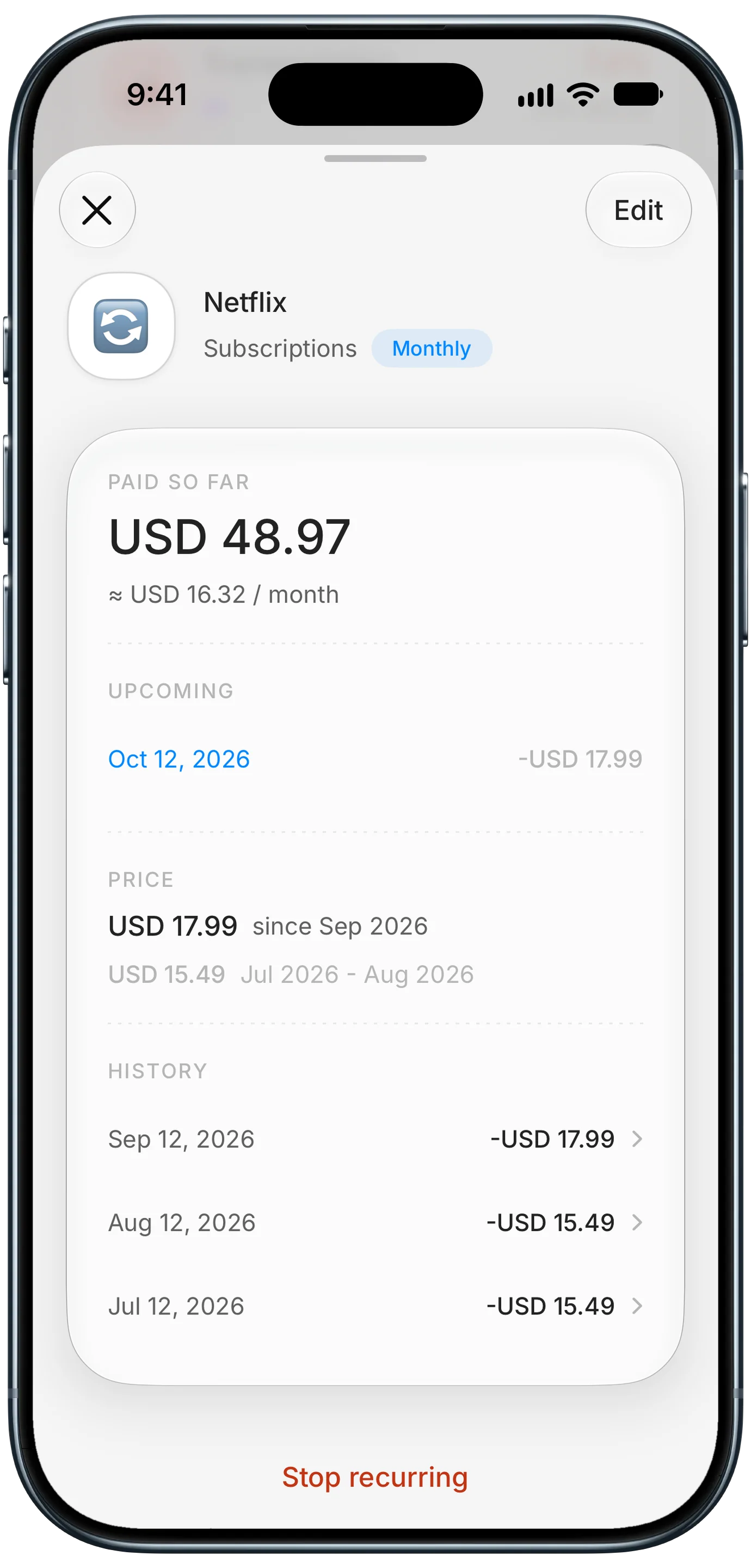
Finny app's subscription price history feature
The honest tradeoff: without reading your bank, no app can find subscriptions you have completely forgotten. Finny works best once you know what you pay for and want to keep it visible.
This short video shows how Screen Log records a payment from your iPhone screen without a bank connection:
Who Rocket Money Is For
Use Rocket Money if you suspect you are paying for subscriptions you forgot about, you are comfortable linking your bank accounts, and you want a fast, low-effort cleanup rather than a new budgeting habit. The free plan is a sensible place to start.
Skip bill negotiation if you are willing to call providers yourself. The savings are the same; you just keep all of them.
Look elsewhere if you want to plan spending in advance (YNAB), share a budget with a partner and track investments (Monarch), or keep your financial data out of third-party hands entirely (a no-bank-link tracker). For a wider list of private options, see our best expense trackers without bank login roundup.
Common Questions About Rocket Money
Is Rocket Money worth it in 2026?
For finding and canceling forgotten subscriptions, yes. The free plan alone often pays for itself in the first week by surfacing charges you missed. Premium is worth it mainly for the cancellation concierge and net worth tracking, and the pay-what-you-want range of roughly $7 to $14 per month lets you start at the low end. As a long-term budgeting tool, it is weaker than YNAB or Monarch, so many people use it as a cleanup tool rather than a daily app.
How much does Rocket Money take from bill negotiation?
Rocket Money charges a success fee of roughly 35 to 60 percent of the first year's savings on any bill it successfully lowers, and you choose the percentage within that range. The fee is billed once per negotiated bill, separate from Premium. If the negotiation does not succeed, you pay nothing. For a $20 monthly reduction, a 40 percent fee would be $96, which is why some people prefer to call providers themselves.
Can I use Rocket Money without linking my bank?
Not in any practical way. Subscription detection, spending insights, budgets, and bill negotiation all depend on reading your bank and card transactions. If a connection breaks, those features stop updating. If you want to track spending and recurring bills without granting account access, a manual or AI-assisted tracker that works without bank linking is the better fit, though it cannot find subscriptions you have forgotten.
Is Rocket Money safe to use?
Rocket Money uses standard fintech security: encryption, an aggregator so it does not store your bank password, read-only access, and optional two-factor authentication. We found no reported breaches as of October 2026. The bigger question is privacy, since the app holds an ongoing view of your transactions and its policy permits some data sharing. If that model bothers you, the issue applies to most bank-linked apps, not only Rocket Money.
What is the best alternative to Rocket Money?
It depends on what you want instead. For hands-on planning, YNAB is the strongest choice. For couples and net worth tracking, Monarch Money is more complete. For a polished Apple experience, Copilot Money fits well. If your main concern is privacy, a tracker that never connects to your bank avoids the data question entirely, with the tradeoff that you add recurring bills yourself.
Want to keep an eye on spending and subscriptions without linking your bank?
Download Finny to log expenses with AI, receipts, or text, track recurring bills, and see totals across 150-plus currencies. No bank connections, offline support, and a low-cost Pro tier.