Price Drop Alerts on iPhone: Safari Now Does It for You
The best way to pay less for something is to wait for it, and the reason nobody does is that waiting means checking. iOS 27 removes the checking. Safari's new Notify Me watches a web page for you and sends a notification when what you asked about changes: a price, a stock status, a plan going up.
Apple's own iOS 27 release notes describe it plainly: Safari can periodically check a webpage for updates, like price changes and item availability. It was built for restocks and product pages, and it is just as useful pointed at the pricing page of something you already pay for. This guide covers how to set up price drop alerts on iPhone with Notify Me, what it can and cannot watch, and the three ways to use it that have nothing to do with shopping. For the older, no-software version of the same idea, our explainer on the 30-day rule is the companion.
What Notify Me is
Notify Me is a Safari feature, not an app. You open a page, tell Safari what change you care about in a sentence, and choose how often to check. Safari re-loads the page on that schedule, compares it against what you described, and notifies you when the condition is met. Apple's September announcement groups it with the Apple Intelligence-powered Safari tools, alongside tab topics and building extensions from a description, so expect it to need an Apple Intelligence phone: iPhone 15 Pro, or any iPhone 16 or later. If the option is missing from your Safari menu, that is most likely why.
Two properties matter for how you use it. It runs on the device, per Engadget's walkthrough, so a watch set up on your iPhone checks from your iPhone, not from a server. And it is per page, not per site: you watch a specific URL.
How to set up a price drop alert
- Open the page in Safari and let it load fully, so the price is on screen.
- Tap the page menu button on the left side of the address bar (the three horizontal lines).
- Choose Notify Me.
- Describe the change you want in the box. Be specific: if the price drops below $100, or when this comes back in stock, or if the monthly price changes. If Safari recognizes a price or stock status on the page, it may offer those as one-tap choices.
- Tap the edit button to set how often Safari checks: hourly, daily, weekly or monthly.
- Confirm with the checkmark. If you have never allowed Safari notifications, it prompts you now; say yes or the alert has nowhere to go.
A banner on the page shows the watch is active. To change or remove it, revisit the page and tap Edit in that banner, or go to Settings > Safari and scroll to Notify Me, where every active watch is listed.
Finny app's expense entry feature
Choosing the check frequency
Hourly is for a restock you will lose if you are slow. Daily is right for almost everything else. Weekly or monthly is for pricing pages that change a few times a year, and it is the setting that keeps the feature from becoming noise.
Because the checks run on your device, dozens of hourly watches cost battery and data. A handful of daily and weekly ones cost nothing you will notice.
Three uses beyond shopping
Subscription pricing pages. This is the one we care about. Streaming services, internet providers, gyms, cloud storage and software all announce increases on a public plan page weeks before they hit your card. Watch that page monthly with if the monthly price changes, and you hear about the increase in time to cancel or downgrade before the first charge at the new rate. It is the single most effective habit against subscription creep, because the creep is almost always a price change nobody announced to you directly. It closes the gap that our guide to apps that track subscription price increases describes, without connecting a bank to anything. For the charges that have no public page, tracking subscriptions on iPhone in iOS 27 covers the other methods.
Waiting out a big purchase. The 30-day rule says put anything expensive on a list and buy it only if you still want it a month later. Notify Me turns the list into a watch: set if the price drops below your number, choose weekly, and let the purchase come to you at the price you decided on rather than the one the page shows today. Half the time the wanting fades before the price does, which is the rule working. It is also the opposite of what the new checkout sheet encourages, since iOS 27 now puts pay later options at Apple Pay checkout one swipe away; a price watch is the slow alternative.
Bills that publish rates. Utility tariff pages, a landlord's listing site, a toll road's fee schedule, a parking garage's rates. Anything with a number on a public page can be watched, and a monthly check on the pages that matter to your fixed costs is a cheap early warning.
What it cannot watch
Pages behind a login. If the price only shows once you are signed in, Safari's scheduled check may see the logged-out page or nothing at all. Product pages and public pricing pages are fine; your account page at the bank is not.
Prices that depend on you. Airfares, hotel rates and anything that changes with cookies, location or the time of day can trigger alerts on noise. Watch the things with a list price.
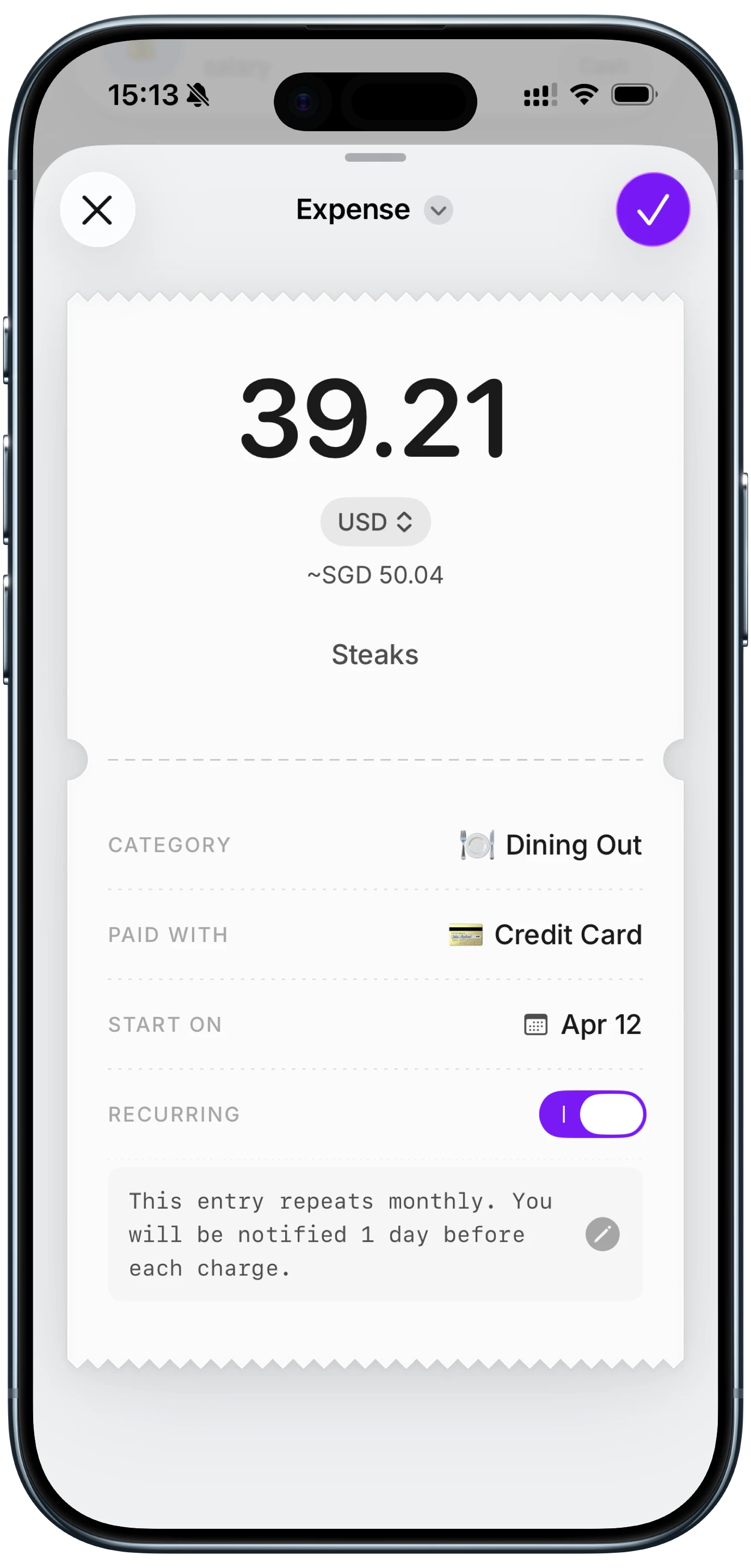
Your own charges. Notify Me watches pages, not your card. It tells you a plan went up; it does not tell you that you were charged the new amount, and it does not know about the increase that was never posted anywhere. The card side needs a tracker that expects each recurring charge and flags one that arrived at a different amount, which is where a money tracking app comes in. Finny does this with a recurring entry per subscription and a reminder before the renewal, so the public page and the actual charge are both covered.
Finny app's History calendar feature
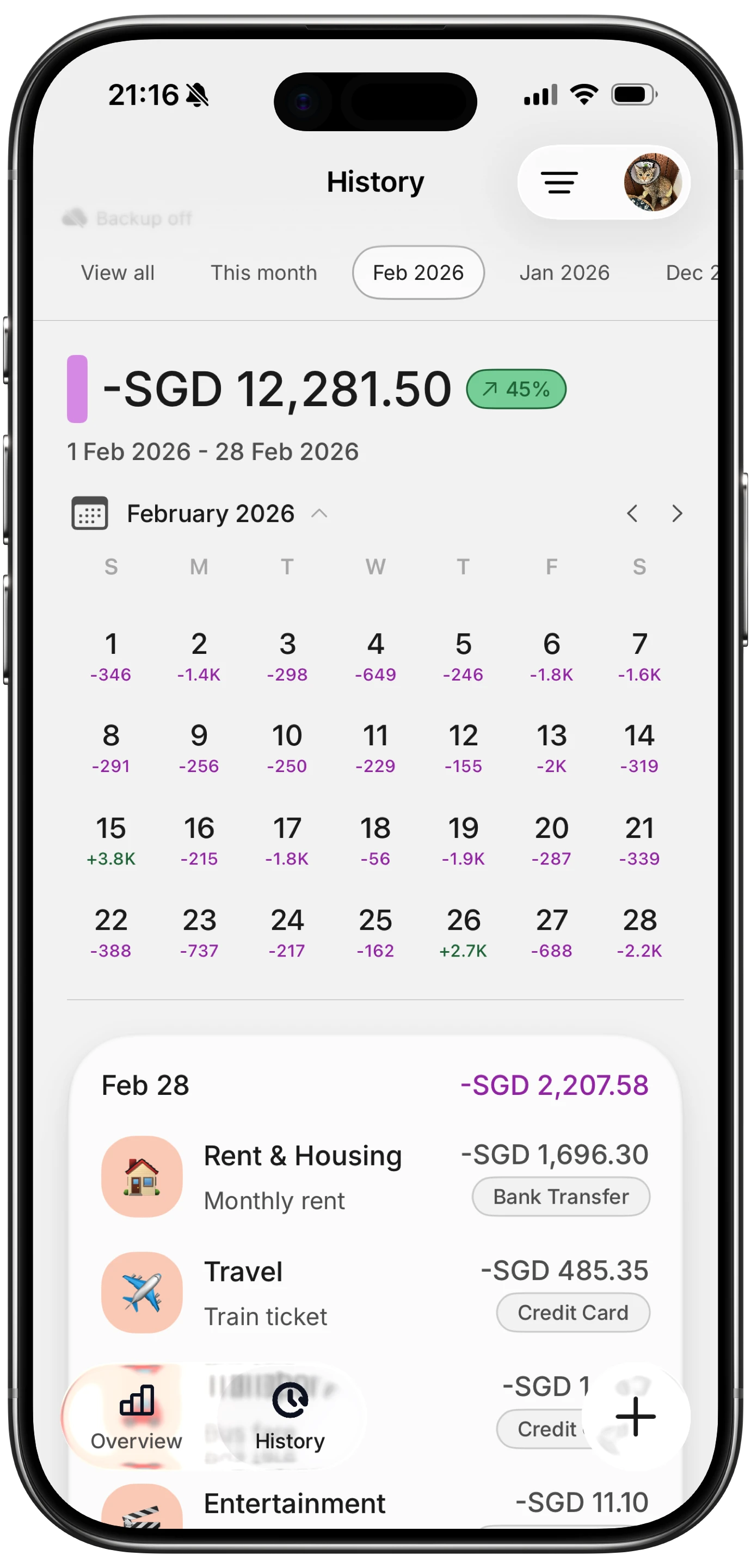
Here is a short look at a card payment being logged as it happens, which is how the charge side of a price change shows up without a bank connection.
For a 60-second demonstration of the Safari side, this short on Safari watching price drops shows the setup on a product page.
Notify Me vs a price tracker app
| Safari Notify Me | Price tracker app or extension | |
|---|---|---|
| Cost | Free, built in | Free to $5 a month |
| Setup | Per page, one sentence | Per product, often with an account |
| Runs where | On your iPhone | On the service's servers |
| Price history charts | No | Usually |
| Watches any page | Yes, if the number is public | Usually specific retailers |
| Needs an account | No | Usually |
| Privacy | Nothing leaves the phone | Your watch list is on their server |
For a single retailer with a long history chart, a dedicated tracker still does more. For watching arbitrary pages with nothing to sign up for, Notify Me is the better tool, and it is the first one that makes watching a subscription's pricing page a two-tap habit.
Finny app's Monochrome theme feature
Common Questions About Price Drop Alerts on iPhone
How do I get price drop alerts on iPhone?
In iOS 27, open the product page in Safari, tap the page menu on the left of the address bar, choose Notify Me, describe the change you want such as "if the price drops below $100", set how often to check, and confirm. Safari checks the page on that schedule and sends a notification when the condition is met.
Does Safari Notify Me work on any website?
It works on any page where the price or status is visible without signing in. Pages behind a login, and prices that change with location or cookies such as airfares, are unreliable. Public product pages and pricing pages are the intended use.
Does Safari Notify Me need Apple Intelligence?
Apple groups it with the Apple Intelligence-powered Safari features in its iOS 27 announcement, so expect it to need an iPhone 15 Pro or any iPhone 16 or later. If Notify Me does not appear in your Safari page menu on an older iPhone, that is the reason.
Can I use Notify Me to track subscription price increases?
Yes, for services that publish plans on a public page. Watch the pricing page with "if the monthly price changes" on a monthly check and you will hear about an increase before it reaches your card. It cannot see charges that were never posted publicly, so pair it with a tracker that expects each recurring charge.
Where do I manage or delete Notify Me alerts?
Revisit the page and tap Edit in the banner at the top, or open Settings, then Safari, and scroll to Notify Me for a list of every active watch.
Notify Me watches the price. Your budget still needs the charge. Finny expects every recurring payment, reminds you before it renews, and logs card payments as you make them, no bank connection. Free to start, Pro at a low monthly price.