
Can the New Siri Tell You What You Spent? (iOS 27)
The rebuilt Siri is the mainstream iOS 27 story. Apple calls it Siri AI, describes it as an entirely new version of Siri powered by the next generation of Apple Intelligence, and lists personal context, onscreen awareness and in-app actions as the three things that changed. The first question a lot of people will ask it is some version of "how much did I spend this month?"
Whether that gets a useful answer depends on where Siri would have to look, and that is the part nobody explains. This guide maps the money questions people actually ask against the three sources Siri AI can draw on, so you know before you ask Siri about your spending what it can see, what it cannot, and what an app still has to do. Our earlier piece on Apple Intelligence and personal finance covered the iOS 26 state of play; this is the iOS 27 update.
Two caveats up front, from Apple's own announcement. Siri AI is shipping as a beta, in English first, with French, Japanese, Korean, Portuguese and Spanish due in October. And it needs an Apple Intelligence phone: iPhone 16 or later, or iPhone 15 Pro and Pro Max. On an iPhone 15 or older you have the previous Siri, and none of this applies.
The three places Siri AI can look
Everything Siri AI does with your data comes from one of three sources. Knowing which one a question needs is the whole trick.
Personal context. Siri can search across your Messages, Mail, Photos, Calendar and other indexed content on the device. Apple's example is finding a recipe a relative emailed and adding the ingredients to a grocery list. For money, this is where receipts in Mail, order confirmations in Messages, and photos of paper receipts live.
Onscreen awareness. Siri can read what is on the screen right now and act on it. Apple's example is a sports team's website, where you ask Siri to add the home games to your calendar. For money, this means whatever bank app, statement, or Wallet screen you have open.
In-app actions. Third-party apps expose their data and actions to Siri through Apple's App Intents framework. AppleMagazine's analysis puts the limit plainly: if a banking app does not provide an action for moving money, Siri cannot invent one. The same goes for reading. If your bank has not exposed your transactions to Siri, Siri does not have them.
There is no fourth source. Siri AI does not have a standing feed of your card transactions unless an app you use hands it one.
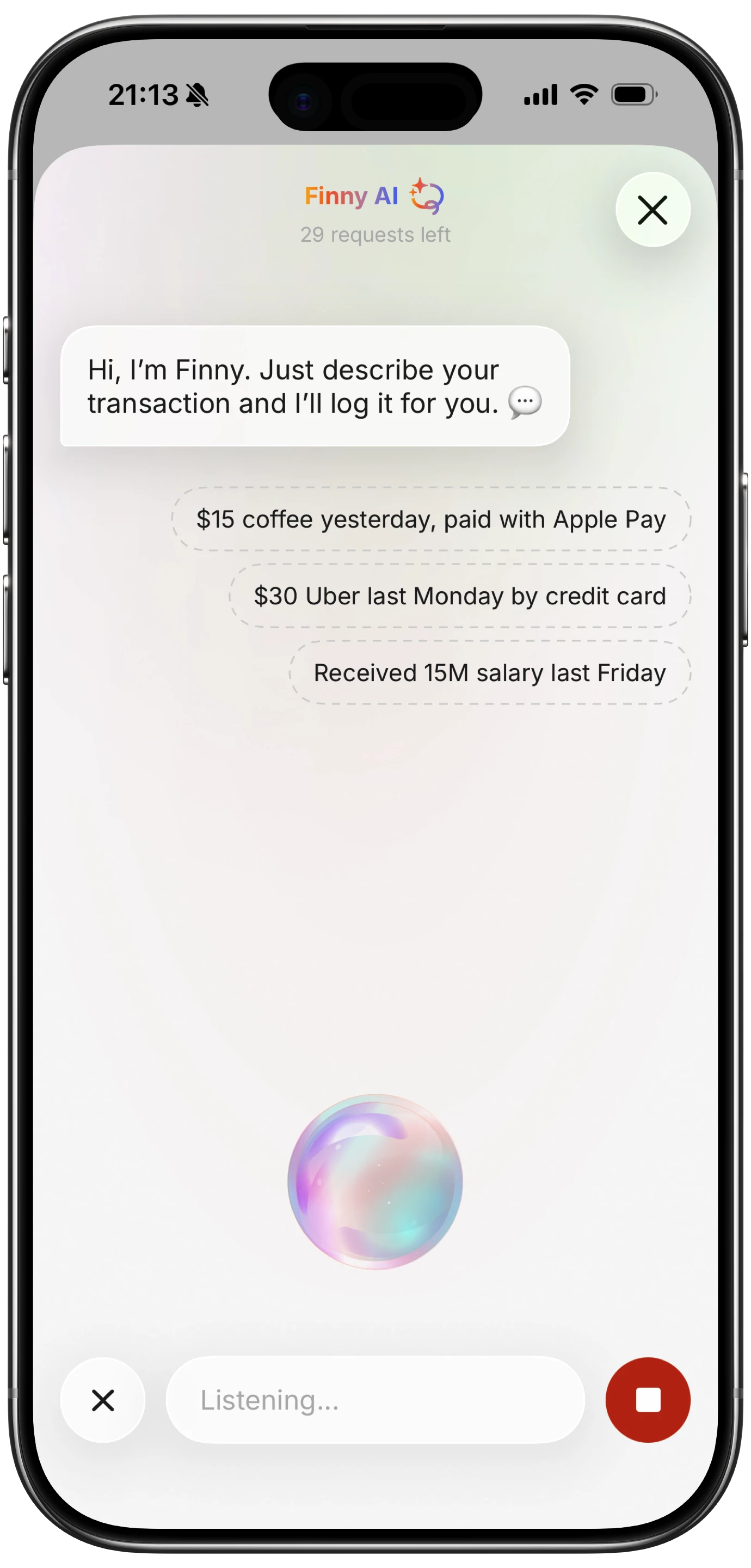
Finny app's voice input feature
Money questions, sorted by whether Siri can answer
| Question | Source needed | Expect it to work? |
|---|---|---|
| "How much was my Amazon order yesterday?" | Personal context (Mail) | Yes, if the confirmation email is in Mail |
| "What did I pay for the Uber on Tuesday?" | Personal context (Mail or Messages) | Usually, receipts by email are indexed |
| "What is this charge?" (bank app open) | Onscreen awareness | Yes, it can read and explain what is on screen |
| "Add these three transactions to my budget" (statement open) | Onscreen awareness plus an app with intents | Only if your budgeting app exposes an add action |
| "How much did I spend on groceries this month?" | In-app actions | Only if an app that knows the answer exposes it |
| "What subscriptions renew this week?" | In-app actions | Same: needs an app to answer |
| "What is my checking balance?" | In-app actions | Only if your bank supports it; most do not yet |
| "Log $14 lunch" | In-app actions | Yes, if your expense app supports Siri logging |
The pattern is that Siri AI is good at the receipts it can find and the screen it can see, and has nothing to say about totals unless an app does the totaling.
Where it genuinely helps
Finding a receipt. The email-search case is real and it is the one people underrate. "Find the receipt for the hotel in Denver" across a year of Mail is exactly what personal context was built for, and it is faster than any search box.
Explaining a screen. Open your bank app to a charge you do not recognize and ask what it is. Siri can read the merchant string, and with broad world knowledge, tell you that "SQ *BLUE BTL" is a Square-processed coffee shop. That is a small thing that used to take a web search.
Reading a receipt photo. Point Siri mode in the Camera app at a paper receipt and ask for the total, or the tip, or what the tax was. Apple's own headline use of this is splitting a bill with Apple Cash, and reading a receipt is the same capability.
Voice logging. If your expense app supports Siri, "log fourteen dollars lunch" is a hands-free entry. This was possible before iOS 27 and the setup has not changed. Our guide to logging expenses with Siri covers setup, and are voice expense trackers accurate covers what to expect.
Where it does not, yet
Totals. Siri has no ledger. "How much this month" has no answer unless an app has been keeping the total and exposes it. That is the most common money question and the one Siri AI is least equipped for on its own. Apple's own Wallet Insights would be a natural source, but it is not in the US release; our Wallet Insights vs a budgeting app comparison covers where that leaves things.
Bank data. Very few US banks have shipped App Intents that expose balances or transactions, and the ones that have are cautious about it. Onscreen awareness lets Siri read your bank app while it is open, but it cannot go and look on its own.
Actions with consequences. Apple has said that sensitive actions, including approving a payment, may require confirmation, and beta software adds its own uncertainty. AppleMagazine's warning is worth quoting: a confident answer is not proof that an action occurred correctly. Check before you trust an entry Siri says it made.
Daily limits. Apple's announcement notes that server-dependent features carry daily usage limits, with expanded access to be sold later. Heavy use of the cloud-backed questions may hit a ceiling.
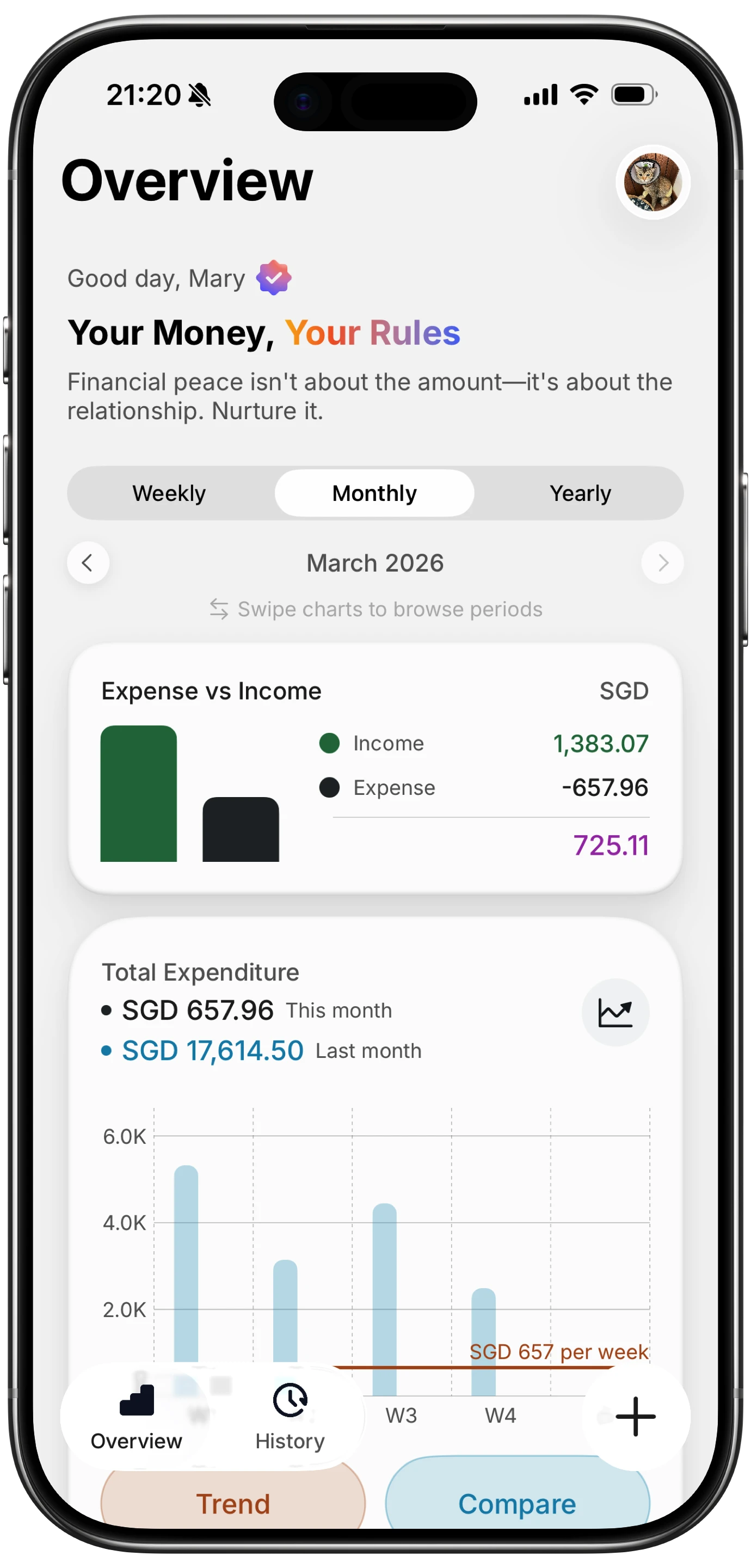
Finny app's Overview feature
Making Siri useful for money: give it an app to ask
The way to get real answers out of Siri AI is to have an app on the phone that already knows them and exposes them. That means an expense tracker app that keeps your totals current, which in practice means one that captures spending without you typing every entry.
Finny's approach is capture at the point of payment: a card payment can be logged as you make it, a payment showing on your screen can be logged from the screen, and a receipt can be read from a photo. Voice and typed entries handle the rest. The result is a running total that exists to be asked about, and a spoken entry lands in the same ledger. Whichever app you use, the principle holds: Siri answers spending questions exactly as well as the app underneath it does.
Here is a short look at a card payment being logged as it happens, which is what keeps the total Siri would be asked about current without any typing.
For a hands-on with Siri AI itself, Marques Brownlee's iOS 27 video spends its first section on it.
Privacy: what Siri AI sees and what leaves the phone
Personal context is indexed on the device. Requests that need more compute go to Private Cloud Compute, and Apple's stated position is that when it handles a request, personal data is not stored nor made accessible to Apple or anyone else. The controls moved in iOS 27: the Settings section formerly called Apple Intelligence & Siri is now just Siri, with subsections for Requests, Your Data and App Access, and the single switch that used to turn Apple Intelligence off entirely is gone in favor of per-feature controls.
For a finance app, the relevant control is App Access: you decide per app whether Siri can learn from it. If you would rather Siri not index your bank app, that is where to say so. It is one of the ten in our iOS 27 money settings to change on day one. Our guide to finance app security and privacy covers what to check on the app side.
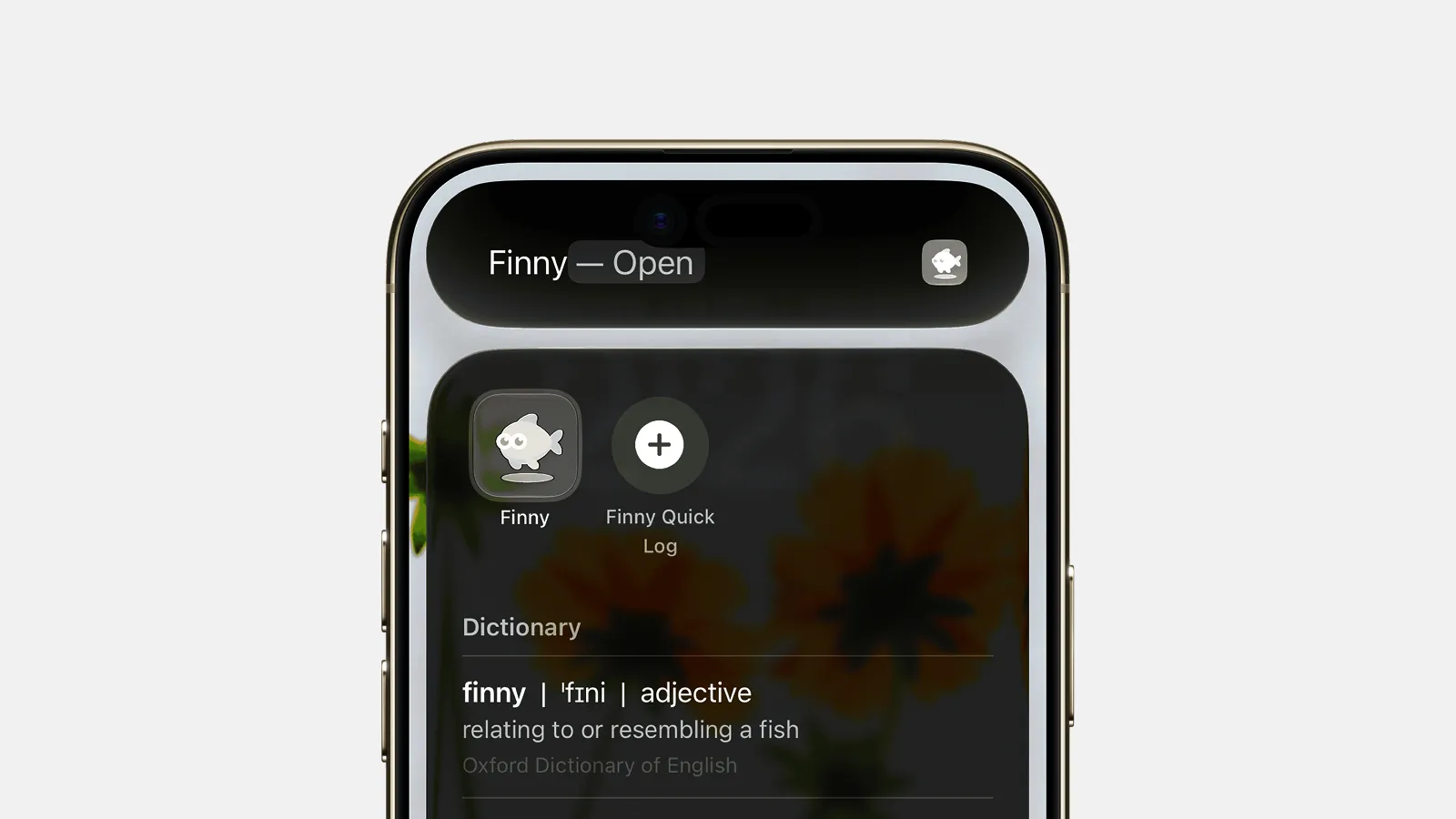
Finny app's Quick Log feature
Common Questions About Siri and Spending in iOS 27
Can Siri tell me how much I spent this month in iOS 27?
Only if an app on your phone keeps that total and exposes it to Siri through App Intents. Siri AI has no transaction ledger of its own. It can find individual receipts in Mail and read whatever bank screen is open, but a monthly total has to come from an expense tracker or a bank app that supports Siri.
Can Siri read my bank app?
While the app is open, yes, through onscreen awareness: ask what a charge is and Siri can read and explain it. It cannot open the bank app and look on its own, and it cannot see your balance or transactions unless the bank has exposed them through App Intents, which few US banks have done so far.
Which iPhones get Siri AI?
iPhone 16 models and later, including iPhone Air, plus iPhone 15 Pro and 15 Pro Max. It ships as a beta in English, with more languages in October, is not available to users under 13, and is not initially available in the EU on iOS.
Is it safe to let Siri log expenses?
Reasonably, with a check. Apple processes personal context on device and says Private Cloud Compute does not store personal data. Siri AI is beta software, and Apple itself says sensitive actions may need confirmation, so glance at an entry Siri says it created before you rely on it.
How do I stop Siri from indexing a finance app?
Open Settings, then Siri, then App Access, and turn off learning for the app. iOS 27 removed the single Apple Intelligence off switch, so per-app control is the way to limit what Siri can see.
Siri can only answer what an app already knows. Finny keeps your totals current with card, screen, receipt and voice capture, no bank connection needed. Free to start, Pro at a low monthly price.