
Apple Wallet Insights vs a Budget App: Still Need One?
iOS 27 arrives Monday, September 14, and one of the headline Wallet changes is Insights: connect your financial accounts to Wallet and it shows spending, recurring transactions and account balances in one screen, with nothing to install. If you have been paying for a budgeting app, the obvious question is whether you still need to.
This is a decision piece, not a feature tour. We covered what is coming in iOS 27 Wallet: bill splitting, Insights and the gaps. Here the question is narrower: for each thing you actually use a money app for, which one does it, Apple Wallet Insights or a budgeting app, and where does each stop. If you are still choosing an app, our best money tracker apps in 2026 guide is the wider survey.
One caveat before anything else, because it changes the answer for most readers: Insights is not in the US release. It is launching in select territories, with UK banks first, after appearing in early US betas and being pulled. Apple's own iOS 27 notes carry the standard line that some features are not available in all regions, and 9to5Mac's Wallet roundup confirms the US gap. So for an American reader, this comparison is about what to expect when it arrives, and what to use in the meantime.
What Wallet Insights actually is
Insights extends the Connected Accounts feature Apple already had. You add a bank or card account, and Wallet fetches transactions and balances through a bank connection. The onboarding text, quoted by MacRumors when the feature appeared in beta 2, spells out the model: your device is connected to your financial institution by an Apple subsidiary, which fetches, categorizes and standardizes your account information for display on your device, and the account information is not stored.
That is a bank-sync product. It is first-party, free, and already on the phone, which is a genuinely strong position. But it inherits every limit of bank sync: it sees the accounts you connect, at the banks that support the connection, and nothing else.
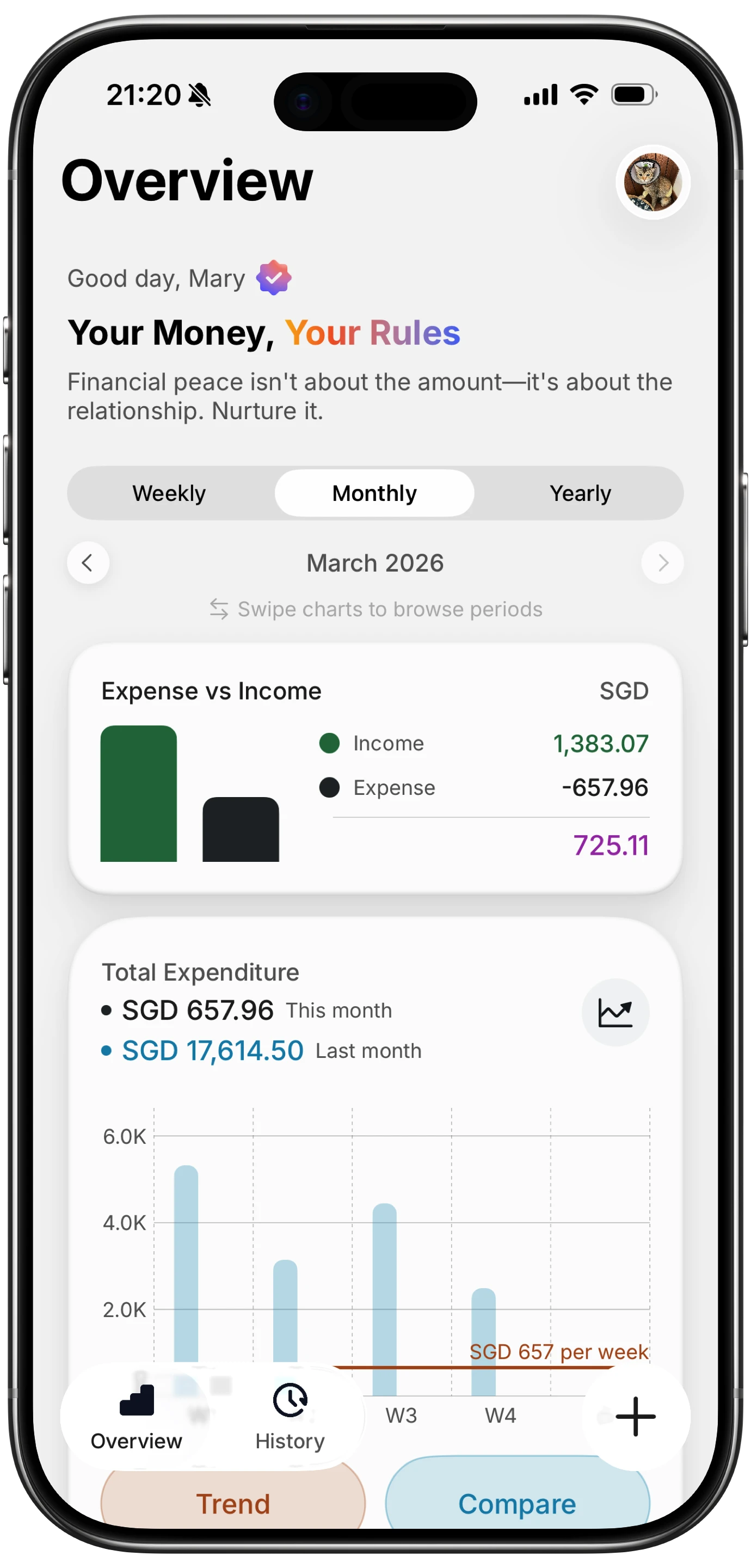
Finny app's Overview feature
Apple describes Wallet's role on its Wallet page as the place for cards, passes and keys. Insights adds a reporting layer on top of the cards. It does not add a planning layer, and that distinction is the whole comparison.
Feature by feature
| What you need | Wallet Insights | A budgeting app |
|---|---|---|
| Spending total across connected cards | Yes | Yes |
| Recurring charge detection | Yes, on connected accounts | Yes, on whatever you log or sync |
| Account balances | Yes | Depends on app; sync-based apps yes, manual apps no |
| Cash spending | No | Yes, if you log it |
| Cards at banks without Connected Cards support | No | Yes |
| Budgets and limits per category | No | Yes |
| Editable categories | No, Apple's categories | Yes |
| Notes, receipts, photos on an entry | No | Yes, in most |
| Multi-currency totals | No | Yes, in travel-aware apps |
| Works without a bank connection | No | Yes, in manual and AI-assisted apps |
| Price | Free | Free tier to $100+ per year |
Three rows decide it for most people: cash, categories, and the bank connection itself.
Coverage: what each one can see
Wallet Insights sees connected accounts. In the US that will mean the banks that adopt Apple's Connected Cards support, and the launch list outside the US is a handful of institutions, not every bank. If your checking account is at a regional credit union, your card is a store card, or you spend cash, those transactions do not exist as far as Insights is concerned.
For recurring charges specifically, our guide to tracking subscriptions on iPhone in iOS 27 covers what the Apple Card Recurring hub does and does not reach.
A budgeting app has the same problem if it relies purely on bank sync. The difference is that many of them let you log what sync missed, and a growing group skip the bank connection entirely. Our guide to tracking expenses without linking a bank covers why that group exists, and our piece on tracking cash spending covers the single biggest hole in any card-only view.
Categories and intent
Insights categorizes for you and, as far as anyone has found, does not let you change the result. That is fine for a broad picture. It is not fine when Costco is groceries one week and a new tire the next, or when a Venmo transfer is rent.
A budgeting app is built around the category being yours. That is what makes a budget possible at all: a limit only means something if the entries under it are the ones you meant. And the "why" of a purchase, the note that says which trip or which client, is something a bank feed never carries.
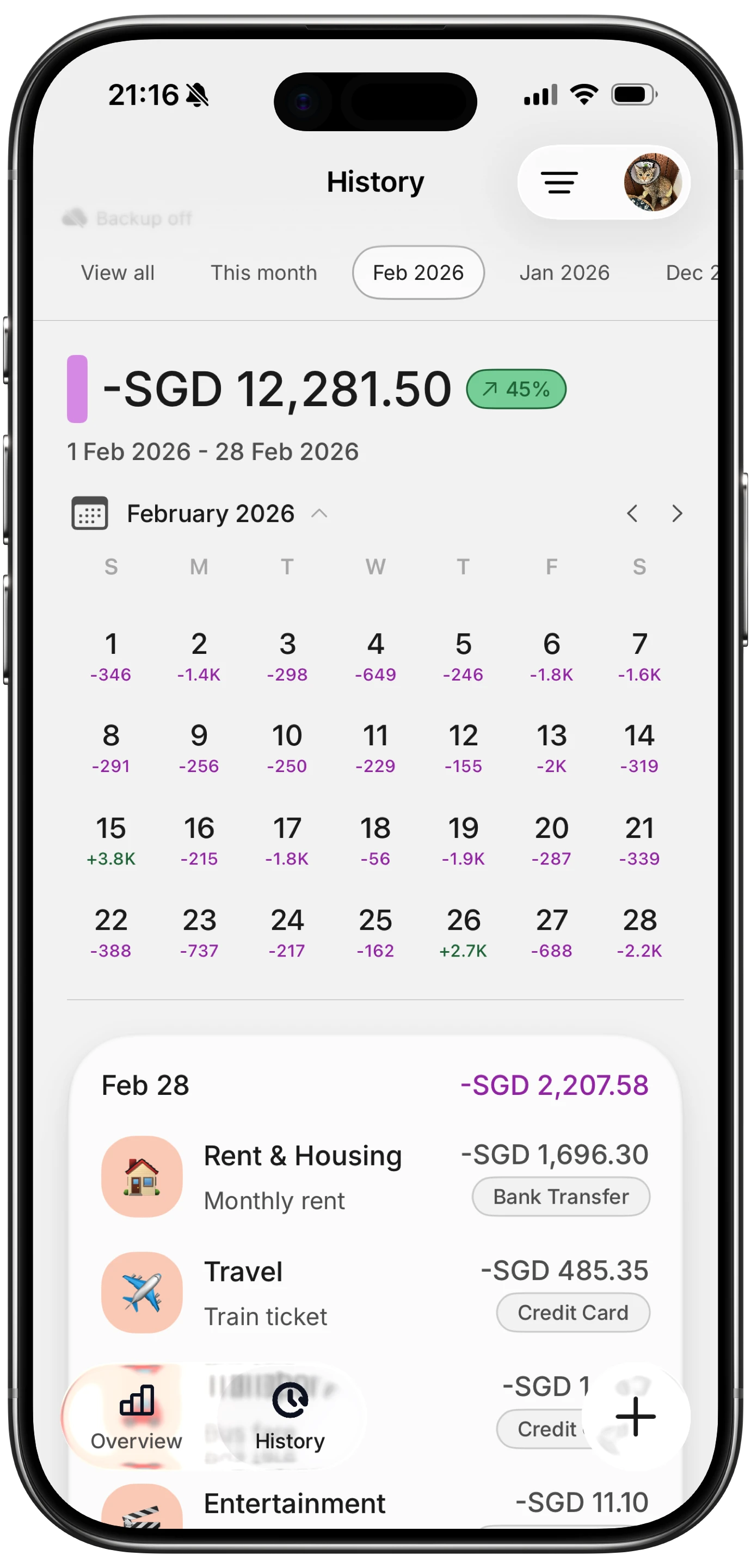
Finny app's History calendar feature
Privacy: the trade at the center
Both approaches can be private, but they are private in different ways. Insights' model is that Apple's subsidiary connects to the bank, standardizes the data for display, and does not store it. That is a stronger privacy position than most third-party sync apps, and it should be said plainly. The trade is still a bank login handed to a middle layer, and for some people that is a line they do not cross regardless of who holds it.
A manual or AI-assisted budgeting app avoids the connection altogether: nothing knows your bank credentials because nothing asks. The cost is that you, or the app's capture features, have to bring the transactions in. Our piece on finance app security and privacy walks through what to check in either case.
Where AI-assisted logging fits
The old objection to skipping bank sync was effort: every purchase typed by hand. That is no longer the trade. A modern money tracking app reads a receipt from a photo, parses a typed or spoken line like "14.80 lunch, card", and, on iPhone, can log a card payment as you make it or a payment that is showing on your screen, with no bank connection in the picture.
Finny does all of that, and the reason it matters here is coverage: a payment gets logged whether it was on an Apple Pay card, a card Wallet has never heard of, a bank transfer, or cash. Insights will always be bounded by which banks connect. Capture that starts from the payment itself is not.
Here is a one-minute look at logging a payment straight from what is on screen, which is the case Insights cannot reach.
For a hands-on tour of everything else new in iOS 27, MacRumors' iOS 27 video is a good ten minutes.
Multi-currency and travel
Insights reports in the currency of the connected account. If you spend abroad on a US card, you see the converted USD amount the bank settled, which is the right number for your statement and the wrong number for "how much did dinner cost". There is no way to see the original amount, and no way to log a cash payment in pesos at all.
A travel-aware budgeting app keeps both: the amount you paid in the local currency, and a home-currency total. If you travel more than once a year, this is not an edge case. Our best travel budget apps roundup compares the options.
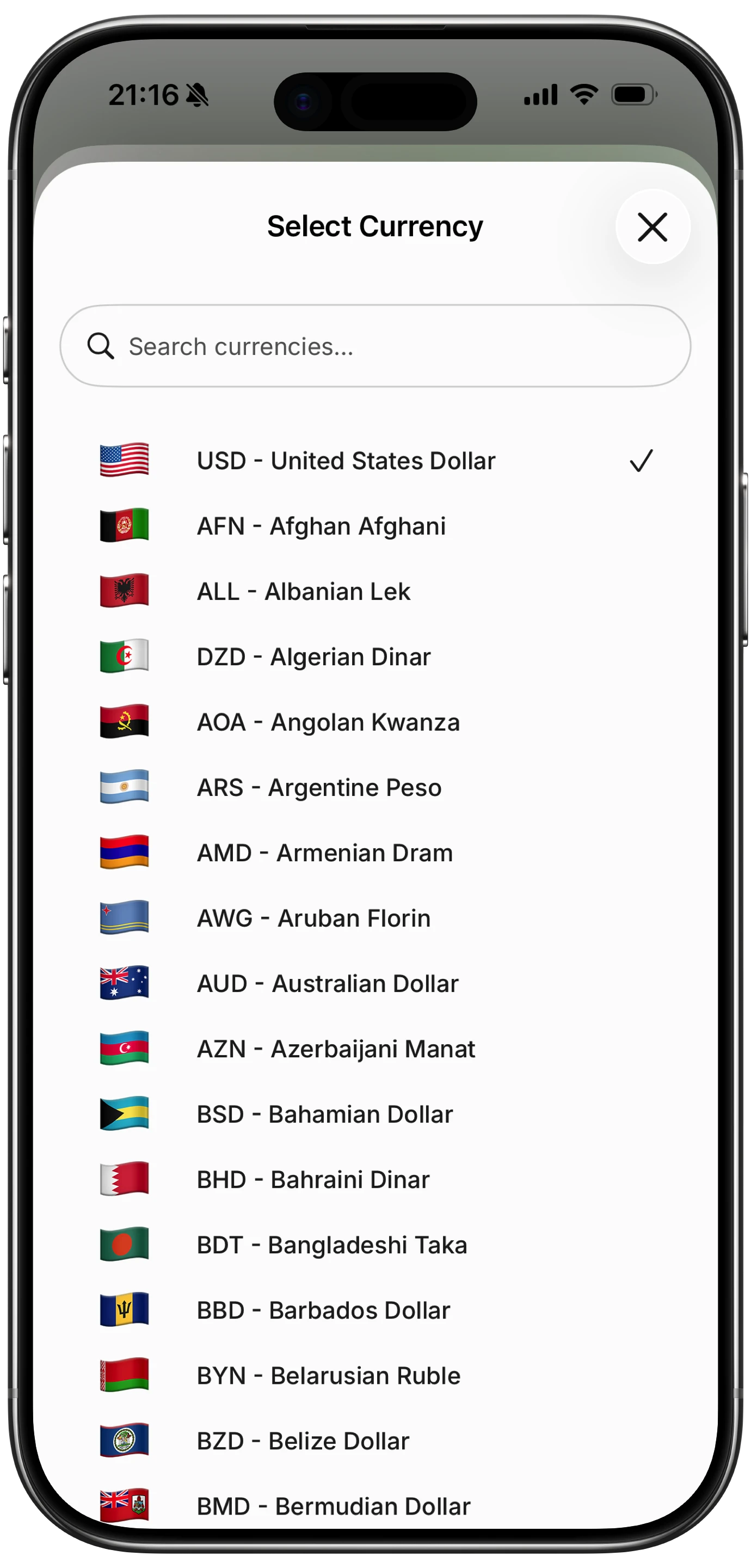
Finny app's multi-currency feature
The bottom line
Use Wallet Insights on its own if: you are in a supported region, your main accounts are at participating banks, you spend almost entirely on those cards, and what you want is a monthly picture rather than a plan. It is free and it will be enough for a lot of people.
Use a budgeting app if: you want budgets with limits, categories you control, cash and off-network cards included, notes or receipts on entries, or multiple currencies. Or if you would rather not connect a bank at all.
Use both if: you like Insights as a free balance and recurring-charge monitor, and keep the budgeting app as the system of record for what you actually spent and why. That pairing is reasonable, since neither one gets in the other's way.
Whichever way you go, the Wallet notification and Siri settings in our iOS 27 money settings to change on day one list are worth doing regardless.
And if you are in the US today, the choice is made for you until Insights arrives. The Apple Wallet spending summary that exists now is a per-card view, not a cross-account one, and the gap is the same one a budgeting app fills.
Common Questions About Wallet Insights and Budgeting Apps
Is Apple Wallet Insights available in the US?
Not in the September 14 release. Insights appeared in early iOS 27 betas, was pulled from US builds over the summer, and is launching in select territories with UK banks among the first supported. Apple's iOS 27 release notes say some features are not available in all regions, and pre-release coverage confirms the US is not included yet. It may arrive in a later point release.
Does Wallet Insights replace a budgeting app?
For some people, yes. If your spending sits on a few connected cards at supported banks and you want a monthly summary, Insights covers it for free. It does not set budgets, let you edit categories, track cash, add notes or receipts, or show foreign amounts, so anyone who relies on those still needs a budgeting app.
Is Wallet Insights private?
Apple's onboarding text says an Apple-owned subsidiary connects to your bank, fetches and standardizes the data for display on your device, and does not store your account information. That is a stronger position than most bank-sync apps. It still requires connecting a financial account, which is the part some people decline on principle.
Can a budgeting app work without connecting my bank?
Yes. Manual and AI-assisted apps take entries from receipts, typed or spoken lines, or, on iPhone, from a card payment as it happens or a payment showing on screen. You keep every transaction, including cash, without handing over a bank login, at the cost of the app not knowing your balance.
What is the best budgeting app to pair with iOS 27?
Depends on what Wallet leaves out for you. If it is cash and categories, a simple manual or AI-assisted tracker fills the gap. If it is planning, a zero-based budgeting app does. Our best iOS budget apps roundup sorts the options by that question.
Wallet Insights sees the accounts you connect. A budget covers everything you spend. Finny logs card, cash and foreign-currency payments in seconds, with editable categories and no bank connection. Free to start, Pro at a low monthly price.